


ParsVPN
Jouez sur PC avec BlueStacks - la plate-forme de jeu Android, approuvée par + 500M de joueurs.

Page Modifiée le: Jul 20, 2025
Run ParsVPN on PC or Mac
Multitask effortlessly on your PC or Mac as you try out ParsVPN, a Tools app by Pars.Co on BlueStacks.
About the App
Ever find yourself wishing you could browse the web without anyone snooping or tracking what you’re doing? ParsVPN, brought to you by Pars.Co, is here to help make your online world a lot more private. With this handy Tools app, getting secure and anonymous access to the Internet is as easy as tapping a button—seriously, it’s that straightforward. No complicated settings, no tech jargon—just fast, reliable protection right at your fingertips.
App Features
-
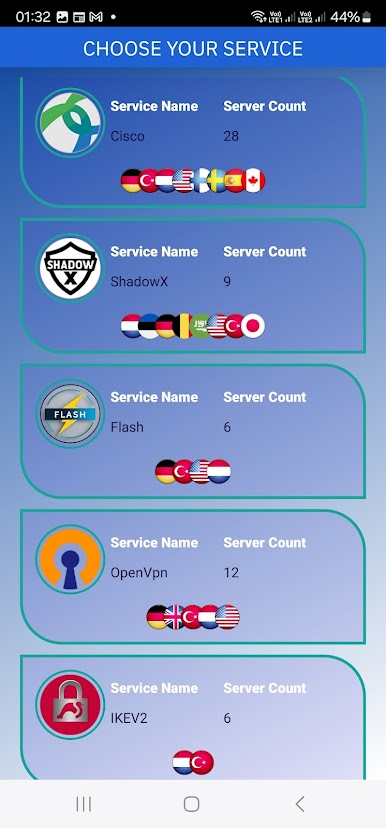
Loads of Servers Worldwide
From America to Europe to Asia, ParsVPN lets you hop between plenty of global servers. If you’re the type who likes options, you’ll appreciate being able to switch things up any time you want. -
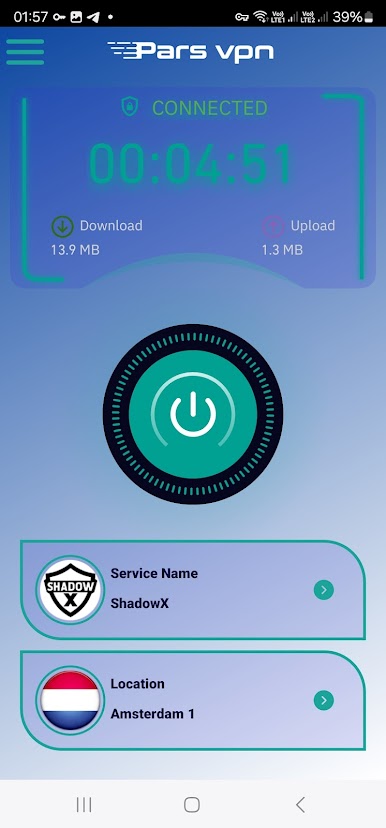
One-Tap Connection
Don’t want to mess with tricky menus? Just hit one button and you’re instantly connected. That’s it—no setup headaches. -
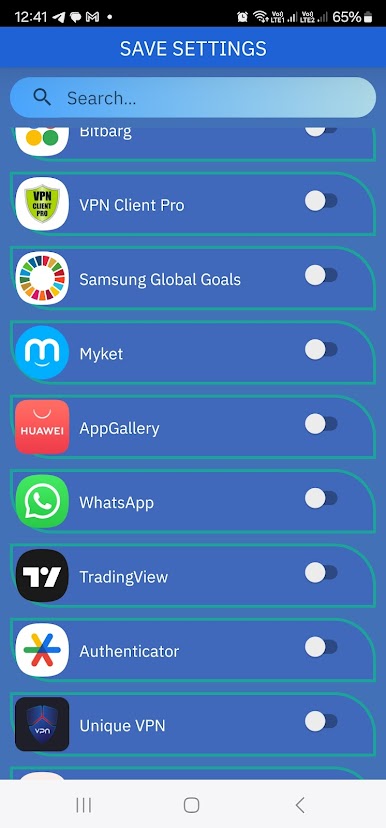
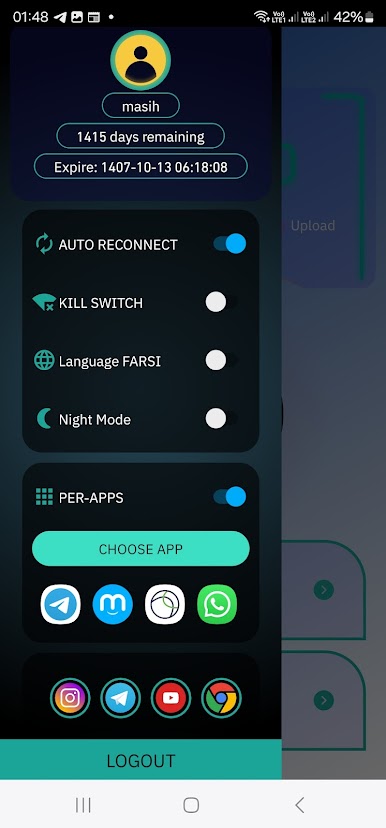
Selective App Protection
You get to pick which apps use the VPN connection. Want to protect your browser but not your music app? Easy! -
Works Everywhere
Whether you’re on Wi-Fi or using your mobile data (LTE/4G, 3G—you name it), ParsVPN’s got you covered. No need to change a thing when you switch networks. -
No-Logs, No-Nonsense
ParsVPN operates with a strict no-logging policy. Your browsing stays your business, not theirs. -
Unlimited Use
No time limits and no pesky caps. Use it as much as you need—no strings attached. -
No Extra Permissions
The app asks only for what it truly needs—nothing more, nothing less. That means you stay in control.
Bonus: ParsVPN runs super smoothly on BlueStacks if you want a seamless experience on your PC.
BlueStacks gives you the much-needed freedom to experience your favorite apps on a bigger screen. Get it now.
Jouez à ParsVPN sur PC. C'est facile de commencer.
-
Téléchargez et installez BlueStacks sur votre PC
-
Connectez-vous à Google pour accéder au Play Store ou faites-le plus tard
-
Recherchez ParsVPN dans la barre de recherche dans le coin supérieur droit
-
Cliquez pour installer ParsVPN à partir des résultats de la recherche
-
Connectez-vous à Google (si vous avez ignoré l'étape 2) pour installer ParsVPN
-
Cliquez sur l'icône ParsVPN sur l'écran d'accueil pour commencer à jouer

