


PDFgear: PDF編集、PDF変換
BlueStacksを使ってPCでプレイ - 5憶以上のユーザーが愛用している高機能Androidゲーミングプラットフォーム

Run PDFgear: PDF Editor & Reader on PC or Mac
What’s better than using PDFgear: PDF Editor & Reader by PDF GEAR TECH PTE. LTD.? Well, try it on a big screen, on your PC or Mac, with BlueStacks to see the difference.
About the App
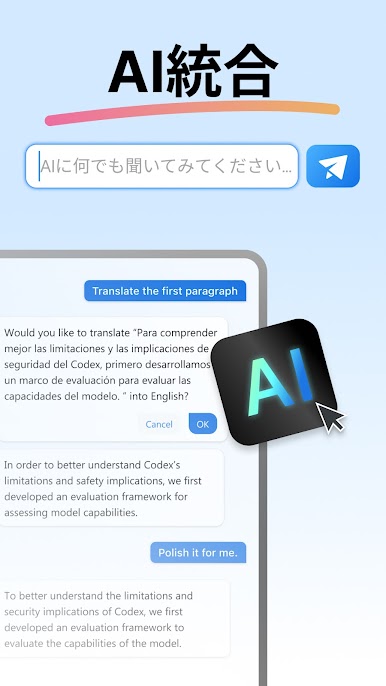
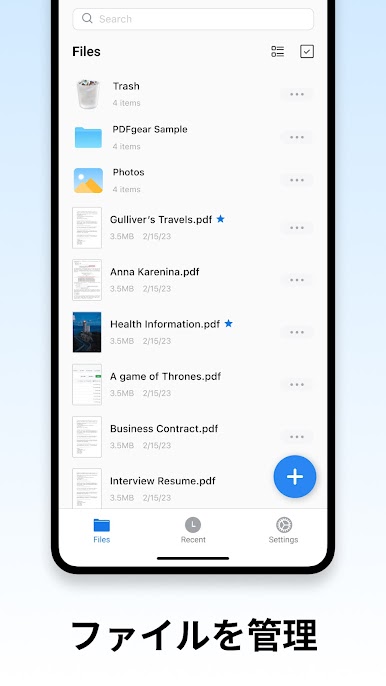
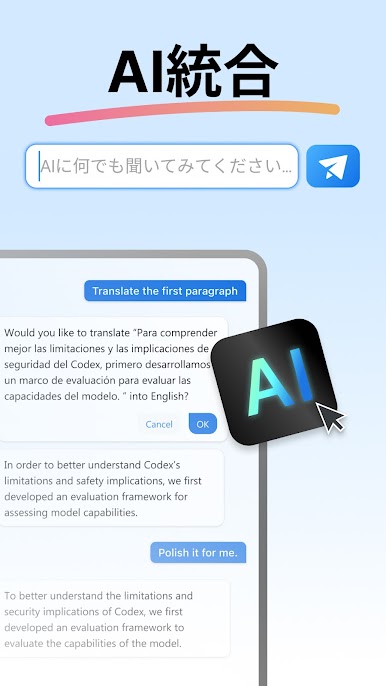
PDFgear: PDF Editor & Reader takes the hassle out of working with PDFs, whether you’re reading through a report, jotting down quick notes, or needing to rearrange pages on a big document. Designed by PDF GEAR TECH PTE. LTD., this handy productivity app keeps things simple and neat, but packs in a surprising amount of power for editing, organizing, and sharing your PDF files. If you want an editor and viewer that makes sense without a steep learning curve, you’ll feel right at home here.
App Features
-
Flexible Reading Options
Jump between single and double-page layouts, zoom in on detail, or flip on Dark Mode to read comfortably any time. You can even peek at page thumbnails for fast navigation. -
Speedy Search & Print
Looking for something specific? There’s a quick search to find text right where you need it, plus an easy print option if you like paper copies. -
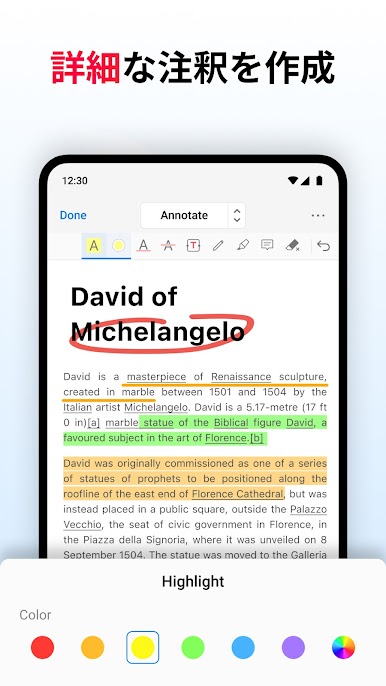
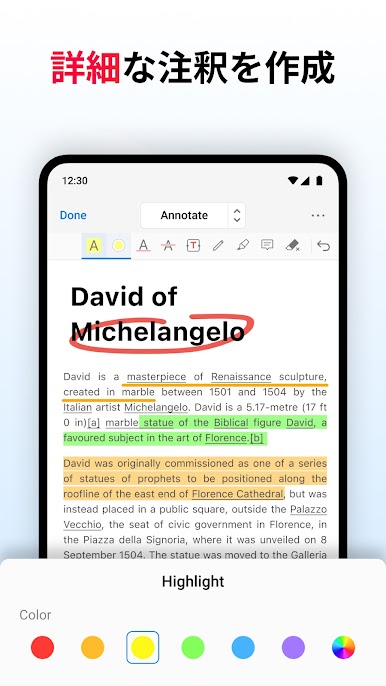
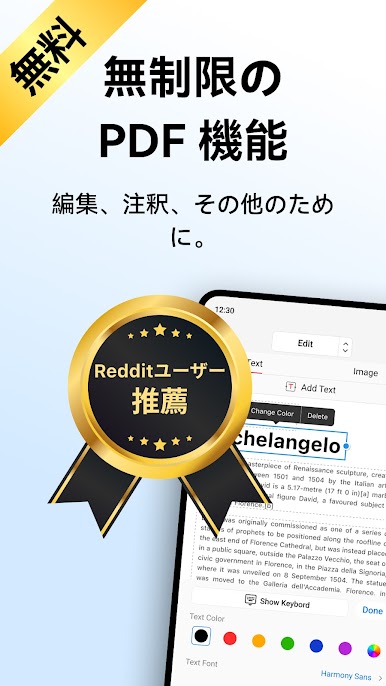
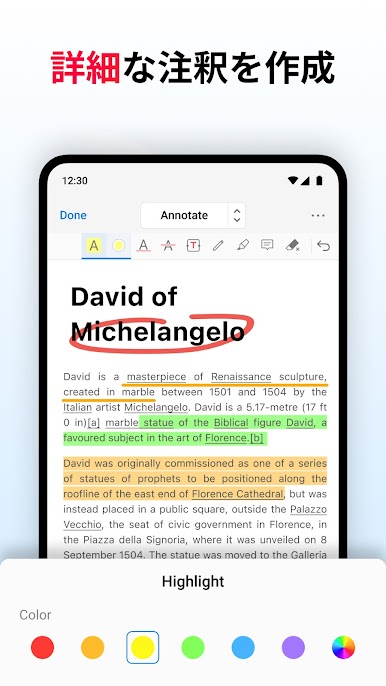
Annotation Tools
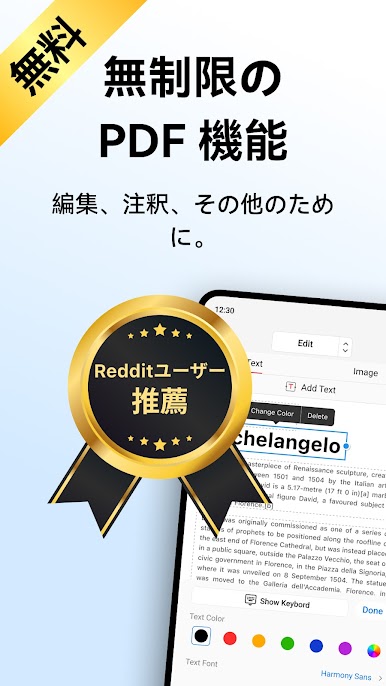
Highlight important sections, underline or strike out stuff with colors you pick, or drop in shapes and notes. Need to quickly explain a point? Toss in a comment right onto the page. -
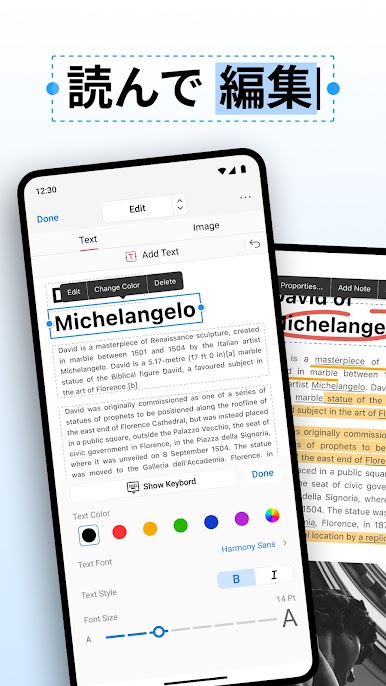
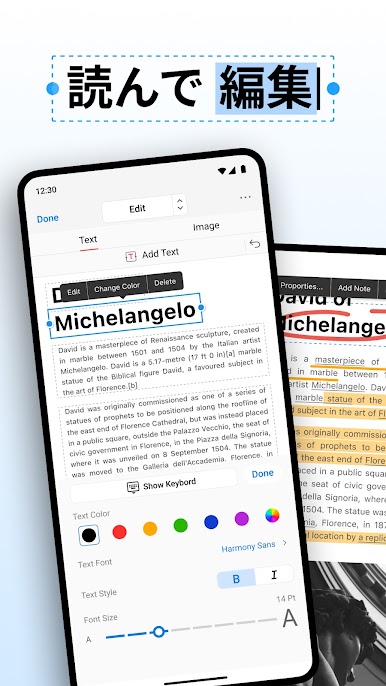
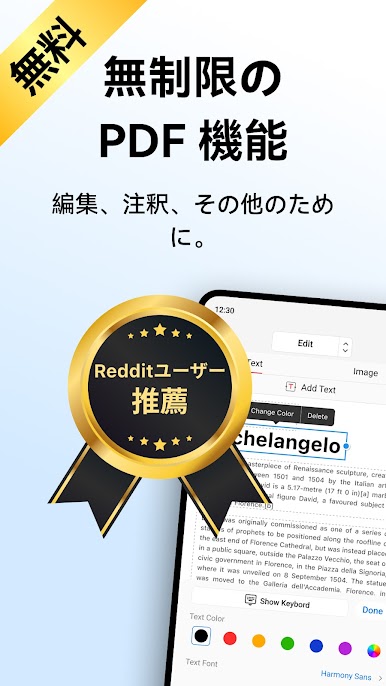
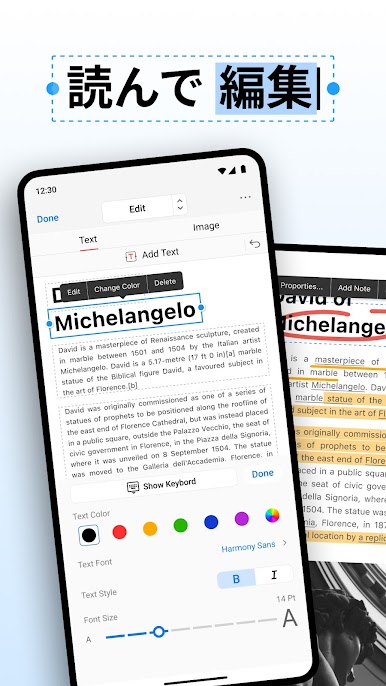
Text & Image Editing
Change words, adjust font, or even rearrange sentences directly in your PDF. Want to add images or crop and resize existing ones? All handled smoothly. -
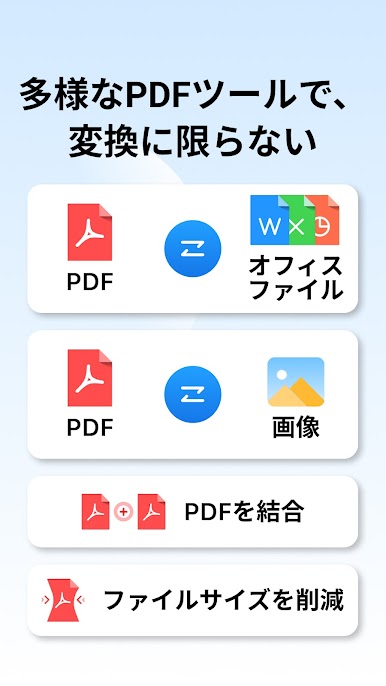
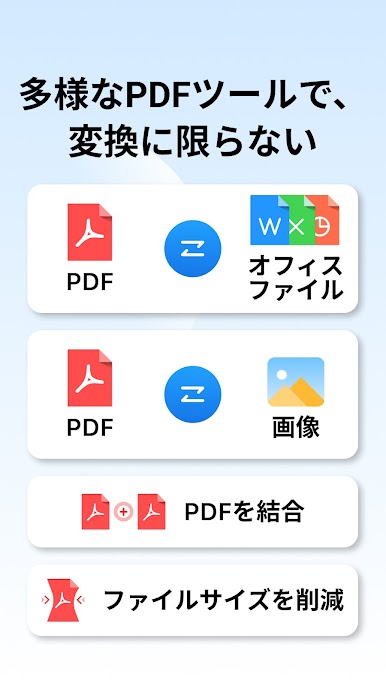
File Conversion
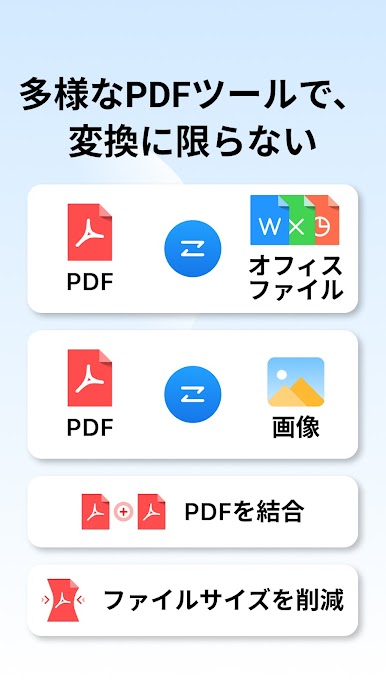
Turn PDFs into Word, Excel, PowerPoint, or even image files (PNG/JPG)—and turn those formats right back into PDFs when needed. -
Compression Made Easy
Shrink down hefty PDFs to make sharing and storage a breeze, no complicated steps required. -
Bookmark Magic
Set, rename, or remove bookmarks wherever you want, making jumping back to the right spot super fast. -
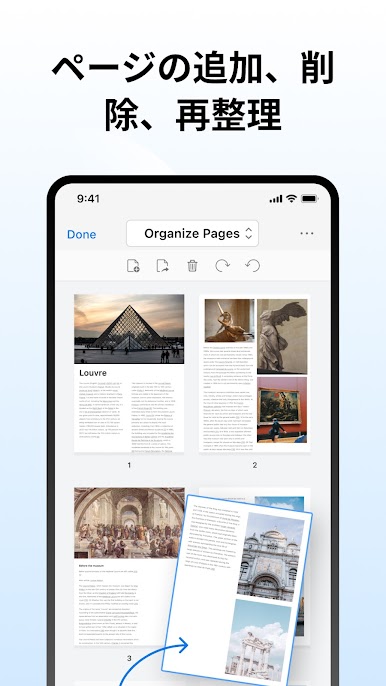
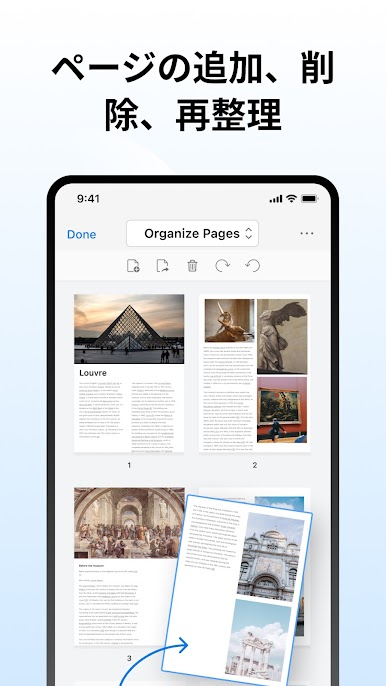
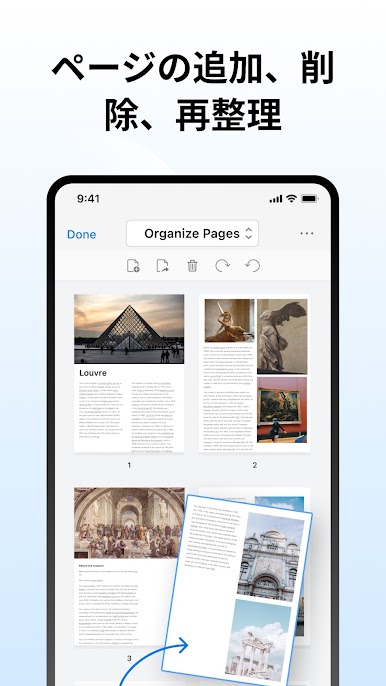
Advanced Page Management
Mix pages from different PDFs, split a big file into smaller bits, pull out or rotate pages, or drop in new ones wherever you want.
You can enjoy all of this seamlessly on your device—or even more conveniently with BlueStacks. No paywalls, no hidden limits. Just a straightforward way to wrangle your PDFs.
Big screen. Bigger performance. Use BlueStacks on your PC or Mac to run your favorite apps.
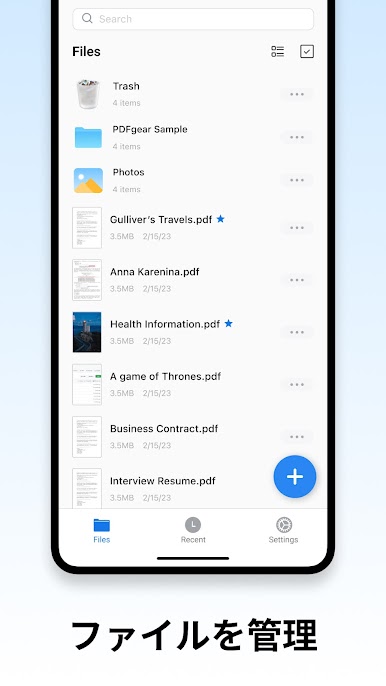
PDFgear: PDF編集、PDF変換をPCでプレイ
-
BlueStacksをダウンロードしてPCにインストールします。
-
GoogleにサインインしてGoogle Play ストアにアクセスします。(こちらの操作は後で行っても問題ありません)
-
右上の検索バーにPDFgear: PDF編集、PDF変換を入力して検索します。
-
クリックして検索結果からPDFgear: PDF編集、PDF変換をインストールします。
-
Googleサインインを完了してPDFgear: PDF編集、PDF変換をインストールします。※手順2を飛ばしていた場合
-
ホーム画面にてPDFgear: PDF編集、PDF変換のアイコンをクリックしてアプリを起動します。

