


Nubefone: Low-cost calls
5억명 이상의 게이머가 신뢰하는 안드로이드 게임 플랫폼 BlueStacks으로 PC에서 플레이하세요.

Run Nubefone: Low-cost calls on PC or Mac
Get freedom from your phone’s obvious limitations. Use Nubefone: Low-cost calls, made by Peoplecall, a Communication app on your PC or Mac with BlueStacks, and level up your experience.
About the App
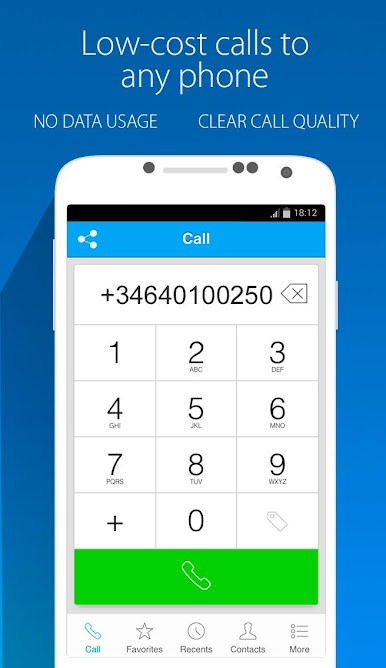
Ever wish calling internationally didn’t cost an arm and a leg—or rely on a sketchy connection? Nubefone: Low-cost calls by Peoplecall makes it easier (and cheaper) to stay in touch with friends or family around the world. With this Communication app, you can actually make phone calls—real ones, not just app-to-app—without needing an internet connection. Just pick up your phone and call; it’s pretty much as simple as that.
App Features
-
Start Off With Free Credit
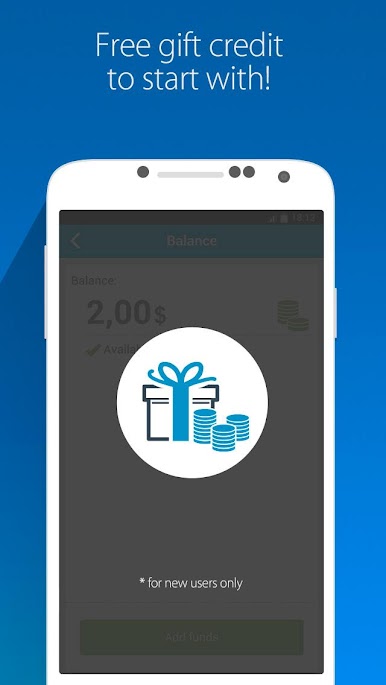
New users get a little welcome gift—some free credit in your account, so you can try out the service right away. -
No Internet Needed For Calls
You don’t have to scramble for Wi-Fi or worry about your data plan. Nubefone lets you make clear, reliable calls even if you’re totally offline. -
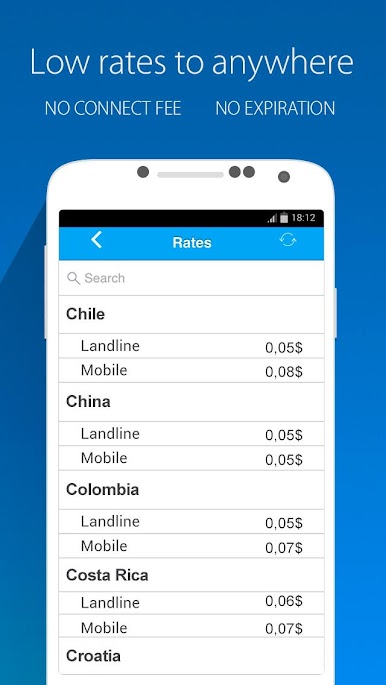
Cheap Global Calling Rates
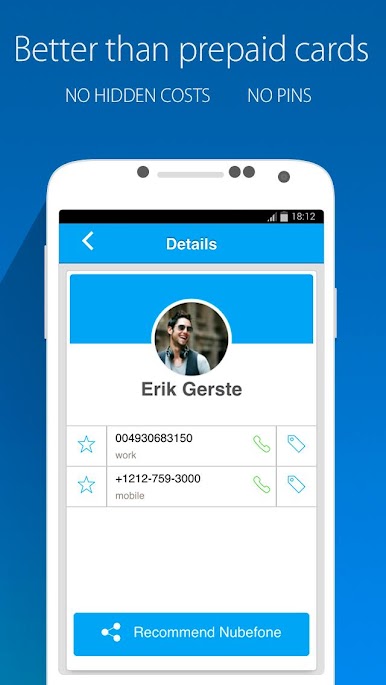
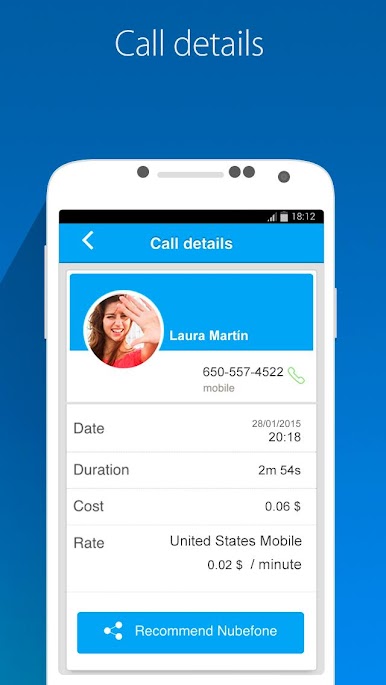
Landlines, mobiles, anywhere in the world—Nubefone offers competitive rates with no sneaky hidden fees. It’s all upfront. -
No App Required for The Person You’re Calling
Your contacts don’t need Nubefone to pick up your call. Dial anyone, anywhere, no hassle on their end. -
Earn Free Credit by Inviting Friends
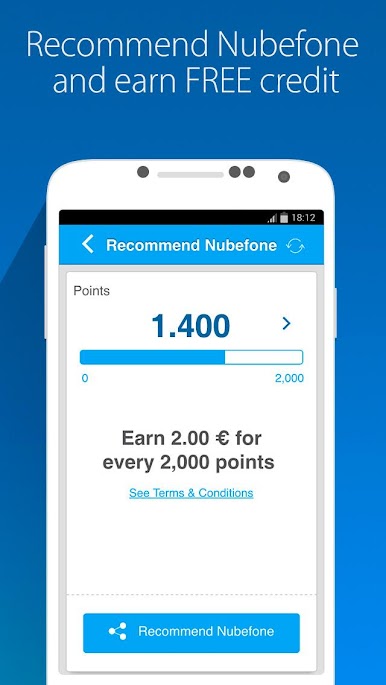
Got friends who love to chat? Invite them to Nubefone and rack up free credits every time one of them signs up and starts calling. -
Balance Never Expires
There’s no rush to use up your credit. Your balance sticks around until you actually decide to use it. -
Easy Rate Lookup
Curious about what it’ll cost to call a certain country? Rates for every location are just a tap away. -
Compatible with All Operators
Nubefone fits right in with your current phone provider—no need to switch carriers. -
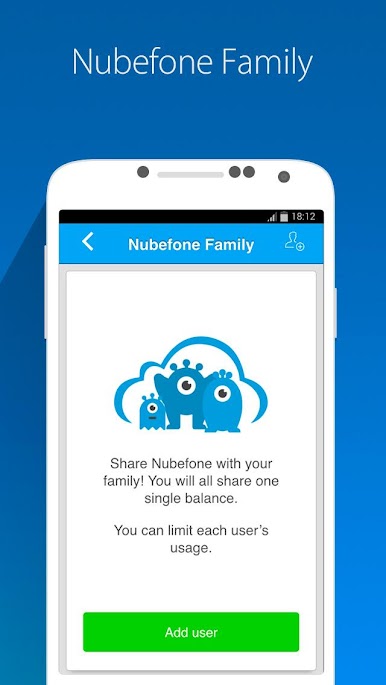
Group Accounts With Family or Business
Want one account for the family or the team? You can add up to 10 users for shared top-ups and manage each person’s usage, or use special business tools for keeping costs and calls under control.
For those who like managing their communication from a bigger screen, Nubefone: Low-cost calls also works smoothly through BlueStacks.
Big screen. Bigger performance. Use BlueStacks on your PC or Mac to run your favorite apps.
PC에서 Nubefone: Low-cost calls 플레이해보세요.
-
BlueStacks 다운로드하고 설치
-
Google Play 스토어에 로그인 하기(나중에 진행가능)
-
오른쪽 상단 코너에 Nubefone: Low-cost calls 검색
-
검색 결과 중 Nubefone: Low-cost calls 선택하여 설치
-
구글 로그인 진행(만약 2단계를 지나갔을 경우) 후 Nubefone: Low-cost calls 설치
-
메인 홈화면에서 Nubefone: Low-cost calls 선택하여 실행

