

Jeux éducatifs pour enfants 5
Jouez sur PC avec BlueStacks - la plate-forme de jeu Android, approuvée par + 500M de joueurs.

Page Modifiée le: Oct 12, 2025
Play Kids Educational Game 5 on PC or Mac
From the innovators and creators at pescAPPs, Kids Educational Game 5 is another fun addition to the World of Educational games. Go beyond your mobile screen and play it bigger and better on your PC or Mac. An immersive experience awaits you.
About the Game
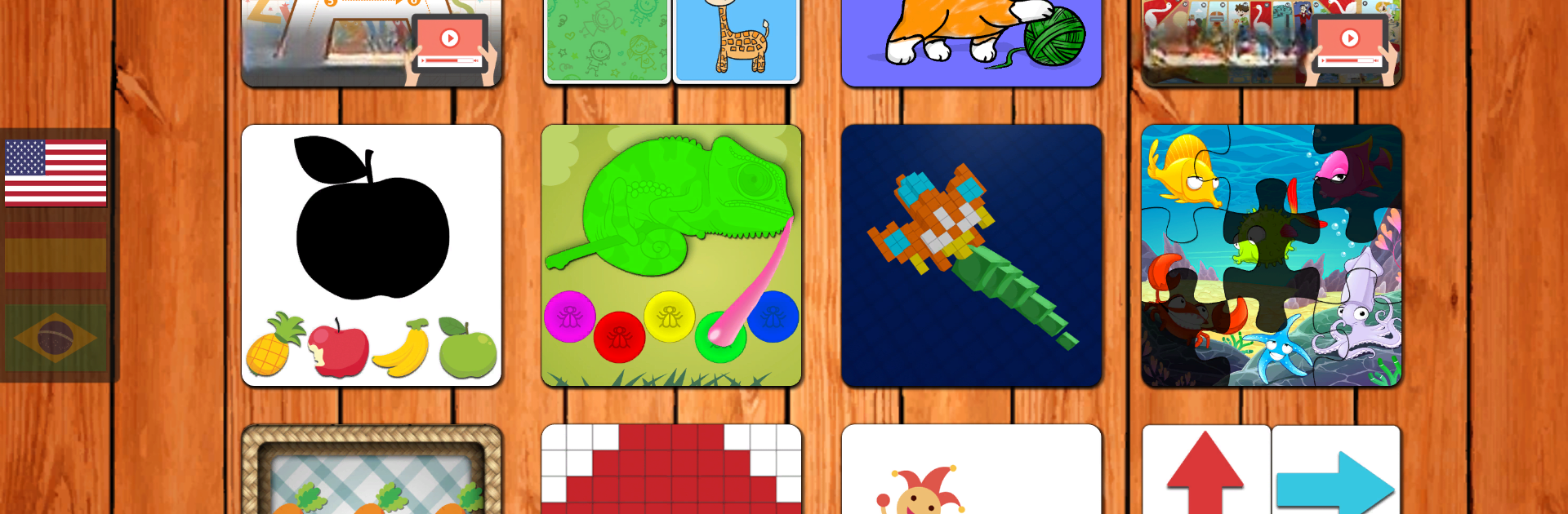
Jump right into Kids Educational Game 5 and you’ll find a lively collection of activities that make learning actually feel fun for young kids. This isn’t just about memorizing facts—it’s hands-on, full of mini-games, and built for curious preschoolers who like to play and discover at the same time. Whether you’re after something that sparks creativity, fine-tunes problem-solving skills, or just keeps your child engaged, this Educational title by pescAPPs isn’t going to disappoint.
Game Features
-
Alphabet Fun
Kids can trace, recognize, and even draw letters—making the ABCs feel much more like a doodle pad than a test. -
Memory and Logic Games
Play short, engaging games that get those little gears turning. Matching, memory, pattern games, and more are all about making your child think (no boring drills here). -
Sorting and Shapes
Whether it’s putting shapes in the right places or organizing things by size, there are plenty of bite-sized puzzles that teach basics in a hands-on way. -
Counting and Numbers
Figure out counting through mini challenges that get kids actively engaged with numbers, not just repeating them. -
Color Play
There’s plenty of coloring and painting, so your child can get creative while also learning to tell colors apart. -
Motor Skills Practice
Activities designed to help kids with hand-eye coordination, like simple drag-and-drop games, make screen time feel productive. -
Logic Puzzles and Table Games
Classic favorites and new twists on logical puzzles keep things interesting and help with focus and spatial awareness. -
Multi-language Options
Got a bilingual child? The game is available in English, Spanish, and Portuguese, making it easy to switch things up.
If you decide to let your kids play Kids Educational Game 5 on your PC or Mac, you can use BlueStacks to make those colors pop and puzzles easier to interact with on a bigger screen.
Start your journey now. Download the game on BlueStacks, invite your friends, and march on a new adventure.



Jouez à Jeux éducatifs pour enfants 5 sur PC. C'est facile de commencer.
-
Téléchargez et installez BlueStacks sur votre PC
-
Connectez-vous à Google pour accéder au Play Store ou faites-le plus tard
-
Recherchez Jeux éducatifs pour enfants 5 dans la barre de recherche dans le coin supérieur droit
-
Cliquez pour installer Jeux éducatifs pour enfants 5 à partir des résultats de la recherche
-
Connectez-vous à Google (si vous avez ignoré l'étape 2) pour installer Jeux éducatifs pour enfants 5
-
Cliquez sur l'icône Jeux éducatifs pour enfants 5 sur l'écran d'accueil pour commencer à jouer

