

minha pequena guerra
Jogue no PC com BlueStacks - A Plataforma de Jogos Android, confiada por mais de 500 milhões de jogadores.

Página modificada em: Oct 17, 2024
Play The War of Mine on PC or Mac
Explore a whole new adventure with The War of Mine, a Strategy game created by Pi_game. Experience great gameplay with BlueStacks, the most popular gaming platform to play Android games on your PC or Mac.
About the Game
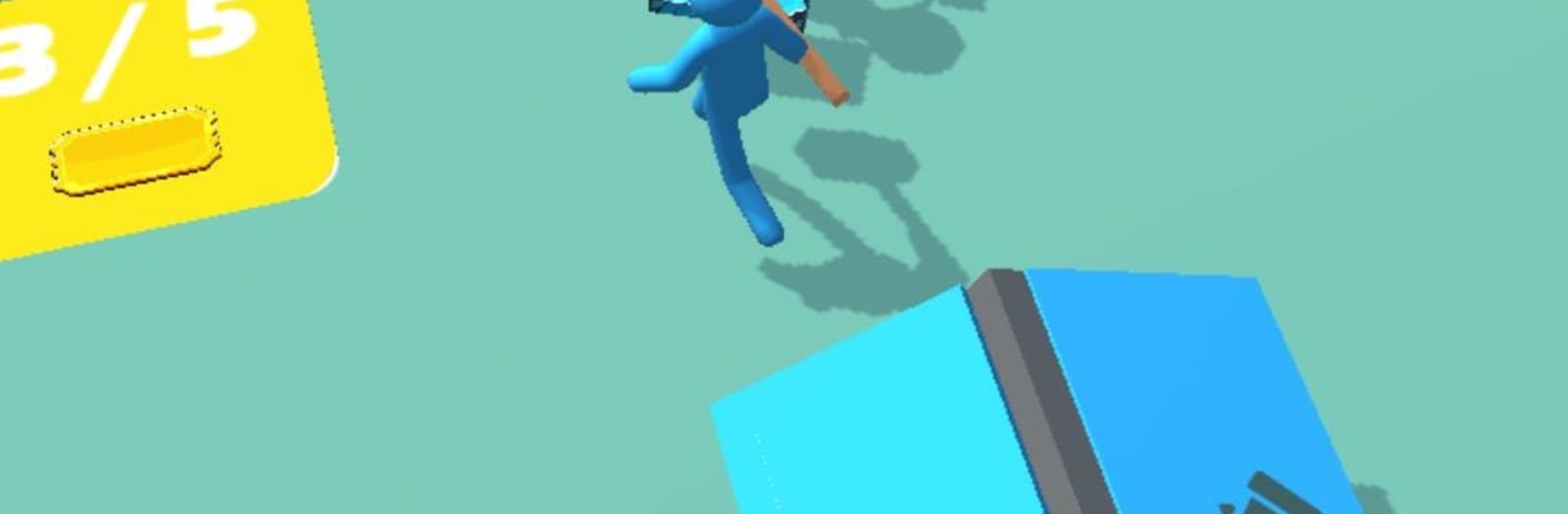
The War of Mine drops you right in the middle of some intense strategy action. Ever wanted to test your skills as a commander, making split-second decisions that could turn the tide of battle? Here’s your chance. Step into a world where every choice—who to recruit, when to strike, and how to grow your army—can tip the scales in your favor. It’s all about tactics and having the nerve to see them through.
Game Features
-
Command Your Army
Take the reins as the commander. It’s not just about being in charge, but about leading with a smart strategy. Decide where to send your troops and how to use your resources wisely. -
Recruit Soldiers
Building your squad isn’t just a one-and-done thing. Pick out new recruits, figure out what your team needs, and bring in the right people for the job. -
Build & Strengthen Forces
Upgrading is the name of the game. Pour resources into upgrading your army, fortifying positions, or unlocking new units. Stronger troops mean better odds when things get tough. -
Real-Time Strategy Decisions
It’s fast-paced, and things can get hectic! No turn-based waiting—you’ll be making calls on the fly. Do you hold the line, rush in, or fall back to plan again? -
Victory Is Earned
Outsmart your opponents to claim victory. Sometimes the hardest battles pay off the most. Every win feels earned because it’s your plan that worked.
Play The War of Mine by Pi_game on your PC using BlueStacks if you want smoother strategy sessions and a bit more space for those tactical decisions.
Ready to top the leaderboard? We bet you do. Let precise controls and sharp visuals optimized on BlueStacks lead you to victory.


Jogue minha pequena guerra no PC. É fácil começar.
-
Baixe e instale o BlueStacks no seu PC
-
Conclua o login do Google para acessar a Play Store ou faça isso mais tarde
-
Procure por minha pequena guerra na barra de pesquisa no canto superior direito
-
Clique para instalar minha pequena guerra a partir dos resultados da pesquisa
-
Conclua o login do Google (caso você pulou a etapa 2) para instalar o minha pequena guerra
-
Clique no ícone do minha pequena guerra na tela inicial para começar a jogar

