

Pix123 Malen-nach-Zahlen-Spiel
Spiele auf dem PC mit BlueStacks - der Android-Gaming-Plattform, der über 500 Millionen Spieler vertrauen.

Seite geändert am: Nov 16, 2025
Play Pix123: Color by Number Games on PC or Mac
Bring your A-game to Pix123: Color by Number Games, the Casual game sensation from SoulApps Studio. Give your gameplay the much-needed boost with precise game controls, high FPS graphics, and top-tier features on your PC or Mac with BlueStacks.
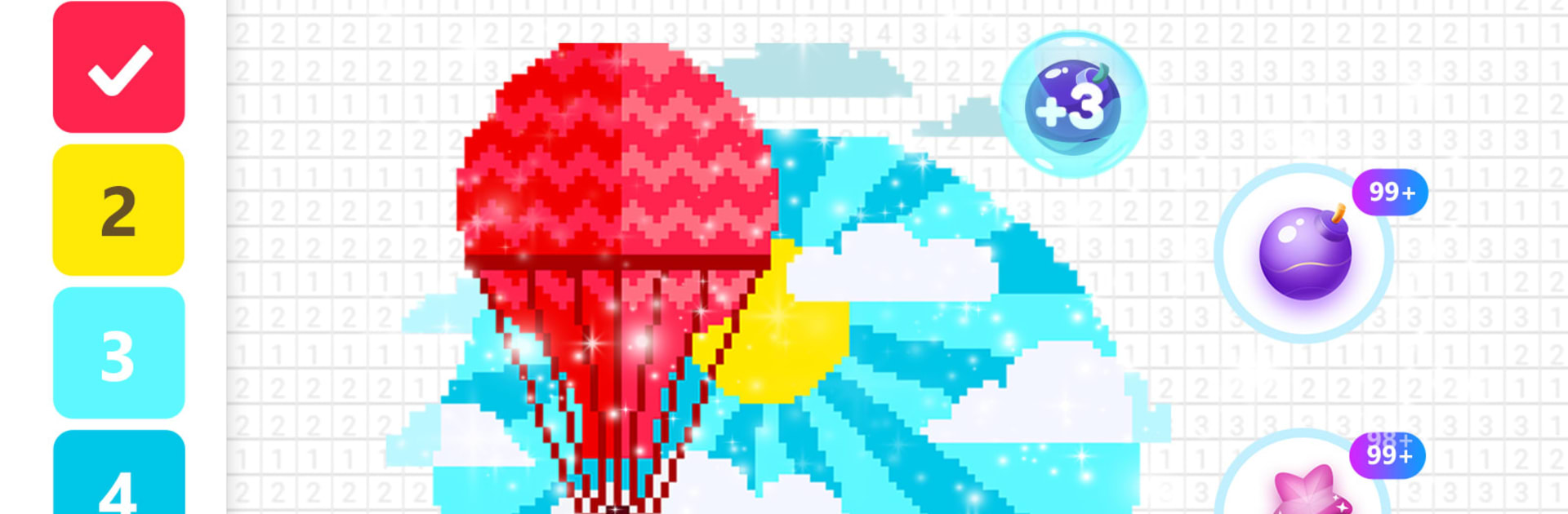
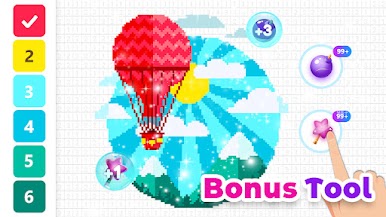
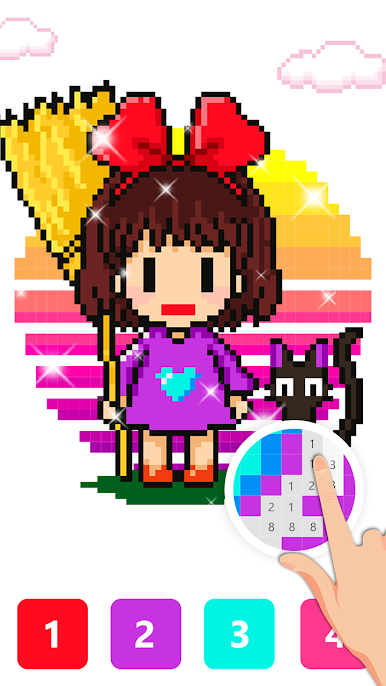
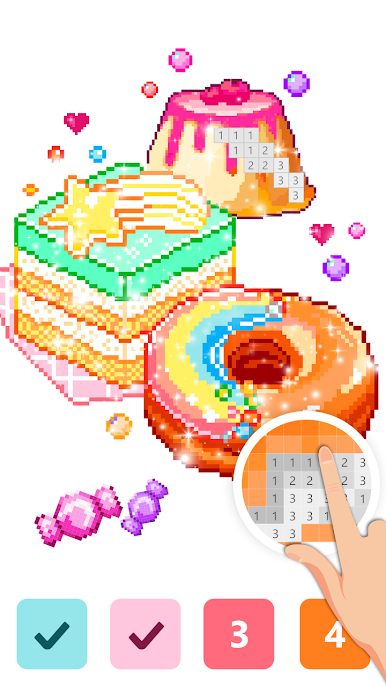
Pix123 is one of those relaxing color by number games where everything is made of tiny squares. Pick a picture, zoom way in, and fill the grid by matching numbers to colors. It sounds simple, and it is, but it scratches that calm, tidy part of the brain. On PC with BlueStacks, the mouse makes tapping those tiny pixels feel accurate, and the scroll wheel zoom is smooth, so small details are less fiddly than on a phone.
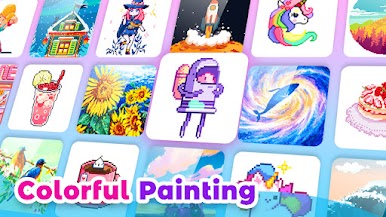
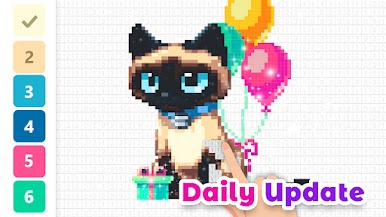
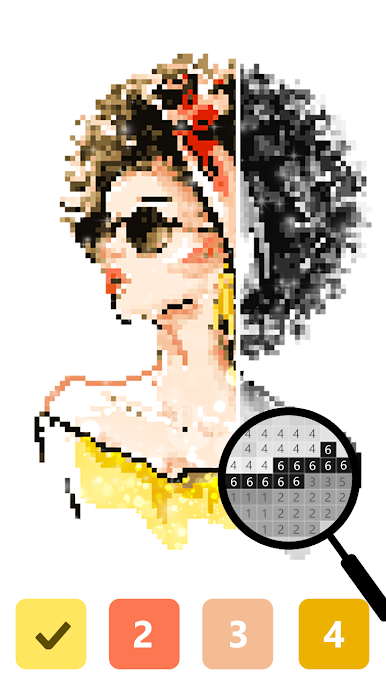
There is a big library to pick from: animals, plants, flowers, unicorns, cute characters, all that good stuff. New pictures show up daily, so there is always another page to finish when a break is needed. One neat trick is the selfie feature. Upload a photo and it turns into a pixel canvas to color, which makes a fun before and after to save. The interface stays clean, no clutter or confusing buttons, and the color palette pops so it is easy to spot the right shades. Controls are simple to learn, just zoom and tap to paint, or hold to swipe over a block of cells. Finished art can be saved, and there are little badges and goals that nudge someone to complete more sets without turning it into work. It feels low pressure, good for kids and adults, and it really does take the edge off after a long day. Even a quick 10 minutes of pixle painting feels like a reset.
Start your journey now. Download the game on BlueStacks, invite your friends, and march on a new adventure.

Spiele Pix123 Malen-nach-Zahlen-Spiel auf dem PC. Der Einstieg ist einfach.
-
Lade BlueStacks herunter und installiere es auf deinem PC
-
Schließe die Google-Anmeldung ab, um auf den Play Store zuzugreifen, oder mache es später
-
Suche in der Suchleiste oben rechts nach Pix123 Malen-nach-Zahlen-Spiel
-
Klicke hier, um Pix123 Malen-nach-Zahlen-Spiel aus den Suchergebnissen zu installieren
-
Schließe die Google-Anmeldung ab (wenn du Schritt 2 übersprungen hast), um Pix123 Malen-nach-Zahlen-Spiel zu installieren.
-
Klicke auf dem Startbildschirm auf das Pix123 Malen-nach-Zahlen-Spiel Symbol, um mit dem Spielen zu beginnen

