


Crisp - AI Photo Enhancer
Gioca su PC con BlueStacks: la piattaforma di gioco Android, considerata affidabile da oltre 500 milioni di giocatori.

Pagina modificata il: May 20, 2025
Run Crisp - AI Photo Enhancer on PC or Mac
Multitask effortlessly on your PC or Mac as you try out Crisp – AI Photo Enhancer, a Video Players & Editors app by Pixery Bilgi Teknolojileri on BlueStacks.
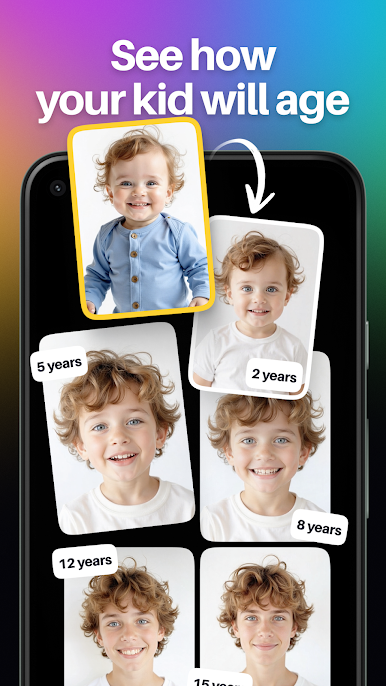
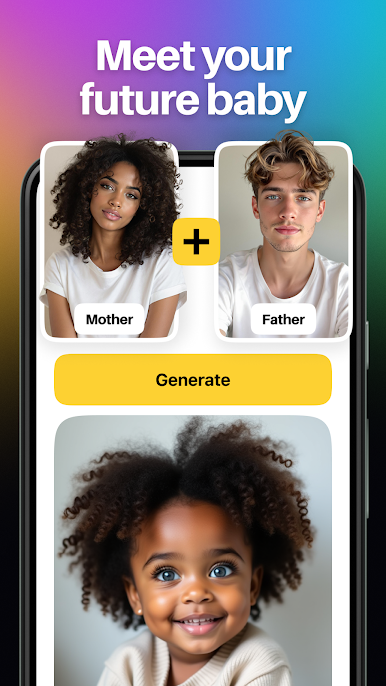
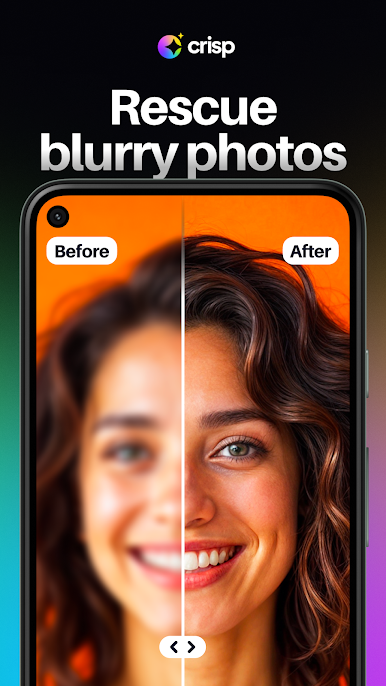
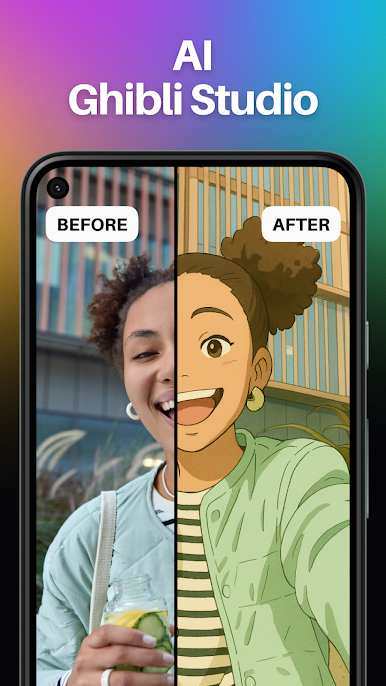
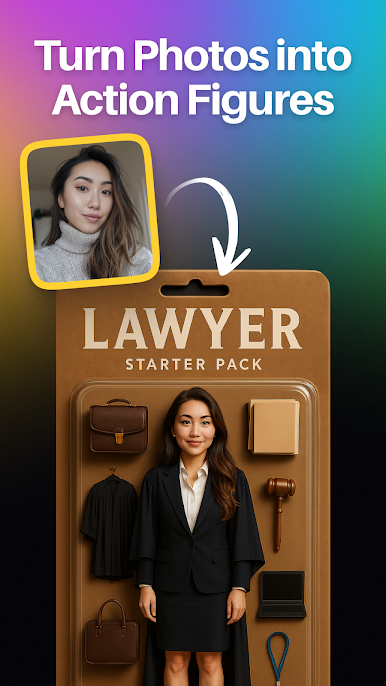
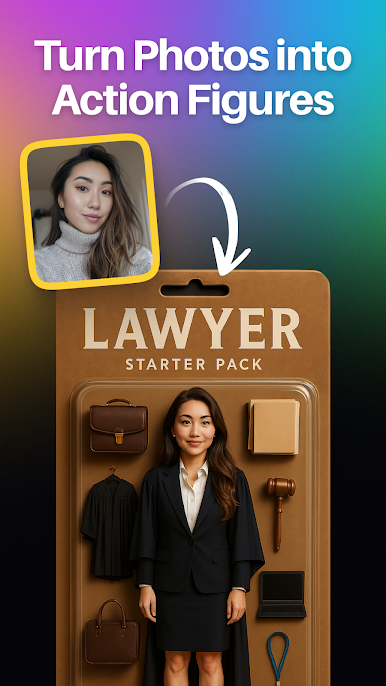
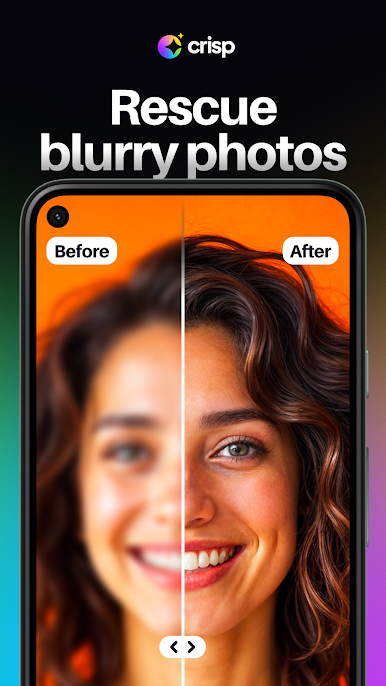
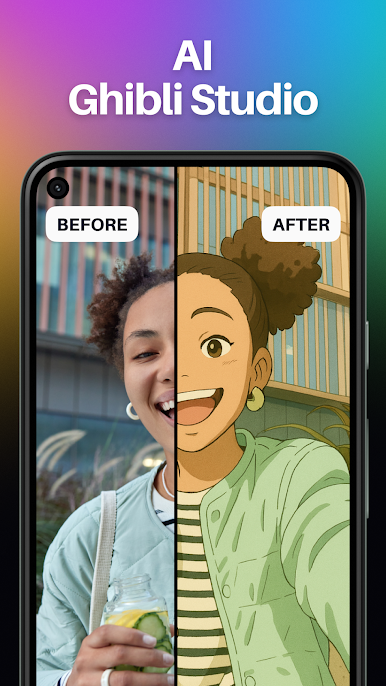
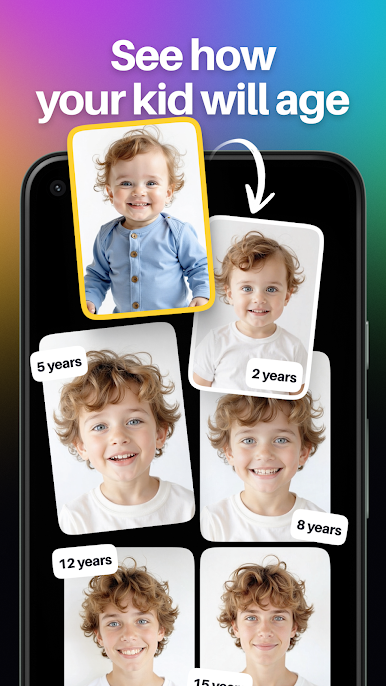
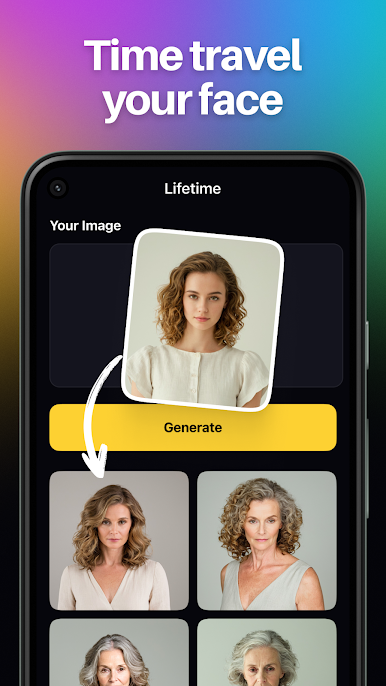
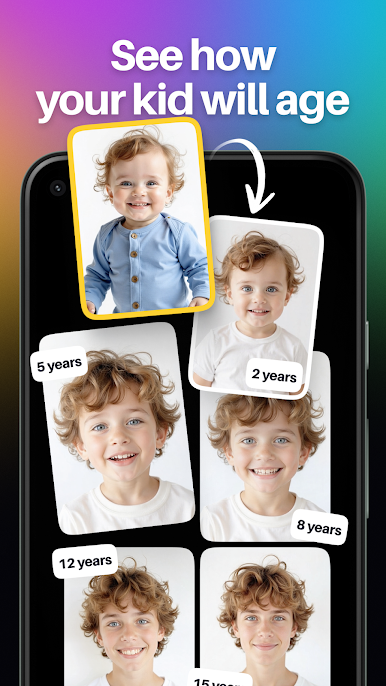
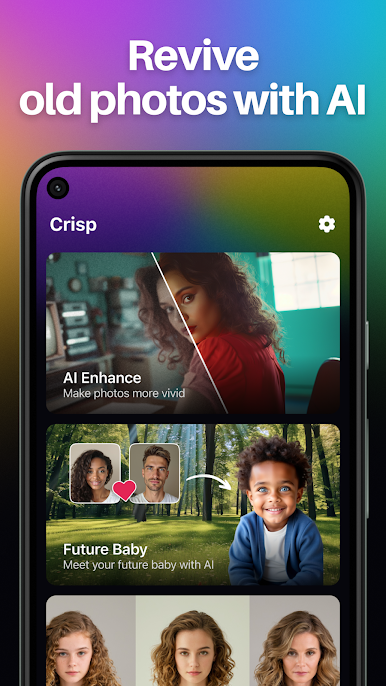
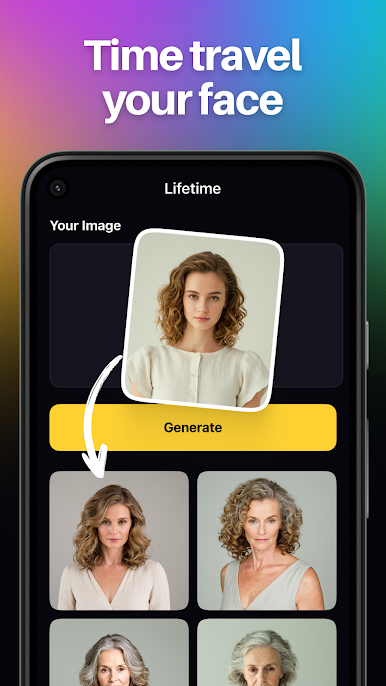
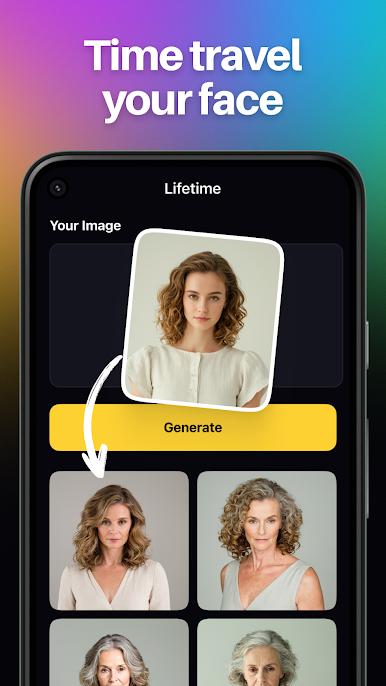
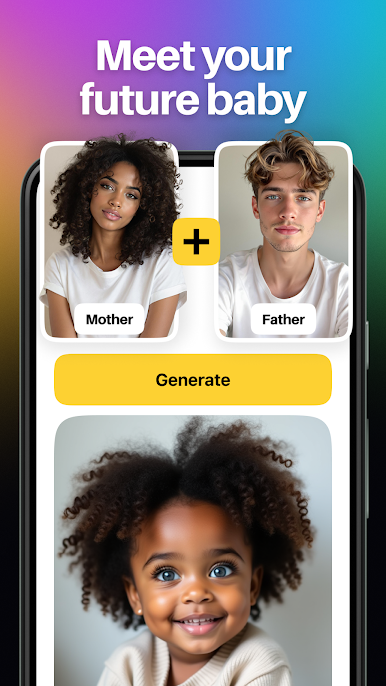
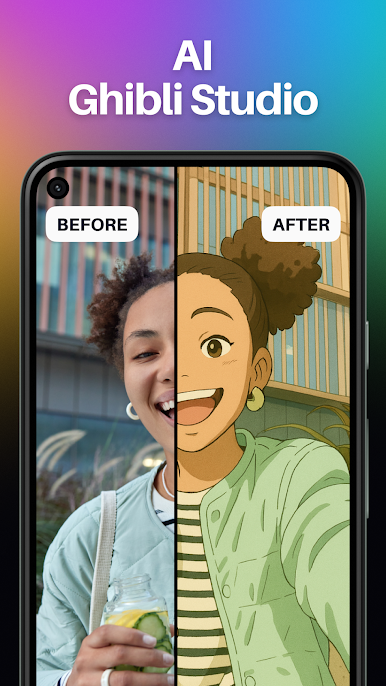
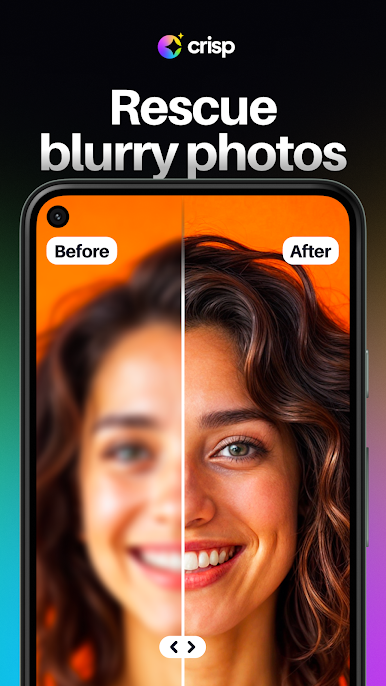
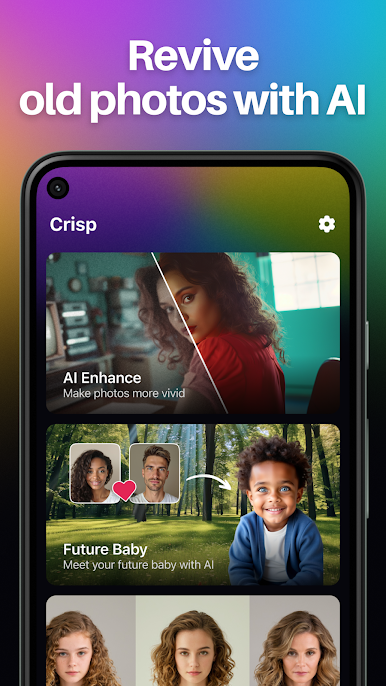
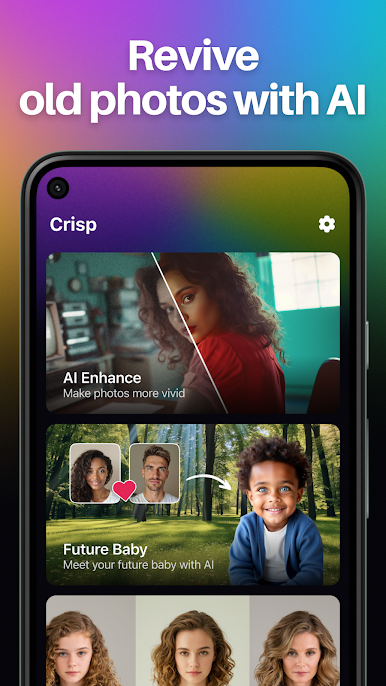
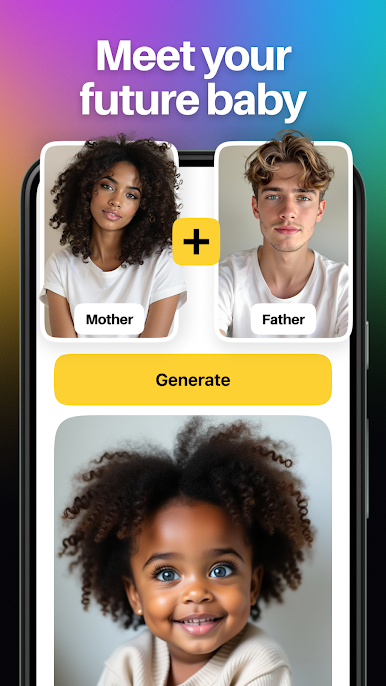
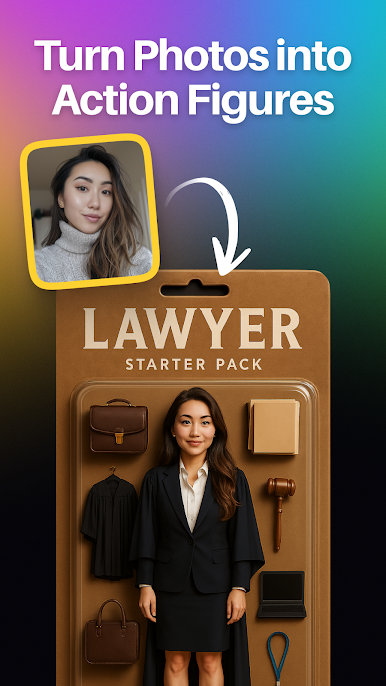
Crisp is one of those photo tools that makes old or soft shots look like they were taken on a better camera. The app leans on AI to sharpen faces, fix fuzzy edges, and bump resolution without turning everything into plastic. The Super Resolution and 4x upscaling are the real hooks, small details like hair strands, fabric texture, and tiny text often come back cleaner than expected. Results are not magic every time, but when the source photo has decent light, the upgrades look solid and natural. There are a few playful features too. The Ghibli style maker turns portraits into soft, film-like anime scenes that are very shareable. Future Baby blends two faces into a what-if baby photo that is clearly for fun, and the Lifetime tool ages a face forward or back in seconds, wild to see but also kind of impressive. Everything is point and upload, then wait a moment.
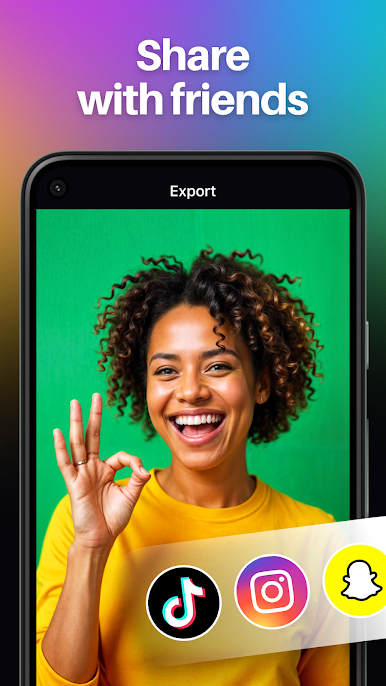
On PC with BlueStacks, it feels easier to check results closely. A bigger screen helps spot over-sharpening and tiny artifacts, and dragging files in with a mouse is simple. The interface stays minimal, there are not a ton of sliders to babysit, so it suits anyone who wants quick fixes more than deep editing. Processing usually takes a few seconds, sometimes longer for the artsy modes, and exports look clean enough for socials or printing small.
Eager to take your app experience to the next level? Start right away by downloading BlueStacks on your PC or Mac.
Gioca Crisp - AI Photo Enhancer su PC. È facile iniziare.
-
Scarica e installa BlueStacks sul tuo PC
-
Completa l'accesso a Google per accedere al Play Store o eseguilo in un secondo momento
-
Cerca Crisp - AI Photo Enhancer nella barra di ricerca nell'angolo in alto a destra
-
Fai clic per installare Crisp - AI Photo Enhancer dai risultati della ricerca
-
Completa l'accesso a Google (se hai saltato il passaggio 2) per installare Crisp - AI Photo Enhancer
-
Fai clic sull'icona Crisp - AI Photo Enhancer nella schermata principale per iniziare a giocare

