



schöne schriftarten für Bio
Spiele auf dem PC mit BlueStacks - der Android-Gaming-Plattform, der über 500 Millionen Spieler vertrauen.

Seite geändert am: Oct 6, 2025
Play Cool Fonts & Keyboard for Bio on PC
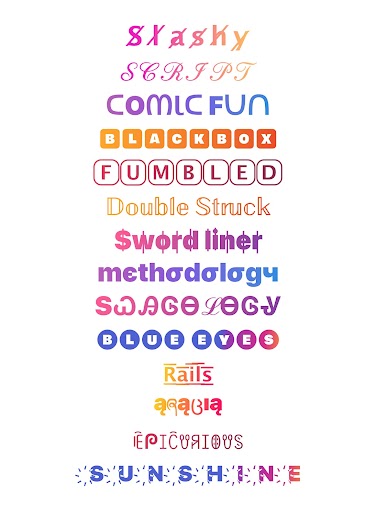
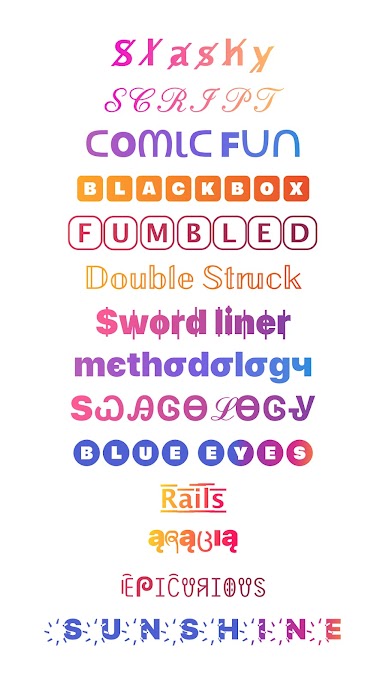
Use the Fonts and Font Keyboard in social media chats, folders, calendars, task lists, notes, and more. Highlight your best friend's birthday card, important tasks, or key contacts with special fonts. Communicate with friends using unique fonts in email messages and social networking apps. Share great ideas and suggestions with funny text messages using these cool fonts for Instagram.
Customize your device with a variety of fonts that work everywhere you can type a message (supports all major social networking apps and websites).
These special fonts are based on Unicode. Once you send a message, your friends will see the styled text even if they don’t have the app installed on their devices. Even if the recipient isn't using an Android device, they'll still see the message in styled text. UNICODE Fonts are supported across all major platforms (Android, iOS, and Windows Phones).
Use these fonts on Instagram by typing a message in the app, copying it, and then pasting it anywhere in Instagram.
Features:
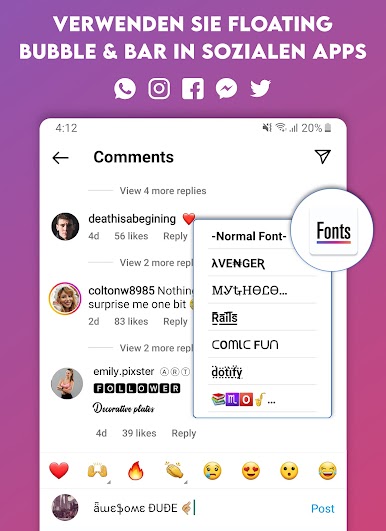
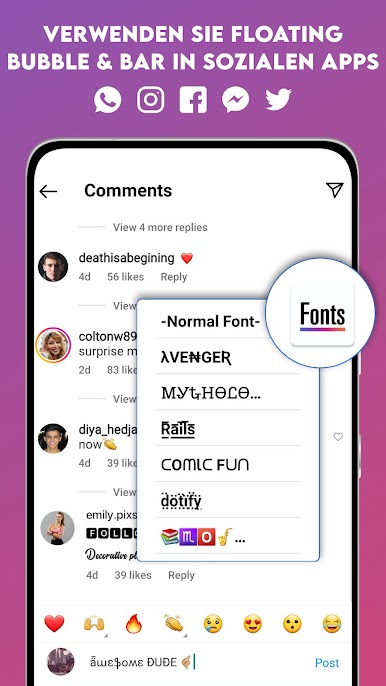
- Floating font styles for Instagram popups in any app.
- Text selection menu option in any app.
- Quickly copy, share, or send to any app.
- Composer to mix different styles.
- Block/Unblock fonts for Instagram bubbles in apps.
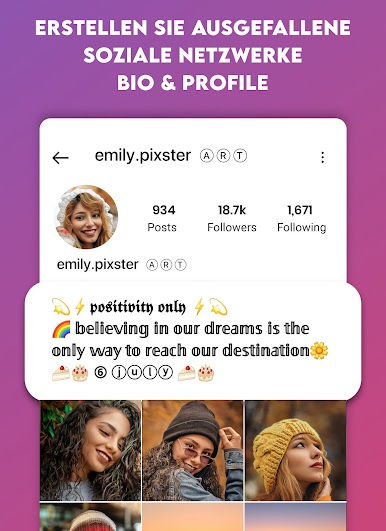
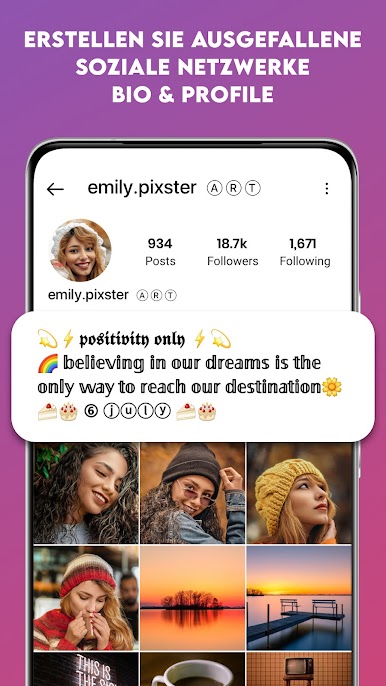
- Enhance your Instagram bio and comments.
- Write better Instagram bios, status messages, or moments.
- Customize your WhatsApp or LINE profile with cute fonts.
- Send text messages from Gmail or free SMS.
- Share your social apps.
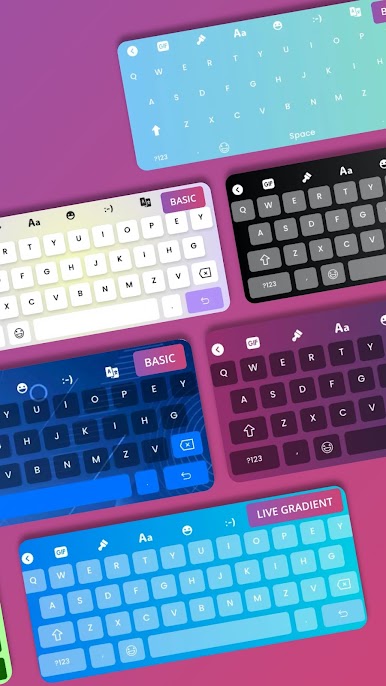
- Cool Font Keyboard with stylish fonts for Instagram and other social media.
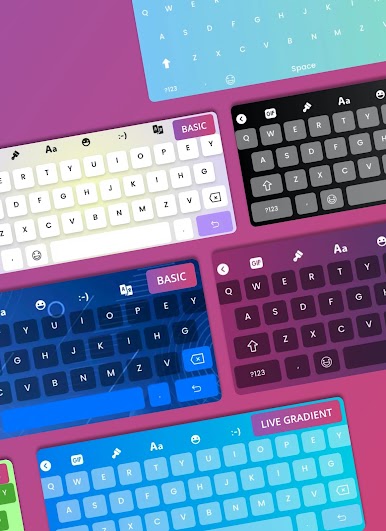
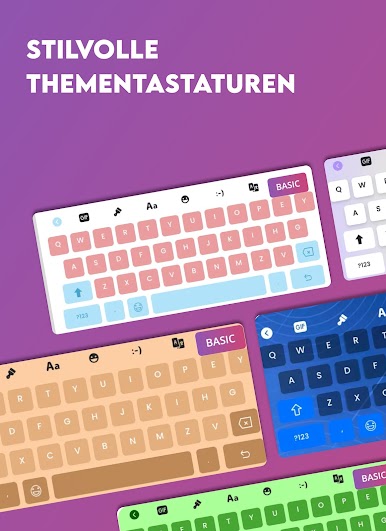
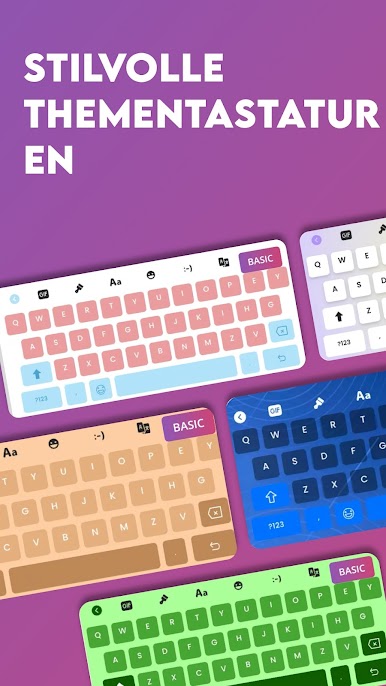
- Multiple font keyboard options with various color shades and styles.
PLEASE READ THE FOLLOWING NOTES VERY CAREFULLY:
✅ “This app uses Accessibility services” to help you change your typed text into the selected style in other applications.
✅ Devices running Android 8.0 (Oreo) and above support styled fonts. You might not see all styles shown in screenshots on devices with Android 7.1, 7.0, 6.0, 5.1, and 5.0.
✅ The text selection menu option might not appear in some applications and devices (e.g., Redmi, Mi, POCO, VIVO, OPPO).
Privacy Policy: https://pixsterstudio.com/privacy-policy.html
Terms of Use : https://pixsterstudio.com/terms-of-use.html
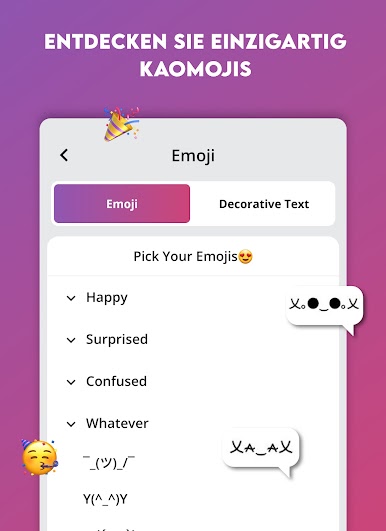
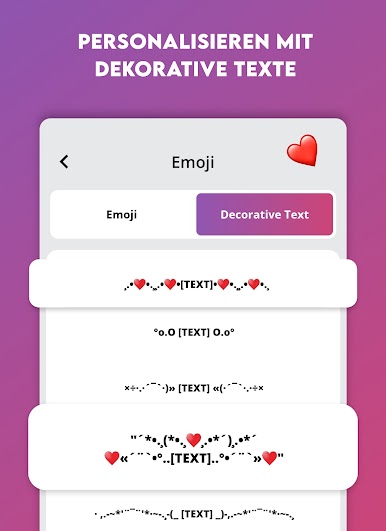
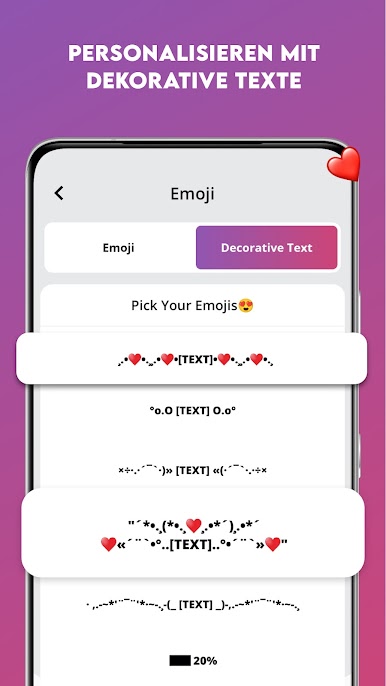
Spiele schöne schriftarten für Bio auf dem PC. Der Einstieg ist einfach.
-
Lade BlueStacks herunter und installiere es auf deinem PC
-
Schließe die Google-Anmeldung ab, um auf den Play Store zuzugreifen, oder mache es später
-
Suche in der Suchleiste oben rechts nach schöne schriftarten für Bio
-
Klicke hier, um schöne schriftarten für Bio aus den Suchergebnissen zu installieren
-
Schließe die Google-Anmeldung ab (wenn du Schritt 2 übersprungen hast), um schöne schriftarten für Bio zu installieren.
-
Klicke auf dem Startbildschirm auf das schöne schriftarten für Bio Symbol, um mit dem Spielen zu beginnen

