


Planday Employee Scheduling
Graj na PC z BlueStacks – Platforma gamingowa Android, która uzyskała zaufanie ponad 500 milionów graczy!

Strona zmodyfikowana w dniu: Oct 17, 2025
Play Planday Employee Scheduling on PC
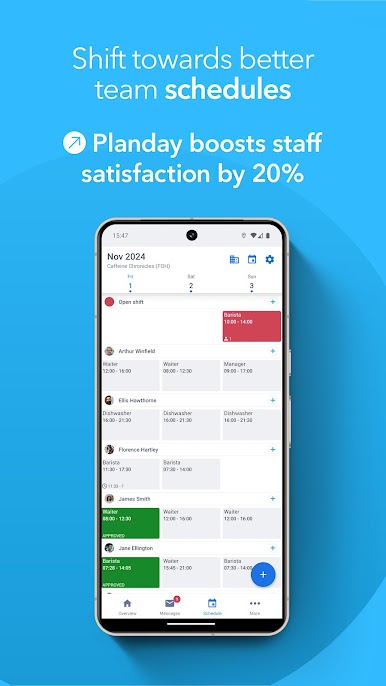
📆 Detailed schedules: View shift details at a glance
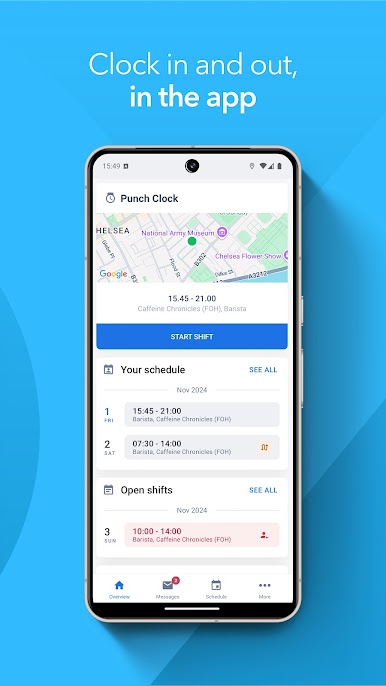
🕒 Time tracking: Clock in directly on the app
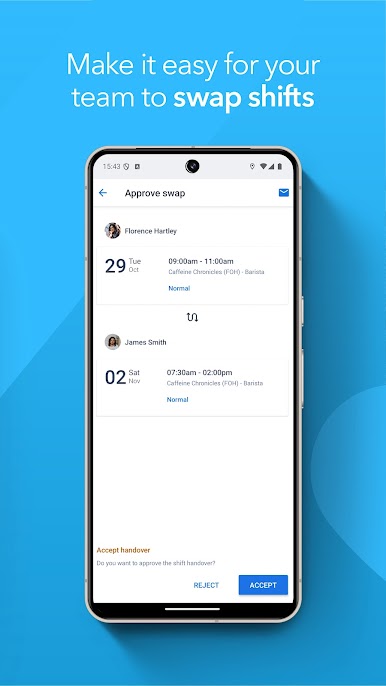
🔁 Shift swaps: Easily hand over or swap shifts
🙌 Availability: Managers can view staff preferences
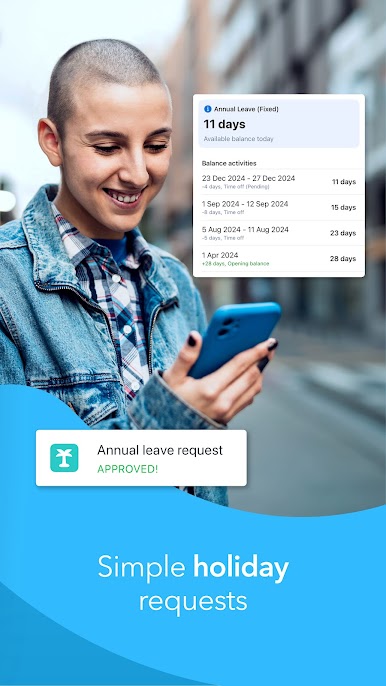
🌴 Time off: Request vacation right in the app
💬 Messaging: Send quick messages to coworkers
Ready to bring Planday to your team? Download the app and start your free trial!
Zagraj w Planday Employee Scheduling na PC. To takie proste.
-
Pobierz i zainstaluj BlueStacks na PC
-
Zakończ pomyślnie ustawienie Google, aby otrzymać dostęp do sklepu Play, albo zrób to później.
-
Wyszukaj Planday Employee Scheduling w pasku wyszukiwania w prawym górnym rogu.
-
Kliknij, aby zainstalować Planday Employee Scheduling z wyników wyszukiwania
-
Ukończ pomyślnie rejestrację Google (jeśli krok 2 został pominięty) aby zainstalować Planday Employee Scheduling
-
Klinij w ikonę Planday Employee Scheduling na ekranie startowym, aby zacząć grę

