

G-Stomper TR-Classics Pack
เล่นบน PC ผ่าน BlueStacks - Android Gaming Platform ที่ได้รับความไว้วางใจจากเกมเมอร์ 500 ล้านคนทั่วโลก

Page Modified on: Jul 1, 2025
Run G-Stomper TR-Classics Pack on PC or Mac
Get freedom from your phone’s obvious limitations. Use G-Stomper TR-Classics Pack, made by planet-h.com, a Music & Audio app on your PC or Mac with BlueStacks, and level up your experience.
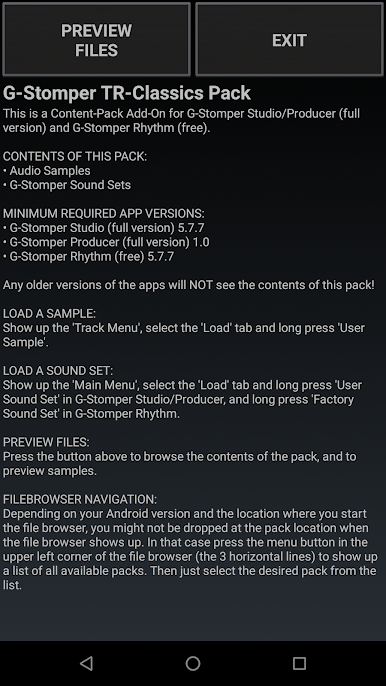
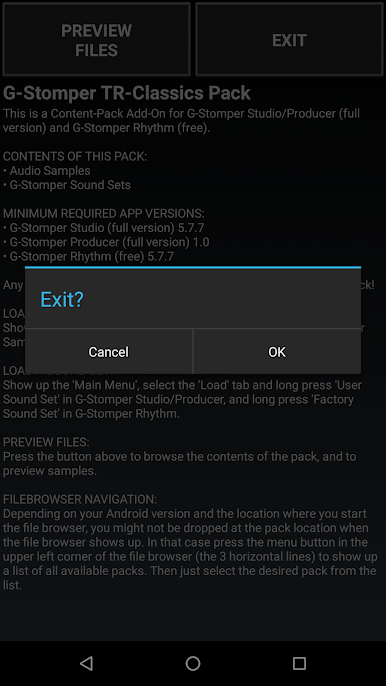
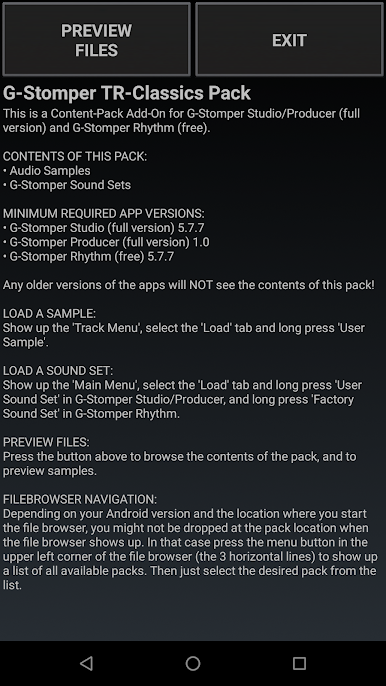
G-Stomper TR-Classics Pack is not a standalone thing, it is an add-on for G-Stomper Studio, G-Stomper Producer, or G-Stomper Rhythm. Once one of those is installed, this pack drops a bunch of classic Roland TR drum sounds right into the workflow. It sticks to the old school flavor without being fussy, so someone can load a kit, hit the pads, and get those vintage thumps and snaps going in seconds. No weird permissions, no extra hoops.
What stands out is the curation. There are 92 samples recorded clean at 16-bit, 44.1 kHz, pulled from six TR machines, and seven ready-to-play drum kits to match them. The TR-33 and TR-55 bring that early analog click and snare pop, the TR-66 and TR-77 are more preset-groove friendly, the TR-626 gives crisp digital hits, and the TR-727 leans into Latin percussion that cuts through a mix. The extra 626 kit is a nice touch for more punch. Levels feel sensible, so swapping kits does not wreck a pattern. It just works, and it sounds like those boxes are supposed to.
On PC with BlueStacks, it is comfy to use since the larger screen makes browsing kits and mixing easier, and mapping the pads to keys feels natural enough. It does not need a powerhouse machine, but decent headphones or speakers make a big difference. Just remember, this pack adds sounds only, so it will not do anything without one of the G-Stomper apps installed first.
BlueStacks brings your apps to life on a bigger screen—seamless and straightforward.
เล่น G-Stomper TR-Classics Pack บน PC ได้ง่ายกว่า
-
ดาวน์โหลดและติดตั้ง BlueStacks บน PC ของคุณ
-
ลงชื่อเข้าใช้แอคเคาท์ Google เพื่อเข้าสู่ Play Store หรือทำในภายหลัง
-
ค้นหา G-Stomper TR-Classics Pack ในช่องค้นหาด้านขวาบนของโปรแกรม
-
คลิกเพื่อติดตั้ง G-Stomper TR-Classics Pack จากผลการค้นหา
-
ลงชื่อเข้าใช้บัญชี Google Account (หากยังไม่ได้ทำในขั้นที่ 2) เพื่อติดตั้ง G-Stomper TR-Classics Pack
-
คลิกที่ไอคอน G-Stomper TR-Classics Pack ในหน้าจอเพื่อเริ่มเล่น

