


Empire Clash
Mainkan di PC dengan BlueStacks – platform Game-Game Android, dipercaya oleh lebih dari 500 juta gamer.

Play Empire Clash on PC or Mac
Empire Clash brings the Strategy genre to life, and throws up exciting challenges for gamers. Developed by GameZen, this Android game is best experienced on BlueStacks, the World’s #1 app player for PC and Mac users.
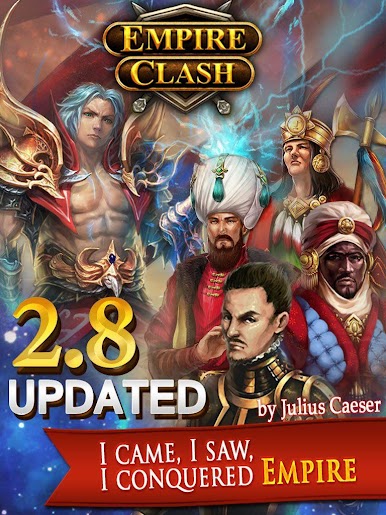
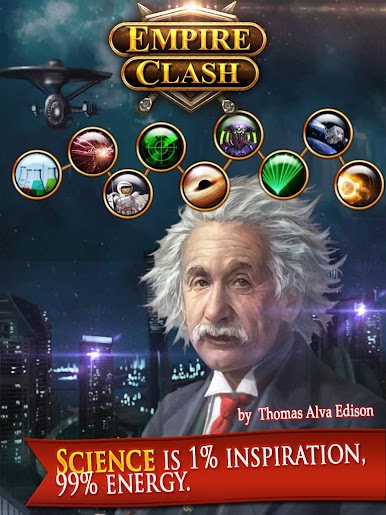
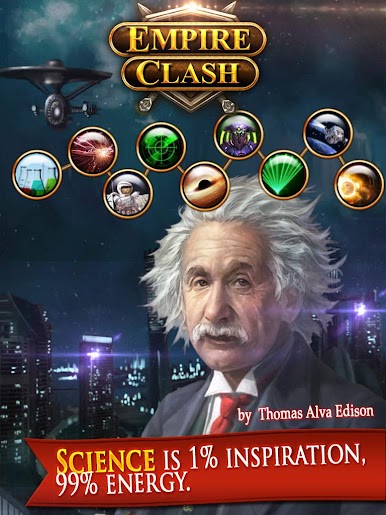
Empire Clash is a chill but sneaky deep builder-strategy game where a tiny town grows into a full empire across different eras, from ancient tools to the space age. The fun bit is picking a nation at the start. There are twenty real ones and they are not just skins. Each has a distinct perk and a big Golden Age moment that steers how someone expands, so the choice matters. Progress feels like a long history tour. New techs open up fresh buildings and troops, and famous people and places pop up as milestones rather than trivia.
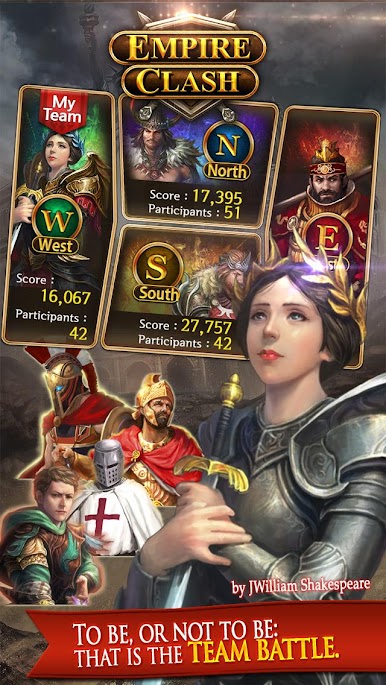
Wonders are the big flex. Stuff like the Pyramid or the Great Wall takes time to raise, but they hit like strong empire buffs and even help the guild, so they feel like a shared project, not just a trophy in the city center. Combat is more about planning than button mashing. Trophies track how well the fights go and feed into matchmaking and rewards, so pushing higher means tougher opponents but better loot. There are co-op boss battles that ask the guild to pile on together, then team fights for bragging rights. Guilds matter in general. Recruiting, contributing, watching that group meter go up, it ties the whole loop together.
On PC with BlueStacks, dragging around the city, placing buildings, and chatting is smoother with a mouse and keyboard. The pacing is that steady builder rhythm, queue upgrades, check progress, poke a few battles, admire the skyline when a new age unlocks, then set up the next step.
Start your journey now. Download the game on BlueStacks, invite your friends, and march on a new adventure.
Mainkan Empire Clash di PC Mudah saja memulainya.
-
Unduh dan pasang BlueStacks di PC kamu
-
Selesaikan proses masuk Google untuk mengakses Playstore atau lakukan nanti
-
Cari Empire Clash di bilah pencarian di pojok kanan atas
-
Klik untuk menginstal Empire Clash dari hasil pencarian
-
Selesaikan proses masuk Google (jika kamu melewati langkah 2) untuk menginstal Empire Clash
-
Klik ikon Empire Clash di layar home untuk membuka gamenya

