

Guitar 3D - Hợp âm cơ bản
Chơi trên PC với BlueStacks - Nền tảng chơi game Android, được hơn 500 triệu game thủ tin tưởng.

Trang đã được sửa đổi vào: Oct 8, 2025
Run Guitar 3D - Basic Chords on PC or Mac
Why limit yourself to your small screen on the phone? Run Guitar 3D – Basic Chords, an app by Polygonium Music, best experienced on your PC or Mac with BlueStacks, the world’s #1 Android emulator.
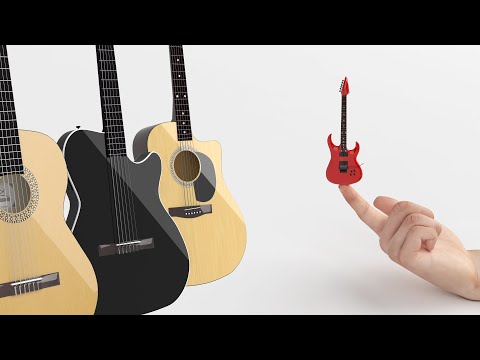
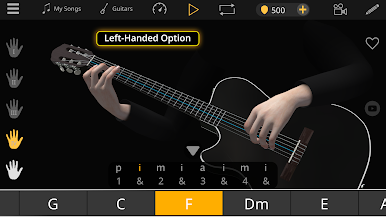
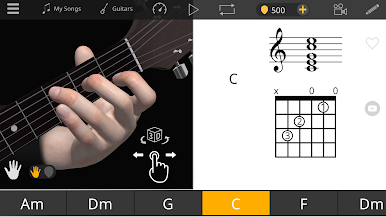
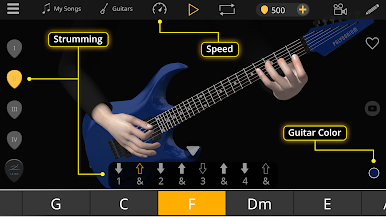
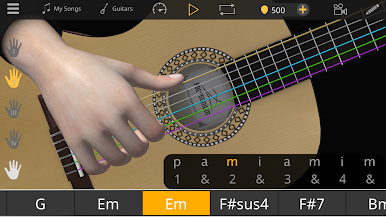
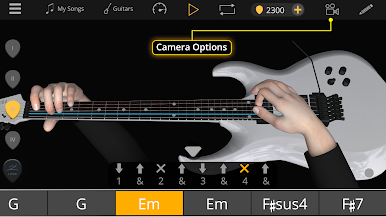
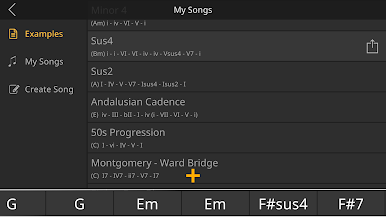
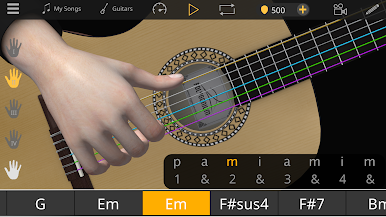
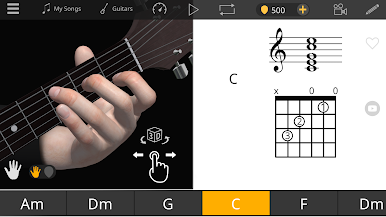
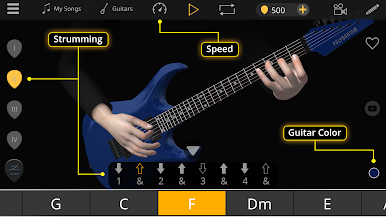
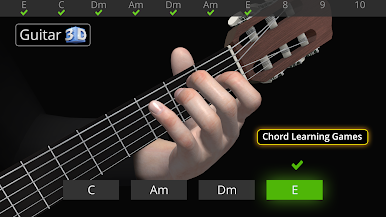
Guitar 3D – Basic Chords is not a game, it really behaves like a patient teacher showing exactly where each finger goes. The whole thing is built around a 3D hand on a fretboard, so someone can spin the camera, zoom in, and actually watch the finger transitions between chords. That part stands out because photos and videos never show the angle needed when a tricky change pops up. Strum patterns are animated, arpeggios get p i m a cues, and there is a left handed view if that is needed. Chord names can switch between A B C or Do Re Mi style, which is handy if a book or class uses a different naming system. It covers the common beginner shapes like Am, C, D, E, G, plus sevenths and barre shapes, then goes into sets by type, major, minor, seventh, maj7, min7, sus2, sus4, even 7sus4.
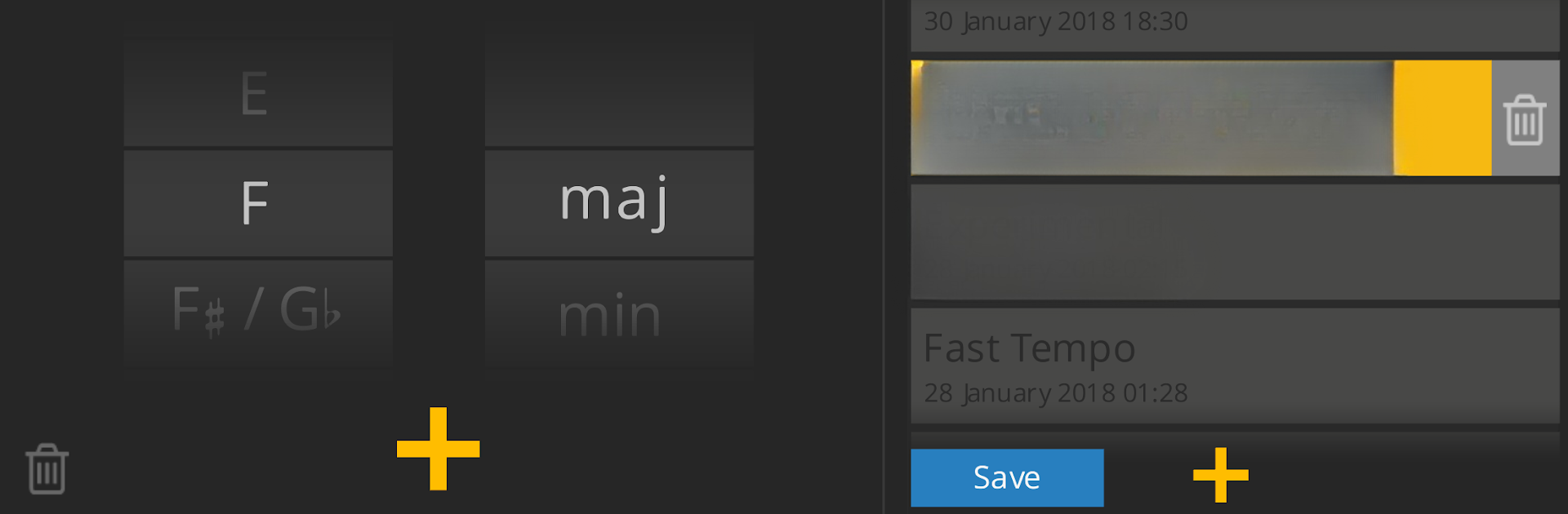
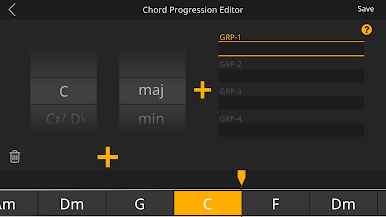
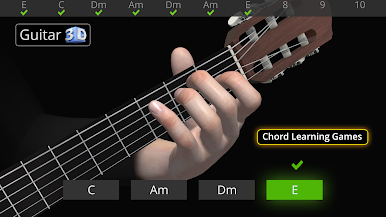
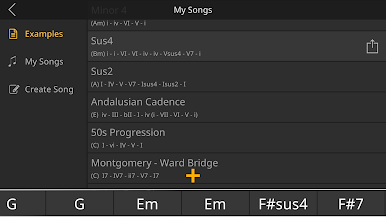
Lessons and small quizes keep it structured, and there is a simple way to build chord progressions, save them, and loop them on a timeline while the app plays clean guitar samples. Speed control helps slow down the hard jumps without losing the groove, and auto play makes it easy to just focus on the fretting hand. On PC through BlueStacks, the bigger screen makes those tiny fingertip placements way easier to see, and rotating the 3D view with a mouse feels natural. It is straight up guitar education, clean visuals, real audio, no fluff, and it lets someone practice without hunting for a teacher nearby.
BlueStacks gives you the much-needed freedom to experience your favorite apps on a bigger screen. Get it now.
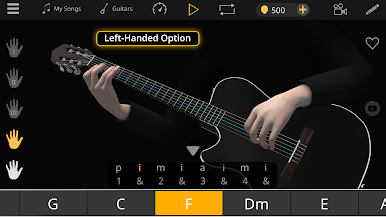
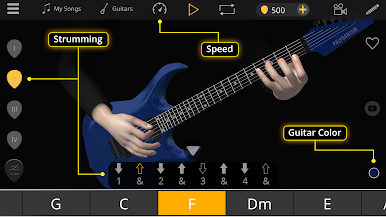
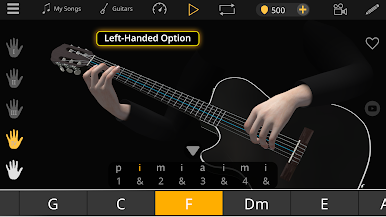
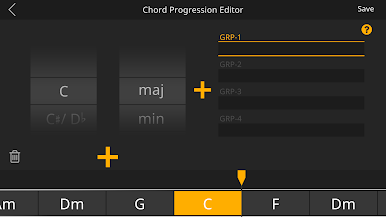
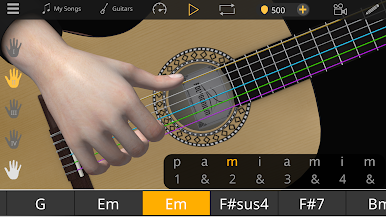
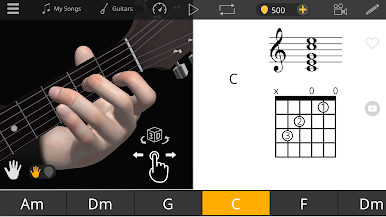
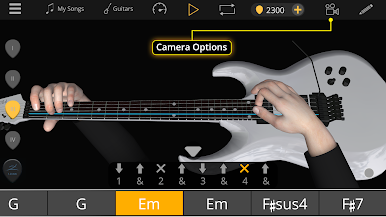
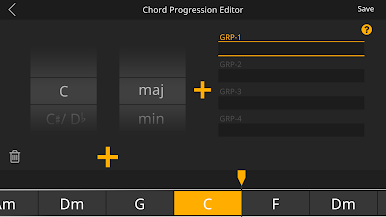
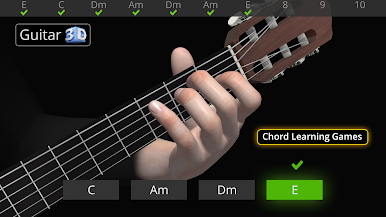
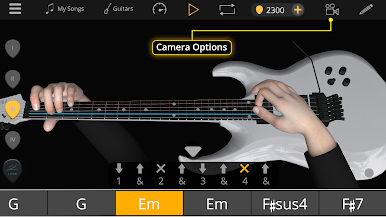
Chơi Guitar 3D - Hợp âm cơ bản trên PC. Rất dễ để bắt đầu
-
Tải và cài đặt BlueStacks trên máy của bạn
-
Hoàn tất đăng nhập vào Google để đến PlayStore, hoặc thực hiện sau
-
Tìm Guitar 3D - Hợp âm cơ bản trên thanh tìm kiếm ở góc phải màn hình
-
Nhấn vào để cài đặt Guitar 3D - Hợp âm cơ bản trong danh sách kết quả tìm kiếm
-
Hoàn tất đăng nhập Google (nếu bạn chưa làm bước 2) để cài đặt Guitar 3D - Hợp âm cơ bản
-
Nhấn vào icon Guitar 3D - Hợp âm cơ bản tại màn hình chính để bắt đầu chơi

