

IELTS Vocabulary
在電腦上使用BlueStacks –受到5億以上的遊戲玩家所信任的Android遊戲平台。

Run IELTS Vocabulary on PC or Mac
Why limit yourself to your small screen on the phone? Run IELTS Vocabulary, an app by Praveen Yuva, best experienced on your PC or Mac with BlueStacks, the world’s #1 Android emulator.
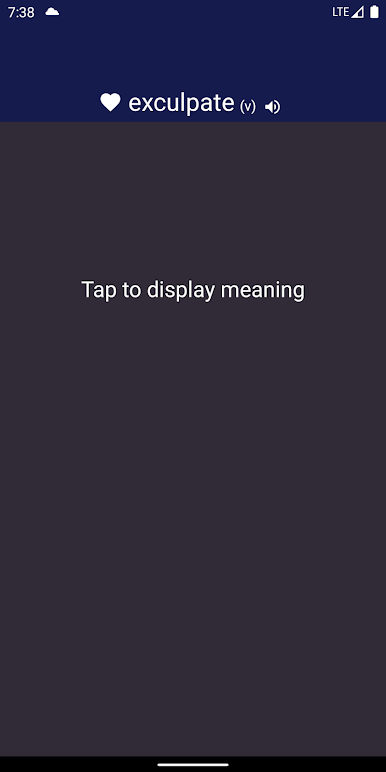
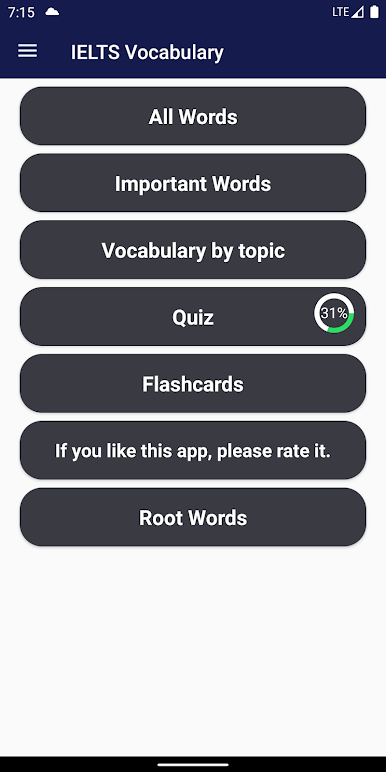
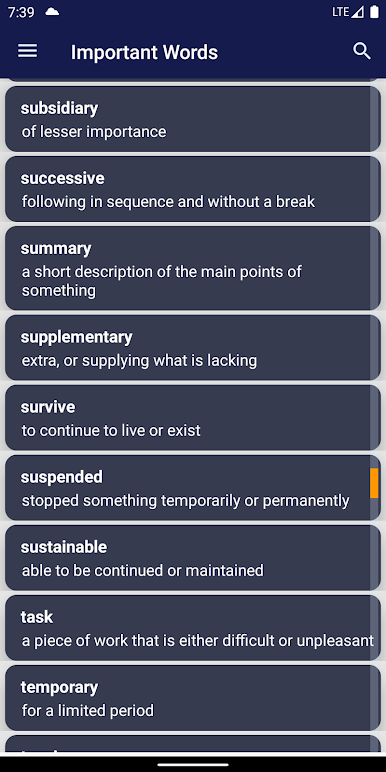
IELTS Vocabulary feels like a straight to the point trainer that takes the stress out of learning exam words. The app is all about flashcards and short quizzes, so someone can jump in for a quick round and get out without digging through menus. On PC with BlueStacks it runs smooth and feels a bit more like a lightweight game, with a bigger view of the flashcards and easy clicks for answers. No internet is needed, which is nice when studying in a quiet spot or if the connection is not great.
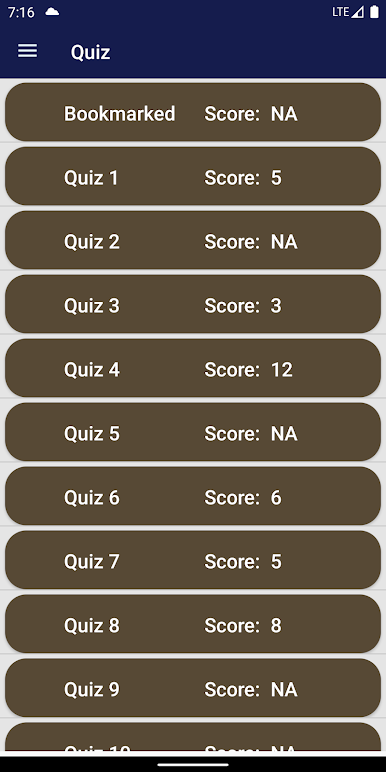
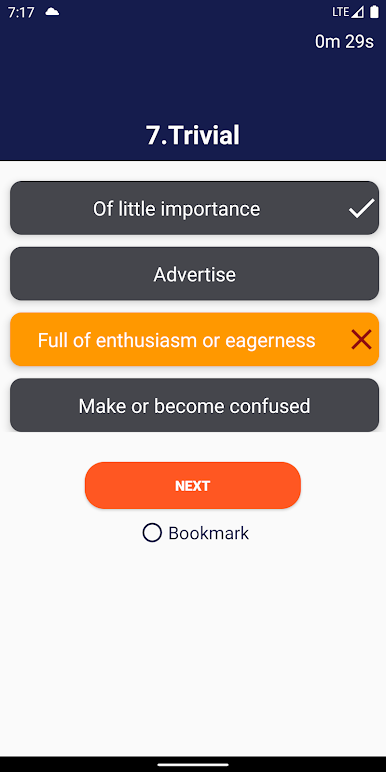
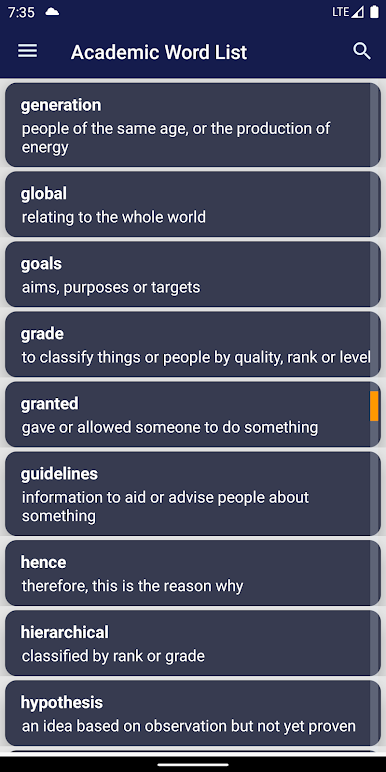
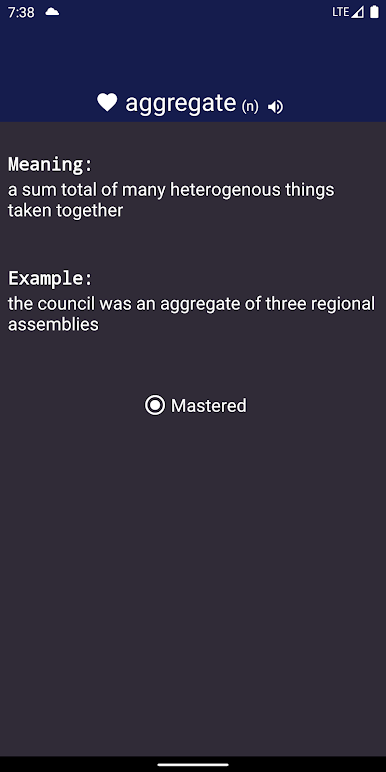
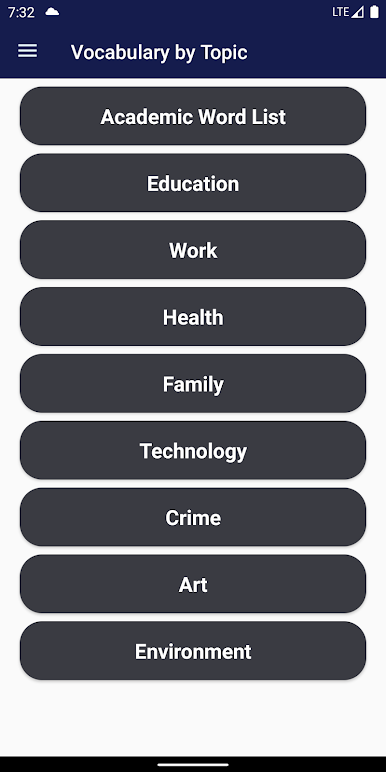
What stands out is how focused it stays on words that actually matter for the IELTS exam. There is the Academic Word List and also sets by topics like Education or Work, so it does not feel random. Tests come in multiple levels, which makes it simple to start easy and slowly raise the bar. The quizzes repeat important words enough times to help them stick, and the flashcards make meanings quick to review. It is built to help across all four IELTS skills, since stronger vocabulary shows up in writing, speaking, listening, and reading. Sessions can be short or more serious, and there is no extra fluff getting in the way, just learn a few words daily and keep moving.
Switch to BlueStacks and make the most of your apps on your PC or Mac.
在電腦上遊玩IELTS Vocabulary . 輕易上手.
-
在您的電腦上下載並安裝BlueStacks
-
完成Google登入後即可訪問Play商店,或等你需要訪問Play商店十再登入
-
在右上角的搜索欄中尋找 IELTS Vocabulary
-
點擊以從搜索結果中安裝 IELTS Vocabulary
-
完成Google登入(如果您跳過了步驟2),以安裝 IELTS Vocabulary
-
在首頁畫面中點擊 IELTS Vocabulary 圖標來啟動遊戲

