


Learn British English. Speak B
在電腦上使用BlueStacks –受到5億以上的遊戲玩家所信任的Android遊戲平台。

Run Learn British English. Speak British English. on PC or Mac
What’s better than using Learn British English. Speak British English. by Bluebird Languages? Well, try it on a big screen, on your PC or Mac, with BlueStacks to see the difference.
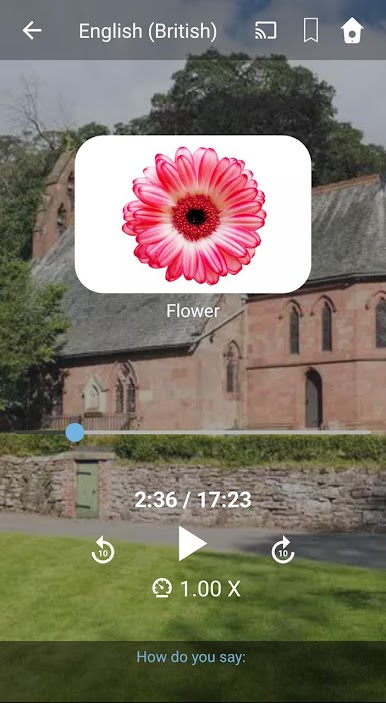
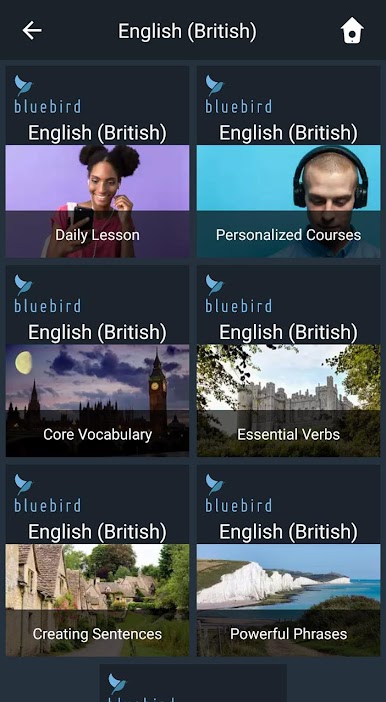
This app is for anyone who wants to actually start speaking and understanding British English without making it a huge chore. It’s all based on video lessons you can follow along with, and you don’t have to be stuck with just English — the lessons are narrated in well over a hundred languages, which is pretty helpful if English isn’t your first language. There are thousands of lessons, so there’s a lot to pick from, and you can even set up your own course around the stuff you actually care about. People using it for work will notice there are special lessons for plenty of jobs, which isn’t something you see in every language app.
What really makes it stand out is how laid-back the whole learning flow feels. You’re just listening and repeating — there’s no constant typing or swiping, which means you can jump into lessons while making dinner or going for a walk. If you mess with smart speakers, you can send lessons straight to your TV or Google Home and learn hands-free. The spaced repetition thing is built in, so you’re not just memorizing for the sake of it — you actually start to remember stuff longer-term. There are quizzes mixed throughout to check whether stuff is going in, and the app keeps track of your progress in a way that’s easy to check whenever you want. The lessons themselves each run between 15 and 45 minutes, with lots of real-life situations — so it doesn’t feel too school-like or stiff. The BlueStacks bit just makes everything feel bigger and easier to control on a laptop or PC. And even though it’s clearly designed for serious learning, the whole setup is friendly enough for families and beginners.
BlueStacks gives you the much-needed freedom to experience your favorite apps on a bigger screen. Get it now.
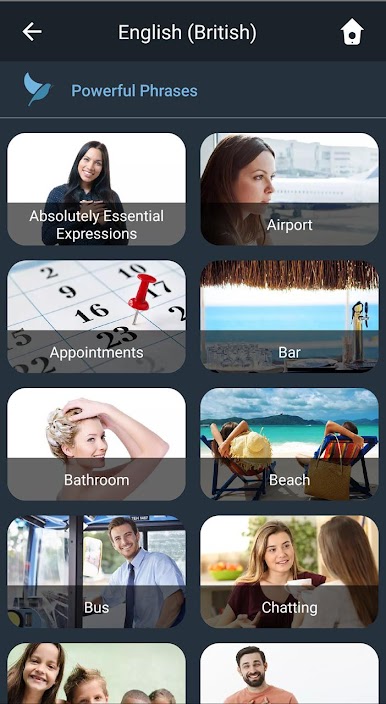
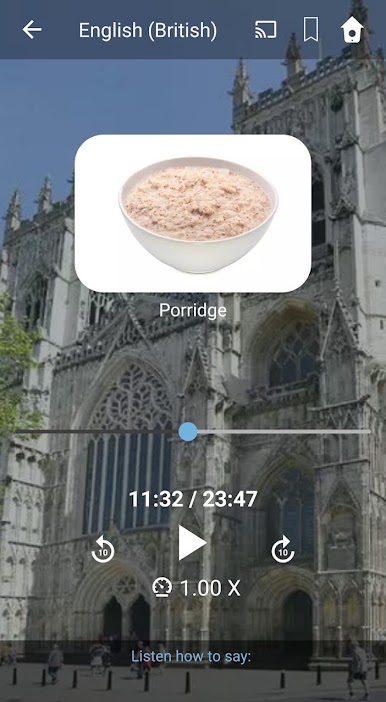
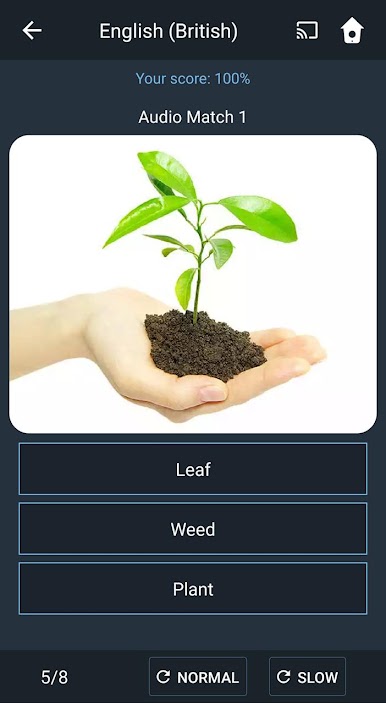
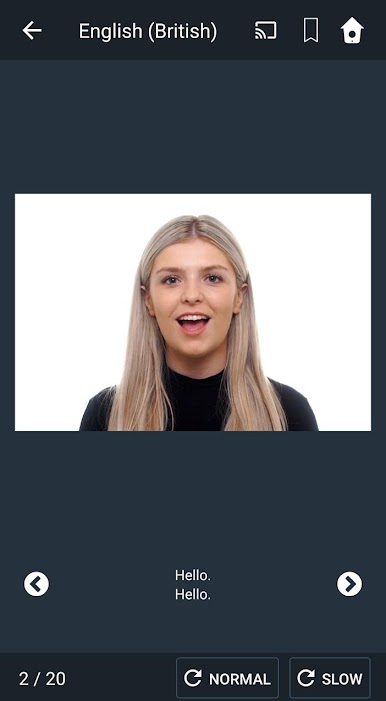
在電腦上遊玩Learn British English. Speak B . 輕易上手.
-
在您的電腦上下載並安裝BlueStacks
-
完成Google登入後即可訪問Play商店,或等你需要訪問Play商店十再登入
-
在右上角的搜索欄中尋找 Learn British English. Speak B
-
點擊以從搜索結果中安裝 Learn British English. Speak B
-
完成Google登入(如果您跳過了步驟2),以安裝 Learn British English. Speak B
-
在首頁畫面中點擊 Learn British English. Speak B 圖標來啟動遊戲

