


QR Code Reader: Scanner App
Jogue no PC com BlueStacks - A Plataforma de Jogos Android, confiada por mais de 500 milhões de jogadores.

Página modificada em: Jul 16, 2025
Play QR Code Reader: Scanner App on PC
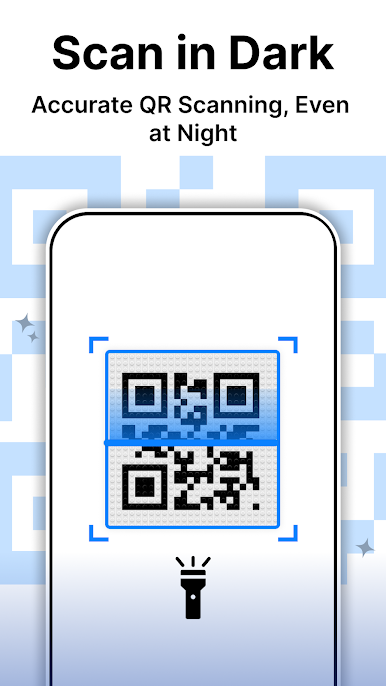
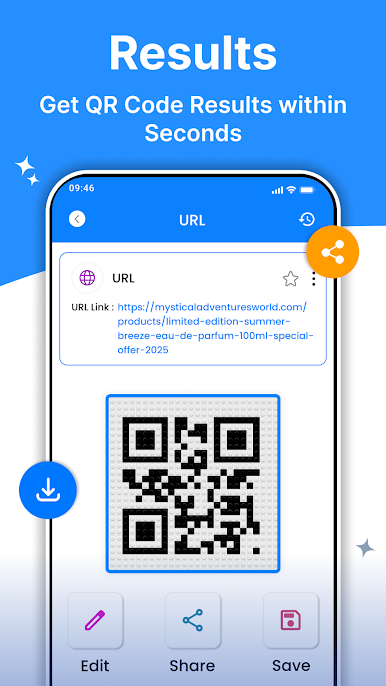
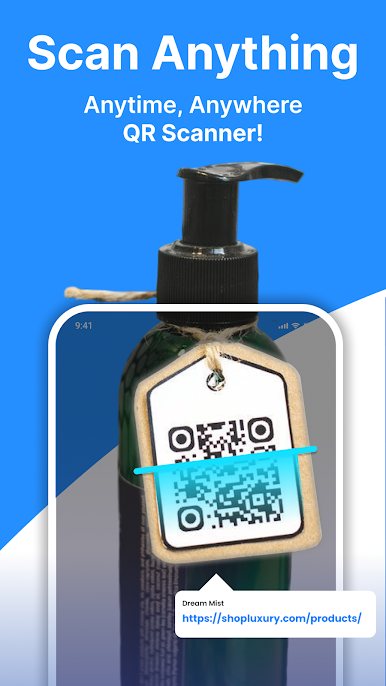
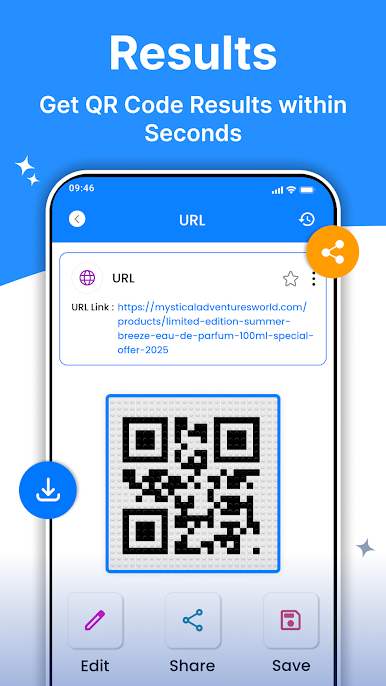
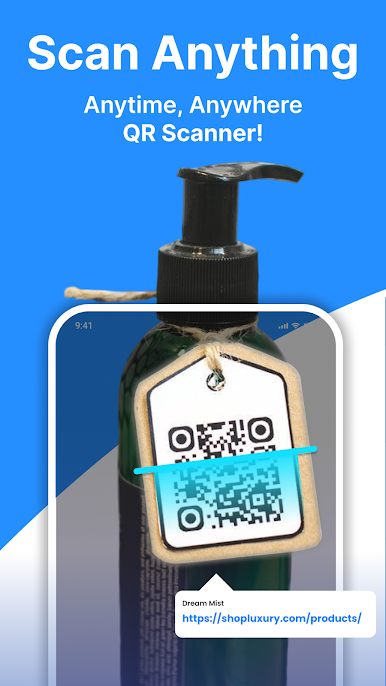
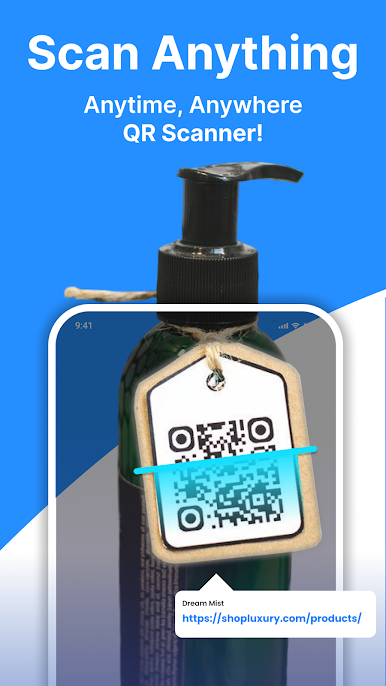
QR code reader scanner apps use image recognition technology to scan QR codes and convert them into readable digital information. When a user points their device's camera at a QR code, the QR code reader scanner app will recognize the code and decode it, allowing the user to access the information stored in the code.
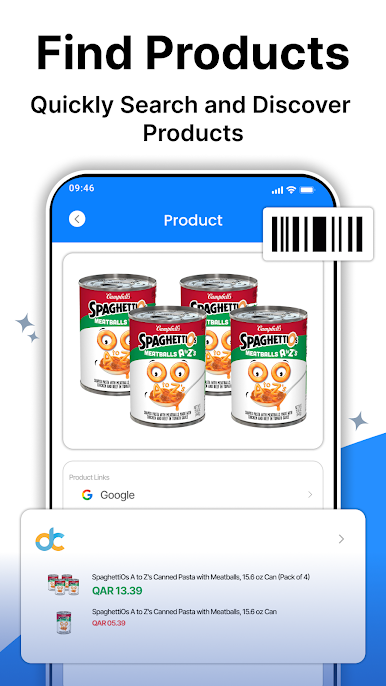
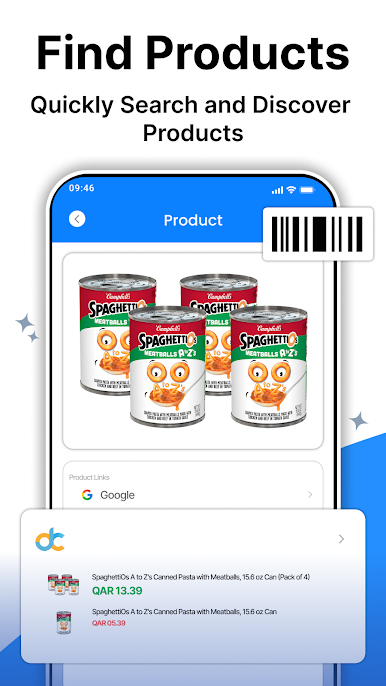
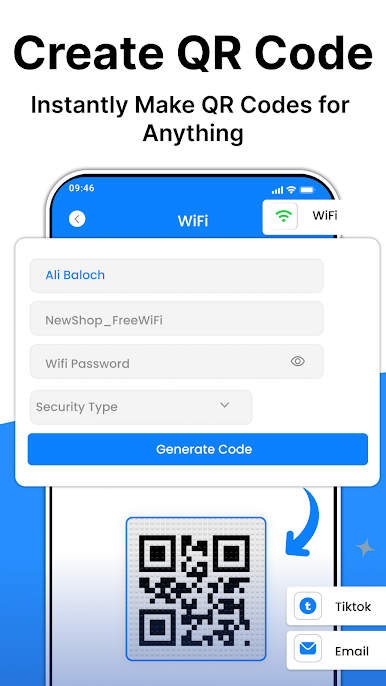
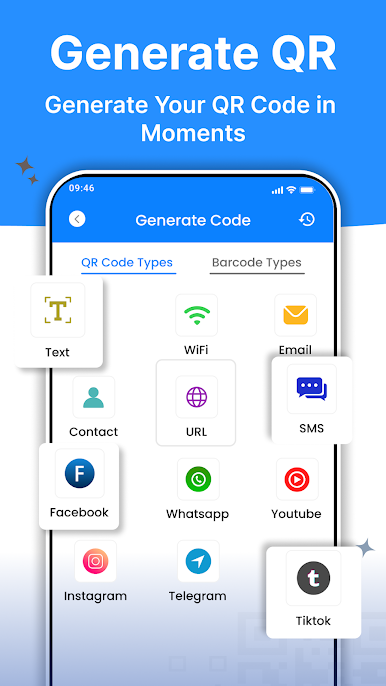
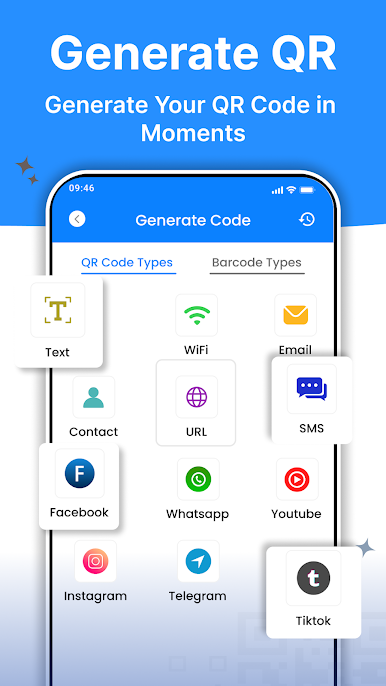
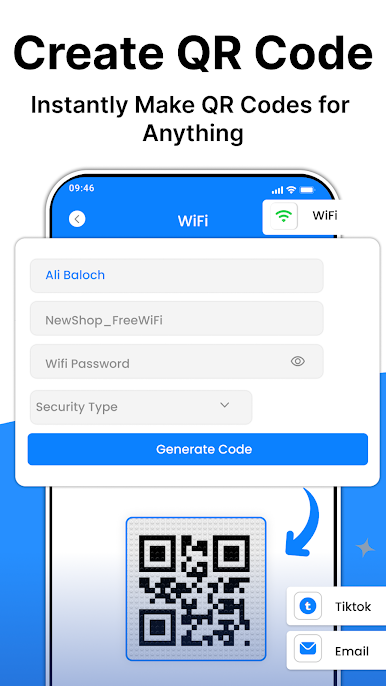
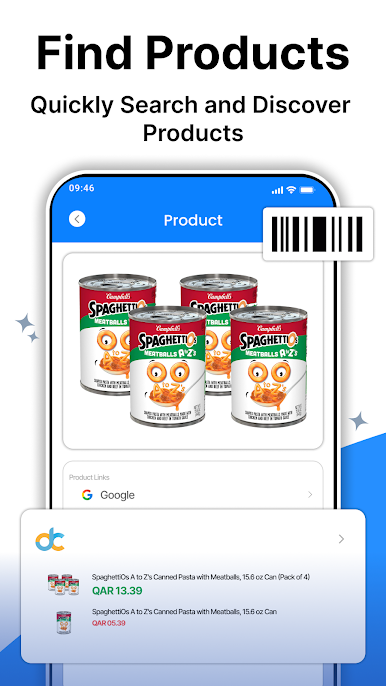
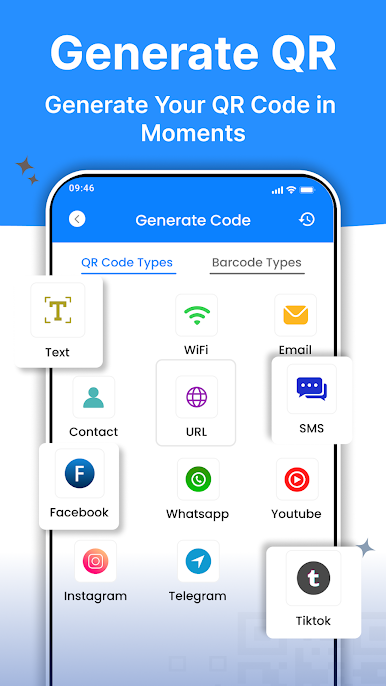
These apps are widely used for a variety of purposes, including marketing and advertising, as well as personal use. For example, QR codes are commonly used in marketing campaigns to provide users with easy access to product information, promotional offers, and other types of content. Additionally, QR codes can be used to share contact information or access websites and social media profiles.
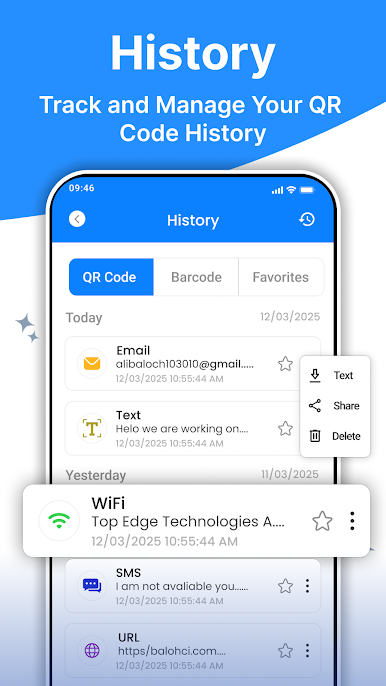
QR code reader scanner apps are available for download on both iOS and Android devices and can be found in the respective app stores. Many of these apps are free to download and use, while others may require a one-time or subscription-based fee. Overall, QR code reader scanner apps are a convenient and efficient way to scan and access QR code information on the go.
QR codes are two-dimensional barcodes that contain a pattern of black and white squares, which can store information such as website URLs, contact information, product details, or other types of data.
QR code readers are commonly used for marketing and advertising purposes, as well as for personal use such as sharing contact information or accessing product details. Many smartphones now come with built-in QR code readers, and there are also numerous free and paid QR code reader apps available for download on app stores.
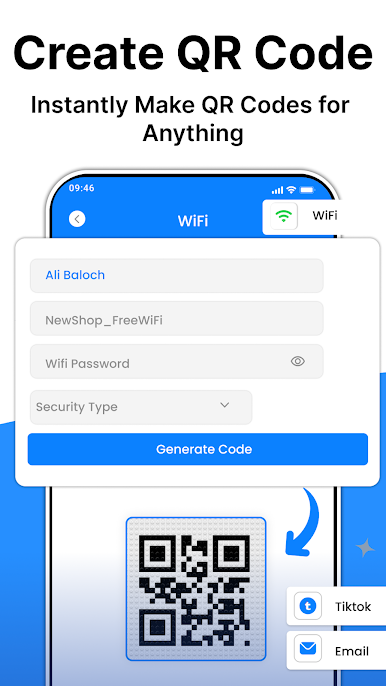
Jogue QR Code Reader: Scanner App no PC. É fácil começar.
-
Baixe e instale o BlueStacks no seu PC
-
Conclua o login do Google para acessar a Play Store ou faça isso mais tarde
-
Procure por QR Code Reader: Scanner App na barra de pesquisa no canto superior direito
-
Clique para instalar QR Code Reader: Scanner App a partir dos resultados da pesquisa
-
Conclua o login do Google (caso você pulou a etapa 2) para instalar o QR Code Reader: Scanner App
-
Clique no ícone do QR Code Reader: Scanner App na tela inicial para começar a jogar

