


AR Measure: 3D Camera Scale
Spiele auf dem PC mit BlueStacks - der Android-Gaming-Plattform, der über 500 Millionen Spieler vertrauen.

Seite geändert am: Dec 8, 2025
Run AR Measure : 3D Tape Ruler on PC or Mac
Why limit yourself to your small screen on the phone? Run AR Measure : 3D Tape Ruler, an app by Cards, best experienced on your PC or Mac with BlueStacks, the world’s #1 Android emulator.
About the App
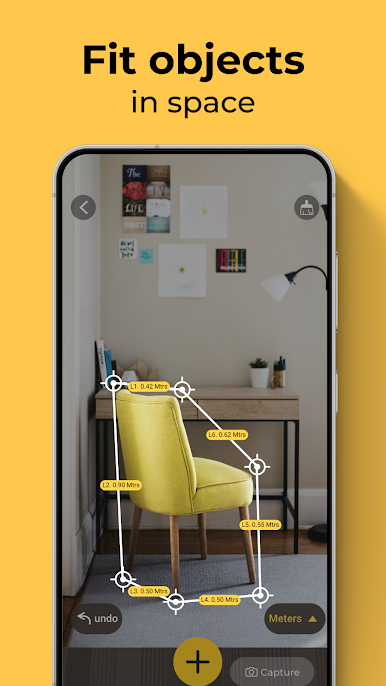
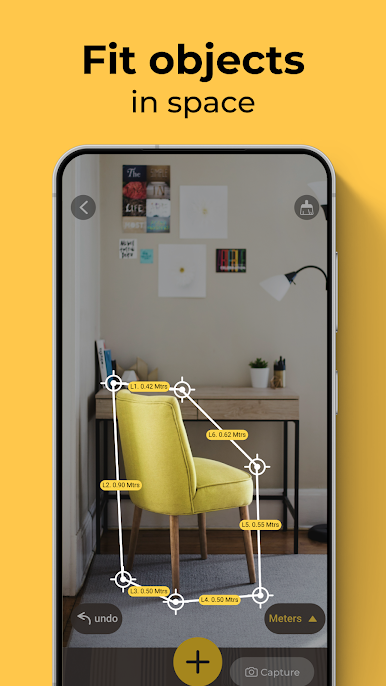
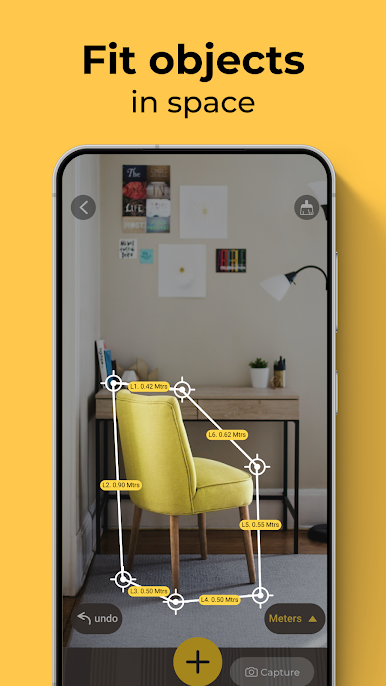
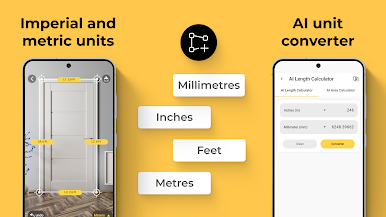
Ever wished you could measure a wall, a desk, or even your living room without digging around for that trusty old tape measure? AR Measure : 3D Tape Ruler makes that everyday hassle a thing of the past. With this app, your Android device turns into a smart digital ruler, using your camera and a bit of AR magic to help you size things up in seconds—handy whether you’re sprucing up your space or just double-checking if that new sofa actually fits. From home DIY projects to quick work tasks, it’s all right there in your pocket.
App Features
-
Augmented Reality Measurements:
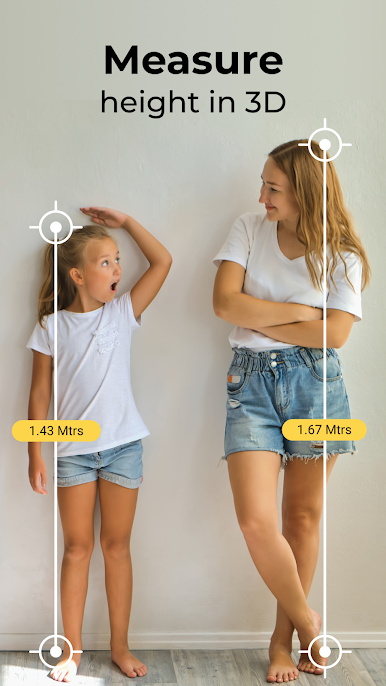
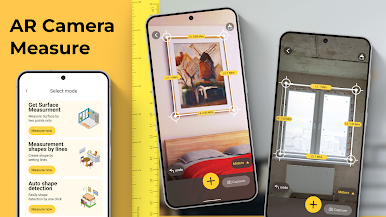
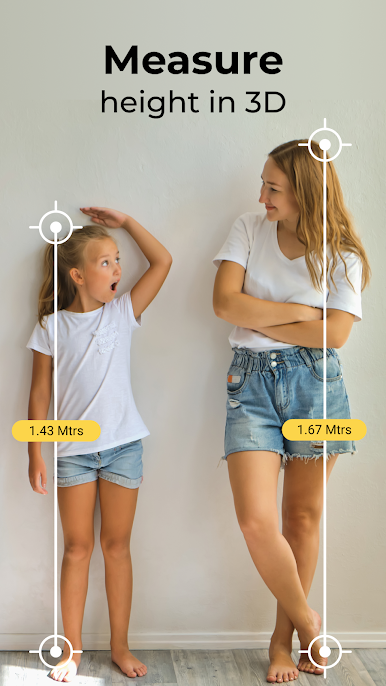
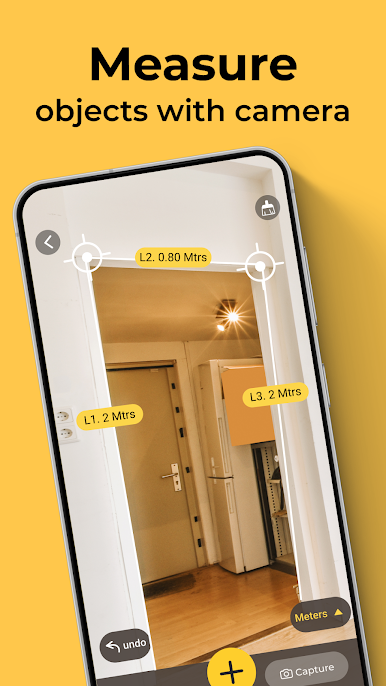
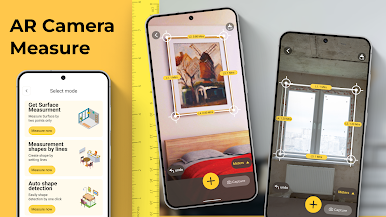
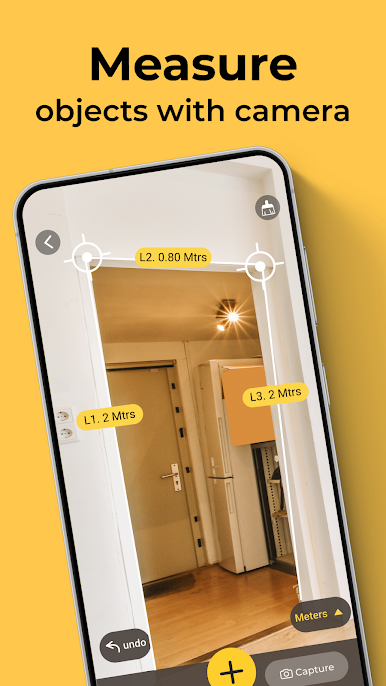
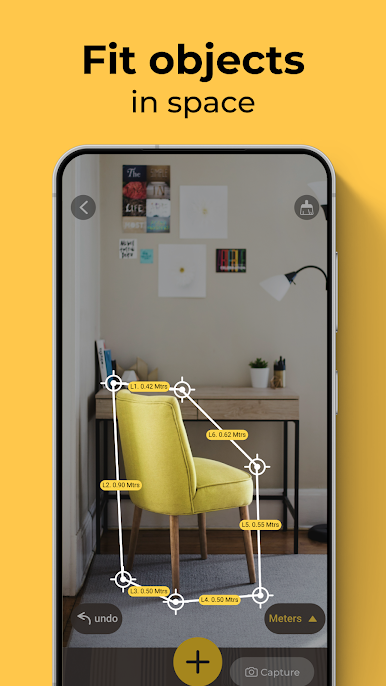
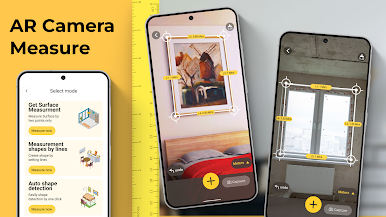
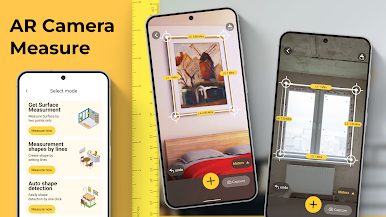
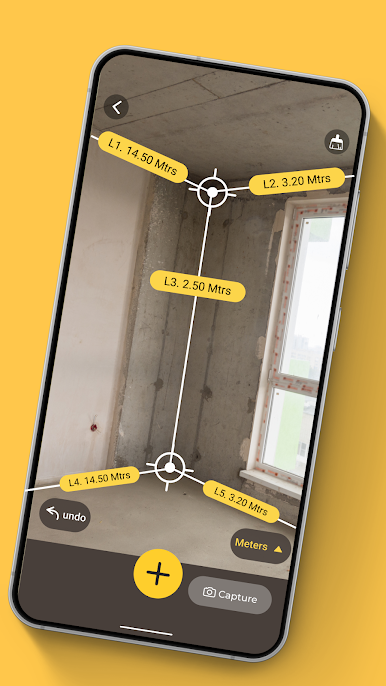
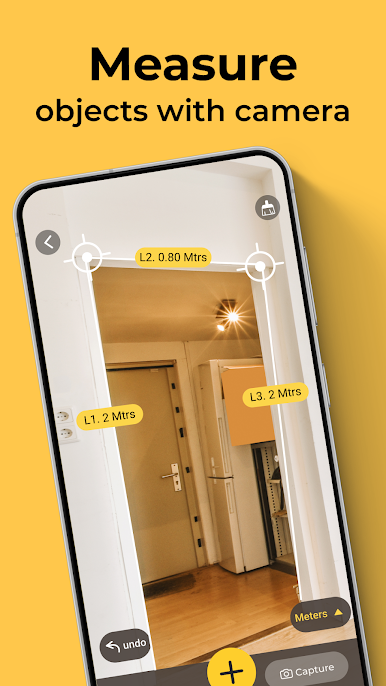
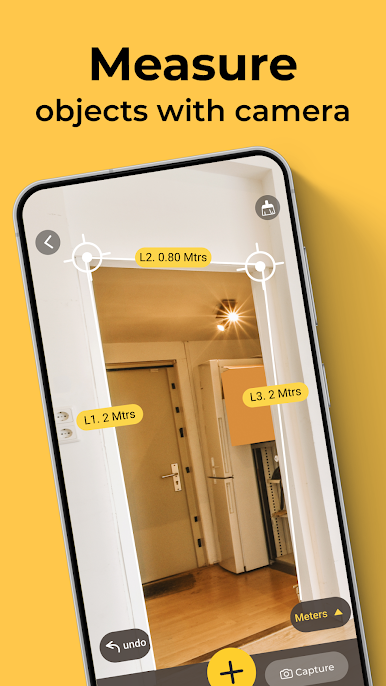
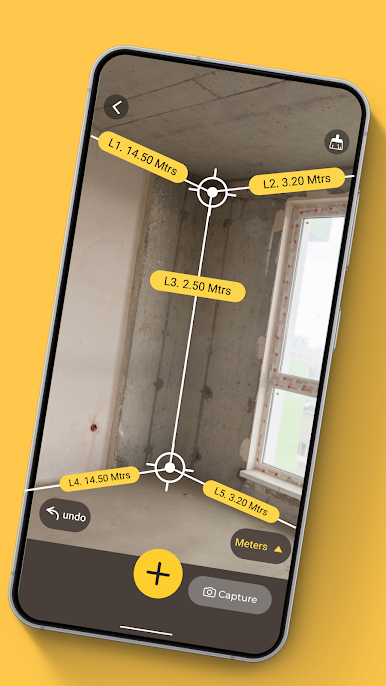
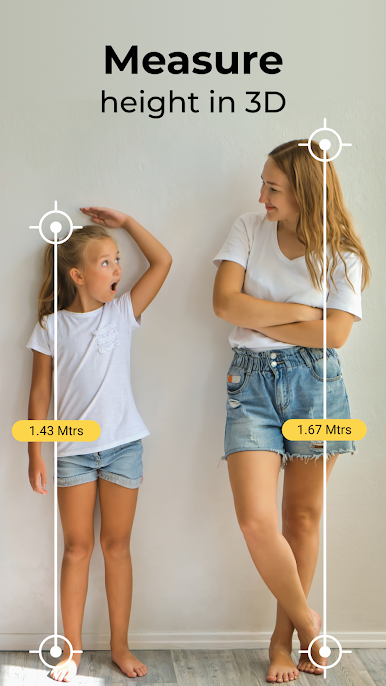
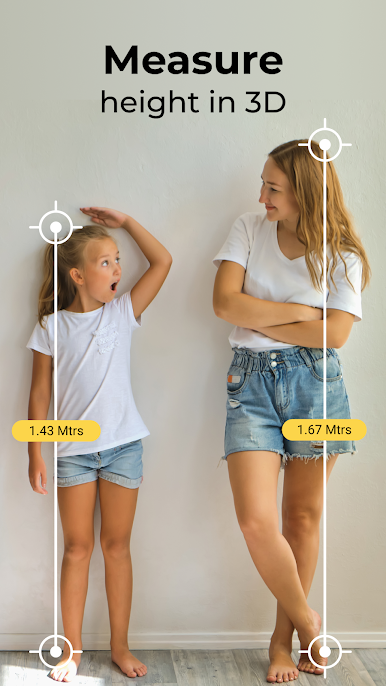
Take advantage of your camera with AR features. Just point, tap the start and end points, and get distances instantly—no tape, no guesswork, just surprisingly accurate results. -
Virtual Tape Measure:
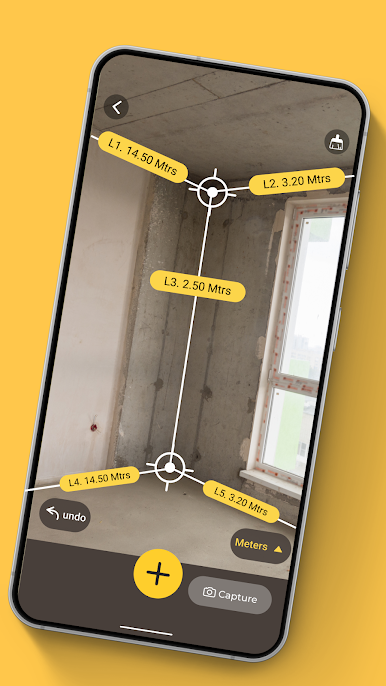
Use your device like a modern tape. Line up objects, use your screen as a guide, and watch measurements appear as you move your phone. It’s great for room dimensions, furniture placement, or that quirky corner nobody can ever reach. -
Distance & Area Calculations:
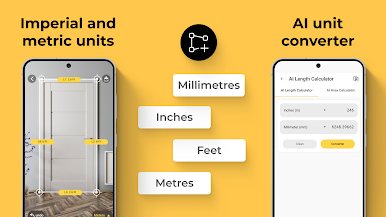
Need to know the length of a hallway or the area of a wall for painting? Tap along the edges in your camera view, and AR Measure : 3D Tape Ruler will handle the math for you. -
Quick Snapshot Measuring:
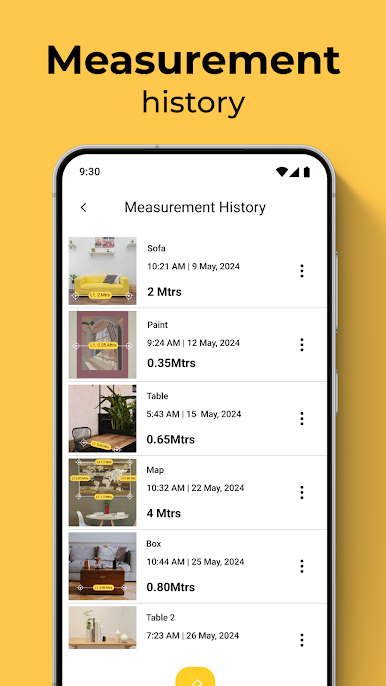
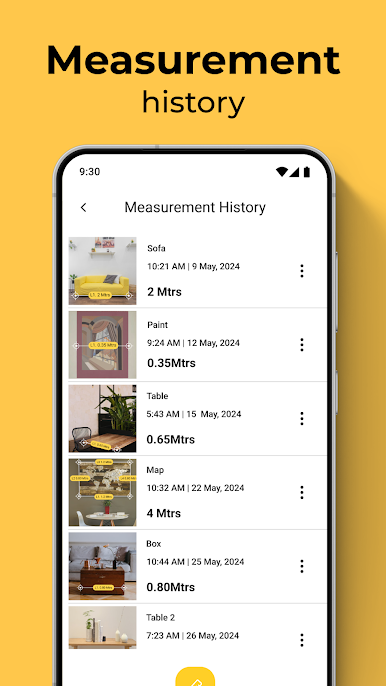
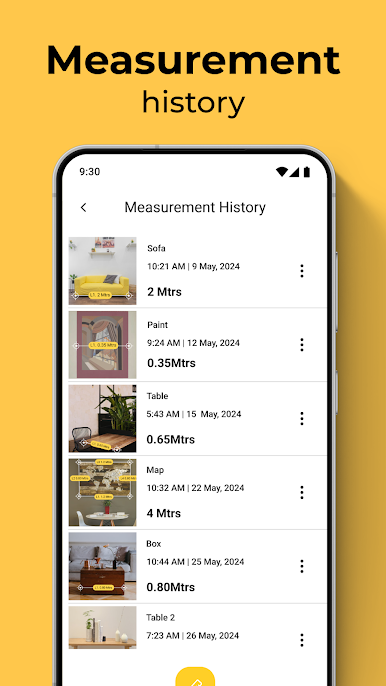
Want to keep a record? Snap a quick photo while measuring—handy for comparing spaces, sending dimensions to someone, or simply keeping track of your latest project. -
Handy for Every Occasion:
From measuring frames or shelves to getting the scale for larger spaces, it’s flexible. Perfect for DIY fans, renters, or anyone who moves stuff around way too often. -
Works Smoothly on Multiple Platforms:
And if you’d prefer a bigger screen, you can launch AR Measure : 3D Tape Ruler using BlueStacks for even easier measuring at your desk.
Powered by Cards in the Tools genre, this app makes practical measuring quick, accessible, and a bit more fun.
Big screen. Bigger performance. Use BlueStacks on your PC or Mac to run your favorite apps.
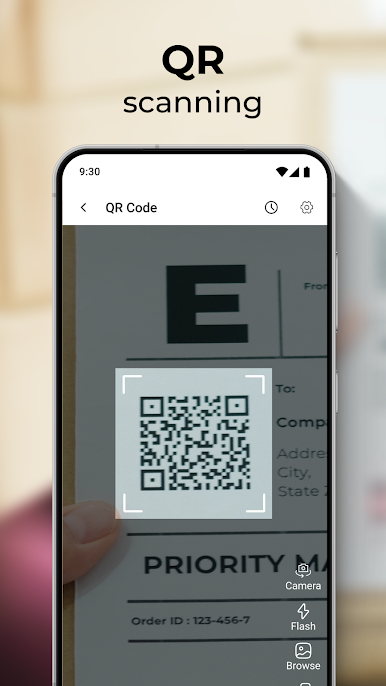
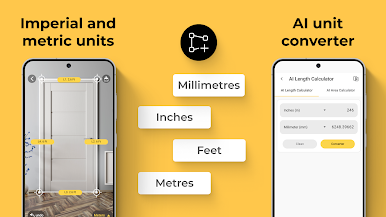
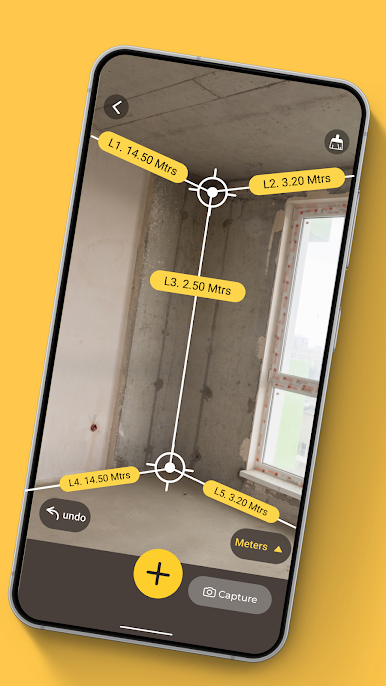
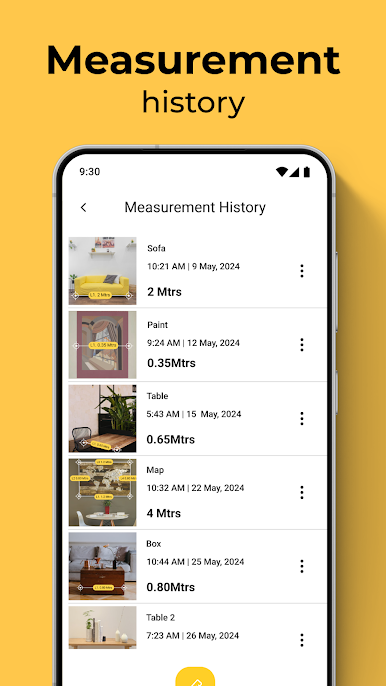
Spiele AR Measure: 3D Camera Scale auf dem PC. Der Einstieg ist einfach.
-
Lade BlueStacks herunter und installiere es auf deinem PC
-
Schließe die Google-Anmeldung ab, um auf den Play Store zuzugreifen, oder mache es später
-
Suche in der Suchleiste oben rechts nach AR Measure: 3D Camera Scale
-
Klicke hier, um AR Measure: 3D Camera Scale aus den Suchergebnissen zu installieren
-
Schließe die Google-Anmeldung ab (wenn du Schritt 2 übersprungen hast), um AR Measure: 3D Camera Scale zu installieren.
-
Klicke auf dem Startbildschirm auf das AR Measure: 3D Camera Scale Symbol, um mit dem Spielen zu beginnen

