


Seerat-un-Nabi ﷺ
Graj na PC z BlueStacks – Platforma gamingowa Android, która uzyskała zaufanie ponad 500 milionów graczy!

Strona zmodyfikowana w dniu: Aug 11, 2025
Run Seerat-un-Nabi - Biography of Prophet Muhammad ﷺ on PC or Mac
Let BlueStacks turn your PC, Mac, or laptop into the perfect home for Seerat-un-Nabi – Biography of Prophet Muhammad ﷺ, a fun Education app from UsmanPervez.
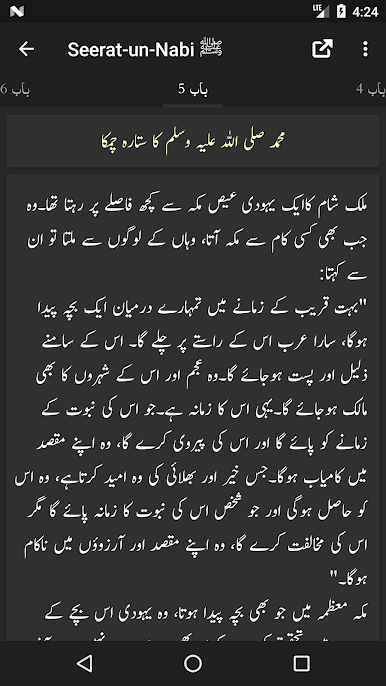
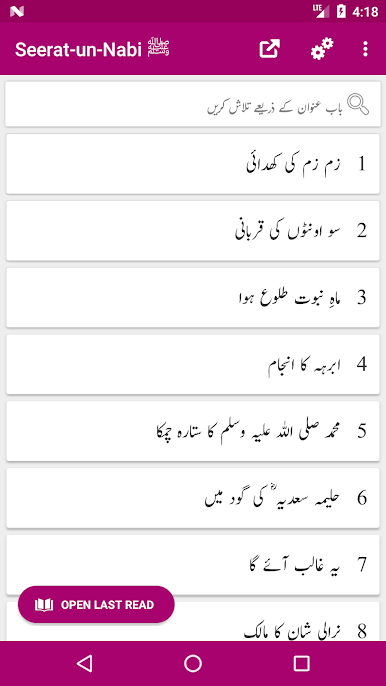
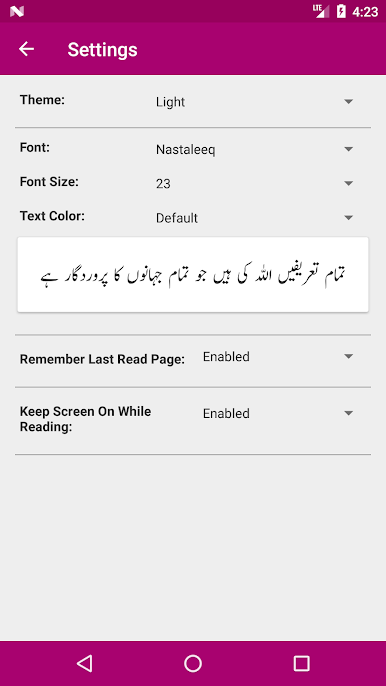
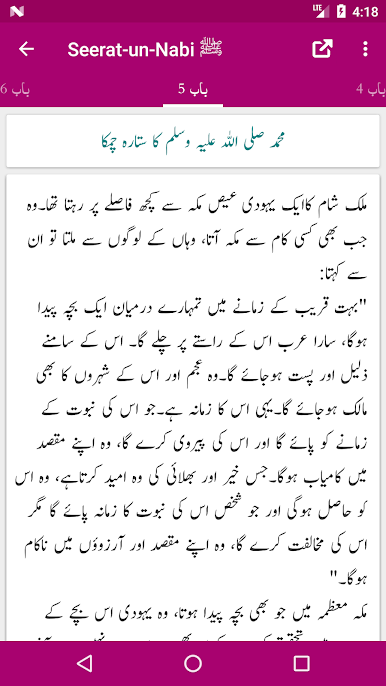
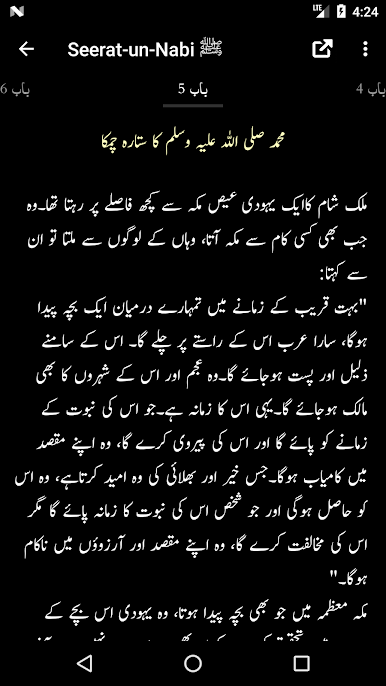
So Seerat-un-Nabi – Biography of Prophet Muhammad ﷺ is basically an eBook app, but set up in a way that makes it easy to read and jump around between chapters or pages, especially when using something like BlueStacks on a bigger screen. The whole biography is split into two full volumes, both put together by Abdullah Farani, and you get everything right there—no need to find parts separately. What stands out is how clean the layout looks. There are different color themes you can pick from, so reading doesn’t get tiring even if someone’s spending a while with it. If Urdu fonts are your thing, you can mess around with those and make the text really clear or set it up just how you want.
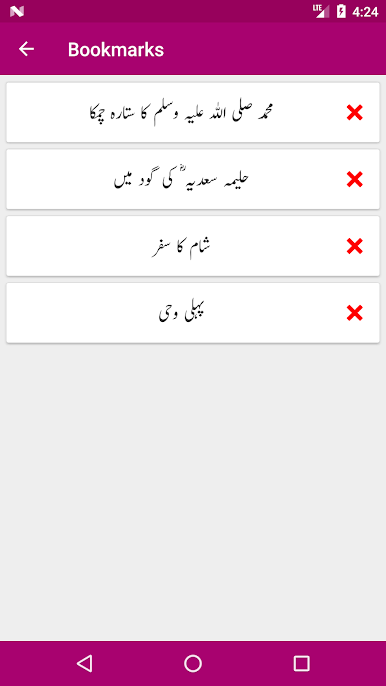
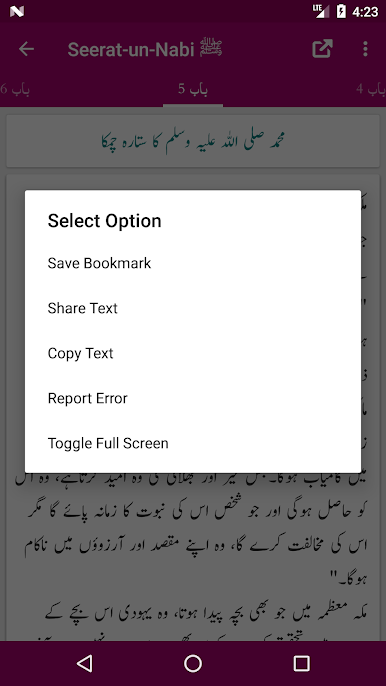
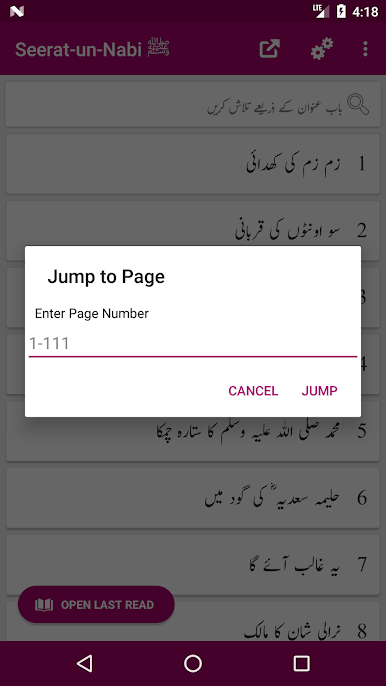
Navigating through the book feels smooth. There are features to drop bookmarks wherever you want, which actually helps since it’s not a short book. If someone stops mid-chapter or wants to get back to a favorite spot, there’s a “go to last read” thing that works well. Sharing a paragraph or two is also quick, if that’s ever needed. It’s definitely more than your standard PDF reader—letting users adjust so many little things makes reading on PC, thanks to BlueStacks, a lot more comfortable. The whole setup feels like it’s made for actually finishing a long book rather than just opening it once or twice, which makes the app feel thoughtful and useful for anyone interested in reading about the Prophet’s life in detail.
Ready to experience Seerat-un-Nabi – Biography of Prophet Muhammad ﷺ on a bigger screen, in all its glory? Download BlueStacks now.
Zagraj w Seerat-un-Nabi ﷺ na PC. To takie proste.
-
Pobierz i zainstaluj BlueStacks na PC
-
Zakończ pomyślnie ustawienie Google, aby otrzymać dostęp do sklepu Play, albo zrób to później.
-
Wyszukaj Seerat-un-Nabi ﷺ w pasku wyszukiwania w prawym górnym rogu.
-
Kliknij, aby zainstalować Seerat-un-Nabi ﷺ z wyników wyszukiwania
-
Ukończ pomyślnie rejestrację Google (jeśli krok 2 został pominięty) aby zainstalować Seerat-un-Nabi ﷺ
-
Klinij w ikonę Seerat-un-Nabi ﷺ na ekranie startowym, aby zacząć grę

