

Đài FM Pháp trực tiếp
Chơi trên PC với BlueStacks - Nền tảng chơi game Android, được hơn 500 triệu game thủ tin tưởng.

Trang đã được sửa đổi vào: Nov 10, 2025
Run Radios France on PC or Mac
Get freedom from your phone’s obvious limitations. Use Radios France, made by Radioworld FM, a Music & Audio app on your PC or Mac with BlueStacks, and level up your experience.
About the App
Looking for a simple way to tune into your favorite radio stations from France, no matter where you are? Radios France, from Radioworld FM, puts hundreds of French stations at your fingertips. Whether you’re craving news, top hits, relaxing jazz, or just want a bit of nostalgia, this Music & Audio app delivers a smooth listening experience. It’s lightweight, insanely easy to use, and makes discovering new stations as easy as scrolling.
App Features
-
Favorites at Your Fingertips
Keep all your must-listen stations handy. Just tap to save any station you love—you’ll find them right up top every time you open the app. -
Intuitive Search
Know exactly what you want? Type the station name into the search bar, and Radios France brings it up immediately. No endless scrolling or fiddling around. -
Stream Live French Radio
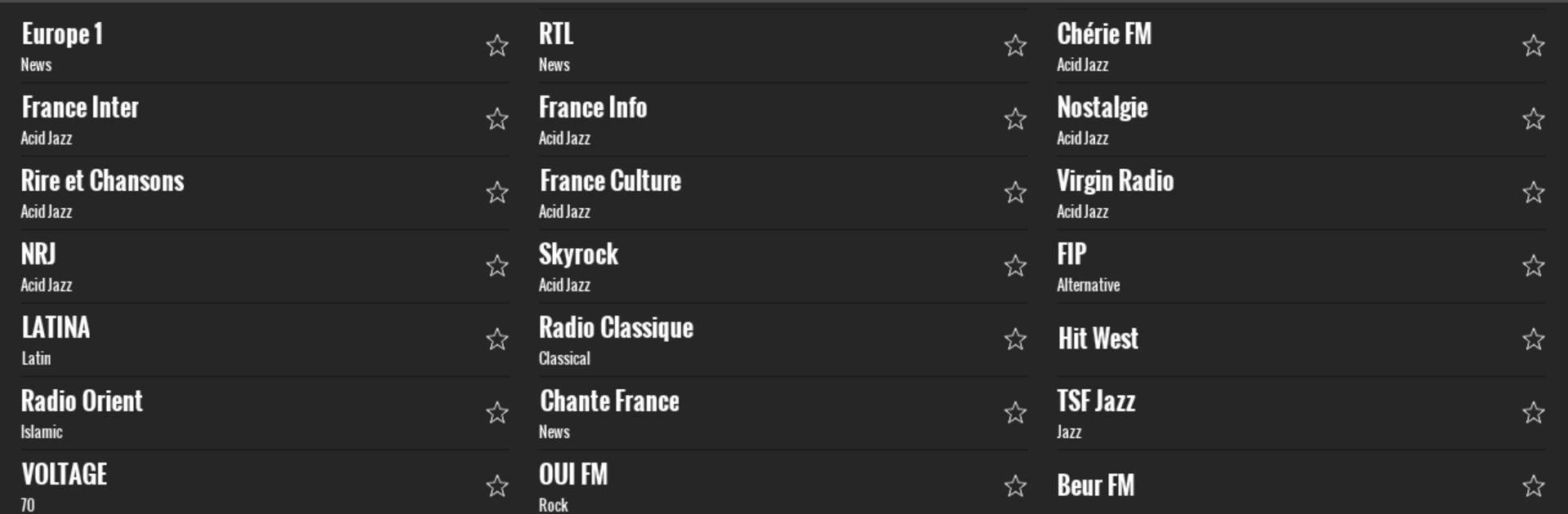
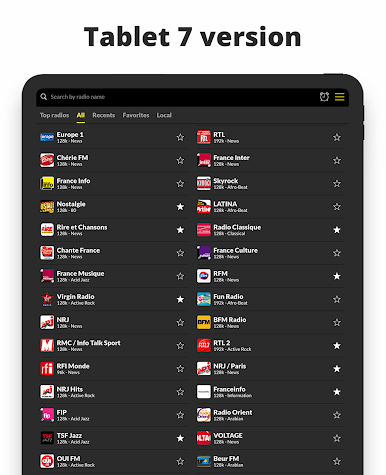
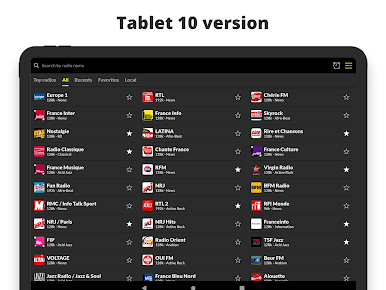
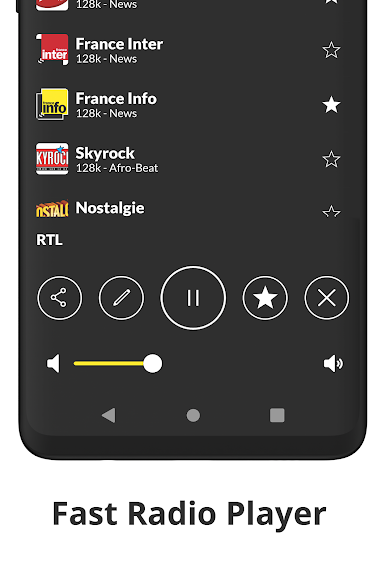
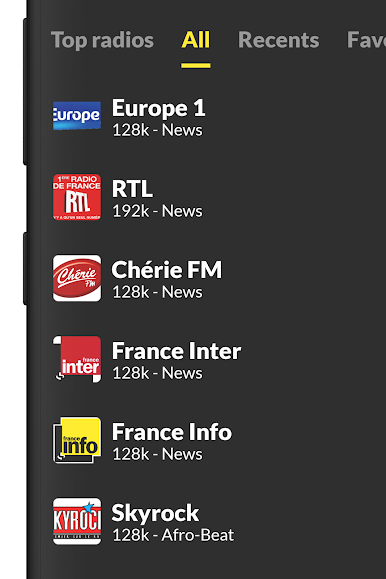
With stations like NRJ, RTL, Skyrock, Nostalgie, and more, you can listen live wherever you have internet. News, talk, comedy, pop, or classic hits—it’s all here. -
Simple, Speedy Experience
Radios France is lightweight and fast, so you’re never kept waiting for music to start. Just hit play and go. -
Works Great with BlueStacks
If you’d rather listen on your PC instead of your phone, Radios France plays nicely on BlueStacks. Perfect if you like to multitask at your desk. -
Huge Range of Stations
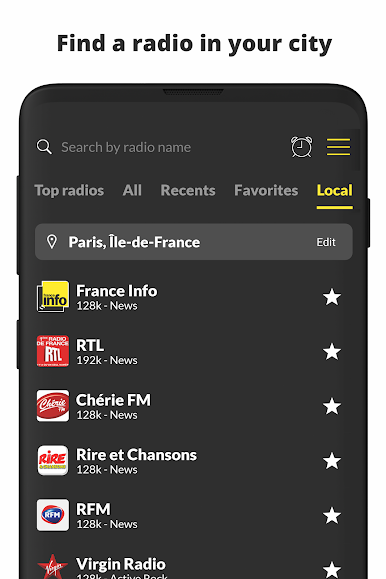
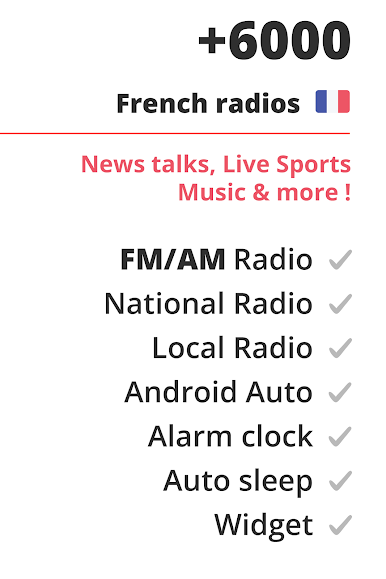
From big names to local gems, explore news, comedy, sports, jazz, dance, and regional flavors across France—all in one spot.
You’ll need internet access to stream, but once you’re in, there’s a whole world of French radio to explore.
BlueStacks gives you the much-needed freedom to experience your favorite apps on a bigger screen. Get it now.
Chơi Đài FM Pháp trực tiếp trên PC. Rất dễ để bắt đầu
-
Tải và cài đặt BlueStacks trên máy của bạn
-
Hoàn tất đăng nhập vào Google để đến PlayStore, hoặc thực hiện sau
-
Tìm Đài FM Pháp trực tiếp trên thanh tìm kiếm ở góc phải màn hình
-
Nhấn vào để cài đặt Đài FM Pháp trực tiếp trong danh sách kết quả tìm kiếm
-
Hoàn tất đăng nhập Google (nếu bạn chưa làm bước 2) để cài đặt Đài FM Pháp trực tiếp
-
Nhấn vào icon Đài FM Pháp trực tiếp tại màn hình chính để bắt đầu chơi

