

Radio Serbien: FM Online
Spiele auf dem PC mit BlueStacks - der Android-Gaming-Plattform, der über 500 Millionen Spieler vertrauen.

Seite geändert am: Nov 10, 2025
Run Radio Serbia: FM Online on PC or Mac
Multitask effortlessly on your PC or Mac as you try out Radio Serbia: FM Online, a Music & Audio app by Radioworld FM on BlueStacks.
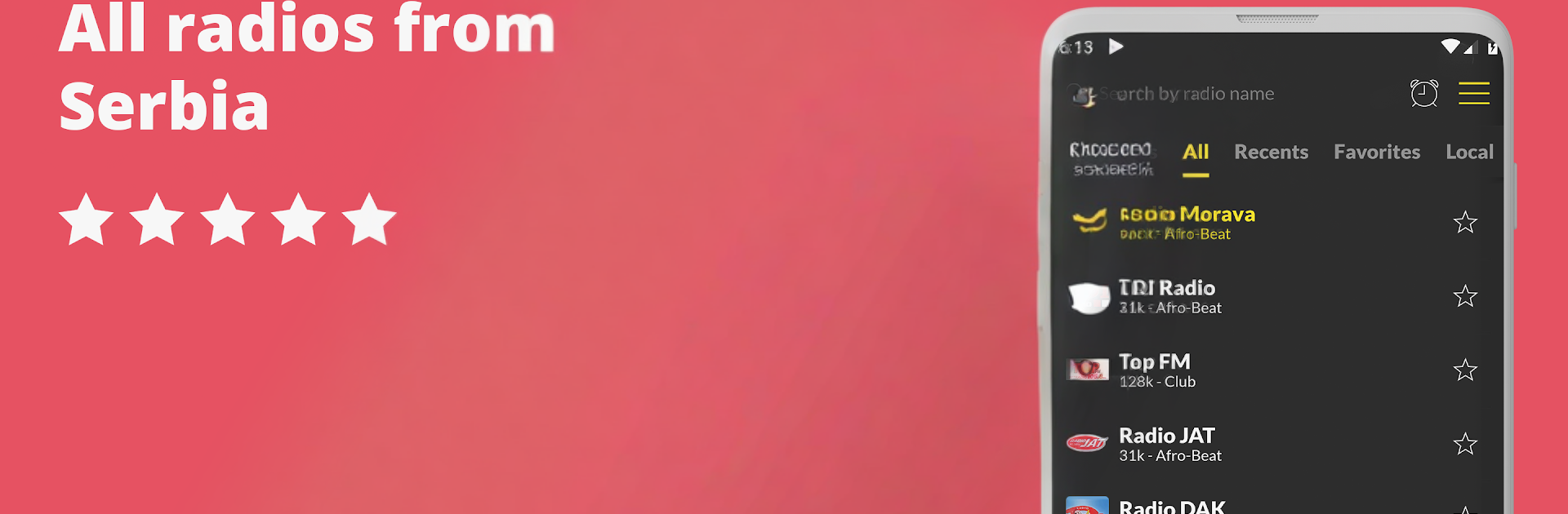
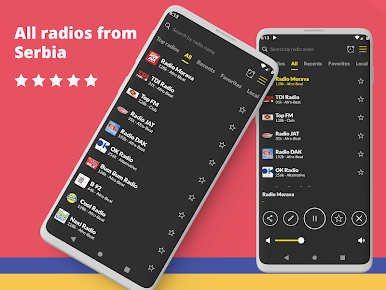
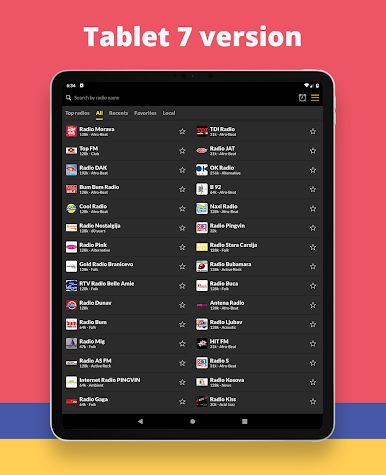
Radio Serbia feels like a big dial full of real stations, just without the fiddly static. It pulls in a ton of Serbian radio, more than seven hundred stations, so there is always something on, news in the morning, folk or turbo folk for a work break, talk shows and sports when the game is on. The layout is simple and quick to get around, search finds stations fast, and saving favorites keeps the go to channels in one spot. Suggestions help uncover new ones like TDI or Antena when the classics get old. On PC with BlueStacks it just sits in the background while doing other stuff, which is kind of perfect for a desk setup.
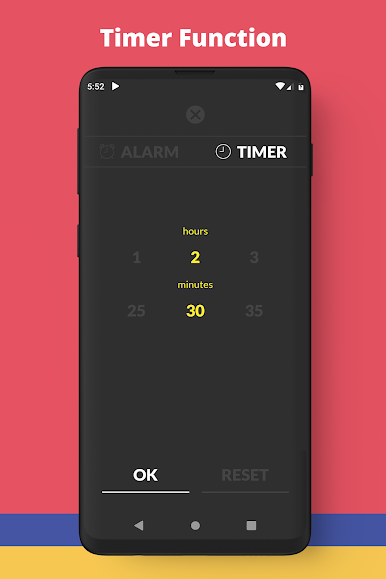
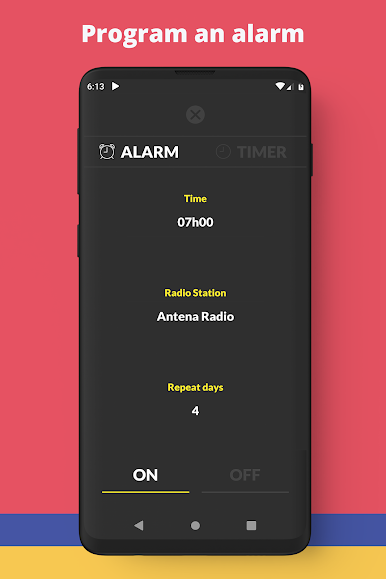
It keeps playing while using other apps, has a sleep timer that actually shuts things down on time, and an alarm that can wake with a chosen station. It works abroad, which is great for anyone missing home radio. Bluetooth, Chromecast, and Android Auto support are there if needed, plus a small widget for quick access. Calls and notifications do not knock it off track, it picks right back up. There are ads, they pay for the free access, and there is an option inside to remove them if that matters. It does need Wi‑Fi or mobile data, no offline, but the streams load fast and stay stable most of the time.
BlueStacks gives you the much-needed freedom to experience your favorite apps on a bigger screen. Get it now.
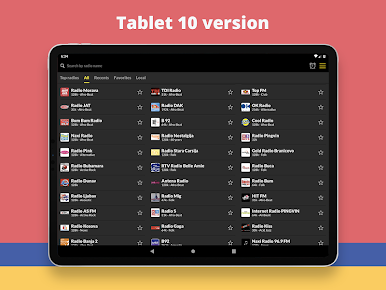
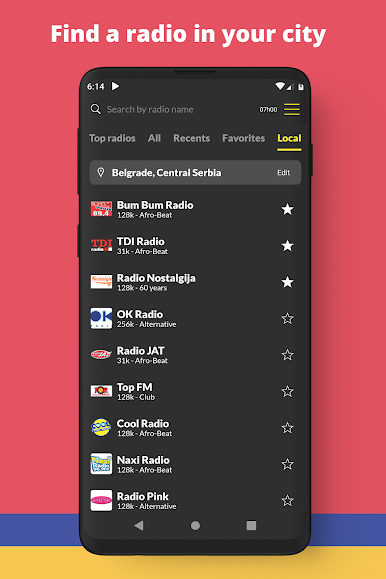
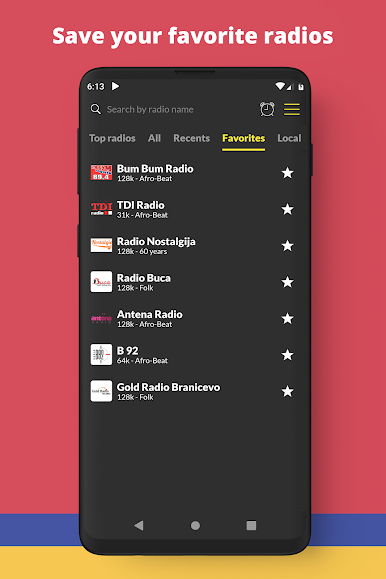
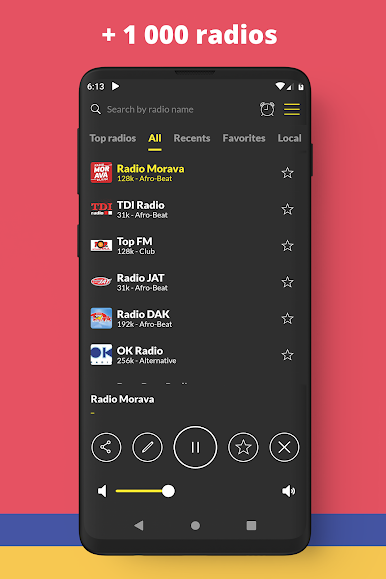
Spiele Radio Serbien: FM Online auf dem PC. Der Einstieg ist einfach.
-
Lade BlueStacks herunter und installiere es auf deinem PC
-
Schließe die Google-Anmeldung ab, um auf den Play Store zuzugreifen, oder mache es später
-
Suche in der Suchleiste oben rechts nach Radio Serbien: FM Online
-
Klicke hier, um Radio Serbien: FM Online aus den Suchergebnissen zu installieren
-
Schließe die Google-Anmeldung ab (wenn du Schritt 2 übersprungen hast), um Radio Serbien: FM Online zu installieren.
-
Klicke auf dem Startbildschirm auf das Radio Serbien: FM Online Symbol, um mit dem Spielen zu beginnen

