


Snowboard Party Pro
العب على الكمبيوتر الشخصي مع BlueStacks - نظام أندرويد للألعاب ، موثوق به من قبل أكثر من 500 مليون لاعب.

Play Snowboard Party Pro on PC or Mac
From the innovators and creators at Maple Media LLC., Snowboard Party Pro is another fun addition to the World of Sports games. Go beyond your mobile screen and play it bigger and better on your PC or Mac. An immersive experience awaits you.
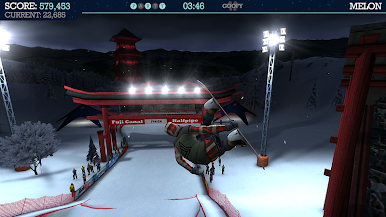
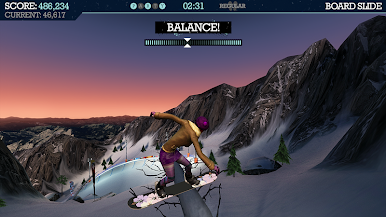
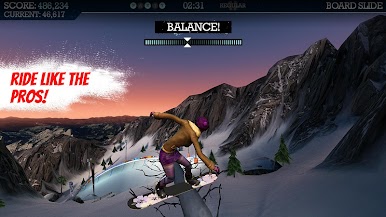
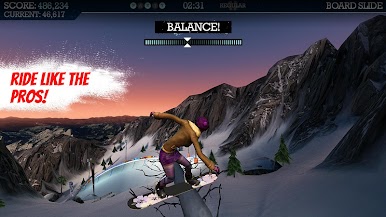
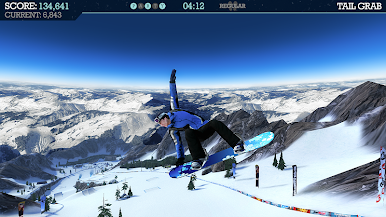
Snowboard Party Pro is a trick-heavy snowboarding game that feels fast from the first run. Players bomb down long slopes, hit big kickers, and try to link spins, flips, and grabs into clean combos before sticking the landing. There are 21 different mountains to ride across places like the Rockies, the Alps, and Japan, and each one has its own lines, hidden rails, boxes and random logs to play with. The visuals are sharp, so spotting a landing or a rail is not a guessing game. On PC with BlueStacks, the bigger screen and smooth framerate help a lot, and the game plays nicely with a controller or custom keyboard mapping.
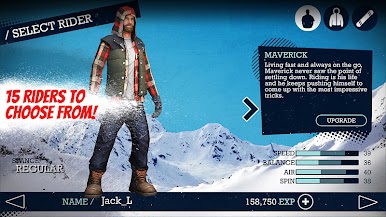
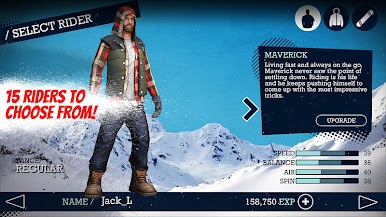
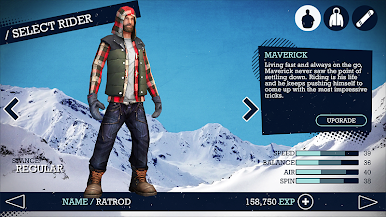
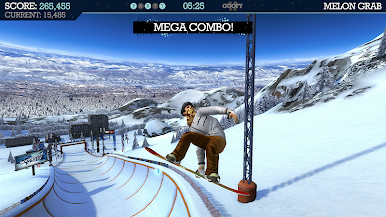
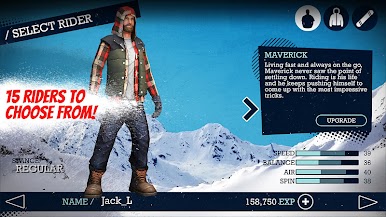
The modes keep it fresh. Freestyle parks are full of features for long, creative lines. Big Air focuses on sending one massive jump and squeezing in the craziest trick set possible. Halfpipe is more of a rhythm test, pumping the walls and chaining back to back moves without washing out. There are loads of objectives and a stack of achievements that nudge players to try new stuff, and earning experience lets them improve rider attributes and boards. A roster of 15 snowboarders and plenty of gear options means lots of ways to tweak a setup. Multiplayer and leaderboards add light pressure to clean up a run, or just beat a friend score. The tutorial actually helps, and with 50 plus tricks the ceiling is high, but landings punish sloppy rotation so practice matters. There are in-app purchases for extra experience, but regular play still moves things along fine. The soundtrack leans rock and punk, which fits the pace.
Start your journey now. Download the game on BlueStacks, invite your friends, and march on a new adventure.











العب Snowboard Party Pro على جهاز الكمبيوتر. من السهل البدء.
-
قم بتنزيل BlueStacks وتثبيته على جهاز الكمبيوتر الخاص بك
-
أكمل تسجيل الدخول إلى Google للوصول إلى متجر Play ، أو قم بذلك لاحقًا
-
ابحث عن Snowboard Party Pro في شريط البحث أعلى الزاوية اليمنى
-
انقر لتثبيت Snowboard Party Pro من نتائج البحث
-
أكمل تسجيل الدخول إلى Google (إذا تخطيت الخطوة 2) لتثبيت Snowboard Party Pro
-
انقر على أيقونة Snowboard Party Pro على الشاشة الرئيسية لبدء اللعب

