


Voice Recorder – Record Audio
在電腦上使用BlueStacks –受到5億以上的遊戲玩家所信任的Android遊戲平台。

Run Voice Recorder : Recording App on PC or Mac
Get freedom from your phone’s obvious limitations. Use Voice Recorder : Recording App, made by RaySaar Technologies, a Music & Audio app on your PC or Mac with BlueStacks, and level up your experience.
About the App
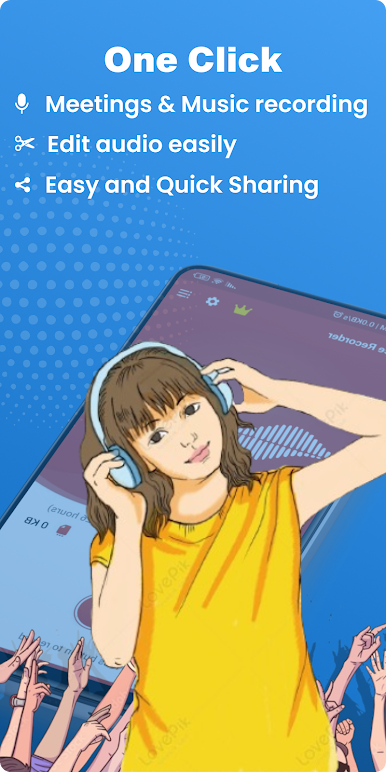
Ever wish you could quickly capture thoughts, record important conversations, or save class lectures without fumbling with complicated settings? Voice Recorder : Recording App from RaySaar Technologies takes the hassle out of recording, making it easy to save anything you’d like, whenever you need. Whether you’re jotting down audio notes or preserving the details of a meeting, this app keeps things simple while helping you stay on top of your busy life.
App Features
-
Unlimited Recording Time
No more worrying about running out of space or hitting time limits—record as many audio clips as you need, as long as you want. -
Easy File Management
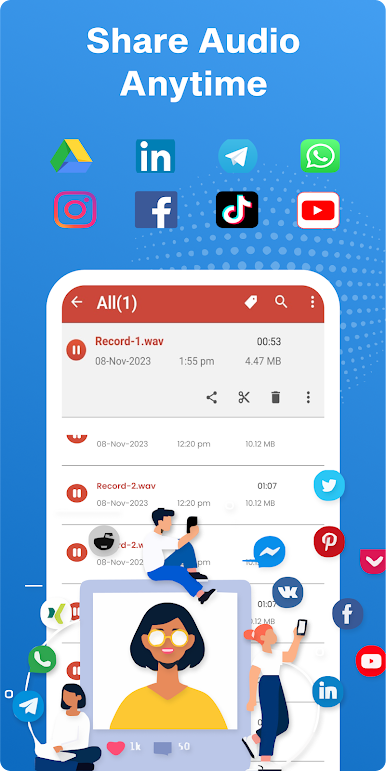
Rename, delete, and share recordings with just a couple of taps. Sorting by name, date, size, or length makes finding what you need totally painless. -
High-Quality Sound
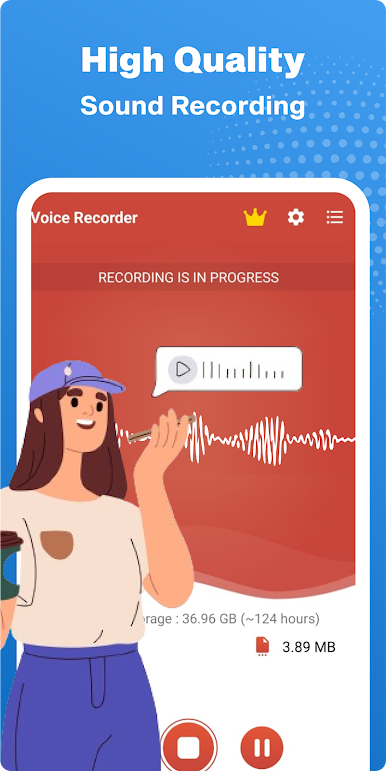
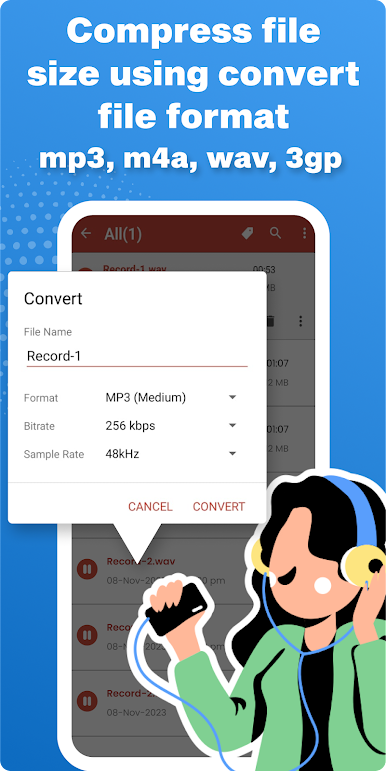
Record everything from quick memos to long lectures in crystal-clear mp3, m4a, or 3gp formats. -
Search and Organize
Can’t remember when you made that note? The fast search function helps you pull up recordings right away. -
Background Recording
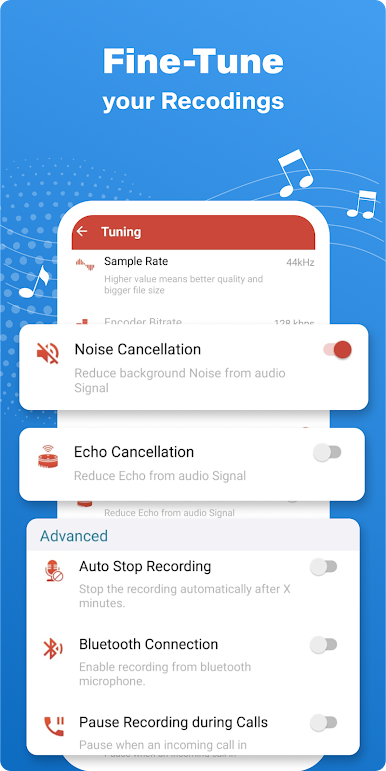
Multitask like a pro—the app keeps recording even if your screen is off or you’re using other apps. -
In-App Playback
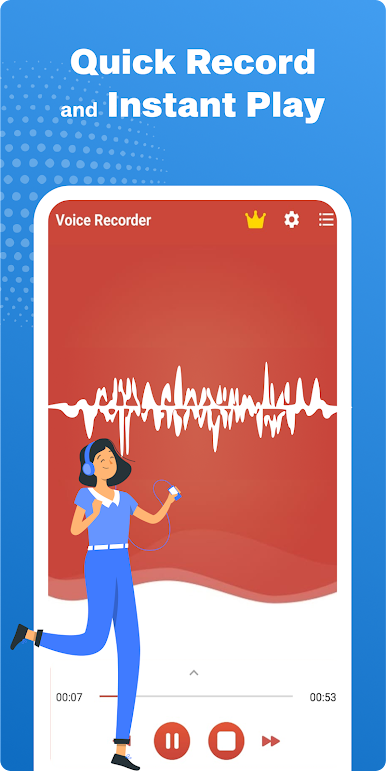
Play back your audio directly in the app. There’s even a live spectrum analyzer for some visual flair while you record. -
Trim and Edit
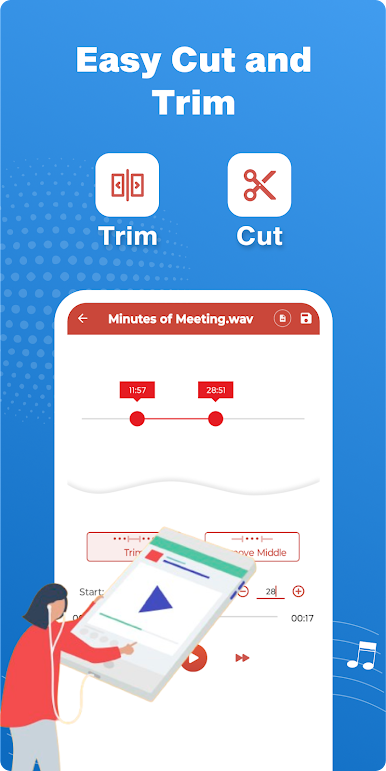
Grab just the important bits—cut out unwanted sections to tidy up your files before sharing or saving. -
Simple Sharing
Need to send a recording to a friend, colleague, or yourself? Use email or other options to share directly from the app. -
Flexible Use Cases
Capture everything, from interviews and speeches to song ideas, audio notes, or reminders—whatever pops up in your day. -
Store Recordings Locally
Everything saves straight to your phone’s storage for instant access, even on the go. -
Works Smoothly with BlueStacks
Prefer recording on your computer? This app gets along well with BlueStacks, so you can enjoy the same features on a bigger screen.
Ready to experience Voice Recorder : Recording App on a bigger screen, in all its glory? Download BlueStacks now.
在電腦上遊玩Voice Recorder – Record Audio . 輕易上手.
-
在您的電腦上下載並安裝BlueStacks
-
完成Google登入後即可訪問Play商店,或等你需要訪問Play商店十再登入
-
在右上角的搜索欄中尋找 Voice Recorder – Record Audio
-
點擊以從搜索結果中安裝 Voice Recorder – Record Audio
-
完成Google登入(如果您跳過了步驟2),以安裝 Voice Recorder – Record Audio
-
在首頁畫面中點擊 Voice Recorder – Record Audio 圖標來啟動遊戲

