


IP Cam Viewer Lite
Juega en PC con BlueStacks: la plataforma de juegos Android, en la que confían más de 500 millones de jugadores.

Página modificada el: Jul 11, 2024
Run IP Cam Viewer Lite on PC or Mac
Upgrade your experience. Try IP Cam Viewer Lite, the fantastic Tools app from Robert Chou, from the comfort of your laptop, PC, or Mac, only on BlueStacks.
About the App
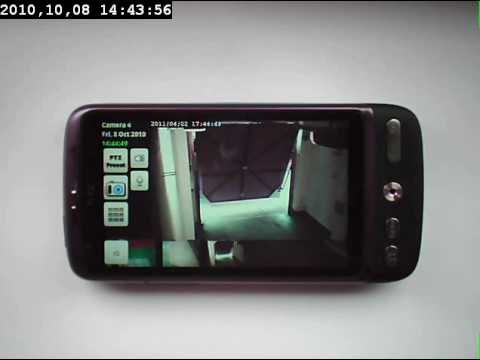
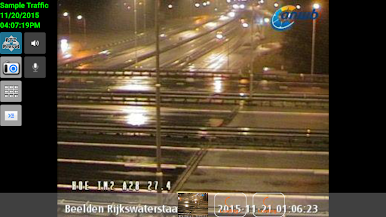
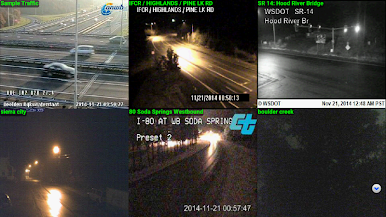
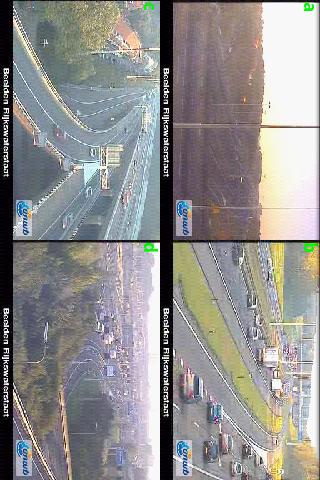
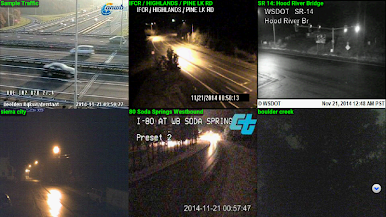
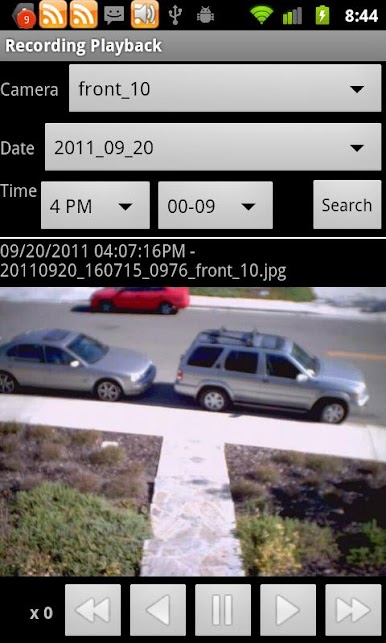
Ever wanted to keep an eye on your home, office, or anywhere else without jumping through hoops? IP Cam Viewer Lite by Robert Chou is a handy tool that lets you check in on your IP cameras, DVRs, NVRs, or even webcams, all in one spot. Whether you’re looking to feel a little more secure or you just want some peace of mind, this app makes it simple to connect and manage your cameras from practically anywhere. The setup is straightforward and the controls are easy to navigate—so even if you’re not super techy, you’ll get the hang of it quickly.
App Features
-
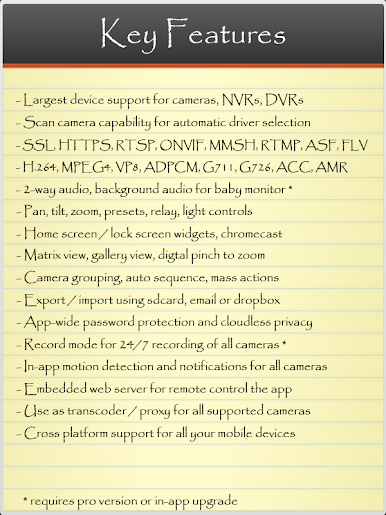
Huge Device Support
Got a camera? Chances are, IP Cam Viewer Lite can talk to it, since it works with over 1,600 different devices, from NVRs and DVRs to webcams. -
Flexible Connection Protocols
No need to worry about compatibility headaches—it’s set up for RTSP, ONVIF, MMSH, and more, so hooking up your devices is a breeze. -
Versatile Video Codecs
Watch your streams in crisp detail with support for MPEG4, H265, H264, and MJPEG formats. -
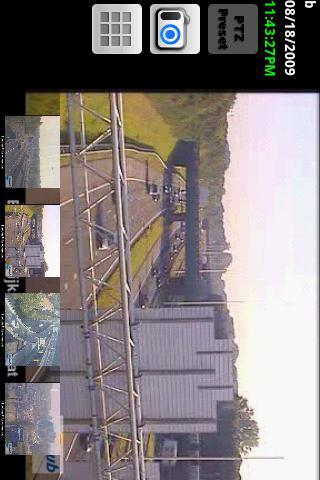
PTZ and Advanced Controls
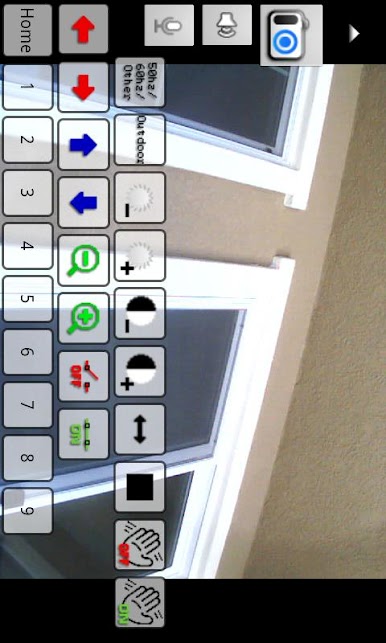
Tilt, zoom, and pan right from the app. Plus, you can control relays or extra features your camera might have, all without leaving the main screen. -
Custom Camera Groups & Smart Sequencing
Sort your cameras into groups, set up automatic sequences, or handle batch actions when you’re managing a bunch at once. -
Easy Backup and Sharing
Need to move your setup or share it? Export or import camera lists using your SD card, Dropbox, or even email. -
Privacy & Security Options
Protect your feeds with password locks, SSL/HTTPS encryption, and cloud-free privacy—all your data stays with you. -
Automatic Camera Scan
Not sure which driver to use for your new camera? Let the app scan and pick the right one quickly, saving you guesswork. -
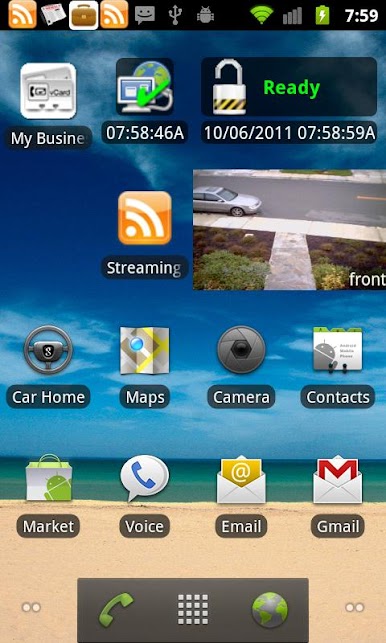
Handy Widgets
Check in without even opening the app, thanks to home screen and lock screen widgets for instant access. -
Cross-Platform Convenience
Keep tabs on your cameras from your favorite devices—and if you want a bigger view, you can use BlueStacks to run IP Cam Viewer Lite smoothly on your desktop.
If you’re looking to organize and monitor all your cameras from one spot, IP Cam Viewer Lite covers just about every base.
Ready to experience IP Cam Viewer Lite on a bigger screen, in all its glory? Download BlueStacks now.
Juega IP Cam Viewer Lite en la PC. Es fácil comenzar.
-
Descargue e instale BlueStacks en su PC
-
Complete el inicio de sesión de Google para acceder a Play Store, o hágalo más tarde
-
Busque IP Cam Viewer Lite en la barra de búsqueda en la esquina superior derecha
-
Haga clic para instalar IP Cam Viewer Lite desde los resultados de búsqueda
-
Complete el inicio de sesión de Google (si omitió el paso 2) para instalar IP Cam Viewer Lite
-
Haz clic en el ícono IP Cam Viewer Lite en la pantalla de inicio para comenzar a jugar

