


Pathbuilder 1e
在電腦上使用BlueStacks –受到5億以上的遊戲玩家所信任的Android遊戲平台。

Run Pathbuilder 1e on PC or Mac
Get freedom from your phone’s obvious limitations. Use Pathbuilder 1e, made by David Wilson (Redrazors), a Tools app on your PC or Mac with BlueStacks, and level up your experience.
About the App
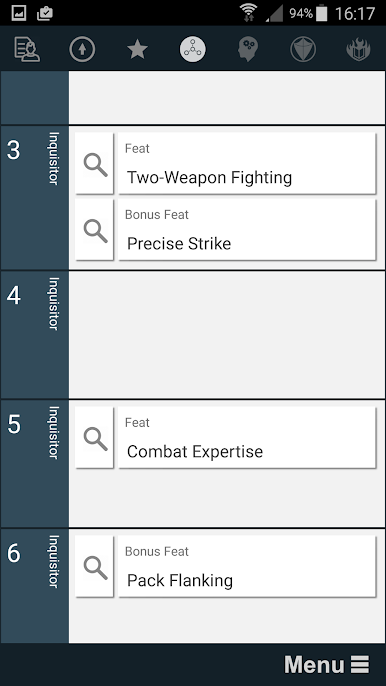
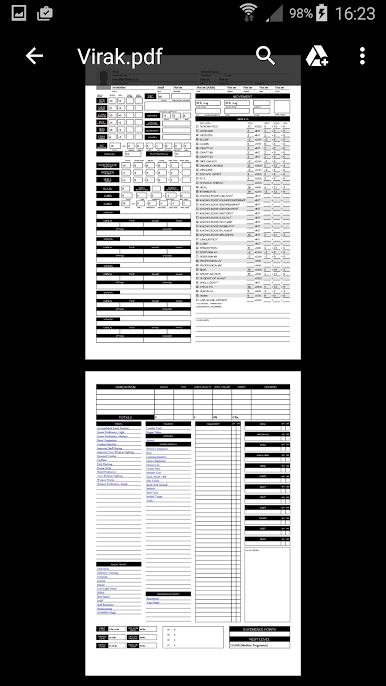
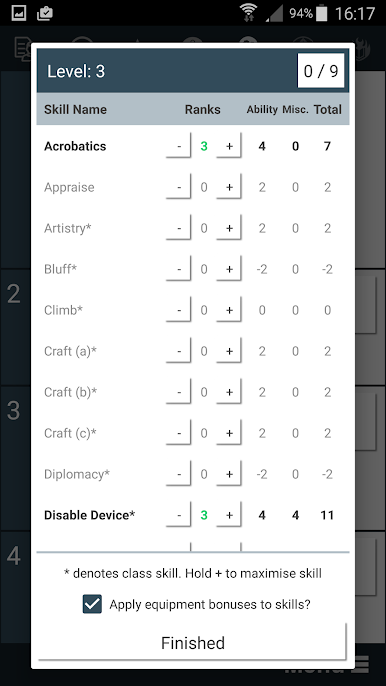
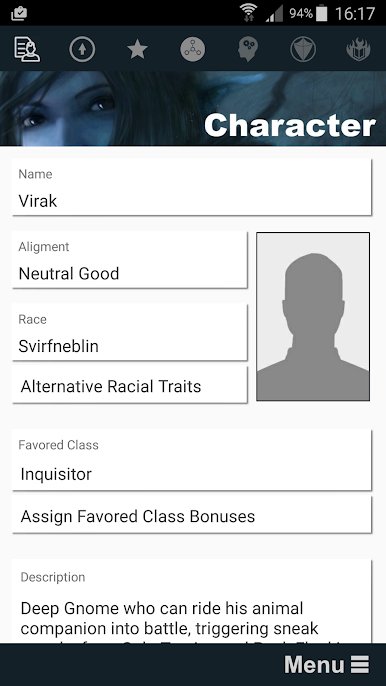
Pathbuilder 1e makes building characters for Pathfinder First Edition feel way less overwhelming. Whether you’re planning your very first hero or tweaking an old favorite, this handy tool helps keep all your feats, classes, archetypes, and those special rules straight. No more jumping between messy notes or flipping endlessly through core books—just tap around and explore your options with a few swipes.
App Features
-
Effortless Character Planning
Dreaming of a multi-classed summoner with an obscure archetype? Pick your feats, classes, archetypes, and all those hard-to-track extras from clear, simple menus—no digging for rulebook pages required. -
Pregenerated Lists for Quick Browsing
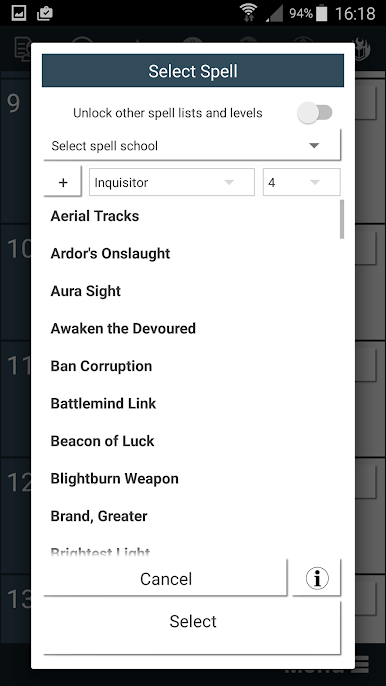
All the options you’d expect are laid out in scrollable lists. It’s easy to look up what you forgot or try out something wild, just because you can. -
Visual Touches
The app features artwork by David Revoy, adding a splash of style while you’re focused on building out your ideal character. -
Handy Reference for Every Choice
Need to double-check if a feat stacks or an archetype fits your class? Tap around for quick info—super helpful when rules get fuzzy mid-session. -
Flexible Use
Whether you’re on your phone, tablet, or running it through BlueStacks on a bigger screen, Pathbuilder 1e fits whatever setup you prefer—handy for late-night planning or last-minute tweaks at the table. -
Pathfinder First Edition Focus
All the features you need for PFRPG 1e are packed in here, so you’ll always be building for the right rule set.
BlueStacks gives you the much-needed freedom to experience your favorite apps on a bigger screen. Get it now.
在電腦上遊玩Pathbuilder 1e . 輕易上手.
-
在您的電腦上下載並安裝BlueStacks
-
完成Google登入後即可訪問Play商店,或等你需要訪問Play商店十再登入
-
在右上角的搜索欄中尋找 Pathbuilder 1e
-
點擊以從搜索結果中安裝 Pathbuilder 1e
-
完成Google登入(如果您跳過了步驟2),以安裝 Pathbuilder 1e
-
在首頁畫面中點擊 Pathbuilder 1e 圖標來啟動遊戲

