

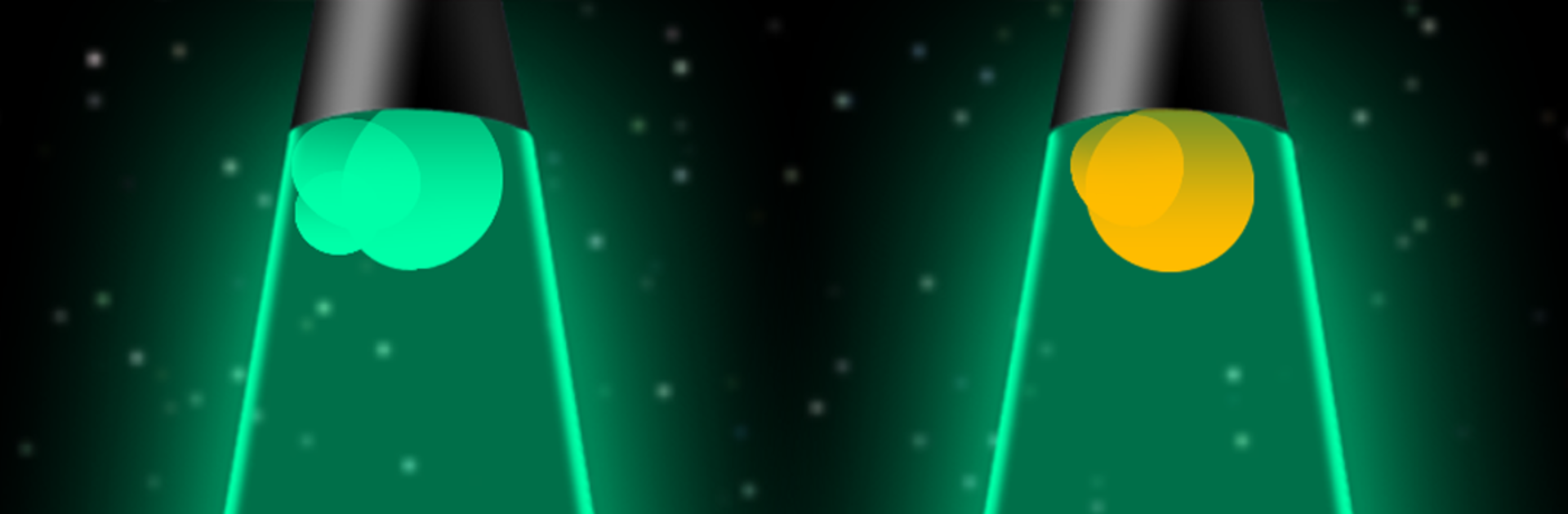
Mô phỏng đèn dung nham
Chơi trên PC với BlueStacks - Nền tảng chơi game Android, được hơn 500 triệu game thủ tin tưởng.

Trang đã được sửa đổi vào: Jul 4, 2025
Run Lava Lamp - No Ads on PC or Mac
What’s better than using Lava Lamp – No Ads by Relaxing Moments? Well, try it on a big screen, on your PC or Mac, with BlueStacks to see the difference.
About the App
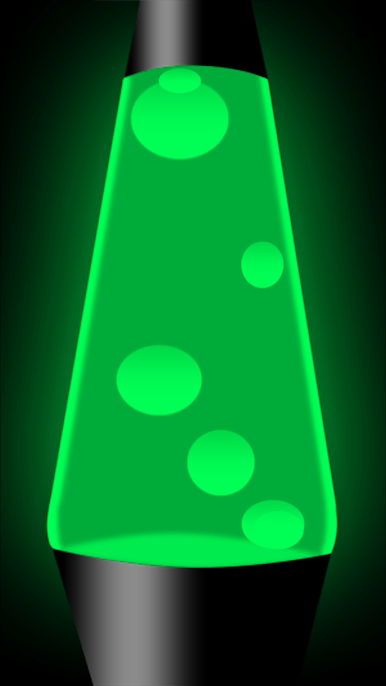
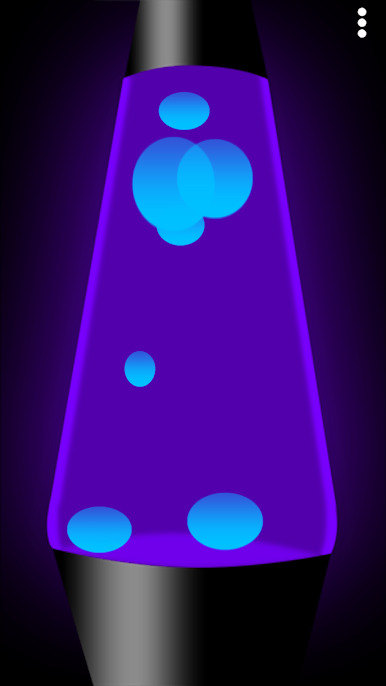
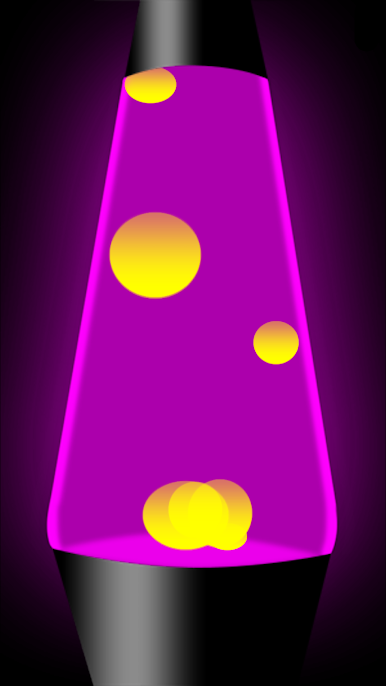
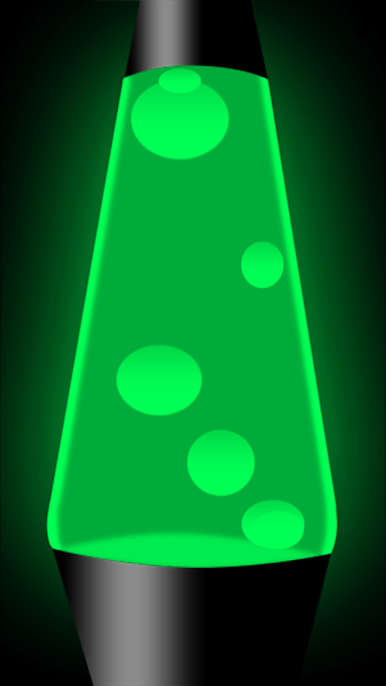
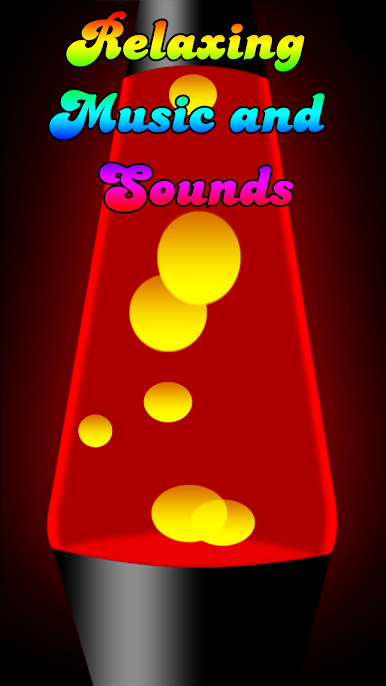
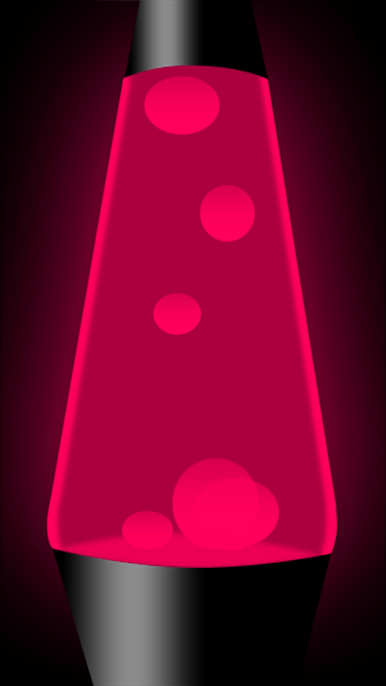
Imagine mellow, swirling colors taking over your screen while you kick back and unwind. Lava Lamp – No Ads from Relaxing Moments is all about those chill-out vibes. It’s a digital take on the classic lava lamp, bringing that hypnotic, calming motion right to your device—no messy lamp oil required. Whether you’re winding down solo, setting a cozy mood with your significant other, or just want some eye-catching ambience while hanging out with friends, this Entertainment app’s got you covered.
App Features
-
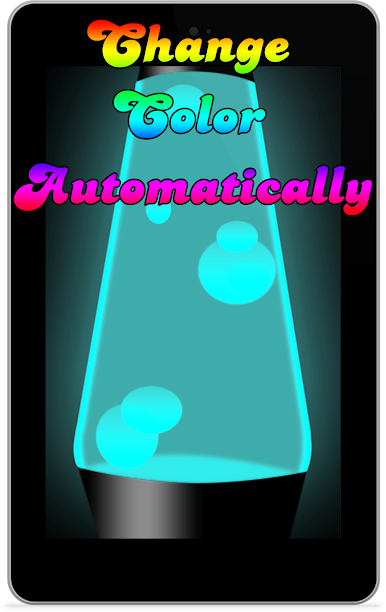
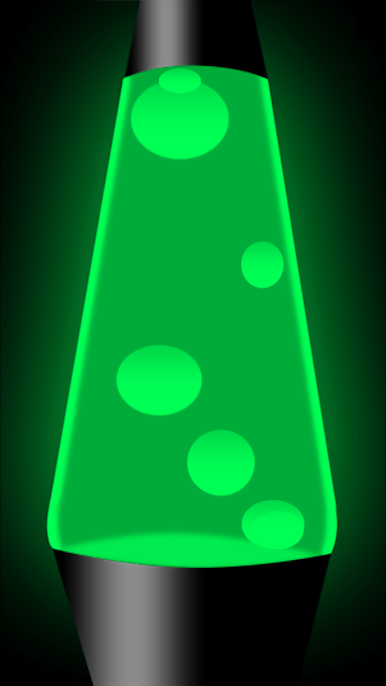
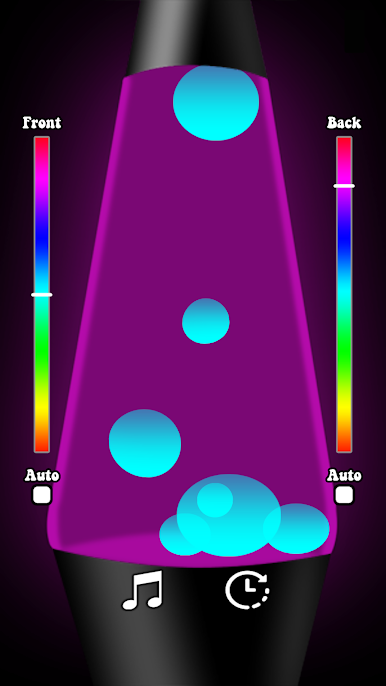
Soothing Lava Effect
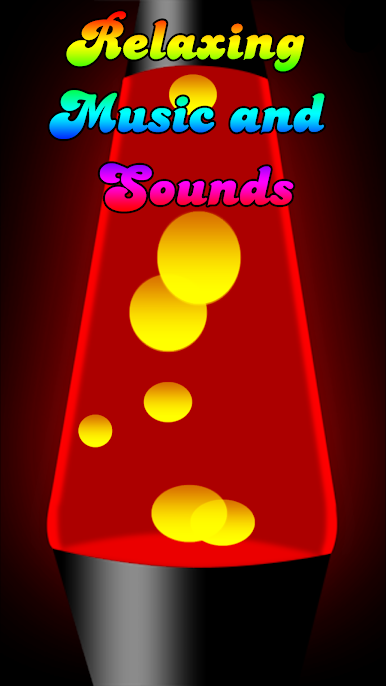
Watch blobs of color ebb and flow, just like the real thing, creating a mesmerizing pattern that’s pretty relaxing to stare at. -
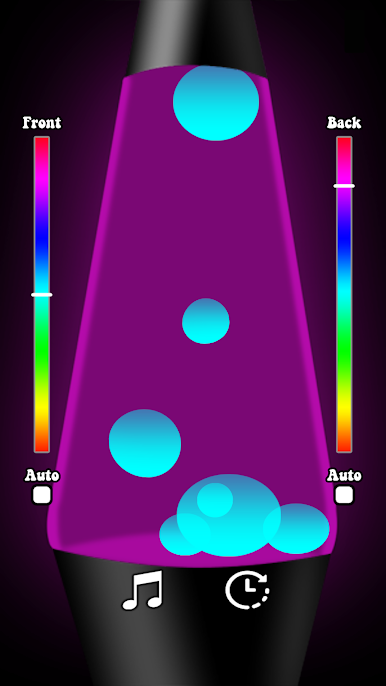
Customizable Colors
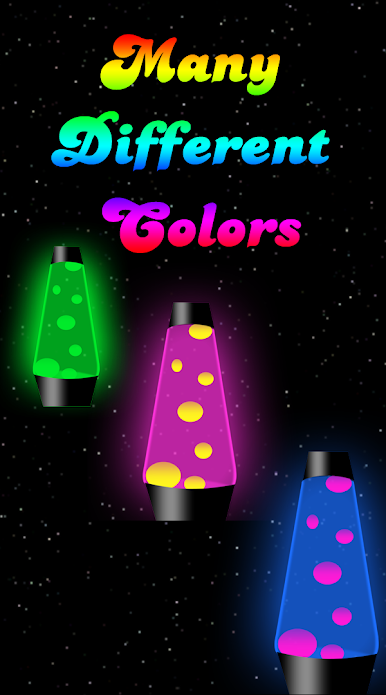
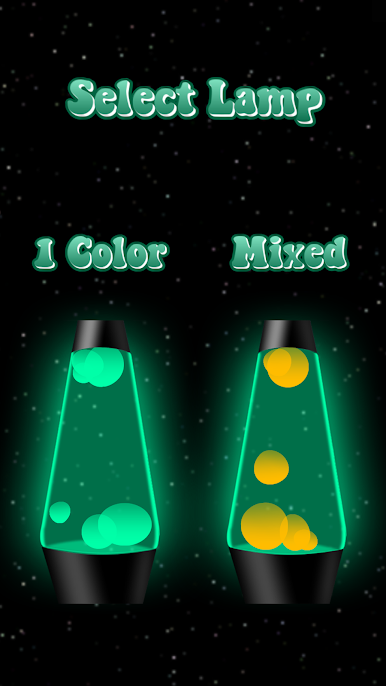
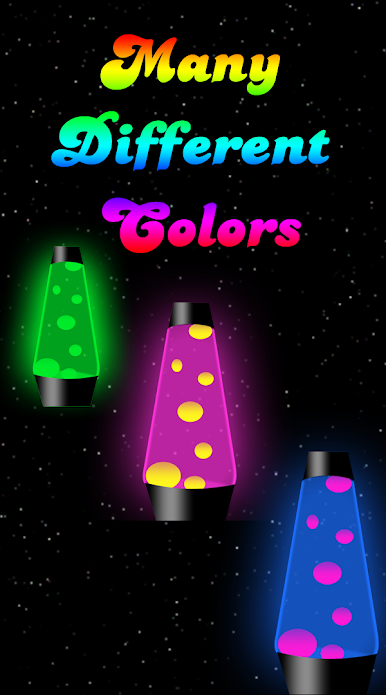
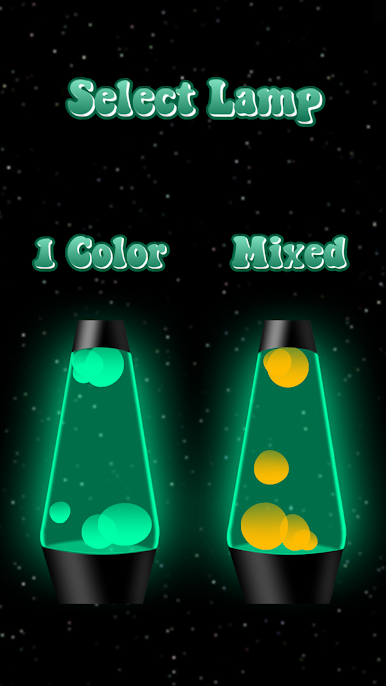
Pick the shade that matches your mood—or let the lamp respond to your touch, shifting colors for an even more personal vibe. -
Ad-Free Experience
No pop-ups, no interruptions. Lava Lamp – No Ads stays distraction-free so you can focus on the mood, not the marketing. -
Striking Lighting for Any Space
Bright, bold colors work wonders for dimming the rest of the world. Your screen glows with strong and vivid tones, perfect for making a statement or keeping things mellow. -
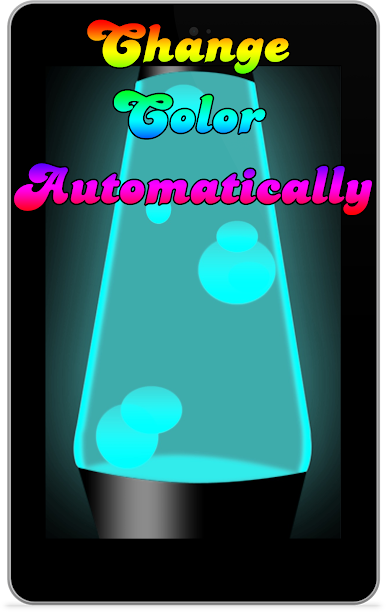
Great on Tablets
The visuals scale up nicely, so you get the full hypnotic experience whether you’re on your phone or stretching out on a bigger screen. -
Effortless Enjoyment with BlueStacks
If you feel like turning your computer into a relaxation zone, the app plays well on BlueStacks too, giving you even more ways to enjoy it.
Switch to BlueStacks and make the most of your apps on your PC or Mac.

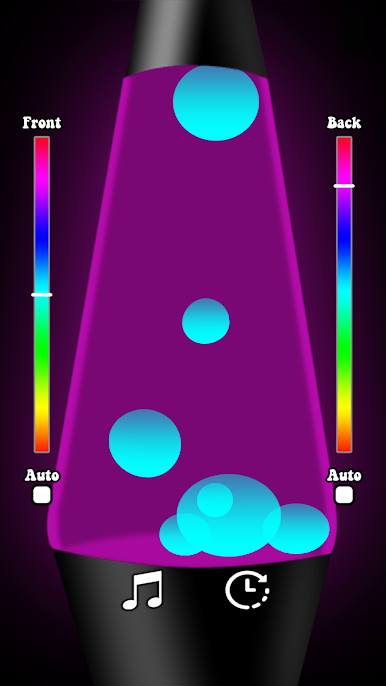
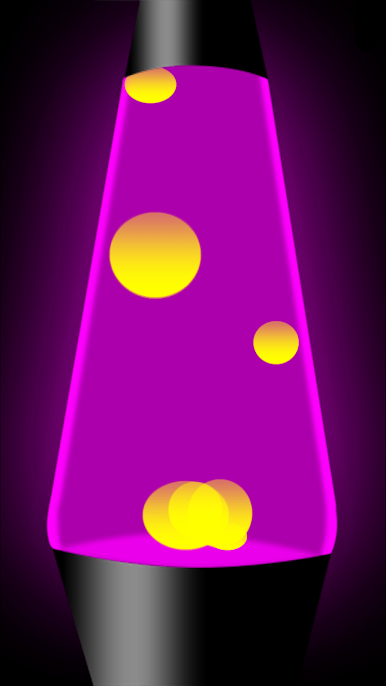
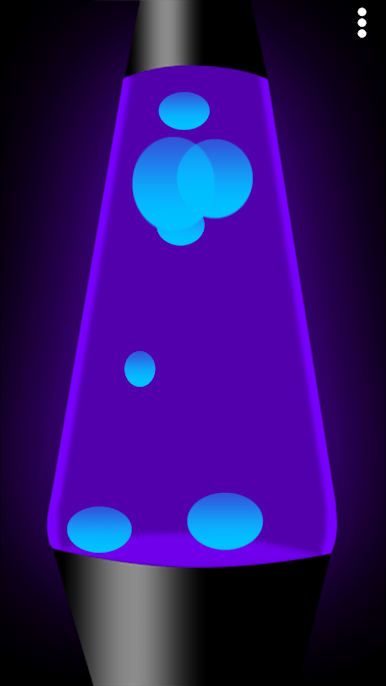
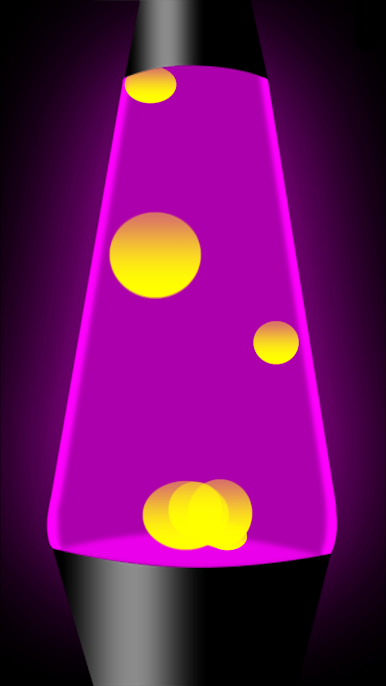
Chơi Mô phỏng đèn dung nham trên PC. Rất dễ để bắt đầu
-
Tải và cài đặt BlueStacks trên máy của bạn
-
Hoàn tất đăng nhập vào Google để đến PlayStore, hoặc thực hiện sau
-
Tìm Mô phỏng đèn dung nham trên thanh tìm kiếm ở góc phải màn hình
-
Nhấn vào để cài đặt Mô phỏng đèn dung nham trong danh sách kết quả tìm kiếm
-
Hoàn tất đăng nhập Google (nếu bạn chưa làm bước 2) để cài đặt Mô phỏng đèn dung nham
-
Nhấn vào icon Mô phỏng đèn dung nham tại màn hình chính để bắt đầu chơi

