


RequestBox
Chơi trên PC với BlueStacks - Nền tảng chơi game Android, được hơn 500 triệu game thủ tin tưởng.

Trang đã được sửa đổi vào: Aug 23, 2025
Play RequestBox on PC
Hosting an event?
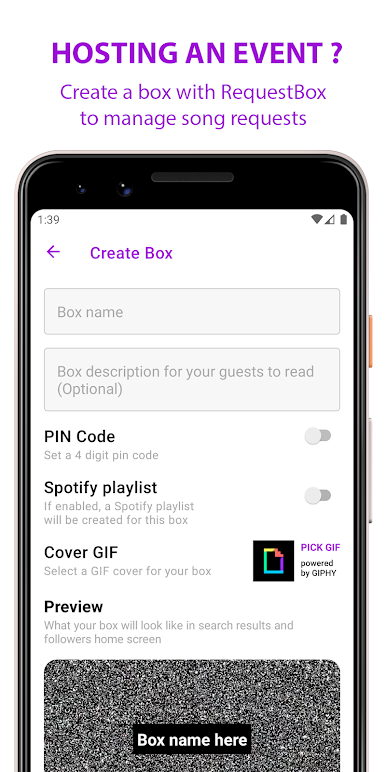
Use RequestBox to create a box for your guests to drop their song requests in. You can create a box to get song requests in advance to help prepare a setlist. Or create a box during the party and receive live requests.
Guest at a party?
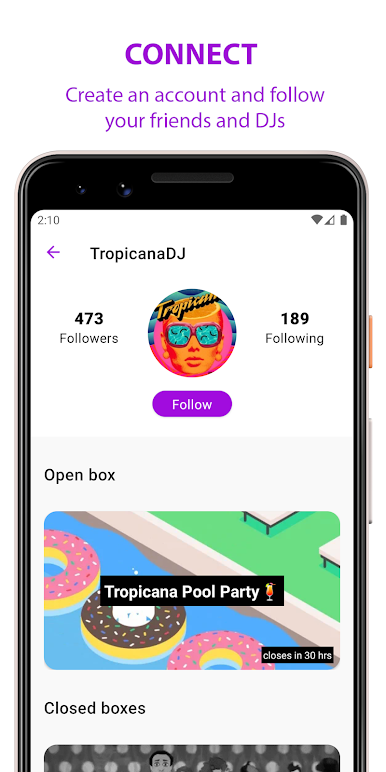
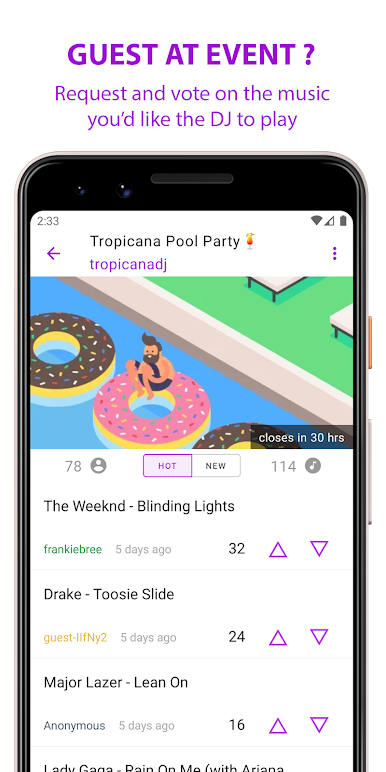
As a guest, you can influence the music by dropping song requests or by voting on other guests requests. You can also create an account to follow your favorite hosts/DJs and be the first to know when they create a new box.
Note: RequestBox does not manage music playback. It is up to the host to use their preferred platform to source and play the music.
Main features:
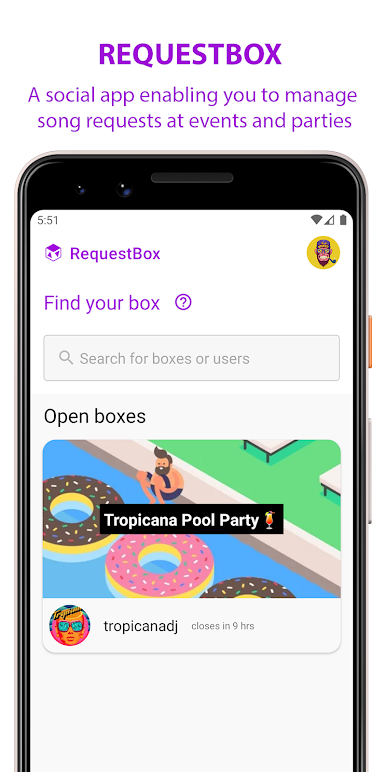
• No sign ups required for guests. Just download the app, search for the box and request away.
• Search for your favorite songs with the help of Spotify search
• Boxes can be opened for up to 48 hours. You can also set a pin code for access, modify the request interval per guest and much more.
• Optional Spotify playlist integration for your box.
* Spotify features may be limited to territories and regions where Spotify is available
Chơi RequestBox trên PC. Rất dễ để bắt đầu
-
Tải và cài đặt BlueStacks trên máy của bạn
-
Hoàn tất đăng nhập vào Google để đến PlayStore, hoặc thực hiện sau
-
Tìm RequestBox trên thanh tìm kiếm ở góc phải màn hình
-
Nhấn vào để cài đặt RequestBox trong danh sách kết quả tìm kiếm
-
Hoàn tất đăng nhập Google (nếu bạn chưa làm bước 2) để cài đặt RequestBox
-
Nhấn vào icon RequestBox tại màn hình chính để bắt đầu chơi

