


معجم العرب
BlueStacksを使ってPCでプレイ - 5憶以上のユーザーが愛用している高機能Androidゲーミングプラットフォーム

Run معجم العرب on PC or Mac
Get freedom from your phone’s obvious limitations. Use معجم العرب, made by Ristek Muslim, a Education app on your PC or Mac with BlueStacks, and level up your experience.
About the App
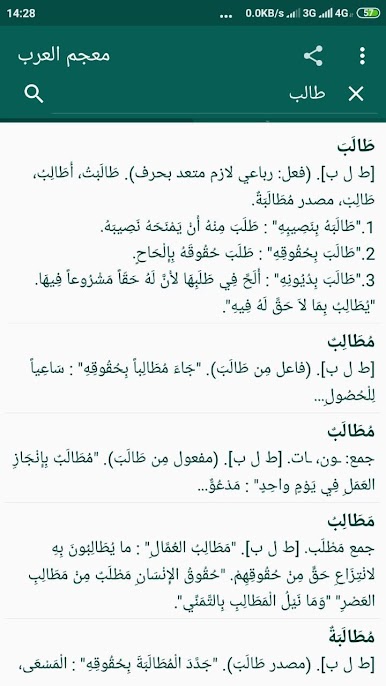
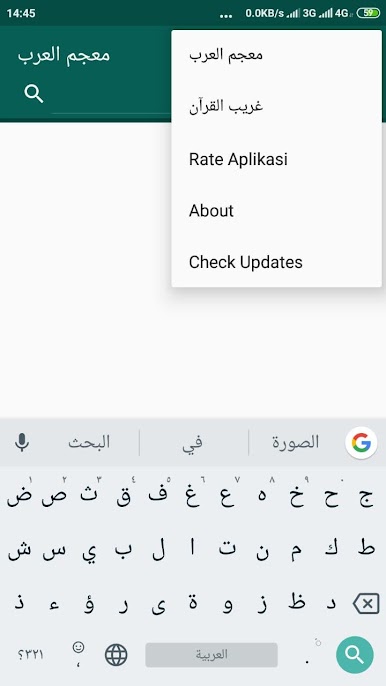
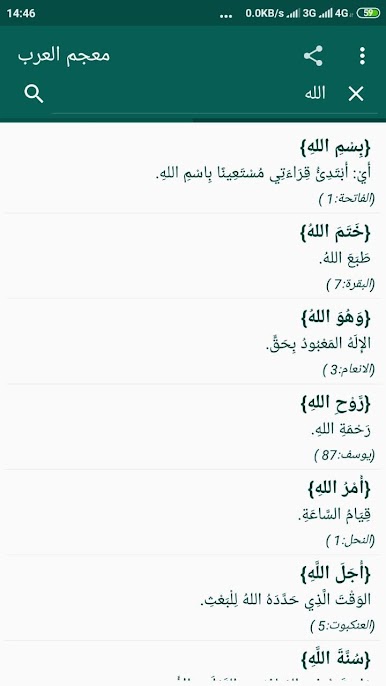
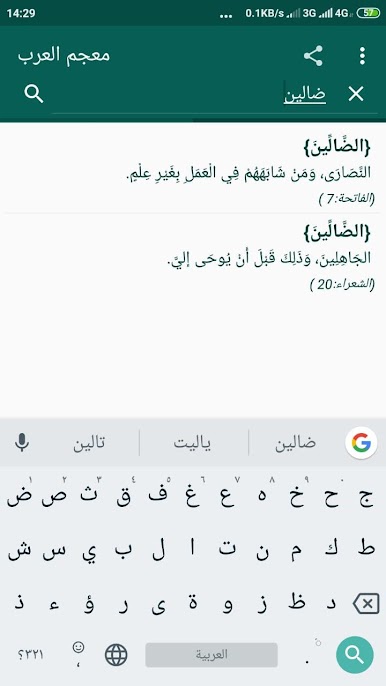
Ever wanted an easy way to browse through multiple Arabic dictionaries without jumping from app to app? معجم العرب makes that possible, gathering a bunch of well-known Arabic references all in one simple, ad-free spot. Whether you’re a student, language enthusiast, or just curious about classical and modern Arabic meanings, this app brings together so much info, right at your fingertips—even if you’re offline.
App Features
-
All-in-One Dictionary Collection
Get instant access to eight major Arabic dictionaries, including both modern resources and some real classics—perfect for research, study, or everyday word checks. -
No Ads, Ever
Enjoy a clean reading experience without any pop-ups or distracting banners. It’s just you and the content, so you can focus on finding that perfect word. -
Offline Access
Forget about searching for Wi-Fi. معجم العرب works offline, letting you look up entries anytime, no matter where you are. -
Specialized Quran Resources
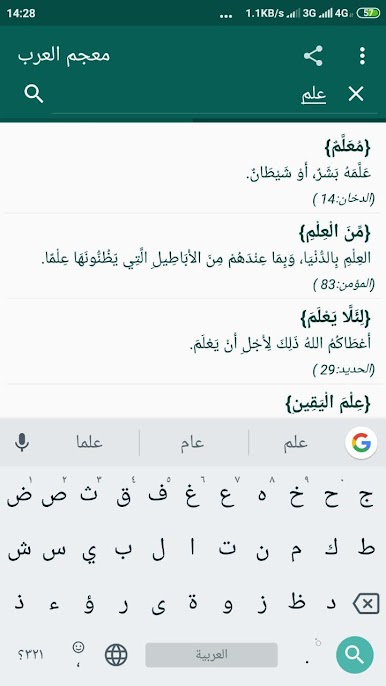
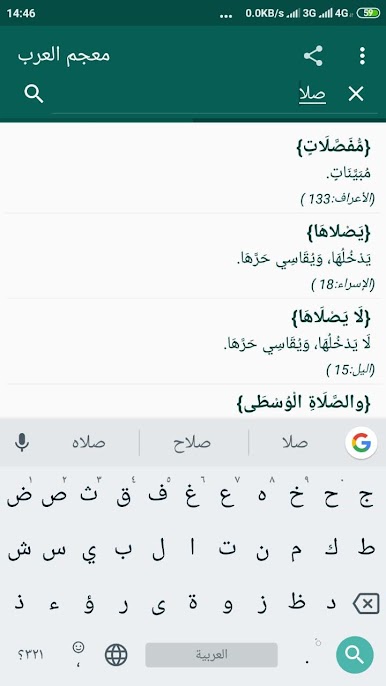
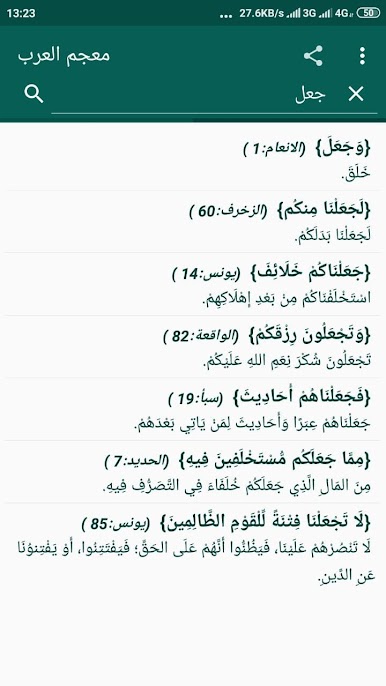
Dive into explanations of rare words and handy summaries found in the Quran. There’s even a dedicated section that helps break down tricky verses. -
Fast Lookups
Quick search tools let you find the exact word or root you’re after without endless scrolling. -
Easy to Use on Many Devices
Whether you’re on your phone or want a bigger view using BlueStacks, the interface stays smooth and straightforward.
معجم العرب by Ristek Muslim gives those learning Arabic or studying linguistics a streamlined way to access a bunch of dictionaries, all neatly organized for ease of use.
Ready to experience معجم العرب on a bigger screen, in all its glory? Download BlueStacks now.
معجم العربをPCでプレイ
-
BlueStacksをダウンロードしてPCにインストールします。
-
GoogleにサインインしてGoogle Play ストアにアクセスします。(こちらの操作は後で行っても問題ありません)
-
右上の検索バーにمعجم العربを入力して検索します。
-
クリックして検索結果からمعجم العربをインストールします。
-
Googleサインインを完了してمعجم العربをインストールします。※手順2を飛ばしていた場合
-
ホーム画面にてمعجم العربのアイコンをクリックしてアプリを起動します。

