


SMS Backup & Restore
Juega en PC con BlueStacks: la plataforma de juegos Android, en la que confían más de 500 millones de jugadores.

Página modificada el: Nov 29, 2025
Run SMS Backup & Restore on PC or Mac
Multitask effortlessly on your PC or Mac as you try out SMS Backup & Restore, a Tools app by SyncTech Pty Ltd on BlueStacks.
About the App
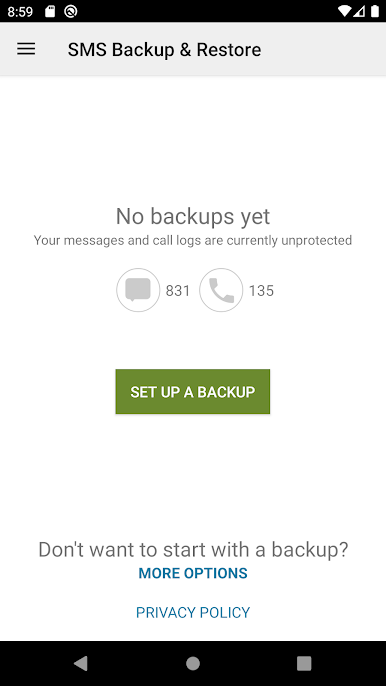
SMS Backup & Restore from SyncTech Pty Ltd is all about keeping your messages and call logs safe, sound, and ready when you need them. Whether you’re swapping phones, freeing up storage, or just want a secure spare copy, this handy tool makes managing text messages and call history straightforward. It doesn’t matter if you’re a tech newbie or a seasoned pro—saving and bringing back your data is just a few taps away.
App Features
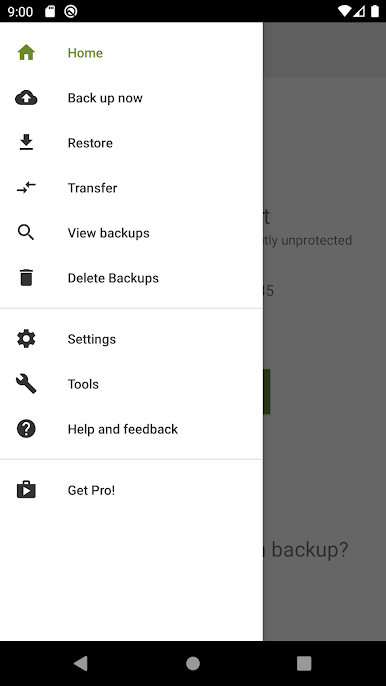
- Comprehensive Backups
-
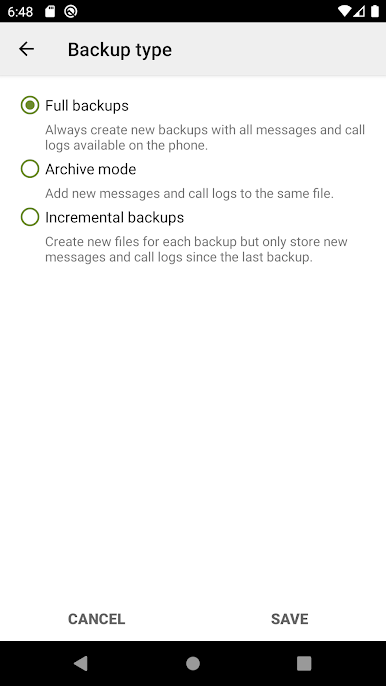
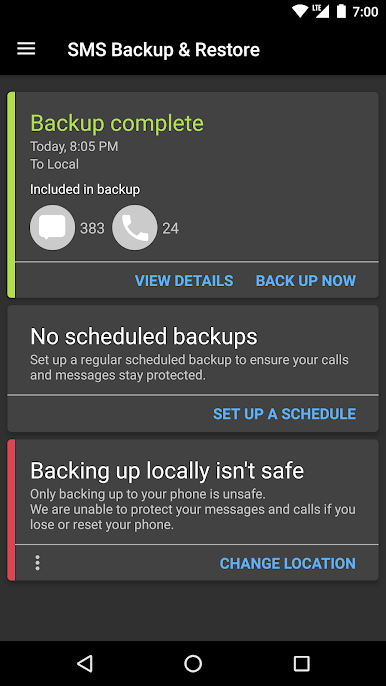
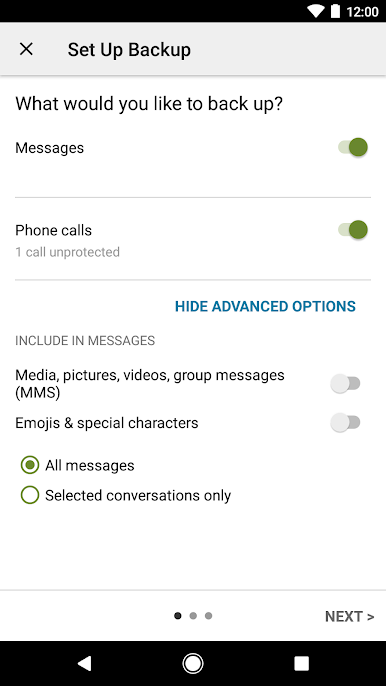
Save your SMS, MMS, and call logs in a secure XML format. Perfect for keeping records or just staying organized.
-
Flexible Storage Options
-
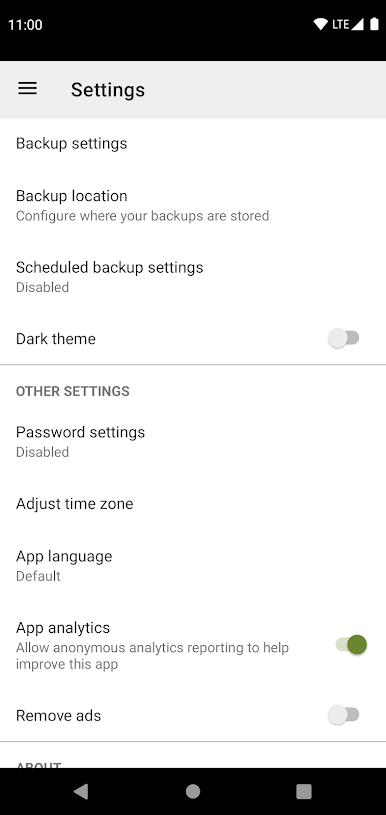
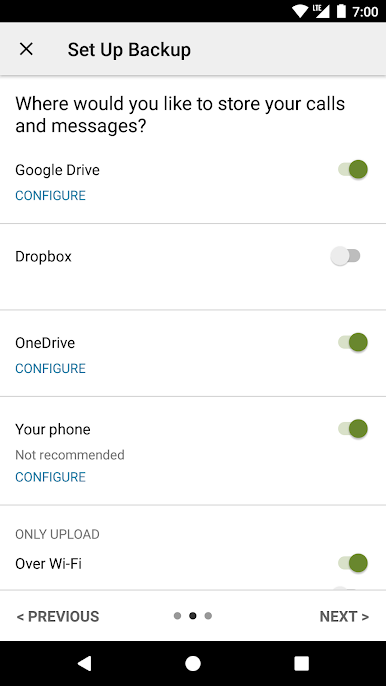
Store your backups directly on your device, or automatically send them to Google Drive, Dropbox, or OneDrive—whichever works best for you.
-
Automatic Scheduling
-
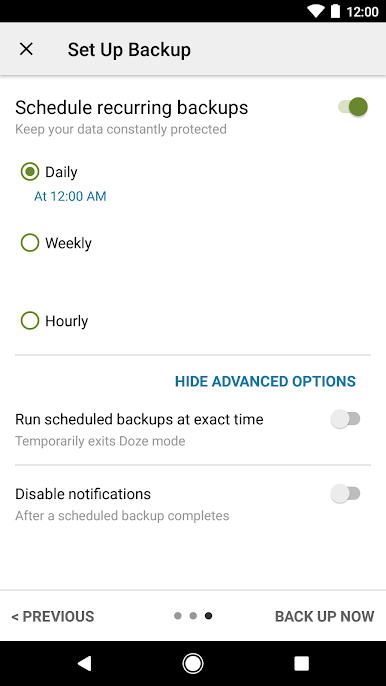
Set up a regular backup schedule so you won’t have to remember to do it yourself. Let the app handle it in the background.
-
Pick and Choose What to Back Up
-
No need to save everything—just select specific conversations or call logs that actually matter to you.
-
Browse & Search Your Backups
-
Easily sift through old backups, look up messages, and even drill down into specific details, right from your phone or using a computer.
-
Restore and Transfer Made Easy
-
Moving to a new phone? Send your backup across, regardless of which Android version you’re on. Transfers between devices over WiFi Direct are fast and simple.
-
Free Up Space
-
If your inbox is overflowing, you can clear out old messages or logs—after making sure you’ve got a backup, of course.
-
Email Backups
-
Want an extra copy? Email your backup file directly from the app for peace of mind.
-
Built with Privacy in Mind
- Your backups stay with you—they’re never sent to anyone else, including SyncTech Pty Ltd.
If you prefer working on a bigger display, you can even use SMS Backup & Restore on your PC with BlueStacks, making it simple to view or manage your backups in comfort.
Ready to experience SMS Backup & Restore on a bigger screen, in all its glory? Download BlueStacks now.
Juega SMS Backup & Restore en la PC. Es fácil comenzar.
-
Descargue e instale BlueStacks en su PC
-
Complete el inicio de sesión de Google para acceder a Play Store, o hágalo más tarde
-
Busque SMS Backup & Restore en la barra de búsqueda en la esquina superior derecha
-
Haga clic para instalar SMS Backup & Restore desde los resultados de búsqueda
-
Complete el inicio de sesión de Google (si omitió el paso 2) para instalar SMS Backup & Restore
-
Haz clic en el ícono SMS Backup & Restore en la pantalla de inicio para comenzar a jugar

