


Routinero: AI Daily Planner
生產力 | Dario Penic
在電腦上使用BlueStacks –受到5億以上的遊戲玩家所信任的Android遊戲平台。

Play Routinero: AI Daily Planner on PC
Struggling to build consistent routines and achieve your goals?
Routinero is your smart productivity app - part daily planner, habit tracker, and personal assistant, all wrapped into one. Let your AI coach help manage your tasks and build routines - while keeping things simple and motivating.
AI features that keep you on track:
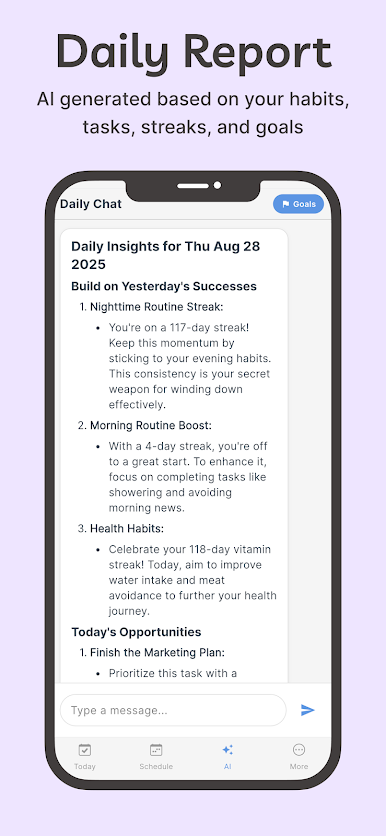
* Daily AI Reports - Get personalized insights every morning. Routinero analyzes your habits, tasks, streaks, and goals, then gives you tips to improve and stay consistent.
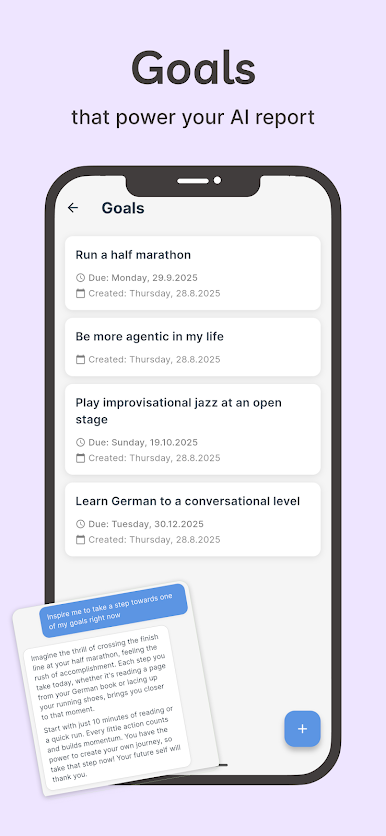
* Goals - Add your life goals (short or long-term) and let Routinero act as your personal assistant, aligning today’s tasks with tomorrow’s success.
* Chat with your AI assistant - Ask for ideas, break down complex tasks, or simply get motivation from your personal AI productivity coach.
Core features:
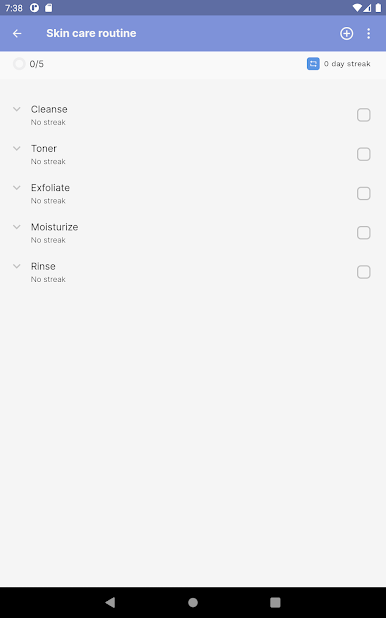
* Daily planner & task manager - Create todos, build repeating routines, and keep a smart schedule that adapts to your life.
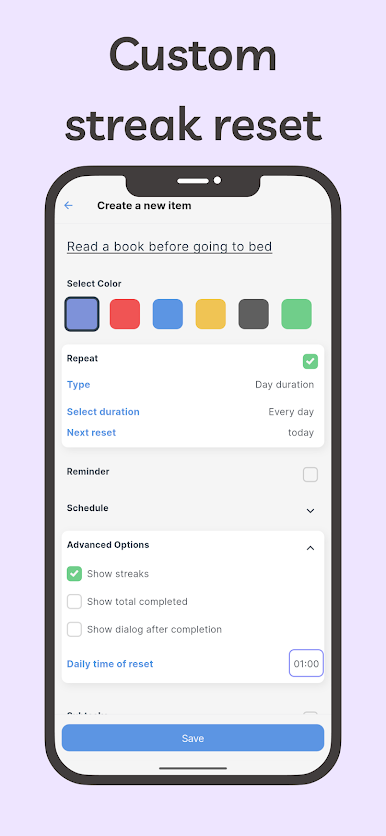
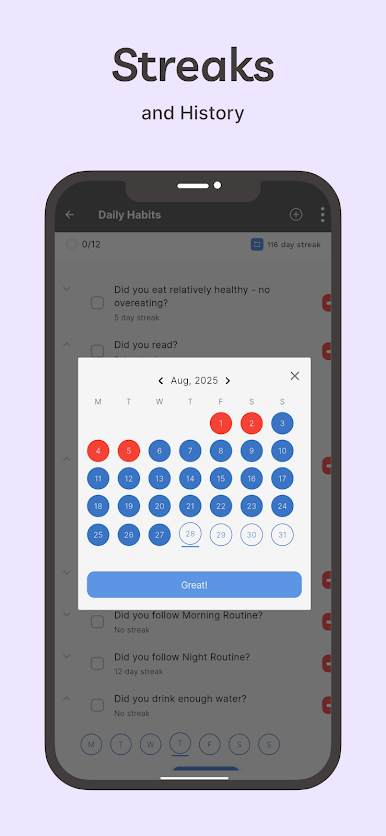
* Habit tracker with flexible streaks - Build momentum without pressure. Choose when your streaks reset instead of midnight by default.
* Dismiss tasks - Can’t get it done? Skip a task without deleting it from your routine.
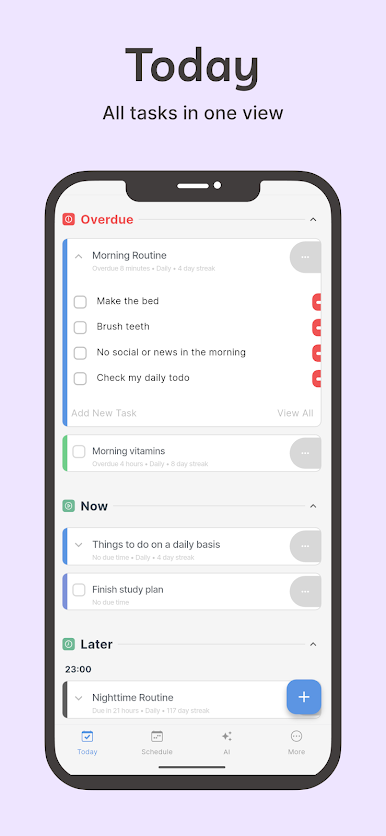
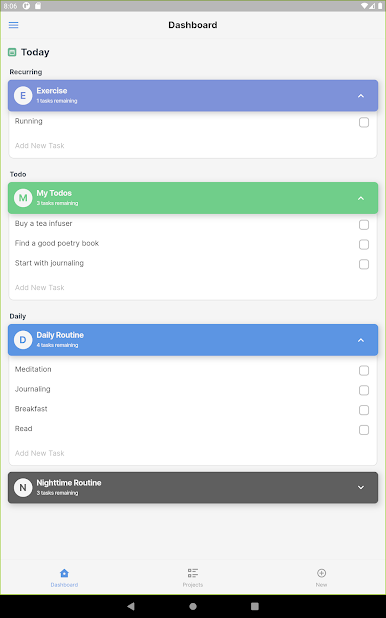
* Smart Today View - Stay focused with one clear daily overview and reliable reminders.
* Offline ready - Use all task and habit features without internet. (AI features require a connection and an account.)
Download Routinero today and transform your daily life!
Routinero is your smart productivity app - part daily planner, habit tracker, and personal assistant, all wrapped into one. Let your AI coach help manage your tasks and build routines - while keeping things simple and motivating.
AI features that keep you on track:
* Daily AI Reports - Get personalized insights every morning. Routinero analyzes your habits, tasks, streaks, and goals, then gives you tips to improve and stay consistent.
* Goals - Add your life goals (short or long-term) and let Routinero act as your personal assistant, aligning today’s tasks with tomorrow’s success.
* Chat with your AI assistant - Ask for ideas, break down complex tasks, or simply get motivation from your personal AI productivity coach.
Core features:
* Daily planner & task manager - Create todos, build repeating routines, and keep a smart schedule that adapts to your life.
* Habit tracker with flexible streaks - Build momentum without pressure. Choose when your streaks reset instead of midnight by default.
* Dismiss tasks - Can’t get it done? Skip a task without deleting it from your routine.
* Smart Today View - Stay focused with one clear daily overview and reliable reminders.
* Offline ready - Use all task and habit features without internet. (AI features require a connection and an account.)
Download Routinero today and transform your daily life!
在電腦上遊玩Routinero: AI Daily Planner . 輕易上手.
-
在您的電腦上下載並安裝BlueStacks
-
完成Google登入後即可訪問Play商店,或等你需要訪問Play商店十再登入
-
在右上角的搜索欄中尋找 Routinero: AI Daily Planner
-
點擊以從搜索結果中安裝 Routinero: AI Daily Planner
-
完成Google登入(如果您跳過了步驟2),以安裝 Routinero: AI Daily Planner
-
在首頁畫面中點擊 Routinero: AI Daily Planner 圖標來啟動遊戲

