


Fruit Blitz
Play on PC with BlueStacks – the Android Gaming Platform, trusted by 500M+ gamers.

Page Modified on: Jul 11, 2013
Play Fruit Blitz on PC or Mac
Step into the World of Fruit Blitz, a thrilling Casual game from the house of Rubicon Development. Play this Android game on BlueStacks App Player and experience immersive gaming on PC or Mac.
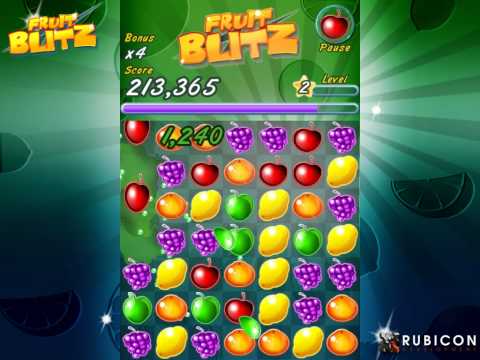
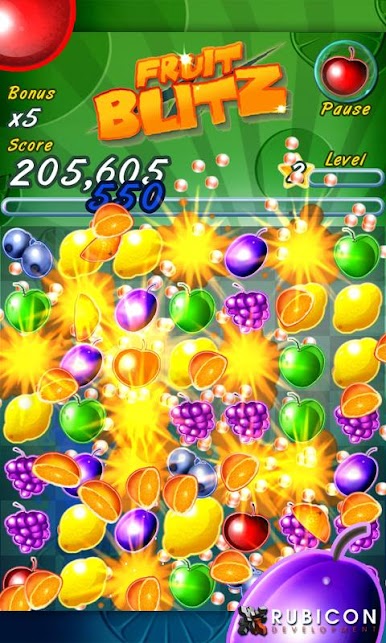
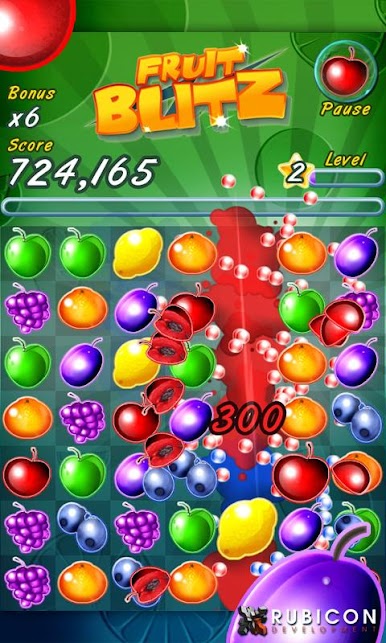
Fruit Blitz is a speed-run kind of match game, bright, loud, and over in a couple minutes per round. The whole loop is simple to read and fast to react to. Match fruits as quick as possible, stack chains, fill a meter, then hit a Fruit Blitz burst that floods the board with bonus points. No story scenes or side missions here, just classic score chasing with a few neat twists that keep the board popping. It feels very arcadey, the sort of game that rewards quick eyes and clean swipes, and then suddenly everything is exploding in color when a good combo lands.
The presentation hits hard. The fruit art is glossy without being messy, and the colors are bold enough that matches stand out instantly. The soundtrack leans into a cheerful calypso beat, so it keeps a nice groove without getting in the way. There are leaderboards and an option to team up with Facebook friends if someone is all about beating scores back and forth, or it can be played solo with no fuss. On PC with BlueStacks, the mouse drag makes fast matching feel very sharp, and the bigger screen shows off the board nicely. It suits short sessions well, two minutes when there is a spare moment, then one more try because the last run was just a few thousand short of topping a friend. No zombies, no birds, no fluff, only fruit and a timer.
Slay your opponents with your epic moves. Play it your way on BlueStacks and dominate the battlefield.
Play Fruit Blitz on PC. It’s easy to get started.
-
Download and install BlueStacks on your PC
-
Complete Google sign-in to access the Play Store, or do it later
-
Look for Fruit Blitz in the search bar at the top right corner
-
Click to install Fruit Blitz from the search results
-
Complete Google sign-in (if you skipped step 2) to install Fruit Blitz
-
Click the Fruit Blitz icon on the home screen to start playing

