


FunFair Coin Pusher
Graj na PC z BlueStacks – Platforma gamingowa Android, która uzyskała zaufanie ponad 500 milionów graczy!

Strona zmodyfikowana w dniu: Jul 14, 2025
Play FunFair Coin Pusher on PC or Mac
Step into the World of FunFair Coin Pusher, a thrilling Casual game from the house of Rubicon Development. Play this Android game on BlueStacks App Player and experience immersive gaming on PC or Mac.
About the Game
FunFair Coin Pusher by Rubicon Development takes the classic arcade coin machine and turns it into a lively, ever-evolving playground. It’s a Casual game that starts simple—drop coins, nudge the pile, watch the edge—but quickly layers in clever goals, quirky surprises, and a machine that keeps changing under your fingertips.
Game Features
- Evolving Stages: Clear a stage and the machine changes—new rules, new twists, and fresh visuals keep the pace moving and the board feeling alive.
- Gadgets Galore: Unlock and upgrade 20+ gizmos, including the Helter Skelter and the Prize Cannon, that reshape how coins move and how you play.
- Big Collectible Hunt: Chase more than 400 prizes. Complete sets to trade for extra coins and other goodies, or stash your favorites just because they look cool.
- Prize Cannon Moments: Trigger collectible blasts by hitting milestones—drop enough coins, activate a feature, meet a goal—and watch the board fill up.
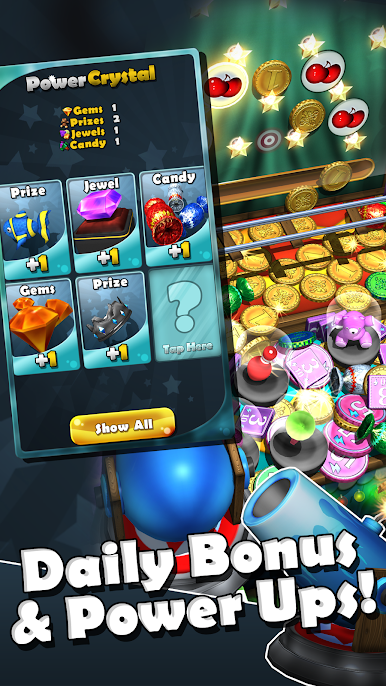
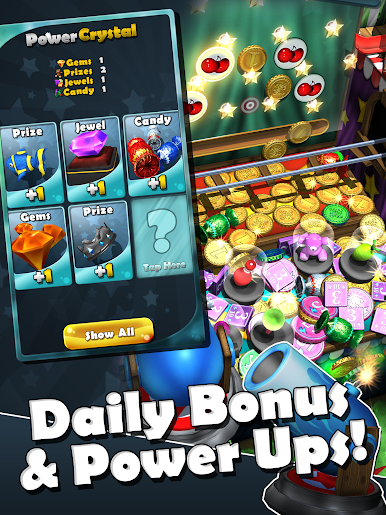
- Daily Freebies: Four times a day, grab a bonus packed with random treats like coins and jewels. Some drops are nice; some are wild.
- Automatic Cloud Save: Switch phones or pick up another device without worry—your progress saves itself in the background.
- Satisfying Showers: Coins, jewels, candy, and the occasional oddball surprise (yes, there’s a gorilla in a pink hat) keep the board busy and fun to watch.
- Plays Great Anywhere: Quick sessions or longer runs both feel right, and if you like a bigger view, it runs smoothly on BlueStacks too.
Make your gaming sessions memorable with precise controls that give you an edge in close combats and visuals that pop up, bringing every character to life.










Zagraj w FunFair Coin Pusher na PC. To takie proste.
-
Pobierz i zainstaluj BlueStacks na PC
-
Zakończ pomyślnie ustawienie Google, aby otrzymać dostęp do sklepu Play, albo zrób to później.
-
Wyszukaj FunFair Coin Pusher w pasku wyszukiwania w prawym górnym rogu.
-
Kliknij, aby zainstalować FunFair Coin Pusher z wyników wyszukiwania
-
Ukończ pomyślnie rejestrację Google (jeśli krok 2 został pominięty) aby zainstalować FunFair Coin Pusher
-
Klinij w ikonę FunFair Coin Pusher na ekranie startowym, aby zacząć grę

