12 Locks Space Adventure
BlueStacksを使ってPCでプレイ - 5憶以上のユーザーが愛用している高機能Androidゲーミングプラットフォーム
Play 12 Locks Space Adventure on PC or Mac
12 Locks Space Adventure brings the Puzzle genre to life, and throws up exciting challenges for gamers. Developed by RUD Present, this Android game is best experienced on BlueStacks, the World’s #1 app player for PC and Mac users.
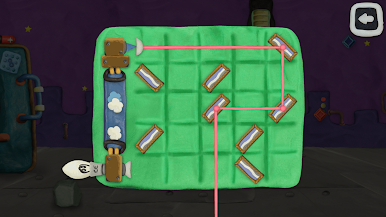
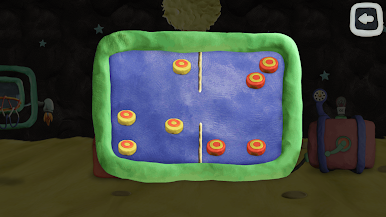
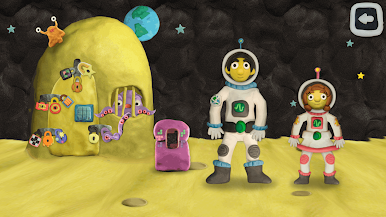
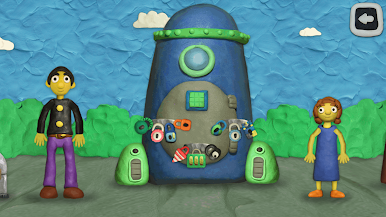
12 Locks Space Adventure is a goofy little escape-room puzzler where Dad and Lisa try to get a rocket going, except Dad locked it behind twelve chunky locks, out of habit. The whole game is about poking around handmade-looking scenes, finding weird objects, and using logic to turn them into keys. It feels like a point-and-click toy box made out of plasticine: soft shapes, bright colors, and lots of tiny details that invite a second look. Each of the five stages packs in several small tasks, so one moment there is a simple symbol match and the next there is a multi-step chain where an item unlocks another item that finally gets a key. Difficulty sits in that sweet spot where it makes the brain wake up but does not punish mistakes, no timers breathing down the neck.
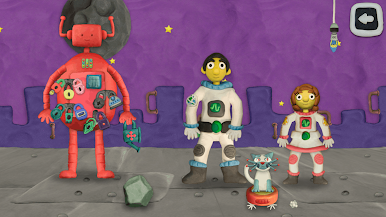
The space theme gets silly in a good way. Players run into a friendly alien, bouncy slimes, clanky robots, a massive worm, even a random mermaid cameo, all used as puzzle setups rather than serious story. On PC through BlueStacks, the bigger screen and mouse clicks make spotting tiny parts and dragging items feel nicer, almost like an old school adventure game. It is short enough for relaxed sessions, but the puzzles do not feel throwaway, and the clay look gives everything a playful charm that sticks.
Get ready for a buttery smooth, high-performance gaming action only on BlueStacks.
12 Locks Space AdventureをPCでプレイ
-
BlueStacksをダウンロードしてPCにインストールします。
-
GoogleにサインインしてGoogle Play ストアにアクセスします。(こちらの操作は後で行っても問題ありません)
-
右上の検索バーに12 Locks Space Adventureを入力して検索します。
-
クリックして検索結果から12 Locks Space Adventureをインストールします。
-
Googleサインインを完了して12 Locks Space Adventureをインストールします。※手順2を飛ばしていた場合
-
ホーム画面にて12 Locks Space Adventureのアイコンをクリックしてアプリを起動します。