

Lost in Night
Jogue no PC com BlueStacks - A Plataforma de Jogos Android, confiada por mais de 500 milhões de jogadores.

Página modificada em: Oct 7, 2018
Play Lost in Night on PC or Mac
From the innovators and creators at Rumbic Studio, Lost in Night is another fun addition to the World of Puzzle games. Go beyond your mobile screen and play it bigger and better on your PC or Mac. An immersive experience awaits you.
About the Game
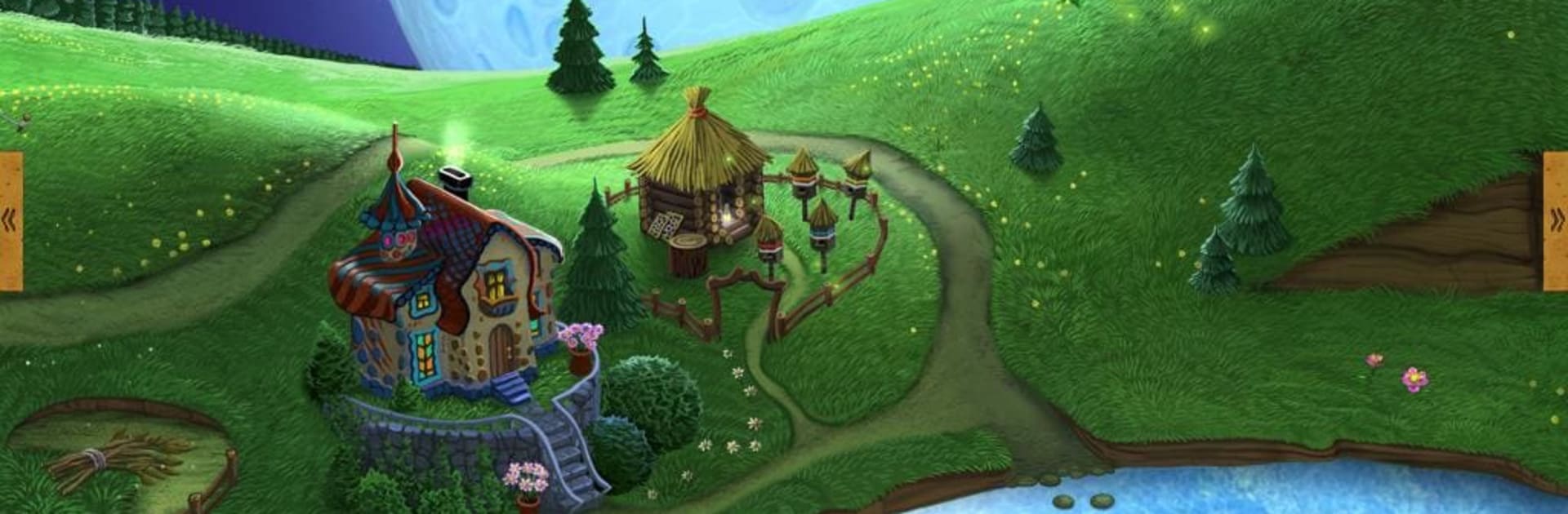
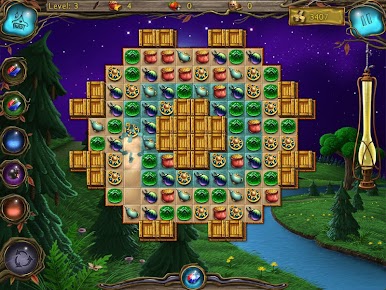
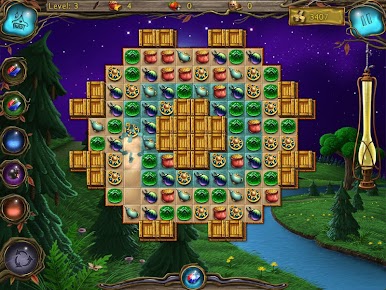
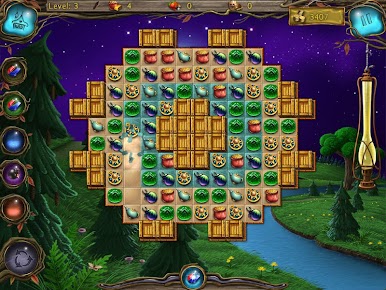
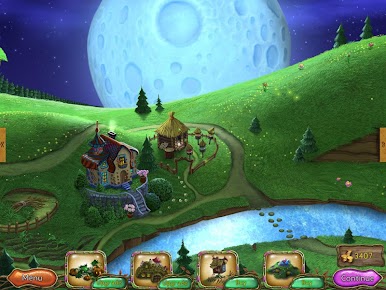
Lost in Night is a cozy, clever Puzzle game that puts a twist on classic match-3. You’re not just matching tiles—you’re restoring a sleepy, moonlit town one level at a time. It’s easy to pick up, surprisingly strategic, and feels great whether you’re playing on your phone or kicking back with BlueStacks on a bigger screen.
Game Features
-
Three ways to match
Swap tiles, trace a chain, or pop groups of the same color. Each mode changes the rhythm of play, so you can lean into quick moves or plan out longer combos. -
Goal-driven puzzles
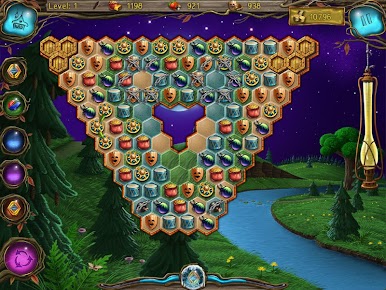
Don’t just clear tiles—break those stubborn marble plaques to finish a level. It sounds simple, but the board can get tricky fast. -
Two board shapes
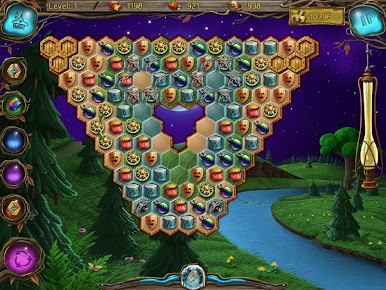
Play on a familiar rectangular grid or challenge yourself with a six-sided layout that opens up new paths and patterns. -
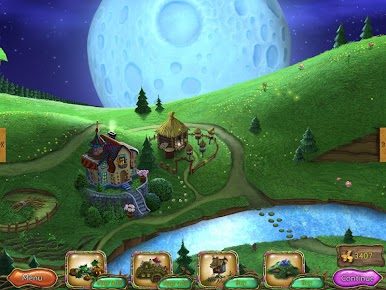
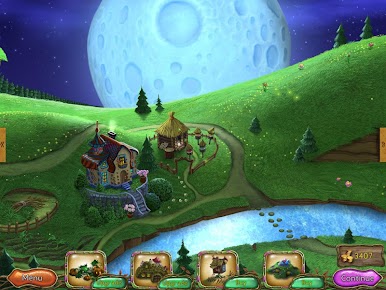
Build a night town
Earn resources as you play and bring the quiet streets back to life. Watching the town brighten up as you progress feels oddly satisfying. -
Power-ups with strategy
A variety of bonuses let you clear space, set up combos, and rescue tough boards. You’ll quickly find your favorite ways to use them. -
Easy controls, smooth flow
Tap to swap, drag to chain, and tap groups to burst them—intuitive and snappy, so you can focus on the puzzle, not the buttons. -
Play how you like
Short sessions for quick wins or deeper runs when you’re in the zone. It also runs nicely on BlueStacks if you prefer playing on PC. -
Progress to unlock more
New layouts, tougher challenges, and additional levels open up as you advance. You’ll need to unlock the full game to play everything.
Ready to top the leaderboard? We bet you do. Let precise controls and sharp visuals optimized on BlueStacks lead you to victory.




Jogue Lost in Night no PC. É fácil começar.
-
Baixe e instale o BlueStacks no seu PC
-
Conclua o login do Google para acessar a Play Store ou faça isso mais tarde
-
Procure por Lost in Night na barra de pesquisa no canto superior direito
-
Clique para instalar Lost in Night a partir dos resultados da pesquisa
-
Conclua o login do Google (caso você pulou a etapa 2) para instalar o Lost in Night
-
Clique no ícone do Lost in Night na tela inicial para começar a jogar

