


Salesforce
Mainkan di PC dengan BlueStacks – platform Game-Game Android, dipercaya oleh lebih dari 500 juta gamer.

Play Salesforce on PC
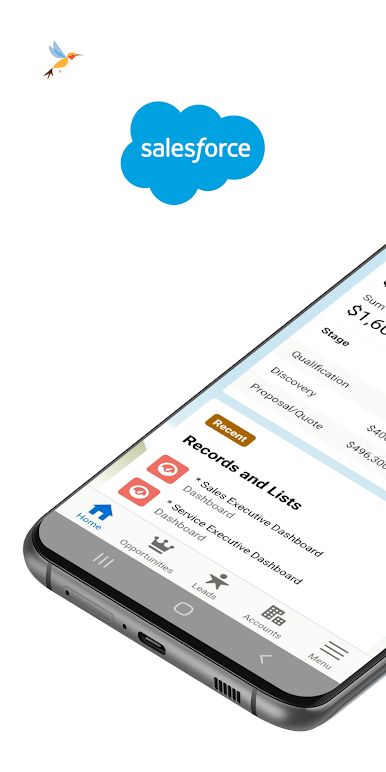
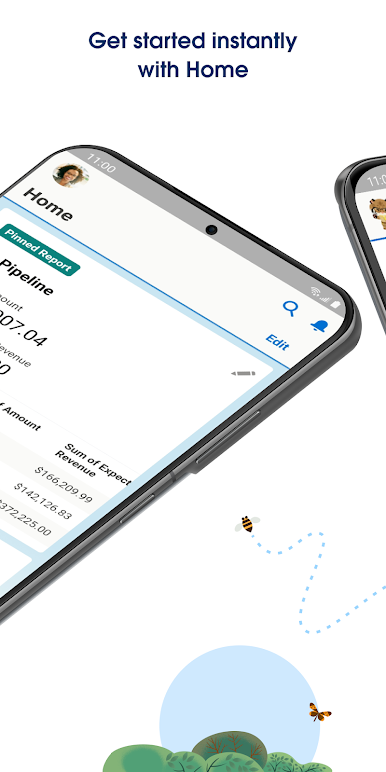
Start instantly with Mobile Home
Kickstart your day with a personalized dashboard of cards that surfaces your favorite reports, lists, tasks, events, and more
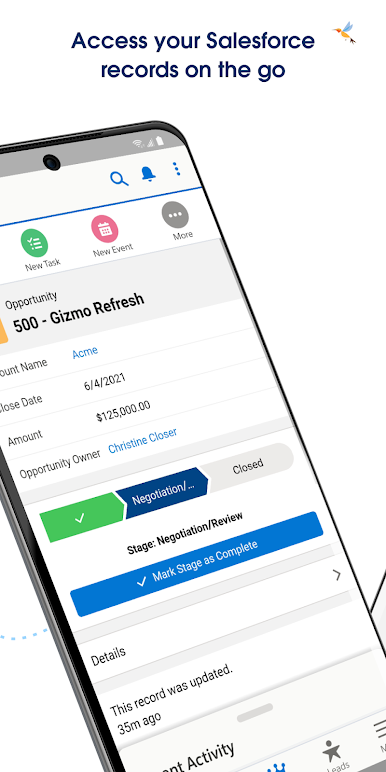
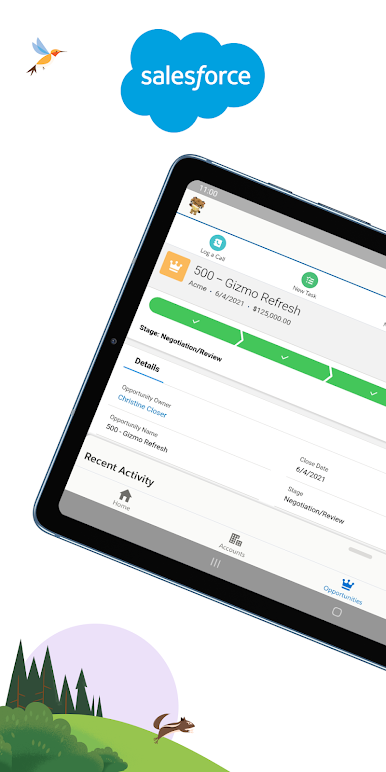
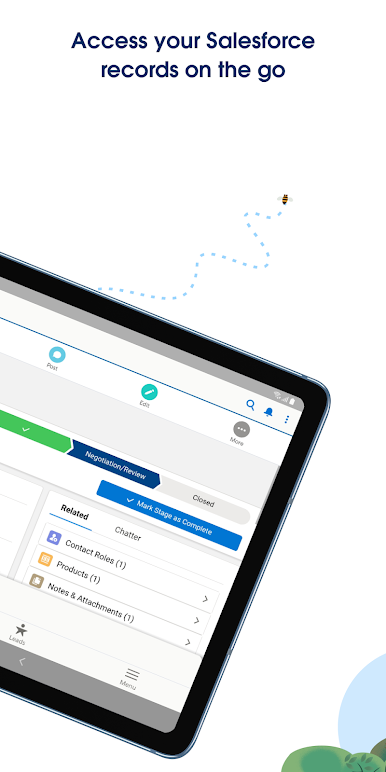
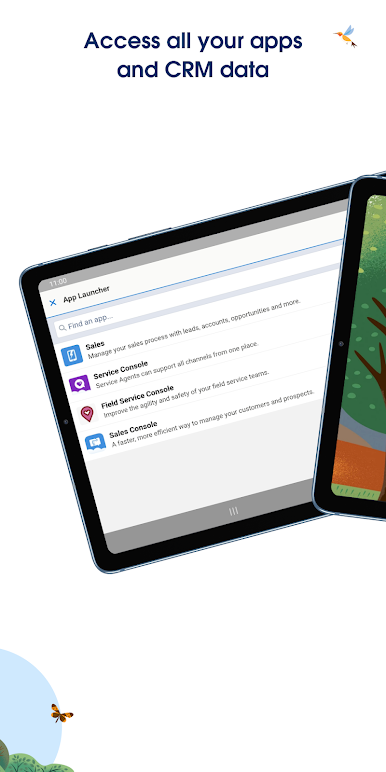
Access your data from anywhere
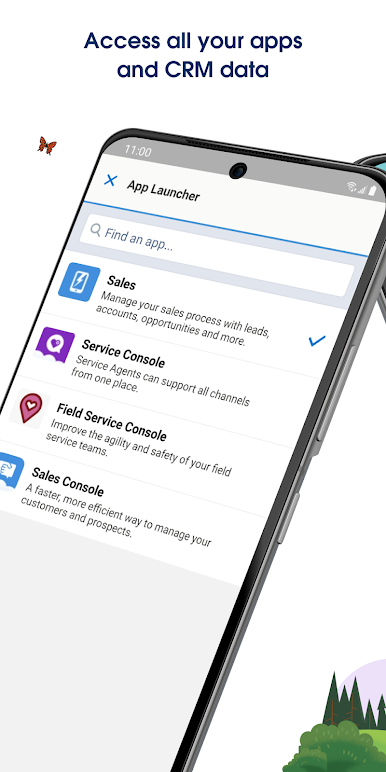
With an entire platform of mobile-optimized Lightning components and apps available at your fingertips, you can work across Salesforce clouds and industries to
quickly access and update critical business data from anywhere.
Work safely and securely
Built-in, enterprise-grade, app security protects your data in transit and on device while using the world’s most trusted cloud platform. Stay even more protected and compliant with granular security policies enabled by your business using Enhanced Mobile App Security and Compliance.
Stay engaged
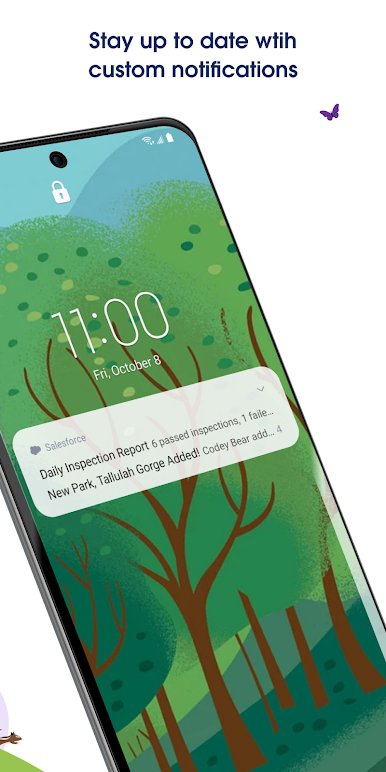
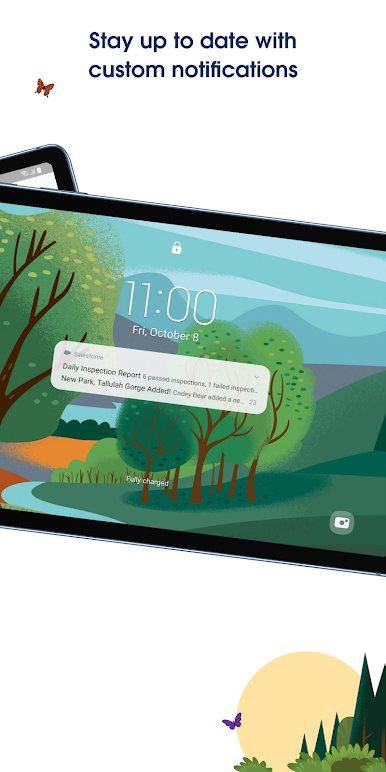
With custom push notifications tailored to your workflows, you can receive updates about your business data the moment they happen — powered by Notification Builder.
Install Salesforce Mobile to start running your business on your phone or tablet today!
Mainkan Salesforce di PC Mudah saja memulainya.
-
Unduh dan pasang BlueStacks di PC kamu
-
Selesaikan proses masuk Google untuk mengakses Playstore atau lakukan nanti
-
Cari Salesforce di bilah pencarian di pojok kanan atas
-
Klik untuk menginstal Salesforce dari hasil pencarian
-
Selesaikan proses masuk Google (jika kamu melewati langkah 2) untuk menginstal Salesforce
-
Klik ikon Salesforce di layar home untuk membuka gamenya

