


Appointik - Clinic Management
Play on PC with BlueStacks – the Android Gaming Platform, trusted by 500M+ gamers.

Page Modified on: Dec 13, 2025
Play Appointik - Clinic Management on PC
KEY FEATURES
Online Consultation | Unlimited Doctors | Unlimited Patients | Unlimited Appointments | Unlimited SMS, Calendar Event and WhatsApp notifications | Electronic Health Records/Electronic Medical Records (EHR/EMR) | E-Prescription | Prescription Templates | Inventory Management for Drugs, supplies etc. | Itemised Billing & Receipt generation | SMS in Regional languages | WhatsApp Integration | Unlimited Storage on Google Secure Servers | Works offline | Reports | Web App |Web portal integration | Lifetime free upgrades
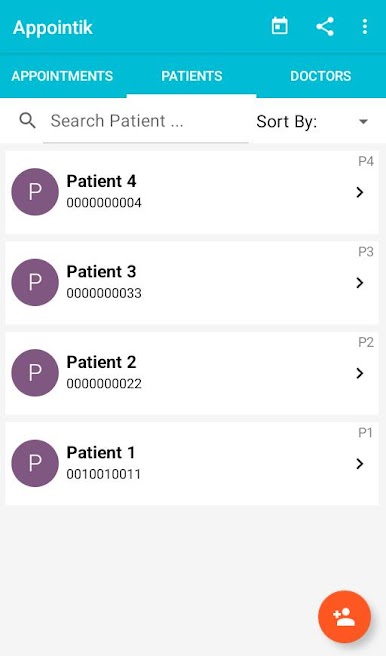
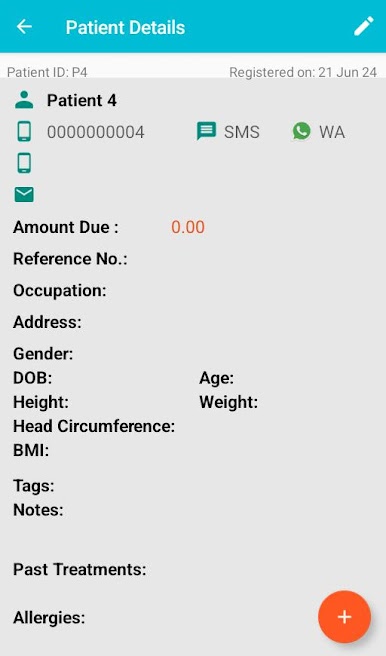
PATIENT MANAGEMENT
Patient registration, track and manage entire patient data, contact patients directly from the app on their phone, email or WhatsApp.
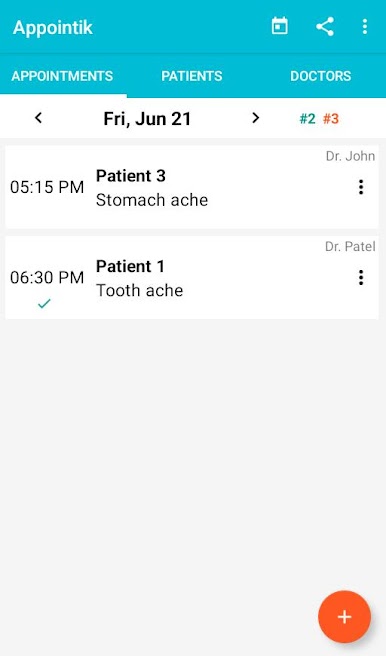
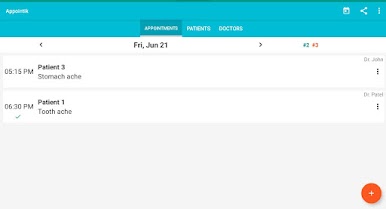
APPOINTMENT SCHEDULING
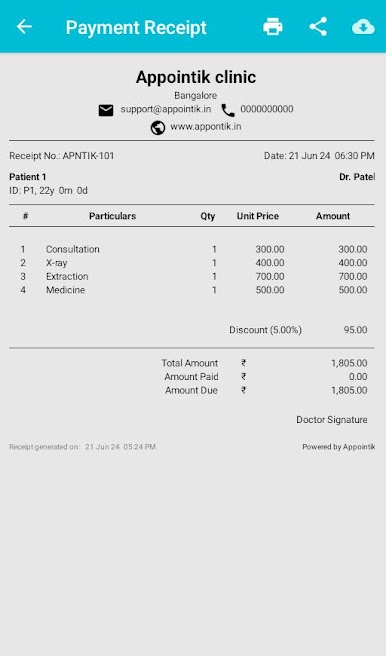
Schedule appointments, send notifications, record patient visits, upload health records, view history, write e-prescriptions, generate payment receipts, referral letter, lab request etc. Auto SMS reminders to patients on the previous day of the appointment. SMS notifications in regional languages (non-English). Appointment notifications to WhatsApp number! SMS notifications sent by the app in background (feature is available only in India). Quick appointment feature.
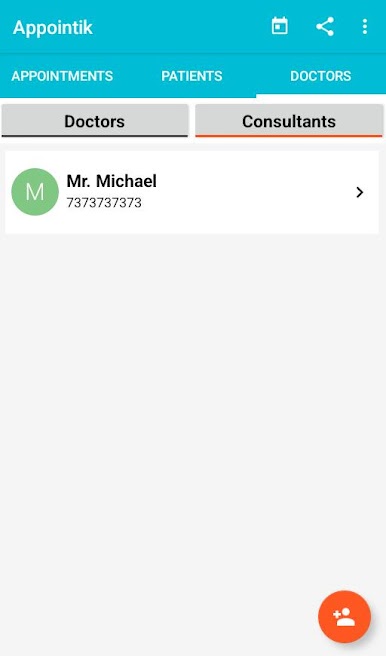
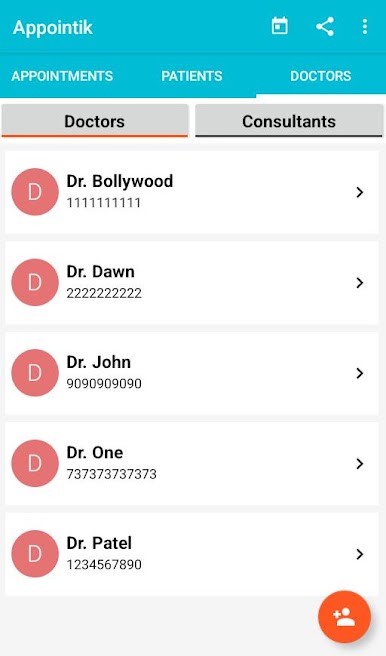
DOCTORS AND CONSULTANTS
Keep track of in-house doctors and visiting consultant's details etc.
INVENTORY MANAGEMENT
Track and manage your stock of Drugs, Supplies etc with ease. Get a real time status of your stock.
OTHER
Works on Tablets. Log-in on multiple devices simultaneously. Online consultation through WhatsApp. Web portal integration for patient self registration and appointment booking. Web app works on any browser, any device, any OS.
Appointik App is available as a FREE app with all features (With minimal Ads) !!
Play Appointik - Clinic Management on PC. It’s easy to get started.
-
Download and install BlueStacks on your PC
-
Complete Google sign-in to access the Play Store, or do it later
-
Look for Appointik - Clinic Management in the search bar at the top right corner
-
Click to install Appointik - Clinic Management from the search results
-
Complete Google sign-in (if you skipped step 2) to install Appointik - Clinic Management
-
Click the Appointik - Clinic Management icon on the home screen to start playing

