

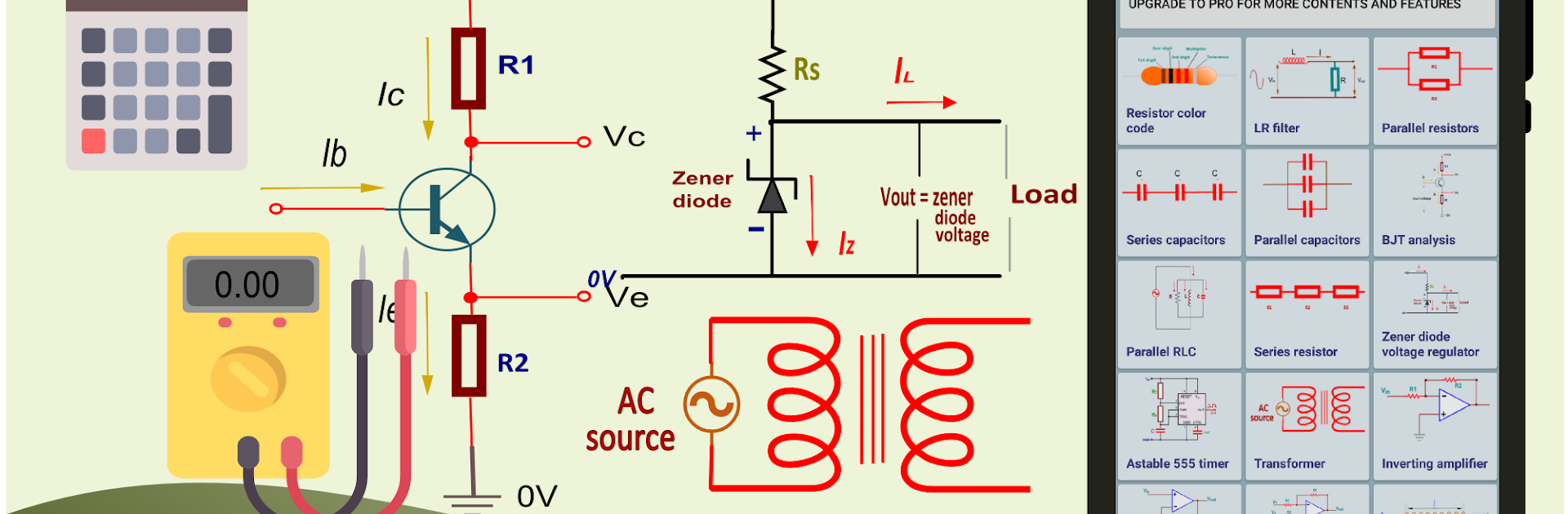
Electrocalc: electronics tools
Play on PC with BlueStacks – the Android Gaming Platform, trusted by 500M+ gamers.

Page Modified on: Jul 3, 2025
Run Pro Electronics toolkit-Circuit calculator on PC or Mac
Why limit yourself to your small screen on the phone? Run Pro Electronics toolkit-Circuit calculator, an app by Anas Abubakar, best experienced on your PC or Mac with BlueStacks, the world’s #1 Android emulator.
About the App
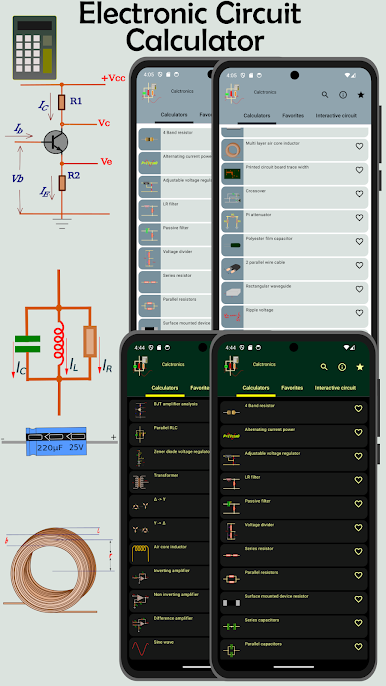
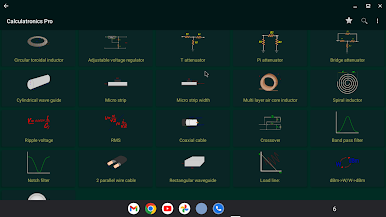
Pro Electronics toolkit-Circuit calculator is a handy, pocket-sized workshop for anyone who tinkers with circuits — from students to weekend builders. Made by Anas Abubakar, this Tools app bundles a wide set of calculators and quick-reference tools so you can sketch, test, and verify designs without digging through textbooks. It runs smoothly on phones and tablets, and it even works nicely with BlueStacks if you prefer a larger screen.
App Features
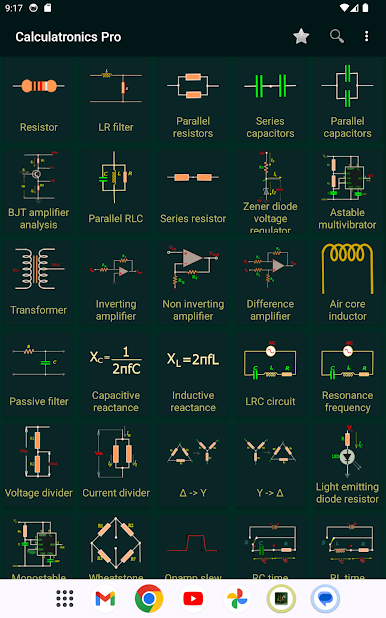
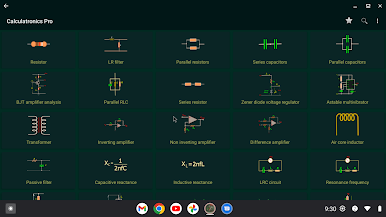
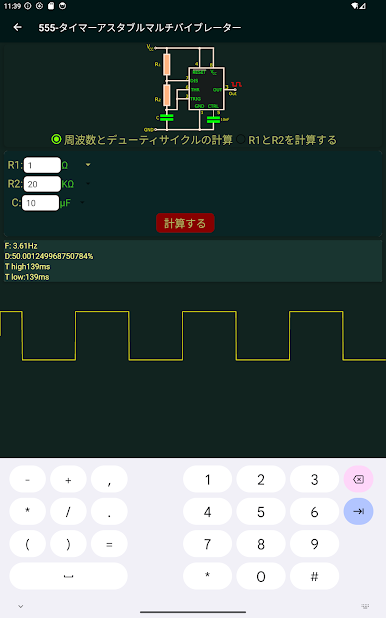
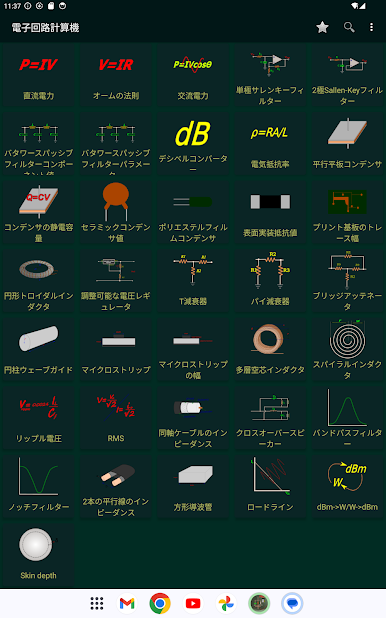
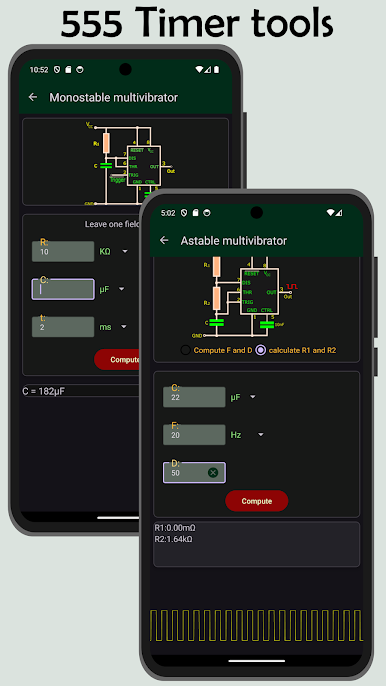
- 555 timer calculators: Choose astable or monostable modes and get component values from your desired frequency and duty cycle.
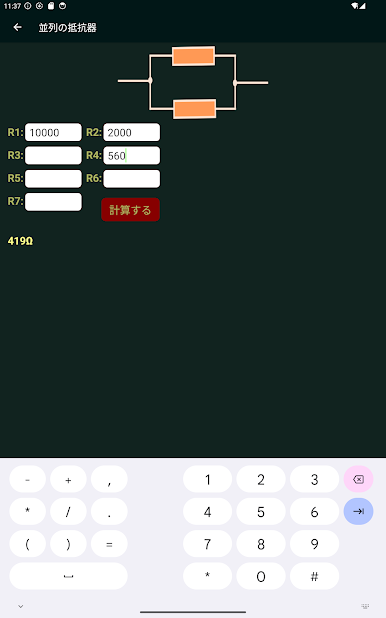
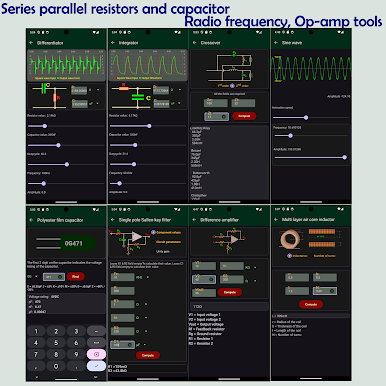
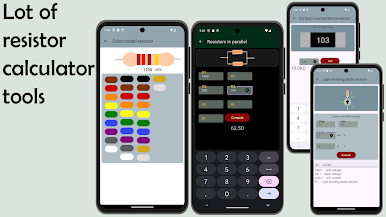
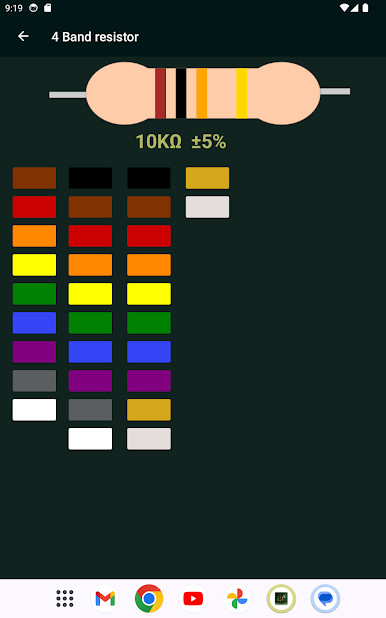
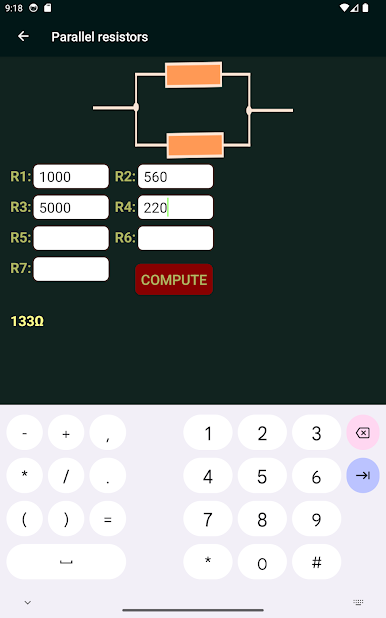
- Resistor tools: Decode color bands and compute series or parallel combinations fast.
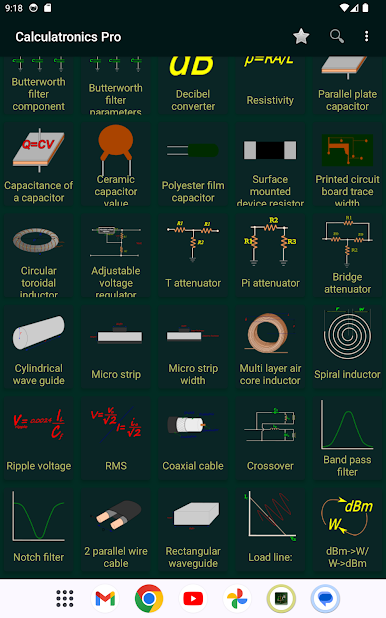
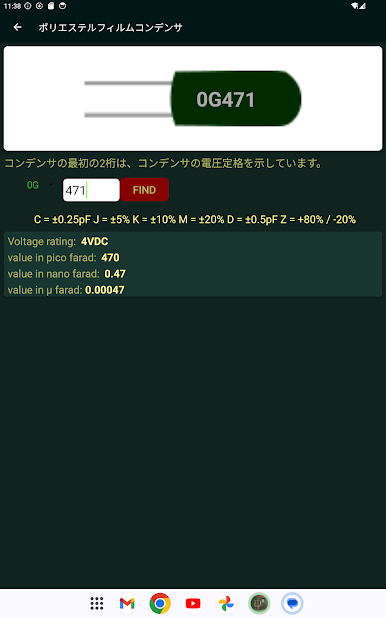
- Capacitor tools: Convert and total capacitors in series or parallel, and estimate ceramic or polyester film choices.
- Reactance calculators: Find capacitive and inductive reactance for frequency-dependent designs.
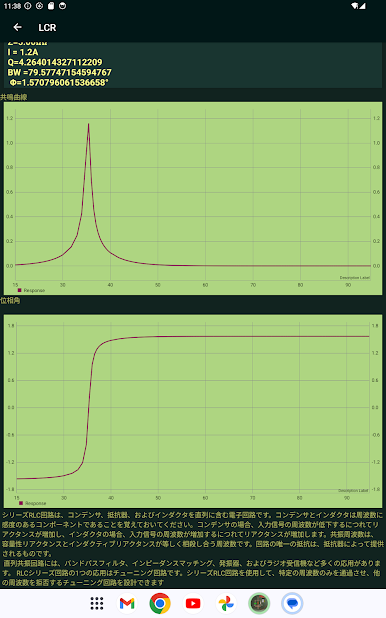
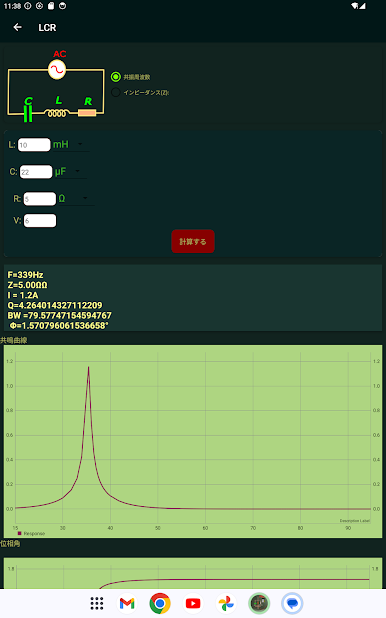
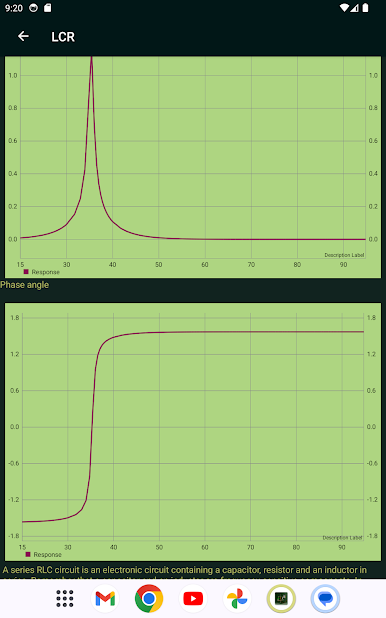
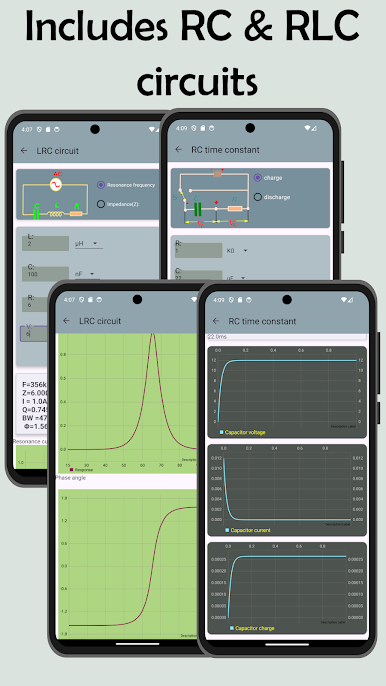
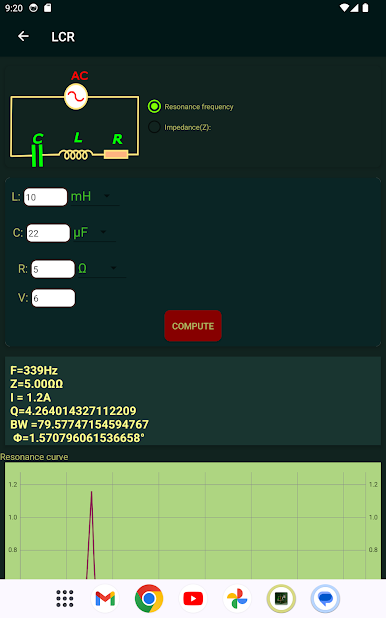
- LCR and resonance: Compute impedance and resonance characteristics for series and parallel LCR networks.
- Operational amplifier helpers: Quick setups for inverting, non-inverting, and differential amplifier calculations.
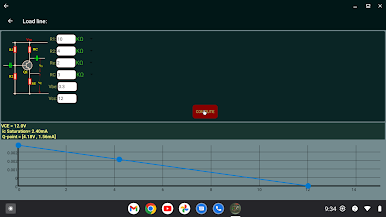
- Diode and LED utilities: Determine LED series resistor values and estimate Zener regulator behavior.
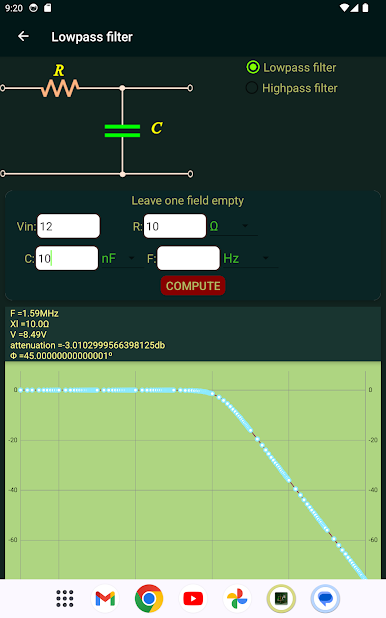
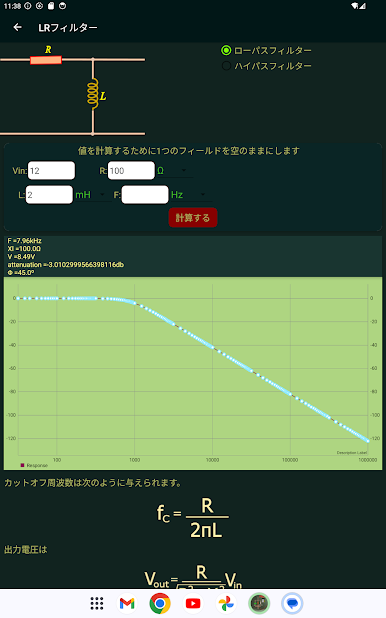
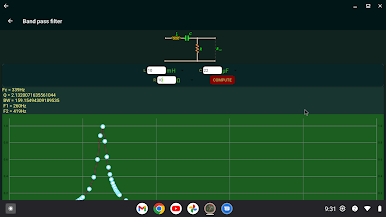
- Filter design: Basic CR and LR filter calculators to check cutoff points and responses.
- Inductor and transformer aids: Winding and turns calculations for coils and simple transformer designs.
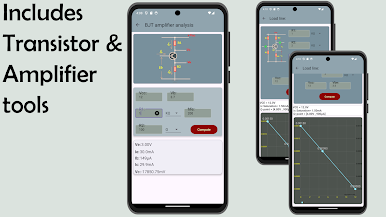
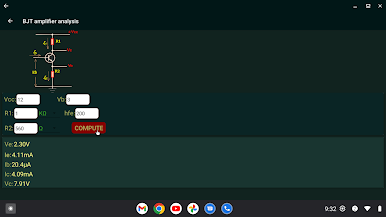
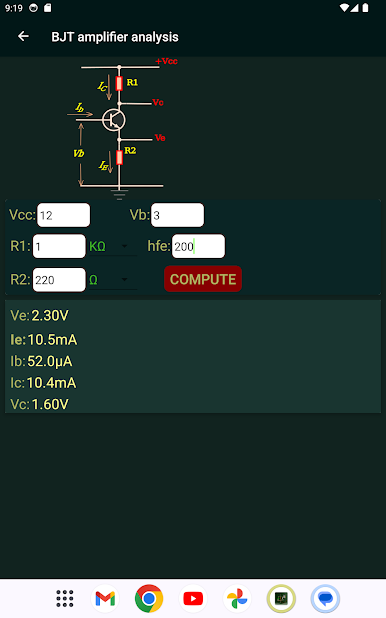
- BJT and network conversions: Extract common BJT parameters and switch between delta–star (and vice versa) configurations.
- RLC networks and current dividers: Analyze series/parallel RLCs and split currents among branches.
- SMD resistor sizing: Practical conversions and value lookups for surface-mount components.
- Ongoing updates: New tools and improvements are added periodically; the app displays ads to help support development.
Eager to take your app experience to the next level? Start right away by downloading BlueStacks on your PC or Mac.

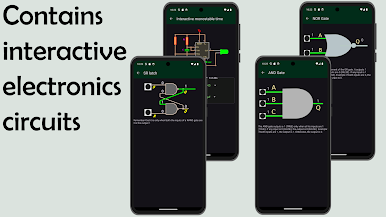
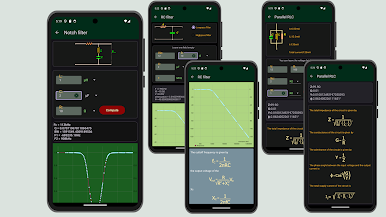
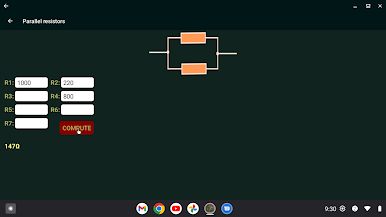
Play Electrocalc: electronics tools on PC. It’s easy to get started.
-
Download and install BlueStacks on your PC
-
Complete Google sign-in to access the Play Store, or do it later
-
Look for Electrocalc: electronics tools in the search bar at the top right corner
-
Click to install Electrocalc: electronics tools from the search results
-
Complete Google sign-in (if you skipped step 2) to install Electrocalc: electronics tools
-
Click the Electrocalc: electronics tools icon on the home screen to start playing

