


Bluetouch™ Keyboard and Mouse
Jouez sur PC avec BlueStacks - la plate-forme de jeu Android, approuvée par + 500M de joueurs.

Page Modifiée le: Oct 25, 2025
Play Bluetouch™ Keyboard and Mouse on PC
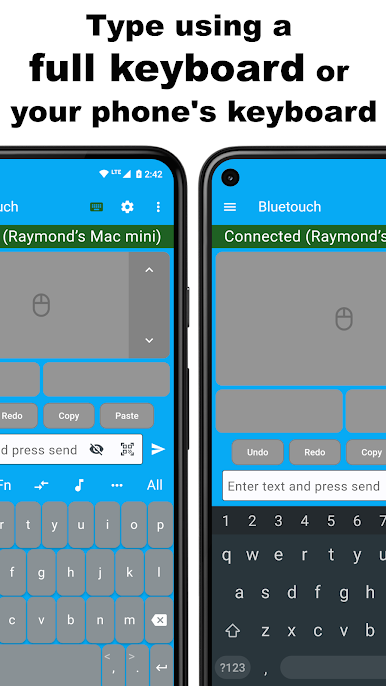
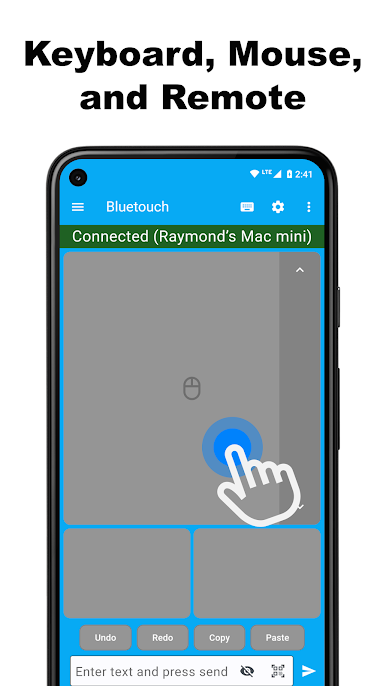
Trackpad and Full Keyboard
The app supports scrolling and includes left, right, and middle mouse buttons. The scroll speed and scroll direction can be adjusted in the app settings. The app offers a full keyboard for remote typing and includes function keys and arrow keys. Your device's system keyboard can also be used instead of the app's custom keyboard. The system keyboard supports familiar input features such as swipe gestures, text autocompletion, and speech-to-text for remote typing. The app supports scanning QR codes or barcodes so that the scanned data can be wirelessly transmitted to a connected device. Text can also be copied outside the app and pasted directly into the app to transmit to a connected device. The keyboard layout of the app's custom keyboard can be changed to support different languages.
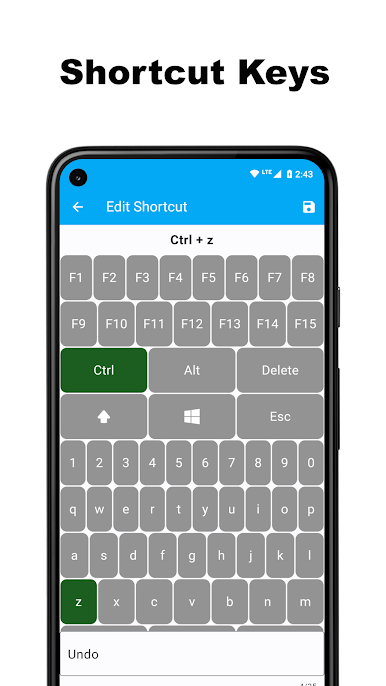
Shortcut Keys
The app supports creating shortcut keys that can send a combination of up to six different keyboard keys simultaneously. For example, a user could create a shortcut key that sends the ctrl, alt, and delete keys at the same time to a connected PC.
Custom Layouts
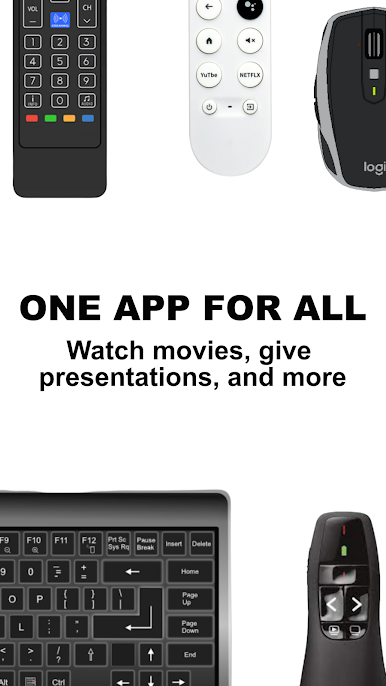
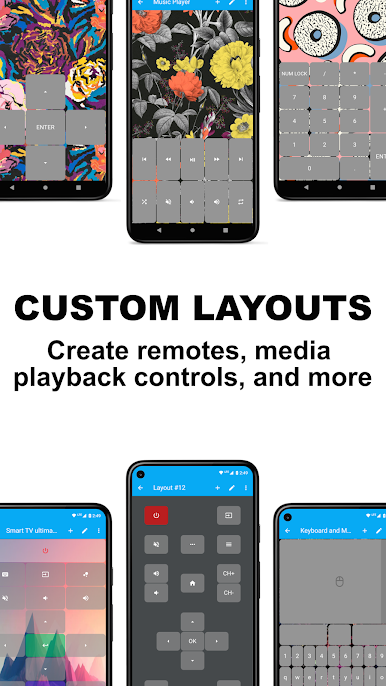
The app supports creating custom layouts to allow users to create their own Smart TV remote, presentation remote, game controller, or other Bluetooth interface. Custom layouts can be exported and imported from the app for easy sharing and backups. Benefits of creating custom layouts include:
- Combining the functionality of multiple remotes into an all-in-one remote.
- Being able to seamlessly switch between different layouts while connected to a device. For example, while connected to a PC, a user could switch between using a keyboard layout to type, a media remote layout to watch movies, and a PC control layout to navigate on a web browser.
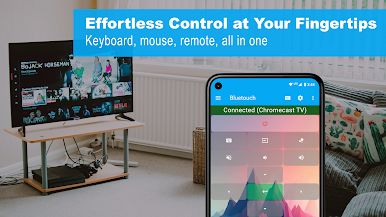
Download the app today and experience effortless control!
Get connected with the Bluetouch community! Join our Discord server for tips, tricks, and discussions: https://discord.gg/5KCsWhryjd

Jouez à Bluetouch™ Keyboard and Mouse sur PC. C'est facile de commencer.
-
Téléchargez et installez BlueStacks sur votre PC
-
Connectez-vous à Google pour accéder au Play Store ou faites-le plus tard
-
Recherchez Bluetouch™ Keyboard and Mouse dans la barre de recherche dans le coin supérieur droit
-
Cliquez pour installer Bluetouch™ Keyboard and Mouse à partir des résultats de la recherche
-
Connectez-vous à Google (si vous avez ignoré l'étape 2) pour installer Bluetouch™ Keyboard and Mouse
-
Cliquez sur l'icône Bluetouch™ Keyboard and Mouse sur l'écran d'accueil pour commencer à jouer

