


Cam Shutter
Играйте на ПК с BlueStacks – игровой платформе для приложений на Android. Нас выбирают более 500 млн. игроков.

Страница изменена: Sep 27, 2024
Play Cam Shutter on PC
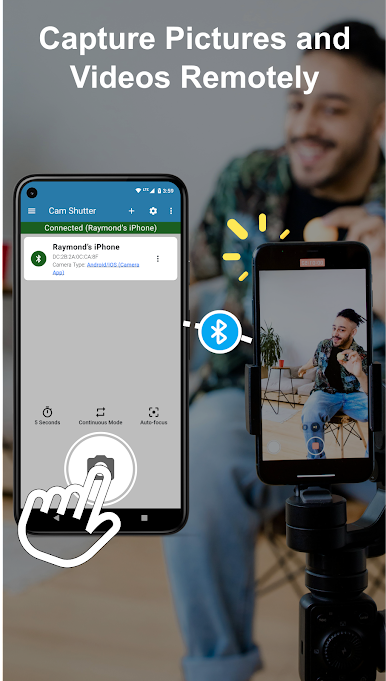
Cam Shutter is the ultimate wireless remote shutter app that lets you control cameras from a distance using Bluetooth.
Effortless control:
- Take photos or start/stop video recording remotely.
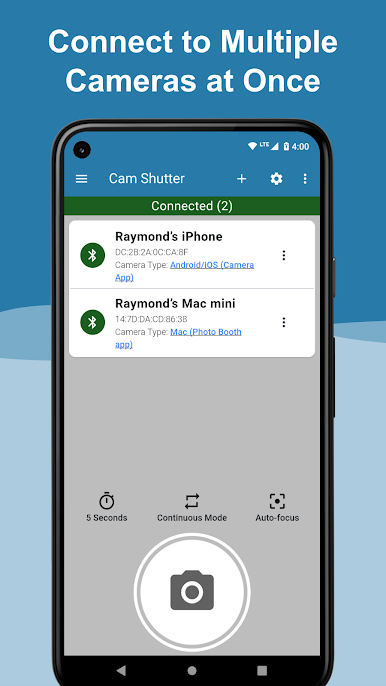
- Control one or multiple cameras simultaneously.
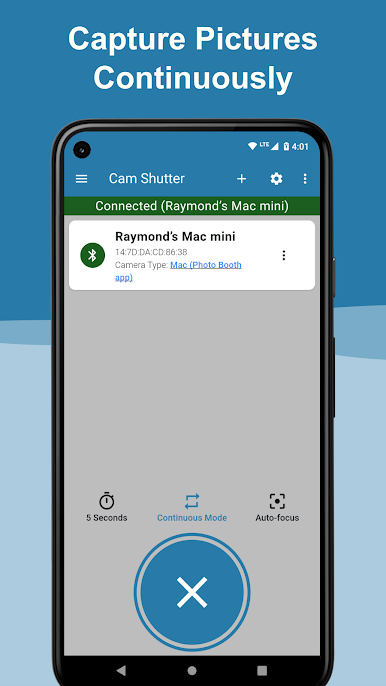
- Continuous-mode: In continuous mode, you just have to press the shutter button once and the app will take pictures continuously at a fixed interval until you press the shutter button gain. This gives you the freedom to take multiple pictures without having to repeatedly press the shutter button.
- Built-in delay feature: The delay feature is used to set a delay before the app sends the signal to the connect camera to snap a photo. This gives you time to hide your phone before the shot, join group photos, or use both hands freely. No more messing with self-timer settings on the camera. Manage delays within the app!
- Auto-focus activation: Focus your shot perfectly on BLE-compatible cameras.
Simple and versatile:
- No line-of-sight required: Capture the perfect angle without limitations.
- Always with you: No need for extra batteries or bulky remotes – your phone is all you need.
Easy connection to a wide range of devices:
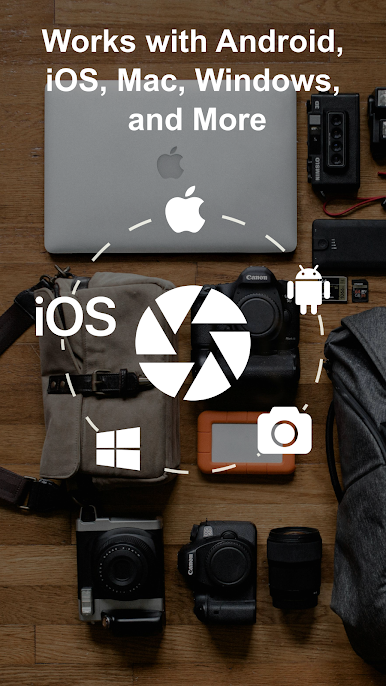
- Compatible BLE cameras
- Android & iOS phones/tablets
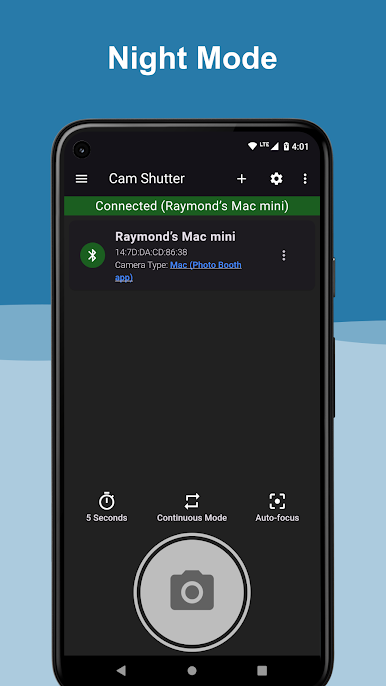
- Windows (Camera app) & Mac computers (Photo Booth app)
Cam Shutter makes taking photos a breeze. Capture stunning selfies, group shots, and creative angles with ease. Download it today!

Играйте в игру Cam Shutter на ПК. Это легко и просто.
-
Скачайте и установите BlueStacks на ПК.
-
Войдите в аккаунт Google, чтобы получить доступ к Google Play, или сделайте это позже.
-
В поле поиска, которое находится в правой части экрана, введите название игры – Cam Shutter.
-
Среди результатов поиска найдите игру Cam Shutter и нажмите на кнопку "Установить".
-
Завершите авторизацию в Google (если вы пропустили этот шаг в начале) и установите игру Cam Shutter.
-
Нажмите на ярлык игры Cam Shutter на главном экране, чтобы начать играть.

