


SEEMILE TOPIK (Test Your Korea
Play on PC with BlueStacks – the Android Gaming Platform, trusted by 500M+ gamers.

Page Modified on: Oct 13, 2024
Run SEEMILE TOPIK (Test Your Korean Language Level) on PC or Mac
Let BlueStacks turn your PC, Mac, or laptop into the perfect home for SEEMILE TOPIK (Test Your Korean Language Level), a fun Education app from Langster Co., Ltd..
About the App
Want to see how your Korean stacks up? SEEMILE TOPIK (Test Your Korean Language Level) is all about helping you check your skills and get ready for your Korean proficiency test. Whether you’re prepping for TOPIK 1, TOPIK 2, or just curious about how far you’ve come, this friendly tool takes the guesswork out of studying. The app’s pretty easy to use, and you’ll find plenty to explore, from practice tests to targeted study help.
App Features
-
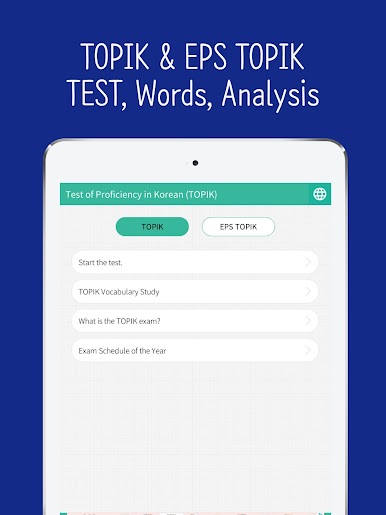
TOPIK Levels and EPS-TOPIK Access
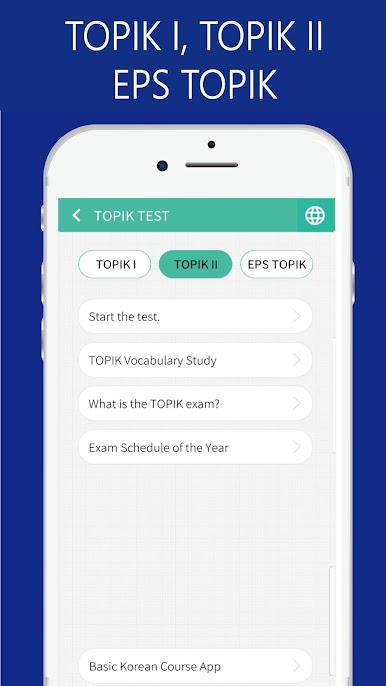
Pick your lane—whether you need practice for TOPIK 1, TOPIK 2, or EPS-TOPIK, there’s a bunch of questions tailored just for your level. -
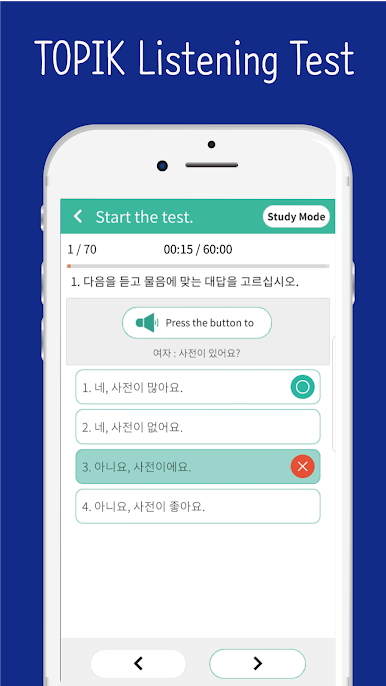
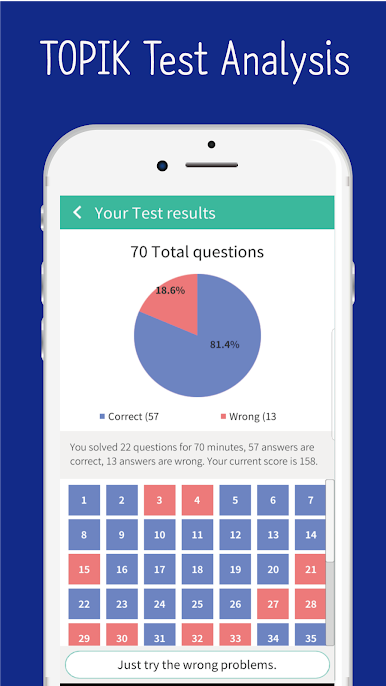
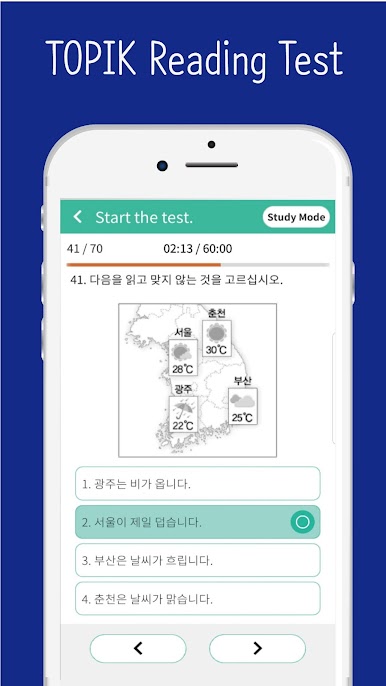
Realistic Mock Tests & Score Analysis
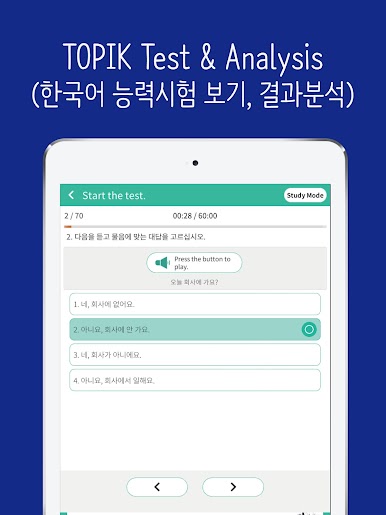
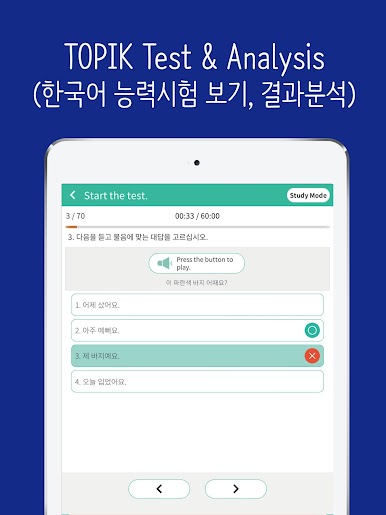
Take a practice run with full-length tests that actually feel like the real thing. When you finish, you’ll get a breakdown of your results to see where you nailed it and where you might want to brush up. -
Video Lessons for Study Help
Don’t want to stare at textbooks all day? Check out clear, straightforward videos that help walk you through the trickier parts and main points of the exam. -
Test Details at Your Fingertips
Stay on top of key info—exam dates, what the test covers, and tips for getting through test day are all packed in one spot. -
TOPIK Vocabulary Lists
Quickly browse and study essential words that are likely to come up on your test. Perfect for brushing up on vocab while you wait for your coffee. -
Seamless Experience on BlueStacks
If you’re looking to use SEEMILE TOPIK (Test Your Korean Language Level) on a bigger screen, it works smoothly with BlueStacks.
BlueStacks gives you the much-needed freedom to experience your favorite apps on a bigger screen. Get it now.
Play SEEMILE TOPIK (Test Your Korea on PC. It’s easy to get started.
-
Download and install BlueStacks on your PC
-
Complete Google sign-in to access the Play Store, or do it later
-
Look for SEEMILE TOPIK (Test Your Korea in the search bar at the top right corner
-
Click to install SEEMILE TOPIK (Test Your Korea from the search results
-
Complete Google sign-in (if you skipped step 2) to install SEEMILE TOPIK (Test Your Korea
-
Click the SEEMILE TOPIK (Test Your Korea icon on the home screen to start playing

