

Congregation Territories
5억명 이상의 게이머가 신뢰하는 안드로이드 게임 플랫폼 BlueStacks으로 PC에서 플레이하세요.

Run Congregation Territories on PC or Mac
Upgrade your experience. Try Congregation Territories, the fantastic Productivity app from Simão Lúcio, from the comfort of your laptop, PC, or Mac, only on BlueStacks.
About the App
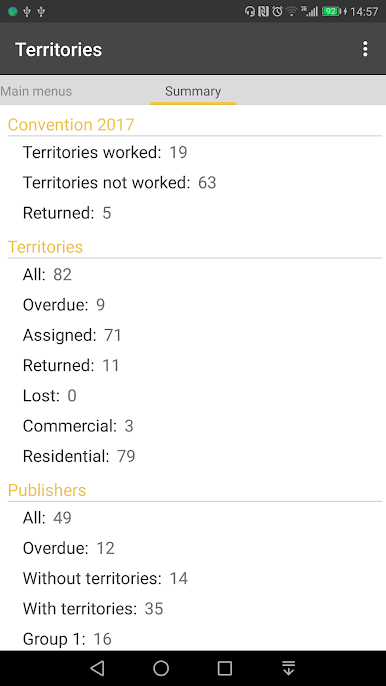
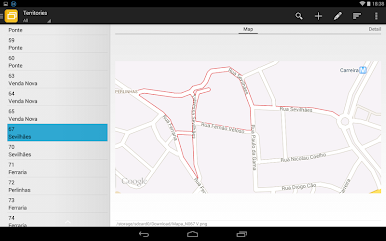
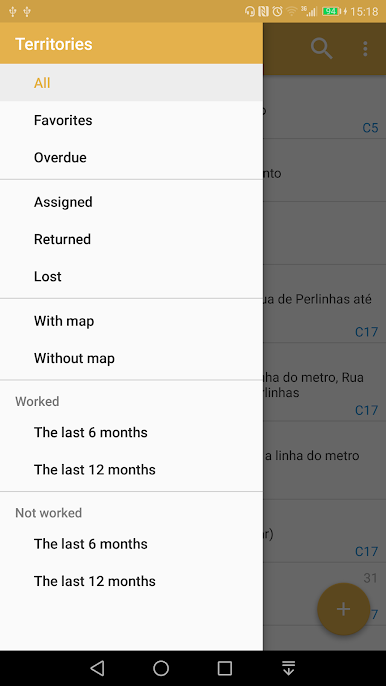
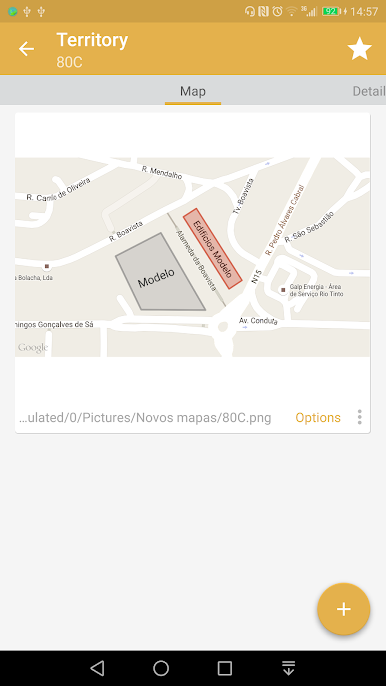
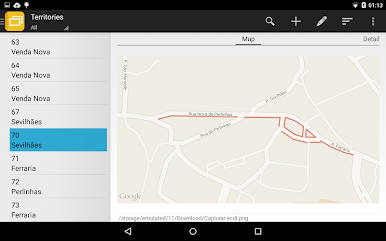
Need an easier way to keep track of congregation territories? Congregation Territories by Simão Lúcio was built for those managing the territory work for Jehovah’s Witnesses. Whether you’re keeping an eye on who’s got which territory, making sure campaign maps get covered, or trying to sort out overdue returns, this handy productivity tool brings everything into one place—so you won’t need to juggle paper stacks or sticky notes anymore.
App Features
-
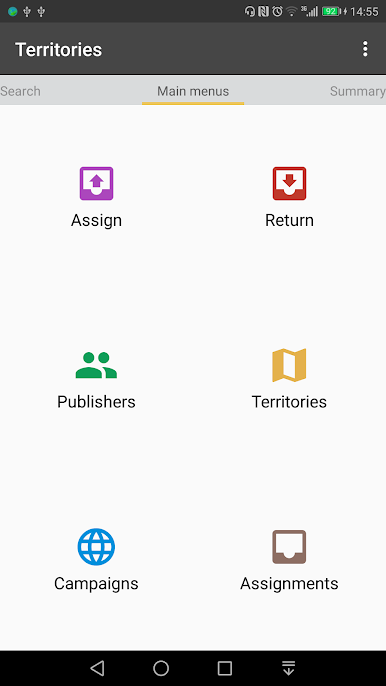
Assign and Return Territories with a Tap
Quickly hand out or collect territories—it’s just a couple of taps to keep everything up to date, all without chasing down paperwork. -
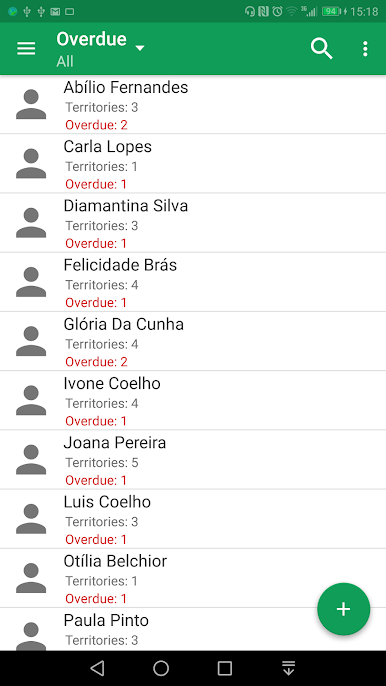
Track Overdue Territories
Stay on top of whose maps are past due. The app highlights overdue territories and even shows which publishers need reminders. -
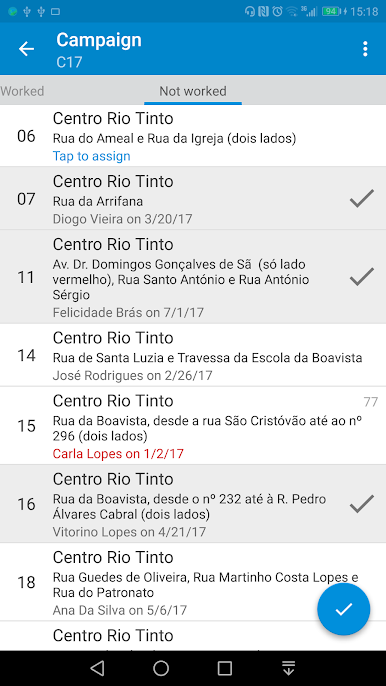
Campaign Management
Wondering how much ground is left to cover? See, at a glance, what’s been handled and which campaign maps still need attention. -
Do Not Call & Do Call Lists
Keep those important lists organized—the ‘Do Not Call’ and ‘Do Call’ info is right where you need it, super easy to update and reference. -
Export Listings and Reports
Whether you want to back up your data or work with it in Excel, exporting is simple. Official S-13 and S-12 PDF exports are also supported if your country uses them—handy for those required forms. -
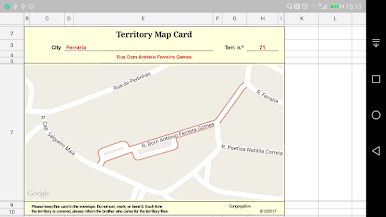
Print Territory Cards
Need printed cards like the standard S-12? Print straight from the app, saving time and hassle.
You can also run Congregation Territories on your computer using BlueStacks, making it even simpler to manage everything from a bigger screen.
BlueStacks brings your apps to life on a bigger screen—seamless and straightforward.
PC에서 Congregation Territories 플레이해보세요.
-
BlueStacks 다운로드하고 설치
-
Google Play 스토어에 로그인 하기(나중에 진행가능)
-
오른쪽 상단 코너에 Congregation Territories 검색
-
검색 결과 중 Congregation Territories 선택하여 설치
-
구글 로그인 진행(만약 2단계를 지나갔을 경우) 후 Congregation Territories 설치
-
메인 홈화면에서 Congregation Territories 선택하여 실행

