


Amo crucigramas 3
Juega en PC con BlueStacks: la plataforma de juegos Android, en la que confían más de 500 millones de jugadores.

Página modificada el: Nov 27, 2023
Play I Love Crosswords 3 on PC or Mac
From the innovators and creators at Second Gear Games, I Love Crosswords 3 is another fun addition to the World of Word games. Go beyond your mobile screen and play it bigger and better on your PC or Mac. An immersive experience awaits you.
About the Game
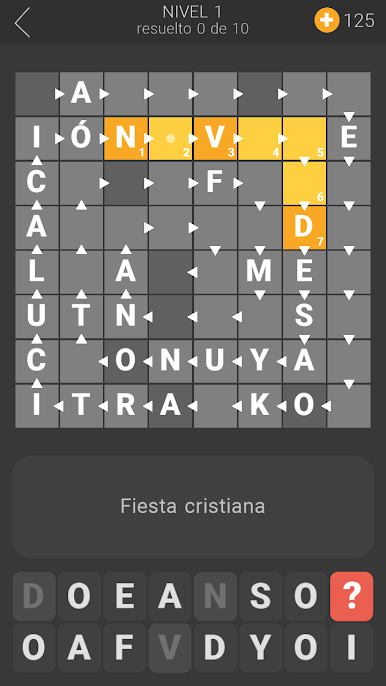
I Love Crosswords 3 from Second Gear Games shakes up classic wordplay with a fresh twist. Whether you’re a crossword aficionado or just looking for a fun way to unwind, this word game mixes clever clues, vibrant photos, and even a few surprises to keep you on your toes. Each puzzle has its own personality, so no two rounds ever feel the same.
Game Features
-
New Takes on Crosswords
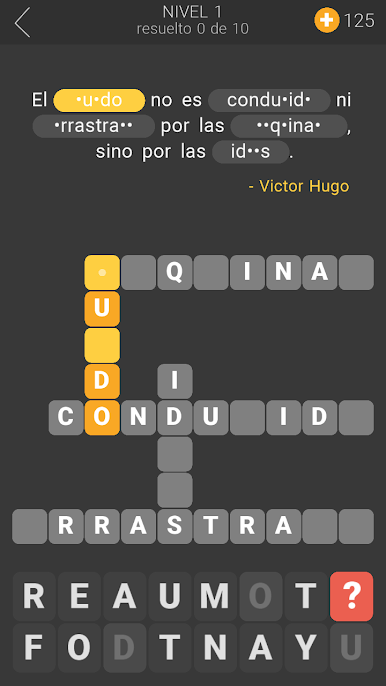
Expect more than the usual—word chain crosswords and puzzles built around famous quotes add a unique spin. It’s not just about vocabulary anymore; a sharp eye and a quick mind will go a long way. -
Photo-Based Clues
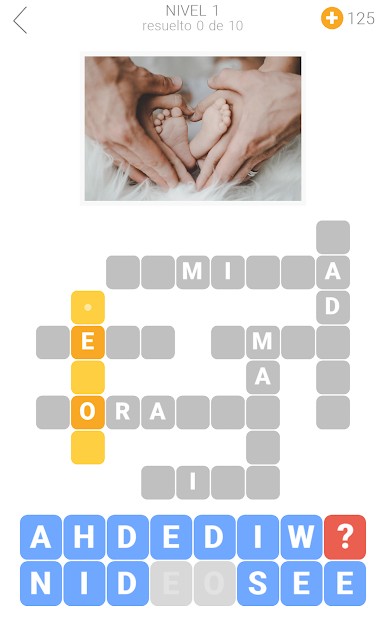
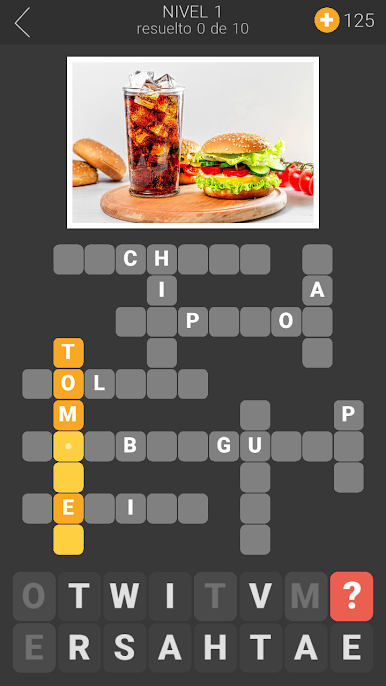
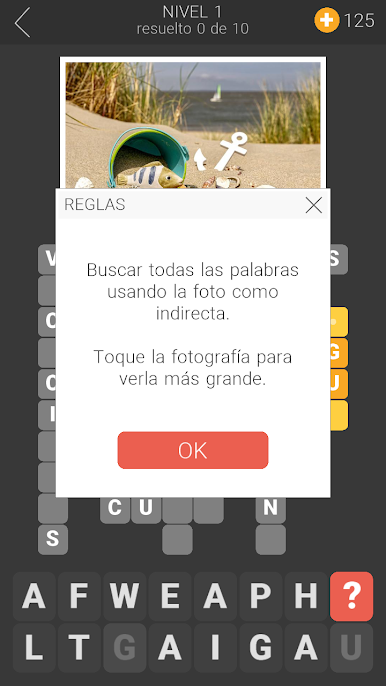
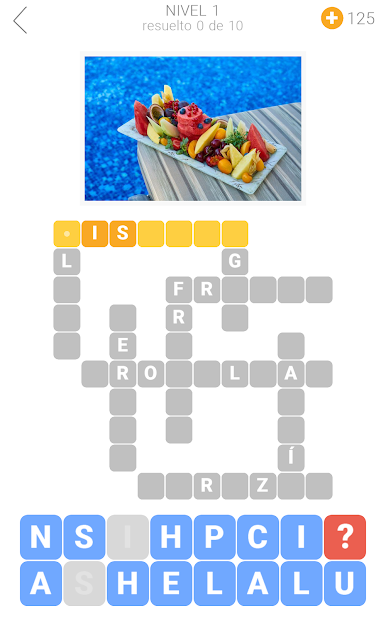
Sometimes a picture really is worth a thousand words. Certain puzzles give you an image as your main clue. You can even tap to zoom in closer, which feels almost like hunting for hidden details. -
Classic Challenges
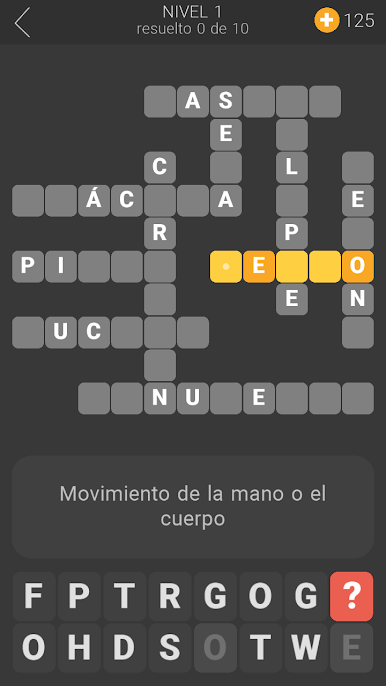
Traditional text clues are still here, offering that old-school crossword feel with just enough difficulty to make you think. -
Language Options
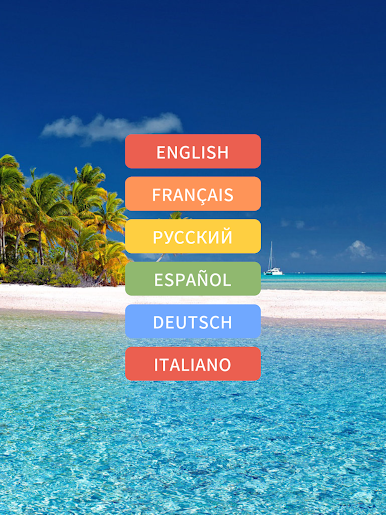
Play in English or branch out—French, German, Russian, Italian, and Spanish are all on offer. Makes it fun if you’re bilingual or want to test your skills in another language. -
Puzzles For Every Mood
Hundreds of crosswords mean there’s always something new waiting, whether you’ve got five minutes or an entire afternoon. -
Social Play
Get a little friendly competition going or solve together—family and friends can jump in, too.
You can also use BlueStacks if you’d like to play I Love Crosswords 3 on a bigger screen, just saying.
Slay your opponents with your epic moves. Play it your way on BlueStacks and dominate the battlefield.

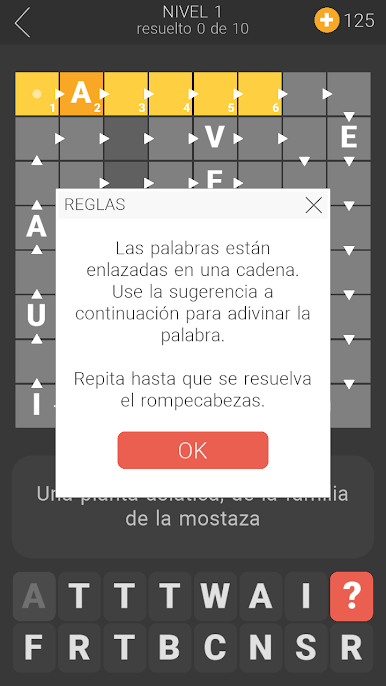
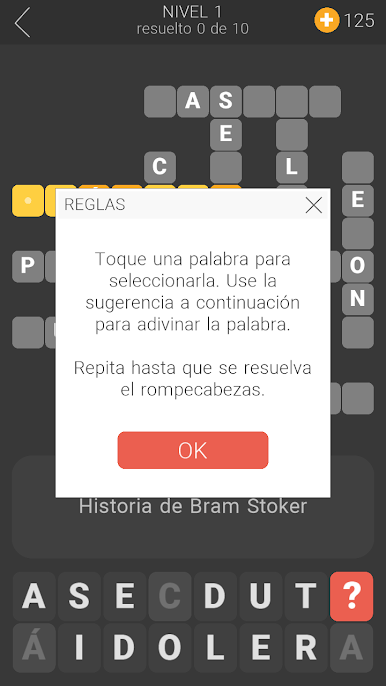
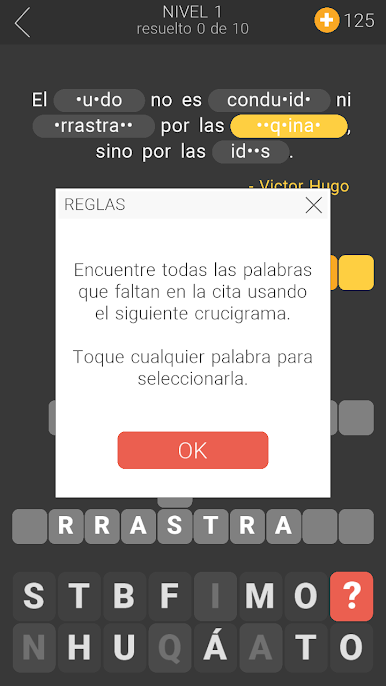
Juega Amo crucigramas 3 en la PC. Es fácil comenzar.
-
Descargue e instale BlueStacks en su PC
-
Complete el inicio de sesión de Google para acceder a Play Store, o hágalo más tarde
-
Busque Amo crucigramas 3 en la barra de búsqueda en la esquina superior derecha
-
Haga clic para instalar Amo crucigramas 3 desde los resultados de búsqueda
-
Complete el inicio de sesión de Google (si omitió el paso 2) para instalar Amo crucigramas 3
-
Haz clic en el ícono Amo crucigramas 3 en la pantalla de inicio para comenzar a jugar

