교차로
5억명 이상의 게이머가 신뢰하는 안드로이드 게임 플랫폼 BlueStacks으로 PC에서 플레이하세요.
Run Crossroads on PC or Mac
Upgrade your experience. Try Crossroads, the fantastic Education app from Shoyo, from the comfort of your laptop, PC, or Mac, only on BlueStacks.
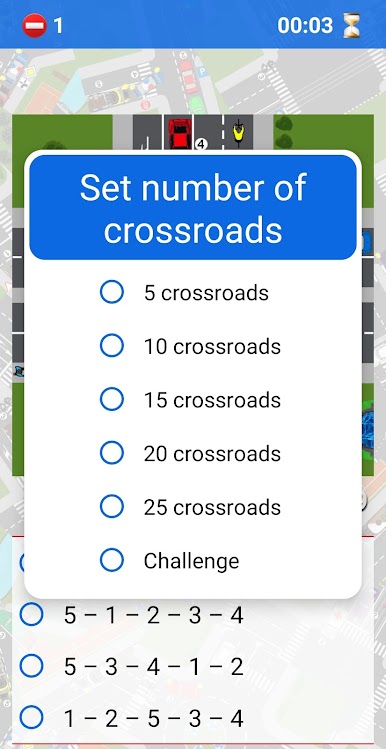
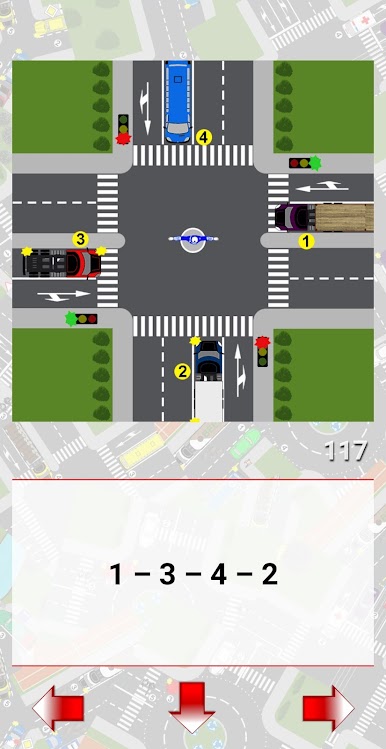
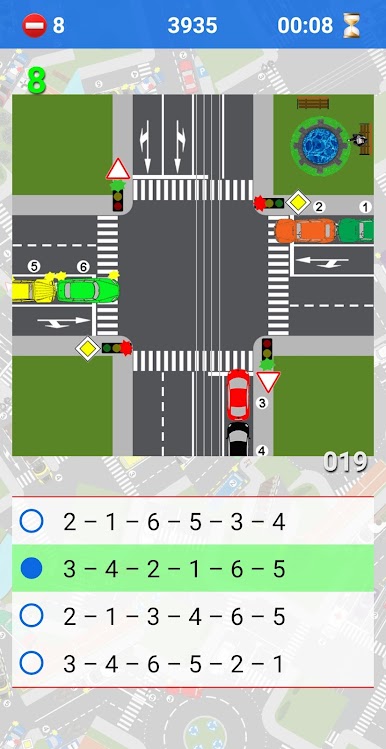
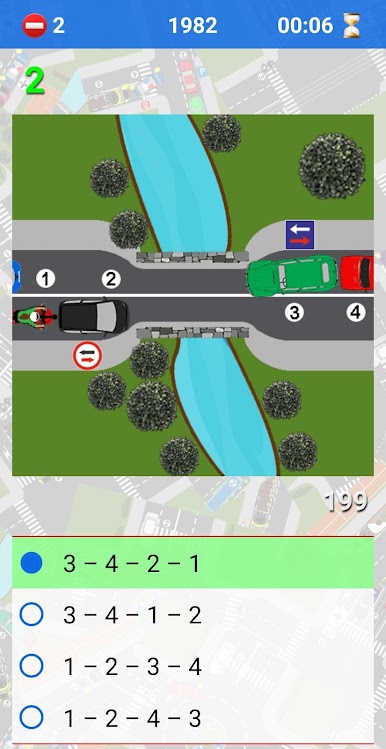
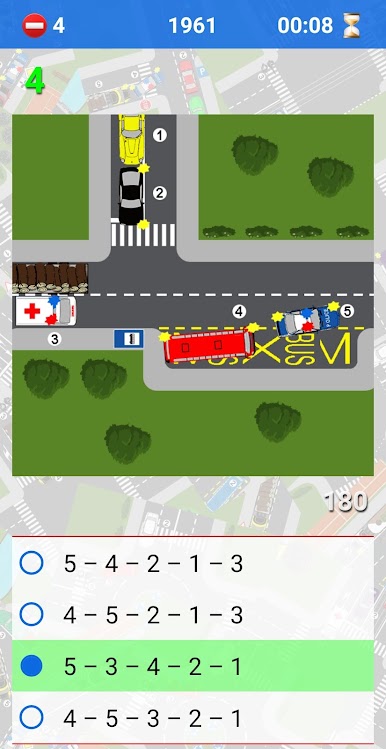
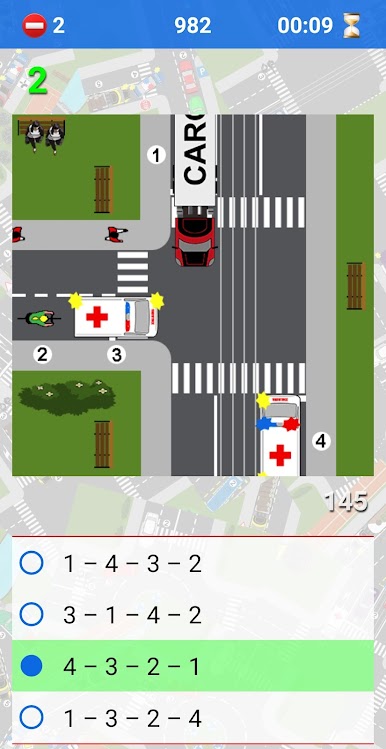
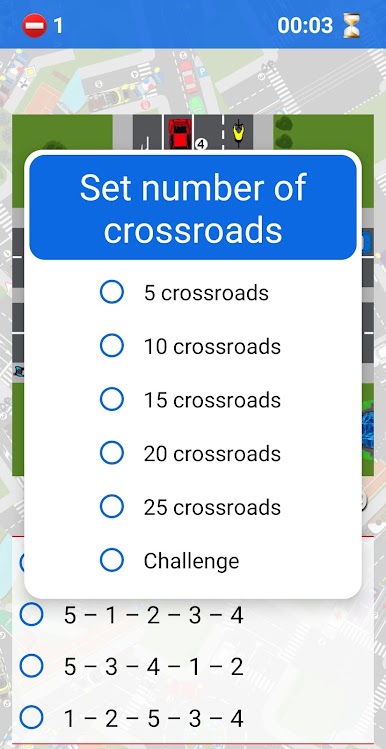
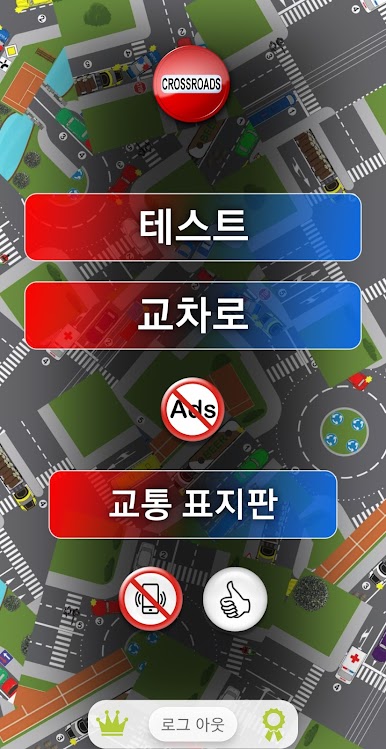
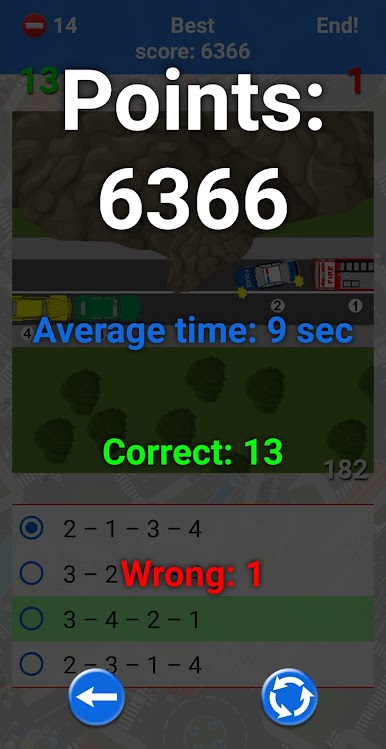
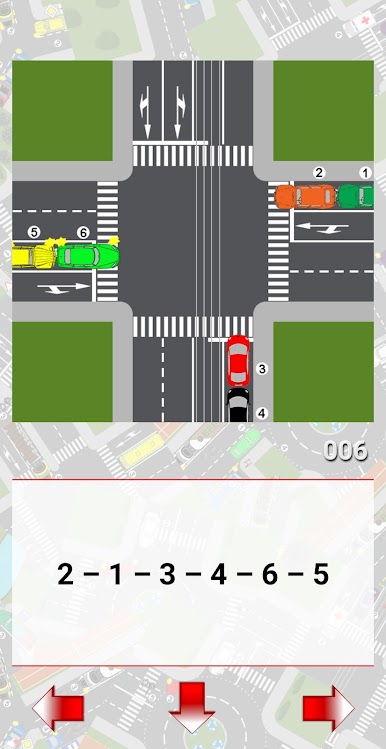
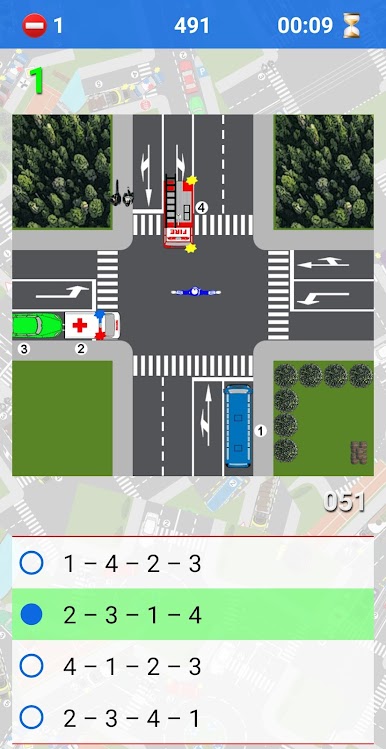
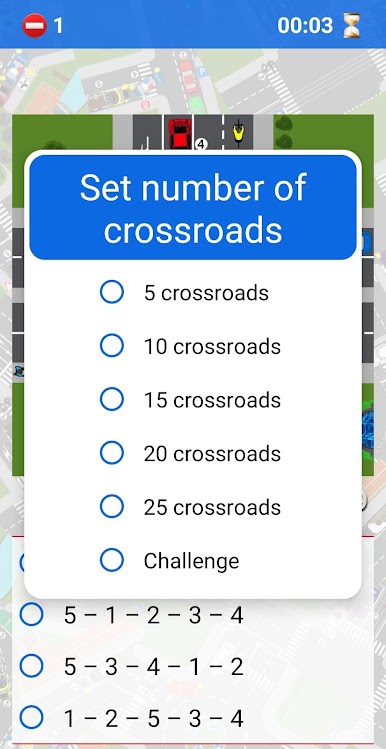
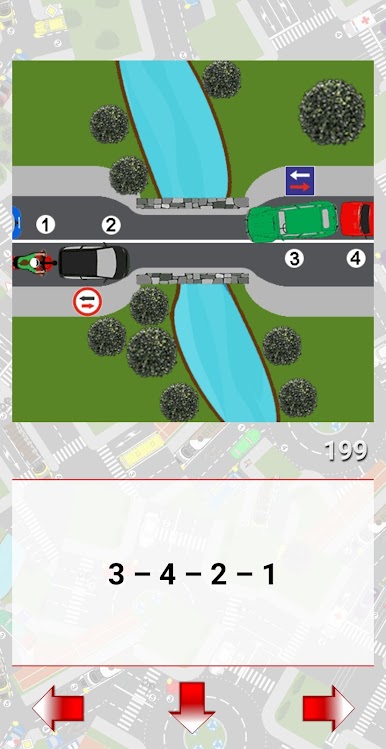
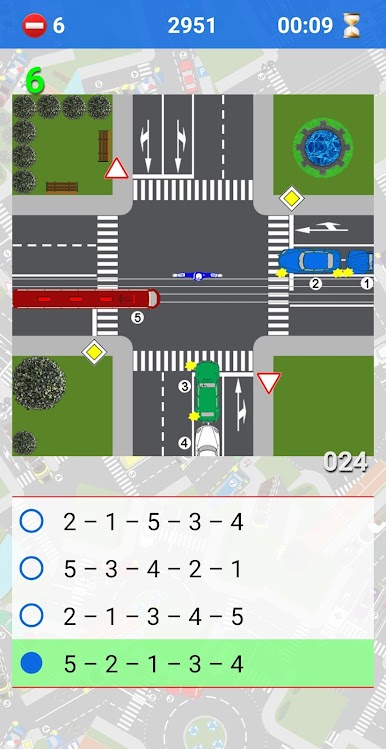
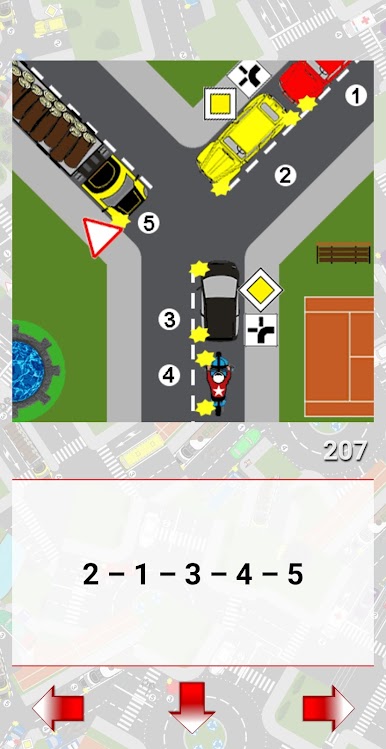
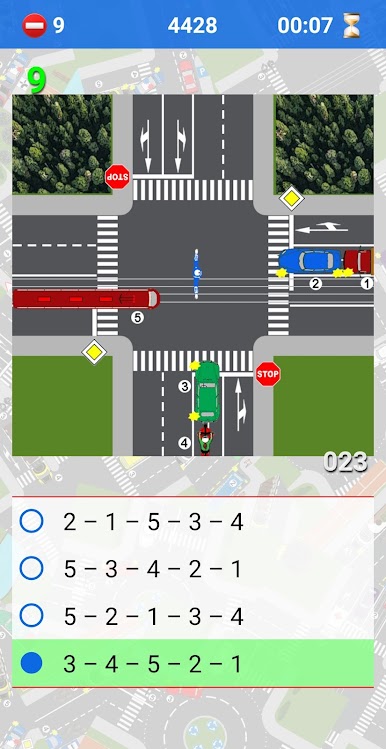
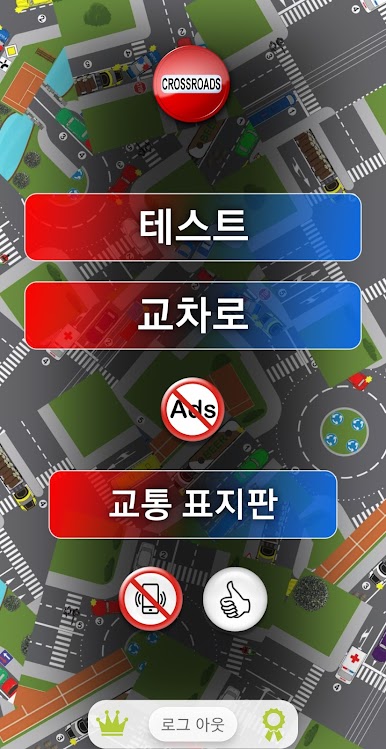
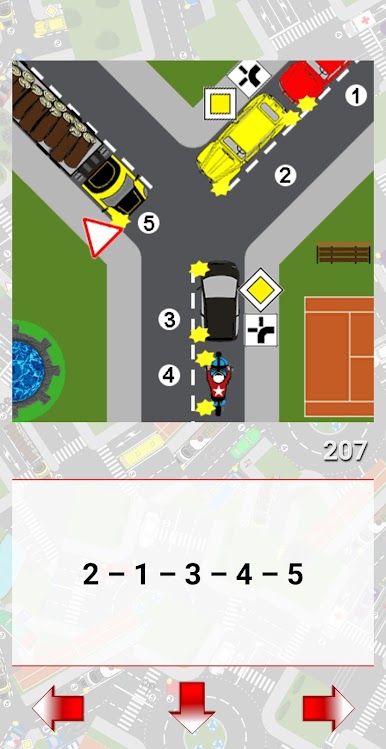
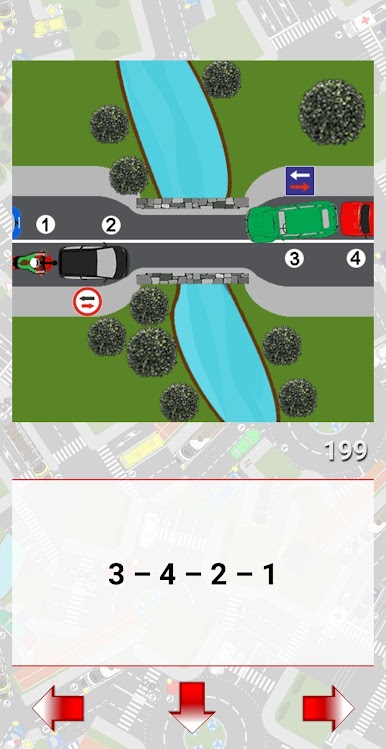
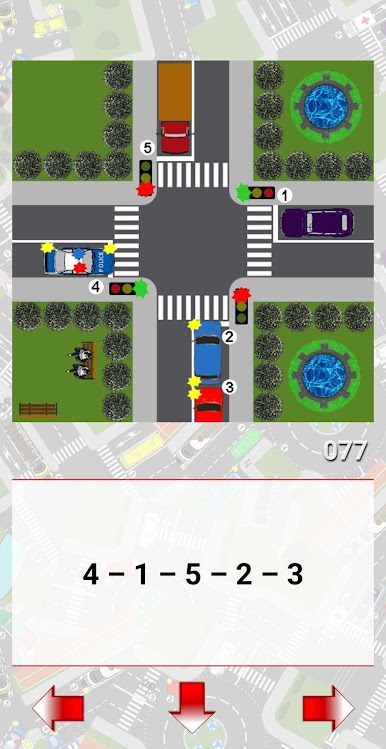
Crossroads feels like a bunch of quick right of way puzzles wrapped into short rounds. Each scenario shows an intersection with cars, lights, and signs, and the task is to decide who moves first. There is a 45 second limit per crossroad, so it stays sharp and focused. Sessions can be set to a custom number of intersections, then it tallies how many were correct. It is straightforward, no fluff, just traffic logic and timing.
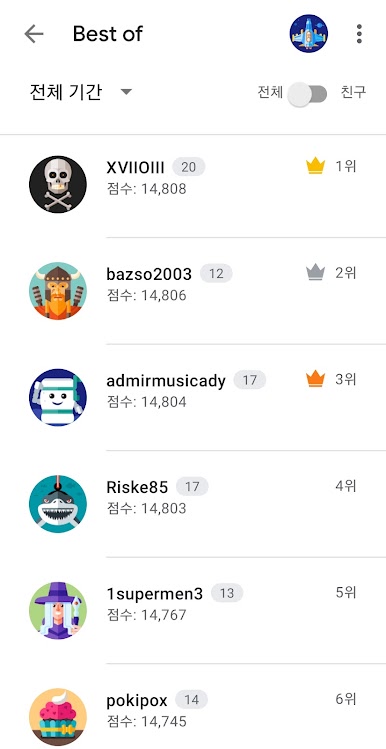
It suits anyone preparing for a driving exam or someone who already has a licence and wants to refresh the rules. There are a lot of situations to work through, more than two hundred static ones, plus over a hundred video scenarios that look closer to real roads. The timer adds a little pressure that keeps attention up without feeling stressful. Progress ties into Google Play Games, so scores can be tracked and compared with others if that helps with motivation.
Running it on a PC with BlueStacks is nice since a bigger screen makes small lane arrows and tiny sign details easier to spot, and quick mouse clicks make choosing orders fast. The app also connects to a separate traffic sign trainer that covers many countries and regions, which is useful if someone is moving or planning to drive abroad. The look is clean, loads fast, and does not get in the way. It is not flashy, more like a practical trainer that ends up being surprisingly engaging.
BlueStacks gives you the much-needed freedom to experience your favorite apps on a bigger screen. Get it now.
PC에서 교차로 플레이해보세요.
-
BlueStacks 다운로드하고 설치
-
Google Play 스토어에 로그인 하기(나중에 진행가능)
-
오른쪽 상단 코너에 교차로 검색
-
검색 결과 중 교차로 선택하여 설치
-
구글 로그인 진행(만약 2단계를 지나갔을 경우) 후 교차로 설치
-
메인 홈화면에서 교차로 선택하여 실행