


50 Pull-ups workout BeStronger
العب على الكمبيوتر الشخصي مع BlueStacks - نظام أندرويد للألعاب ، موثوق به من قبل أكثر من 500 مليون لاعب.

Play 50 Pull-ups workout BeStronger on PC
Key Features:
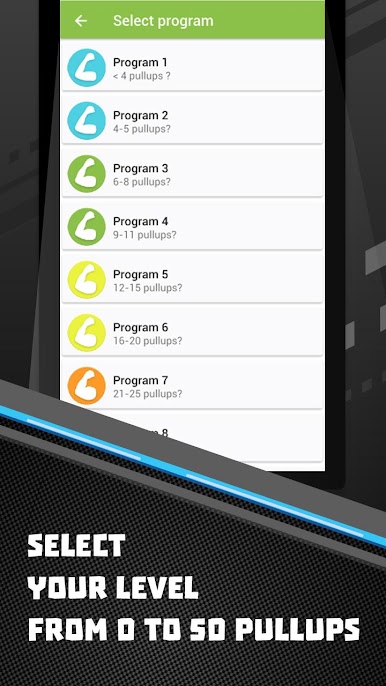
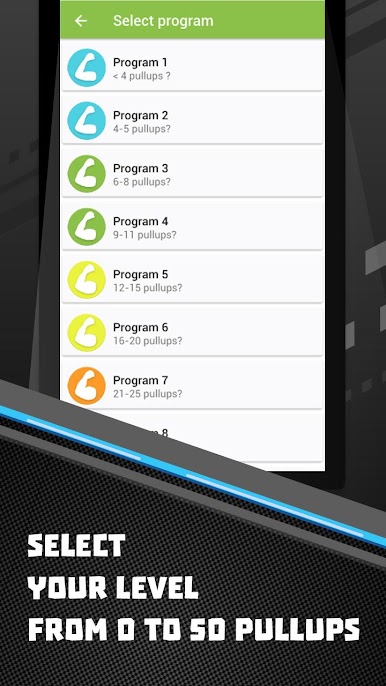
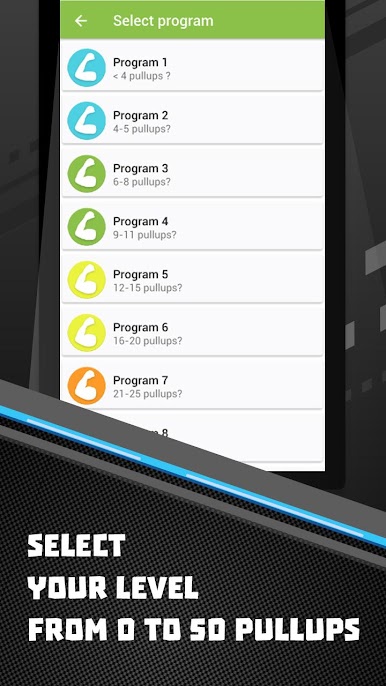
11 workout programs
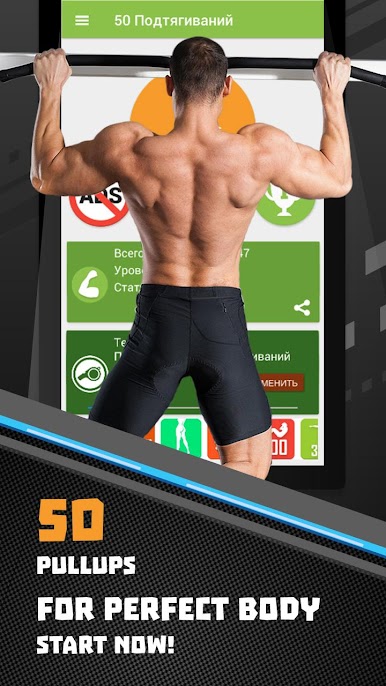
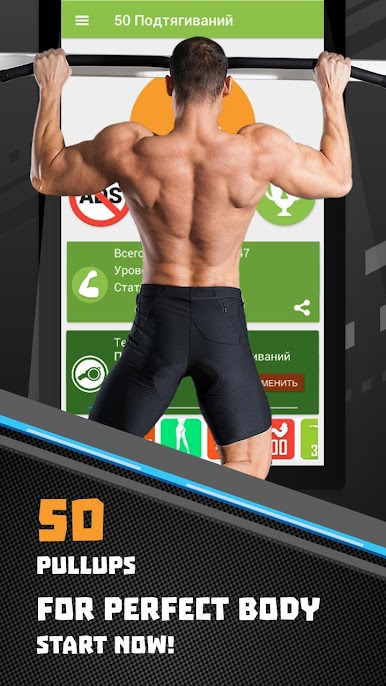
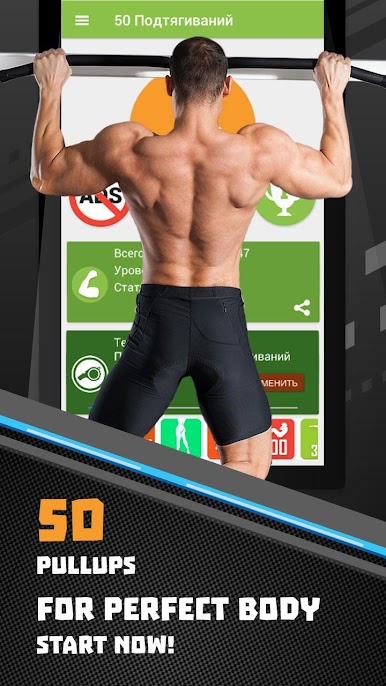
Quick statistics (track your current average number of pull-ups, your active program, status, and medals)
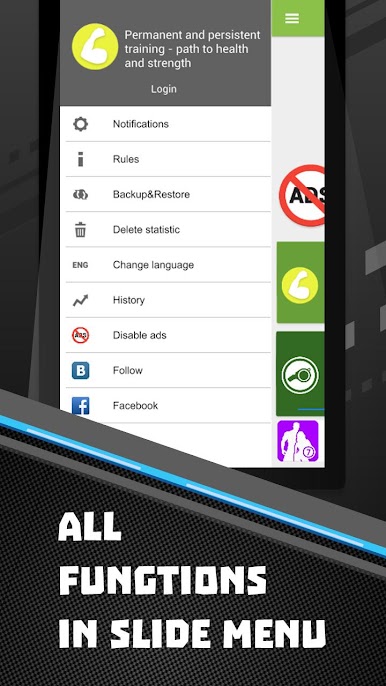
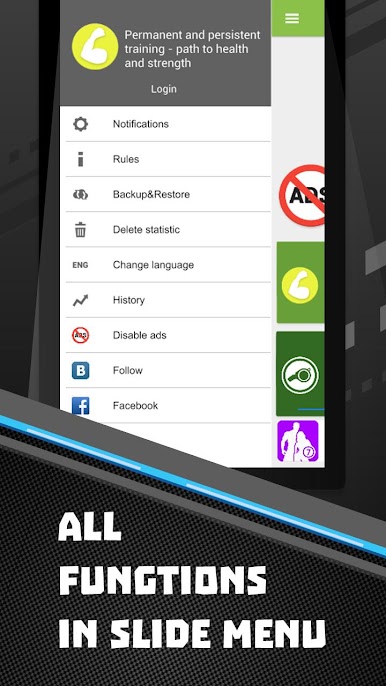
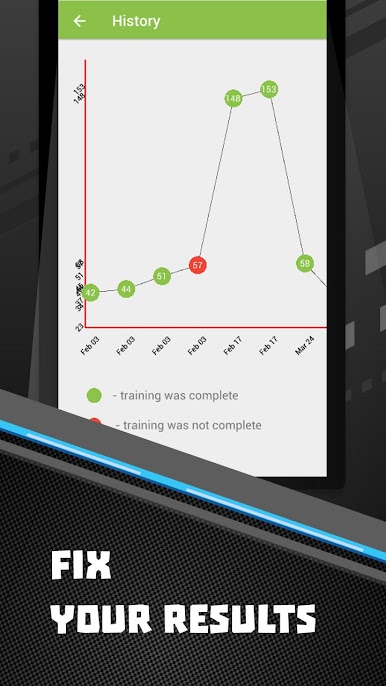
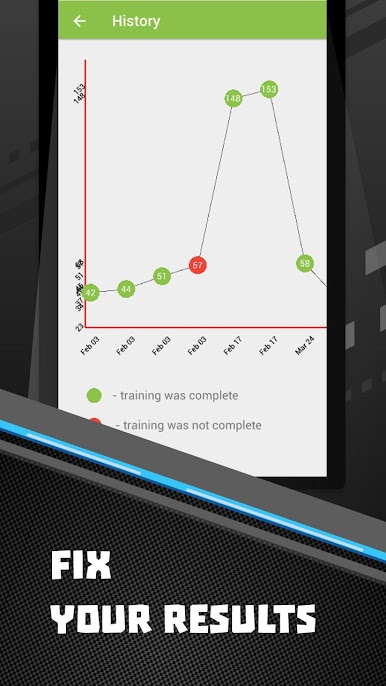
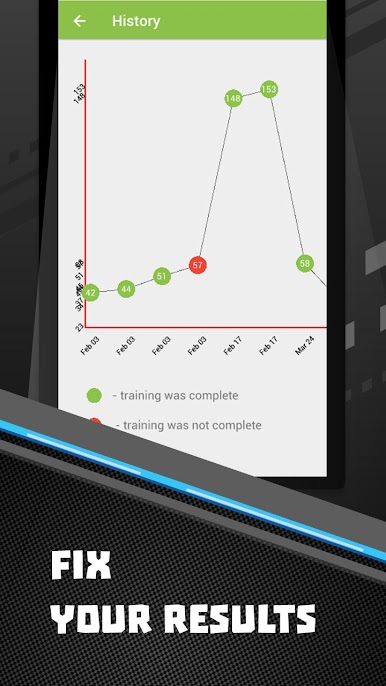
Training history log
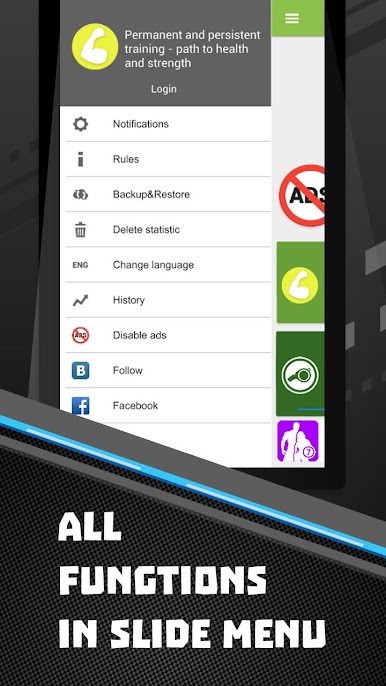
Data backup and remote server data restore
Reminder feature to ensure you never miss a workout
Cloud storage for easy backup and transfer of your personal statistics
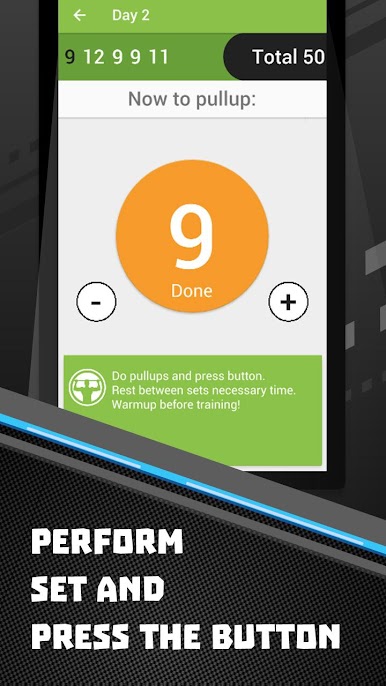
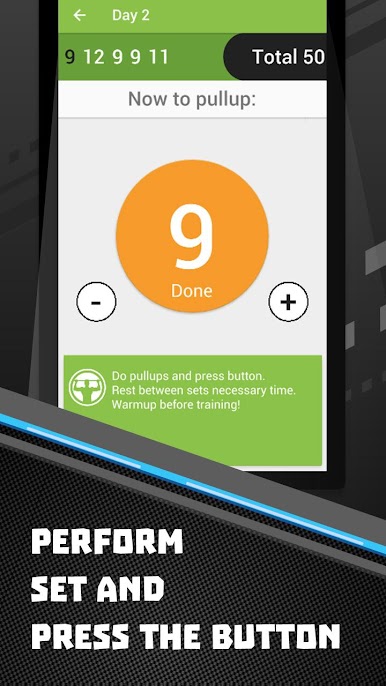
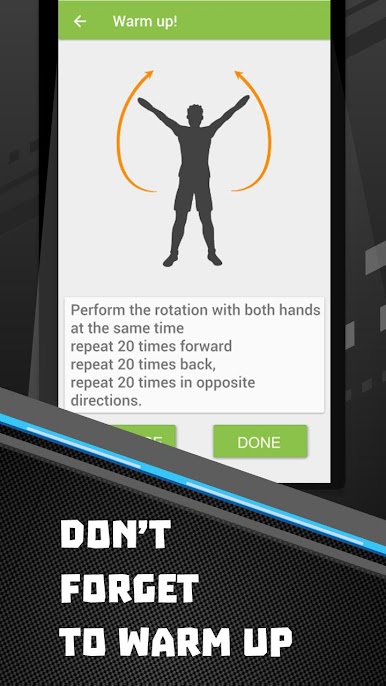
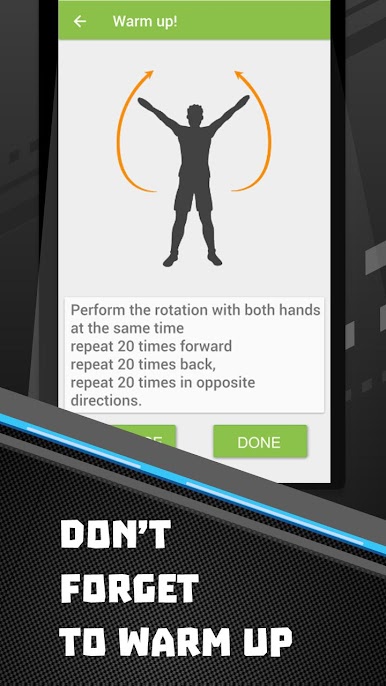
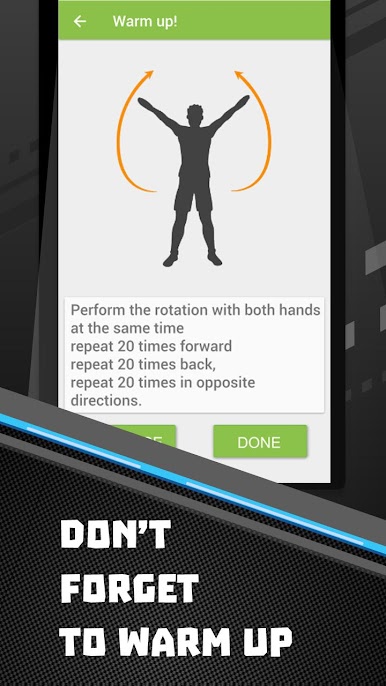
Warm-up exercises before each workout
Ability to switch to a different program during challenging sessions
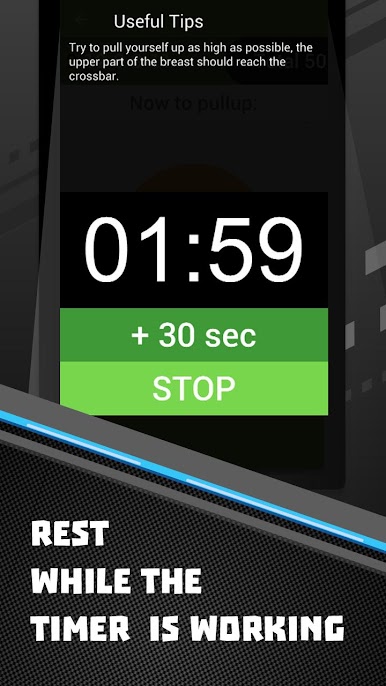
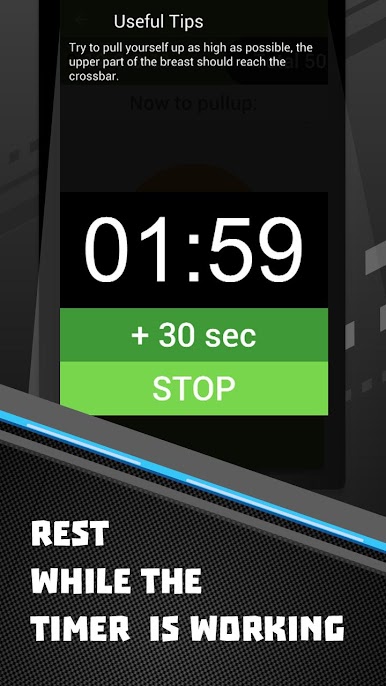
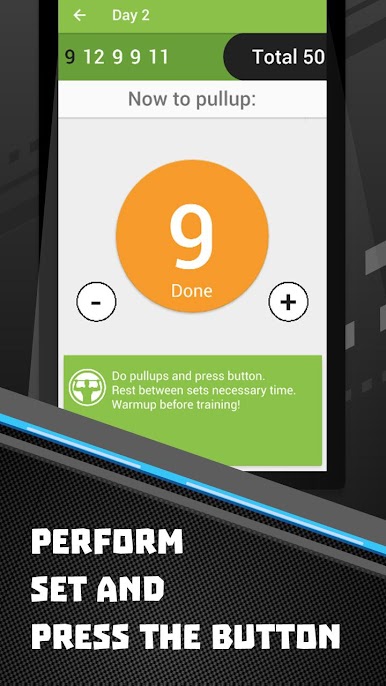
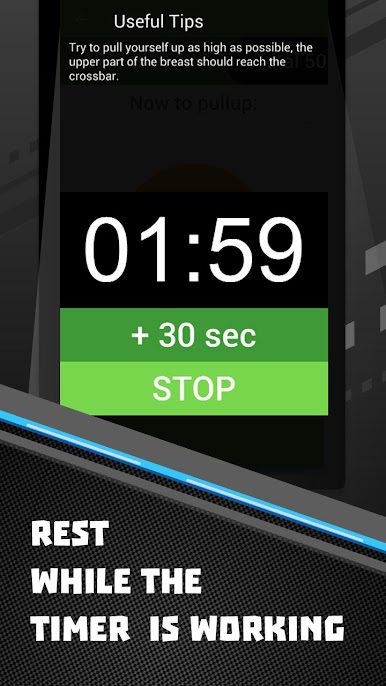
Program Guidelines: Before beginning your training, start with a fitness test to determine your maximum number of pull-ups in a single set. Based on the test results, select a suitable training program and start your journey. Use the timer for rest periods (recommended time or adjust as needed) after each set. Maintain a regular rest schedule and a balanced diet for optimal results.
For example, if you can perform 10 pull-ups, choose a program that targets 9 to 11 repetitions. Remember to rest for 2 days after the initial test to allow for recovery. This program is designed to help you achieve a maximum of 50 pull-ups. While it requires effort, this goal is very achievable with our app, which simplifies your workout routine.
Most individuals can perform fewer than 10 pull-ups, and very few can do more than 15. With our training program, you'll be able to increase your pull-up count. Our program is structured to help everyone reach up to 30 pull-ups and even 50 with dedication. Just follow the instructions, and you'll start feeling the results within a week.
Please note that the app contains advertisements. To remove ads, consider purchasing in-app items.

العب 50 Pull-ups workout BeStronger على جهاز الكمبيوتر. من السهل البدء.
-
قم بتنزيل BlueStacks وتثبيته على جهاز الكمبيوتر الخاص بك
-
أكمل تسجيل الدخول إلى Google للوصول إلى متجر Play ، أو قم بذلك لاحقًا
-
ابحث عن 50 Pull-ups workout BeStronger في شريط البحث أعلى الزاوية اليمنى
-
انقر لتثبيت 50 Pull-ups workout BeStronger من نتائج البحث
-
أكمل تسجيل الدخول إلى Google (إذا تخطيت الخطوة 2) لتثبيت 50 Pull-ups workout BeStronger
-
انقر على أيقونة 50 Pull-ups workout BeStronger على الشاشة الرئيسية لبدء اللعب

