


このページには広告が含まれます
Siemens Typer
仕事効率化 | Keeper Security, Inc.
BlueStacksを使ってPCでプレイ - 5憶以上のユーザーが愛用している高機能Androidゲーミングプラットフォーム

PCでSiemens Typerをプレイ
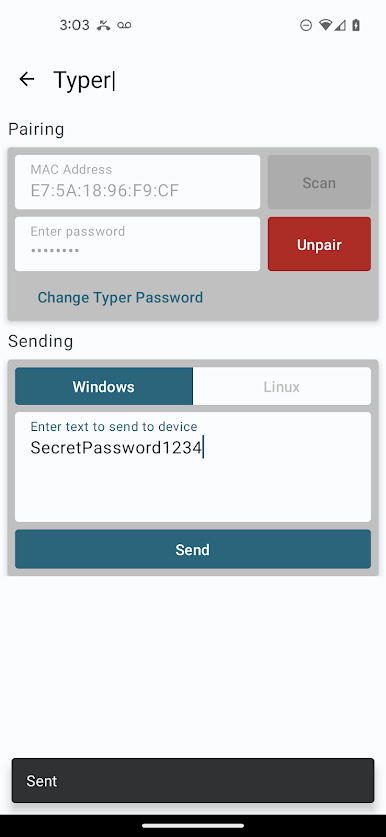
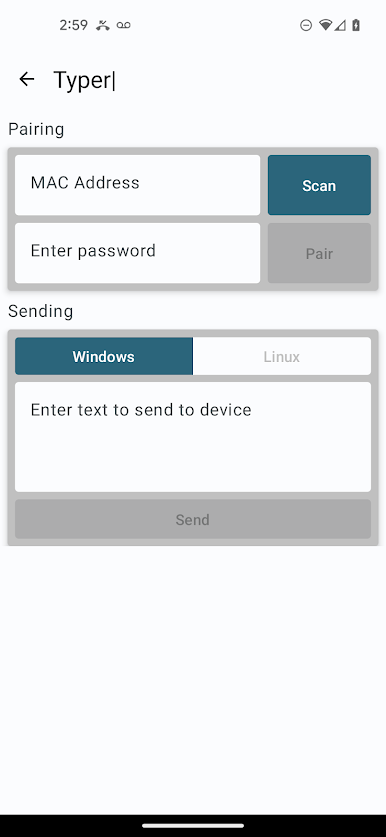
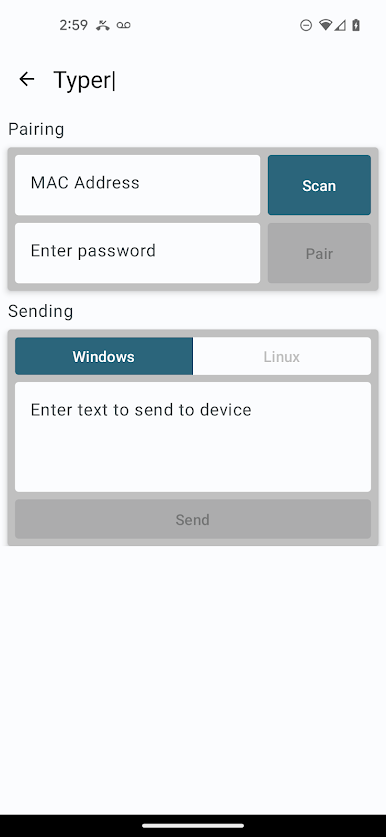
Typer アプリは、Siemens と協力して Keeper Security によって作成され、Bluetooth Low Energy (BLE) プロトコルを介して Siemens Typer USB デバイスにパスワードやその他のデータを送信する機能を提供します。 Typer はスタンドアロン アプリとして使用することも、Keeper Password Manager と併用してワンクリックで情報を送信することもできます。 Typer デバイスがコンピュータの USB ポートに接続されると、キーボード デバイスとして動作します。
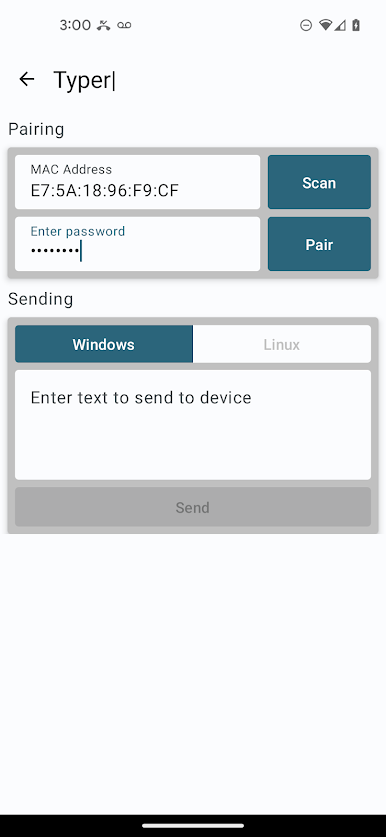
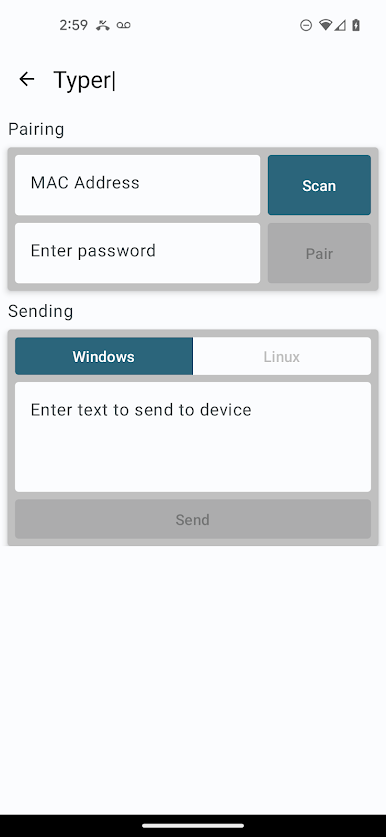
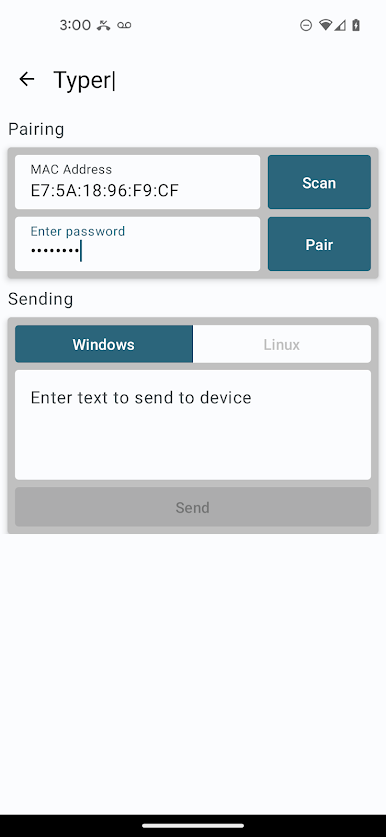
ペアリングは、デバイスのカメラで QR コード スキャンを実行するか、デバイスの MAC アドレスを手動で入力することで完了できます。デバイス情報は、デバイス上の安全なキーチェーンに保存されます。
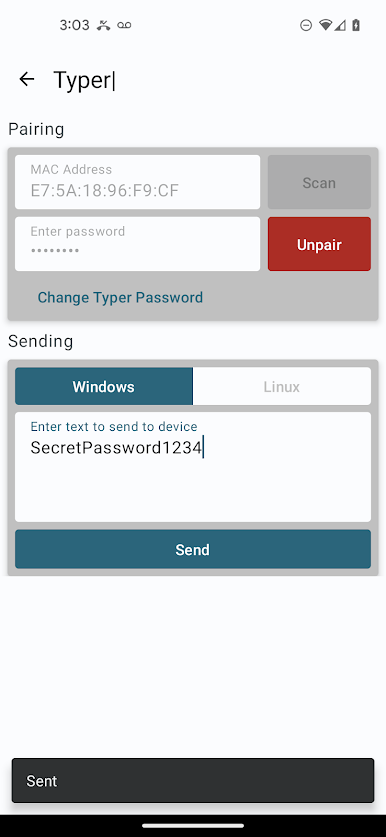
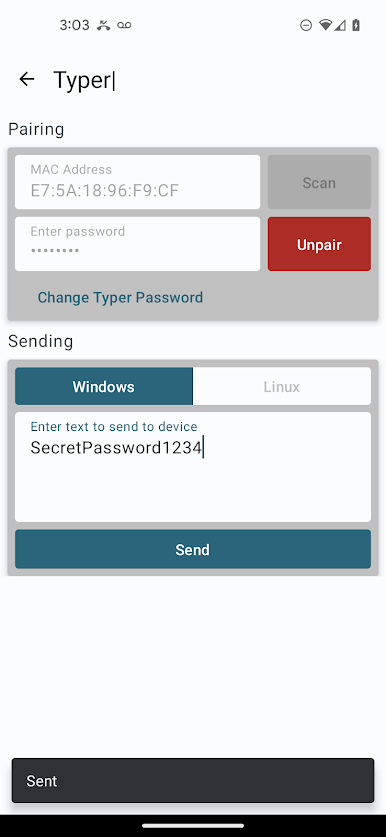
Typer が Keeper Password Manager と同じデバイスにインストールされている場合、「Share to Typer」という新しい機能が Keeper レコードに表示されます。 「Share to Typer」メニュー項目をタップし、送信するフィールドを選択します。ユーザーが送信したいフィールドを選択すると、Keeper は Typer アプリを開き、「送信するテキスト」テキスト エディターを介してそれらのフィールドを送信します。 Typer アプリは Siemens BLE Typer 周辺機器とペアリングし、テキストを周辺機器に送信します。
Android 用 Keeper Password Manager との統合には、少なくともバージョン 16.6.95 が必要であることに注意してください。バージョン 16.6.95 は、2023 年 8 月 15 日に公開される予定です。
この統合についてご質問がある場合は、feedback@keepersecurity.com まで電子メールでお問い合わせください。
ペアリングは、デバイスのカメラで QR コード スキャンを実行するか、デバイスの MAC アドレスを手動で入力することで完了できます。デバイス情報は、デバイス上の安全なキーチェーンに保存されます。
Typer が Keeper Password Manager と同じデバイスにインストールされている場合、「Share to Typer」という新しい機能が Keeper レコードに表示されます。 「Share to Typer」メニュー項目をタップし、送信するフィールドを選択します。ユーザーが送信したいフィールドを選択すると、Keeper は Typer アプリを開き、「送信するテキスト」テキスト エディターを介してそれらのフィールドを送信します。 Typer アプリは Siemens BLE Typer 周辺機器とペアリングし、テキストを周辺機器に送信します。
Android 用 Keeper Password Manager との統合には、少なくともバージョン 16.6.95 が必要であることに注意してください。バージョン 16.6.95 は、2023 年 8 月 15 日に公開される予定です。
この統合についてご質問がある場合は、feedback@keepersecurity.com まで電子メールでお問い合わせください。
Siemens TyperをPCでプレイ
-
BlueStacksをダウンロードしてPCにインストールします。
-
GoogleにサインインしてGoogle Play ストアにアクセスします。(こちらの操作は後で行っても問題ありません)
-
右上の検索バーにSiemens Typerを入力して検索します。
-
クリックして検索結果からSiemens Typerをインストールします。
-
Googleサインインを完了してSiemens Typerをインストールします。※手順2を飛ばしていた場合
-
ホーム画面にてSiemens Typerのアイコンをクリックしてアプリを起動します。

