


Cell Signal Monitor Pro
เล่นบน PC ผ่าน BlueStacks - Android Gaming Platform ที่ได้รับความไว้วางใจจากเกมเมอร์ 500 ล้านคนทั่วโลก

Page Modified on: Aug 12, 2024
Play Cell Signal Monitor Pro on PC
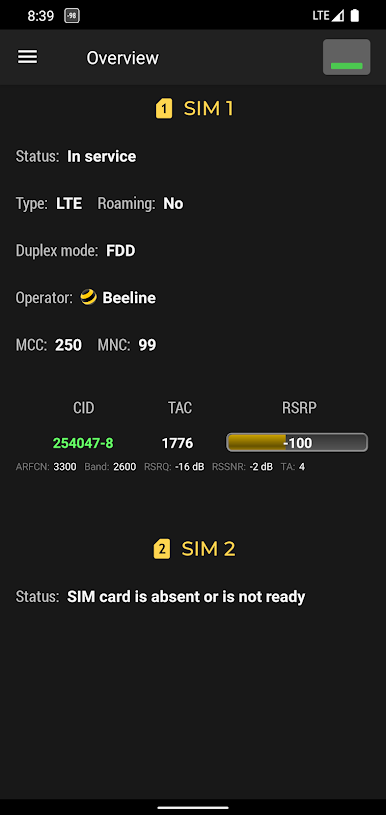
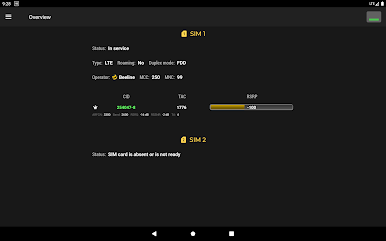
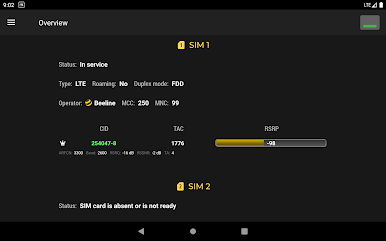
The first tab contains the following information:
• Connection status (in service/emergency only/out of service/radio is off)
• Operator name and its MCC and MNC
• Network technology (GPRS/EDGE/UMTS/LTE)
• Current cell identity (CID)
• Current area identity (LAC/RNC/TAC)
• Signal strength (RSSI and RSRP for LTE networks)
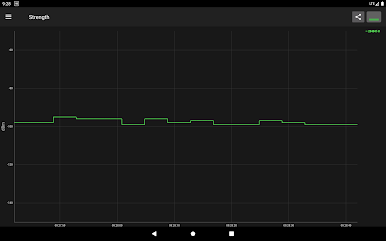
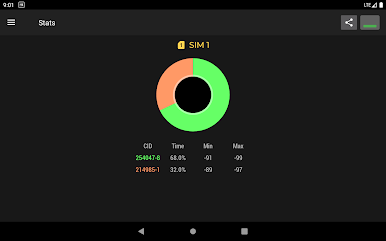
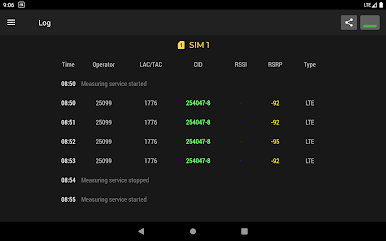
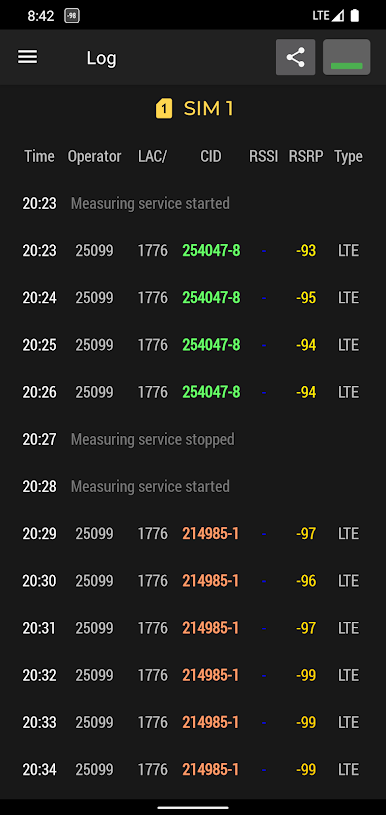
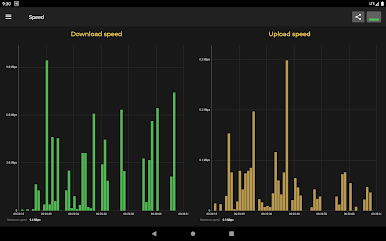
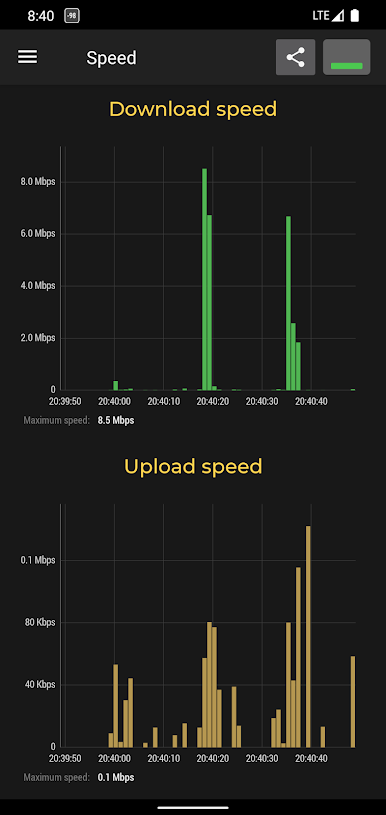
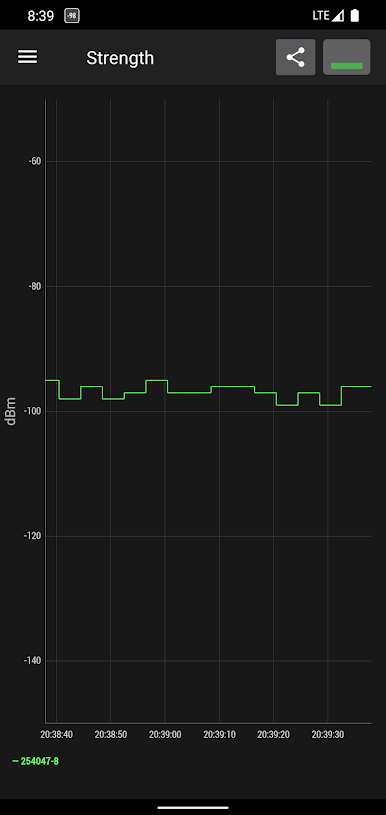
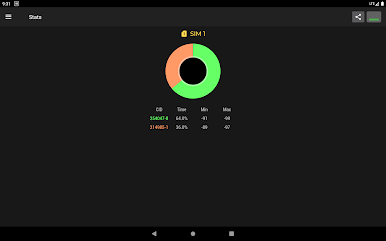
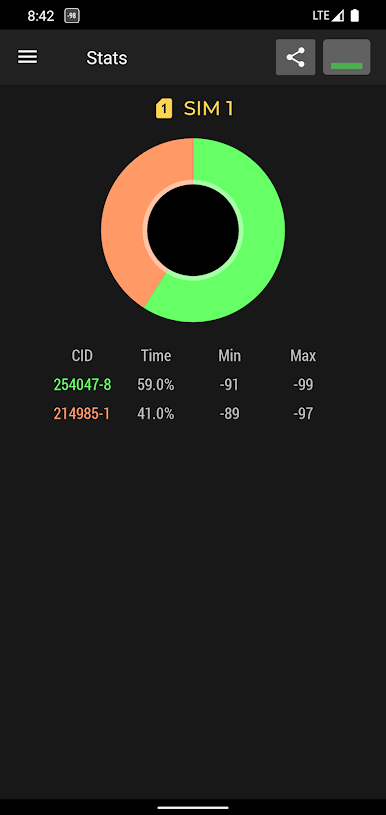
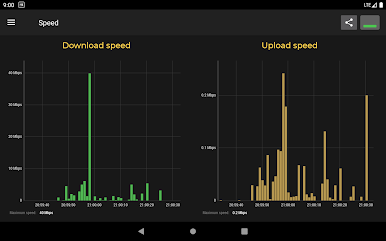
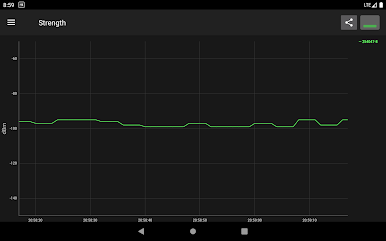
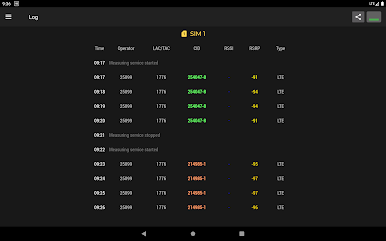
Charts show the changes of strength level and speed of mobile connection. Log and Statistics display the data about cells which were used by a mobile device.
https://signalmonitoring.com/en/cell-signal-monitor-description
เล่น Cell Signal Monitor Pro บน PC ได้ง่ายกว่า
-
ดาวน์โหลดและติดตั้ง BlueStacks บน PC ของคุณ
-
ลงชื่อเข้าใช้แอคเคาท์ Google เพื่อเข้าสู่ Play Store หรือทำในภายหลัง
-
ค้นหา Cell Signal Monitor Pro ในช่องค้นหาด้านขวาบนของโปรแกรม
-
คลิกเพื่อติดตั้ง Cell Signal Monitor Pro จากผลการค้นหา
-
ลงชื่อเข้าใช้บัญชี Google Account (หากยังไม่ได้ทำในขั้นที่ 2) เพื่อติดตั้ง Cell Signal Monitor Pro
-
คลิกที่ไอคอน Cell Signal Monitor Pro ในหน้าจอเพื่อเริ่มเล่น

