


Hardwood Euchre - Card Game
Jouez sur PC avec BlueStacks - la plate-forme de jeu Android, approuvée par + 500M de joueurs.

Page Modifiée le: Nov 18, 2025
Play Hardwood Euchre Free on PC or Mac
Join millions to experience Hardwood Euchre Free, an exciting Card game from Silver Creek Entertainment. With BlueStacks App Player, you are always a step ahead of your opponent, ready to outplay them with faster gameplay and better control with the mouse and keyboard on your PC or Mac.
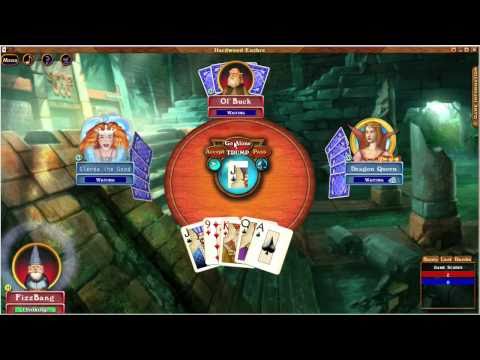
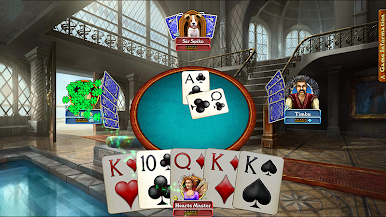
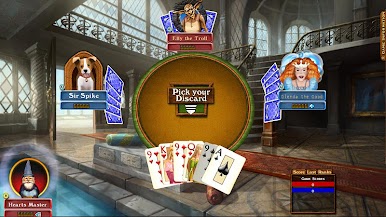
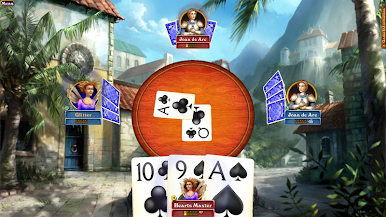
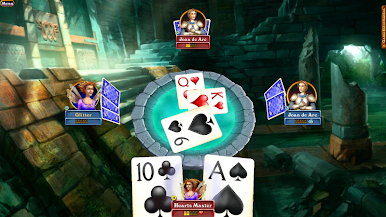
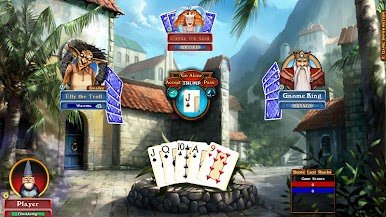
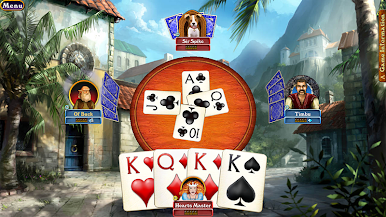
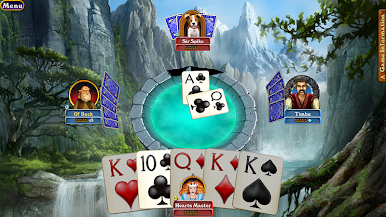
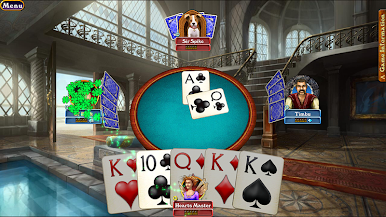
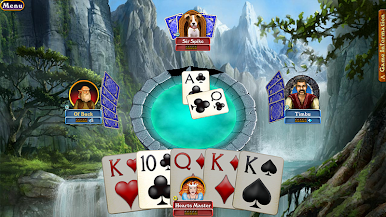
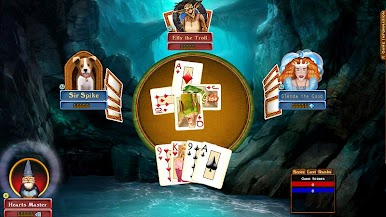
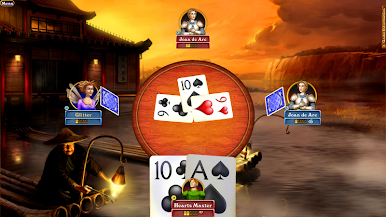
Hardwood Euchre Free feels like sitting at a friendly card table where turns move fast and the rules make sense after a couple hands. It is the classic four player, partner trick-taking setup, calling trump and trying to snag enough tricks without overthinking every move. The interface is clean, cards are easy to read, and the little animations and sounds add just enough polish without getting in the way. On a PC with BlueStacks it runs smooth, mouse clicks feel precise, and having the bigger screen makes tracking the score and trump suit a lot easier.
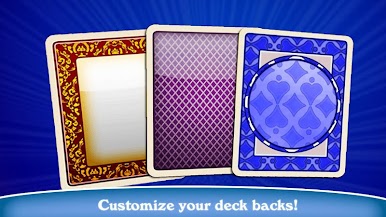
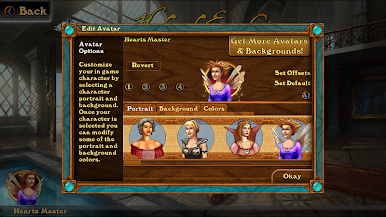
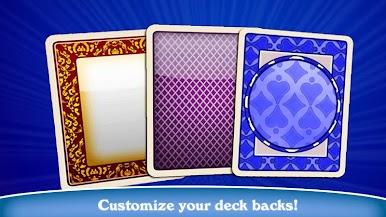
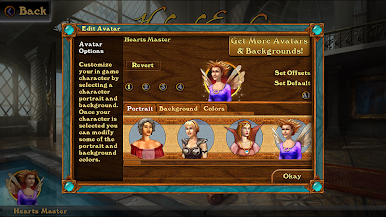
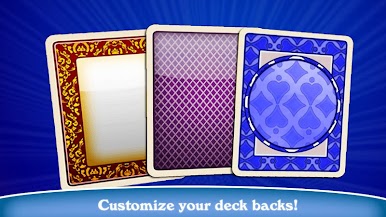
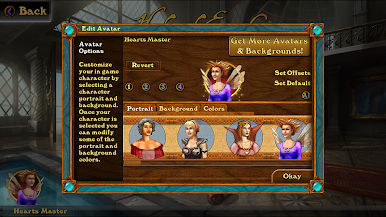
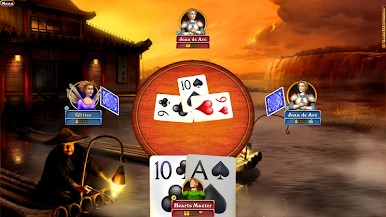
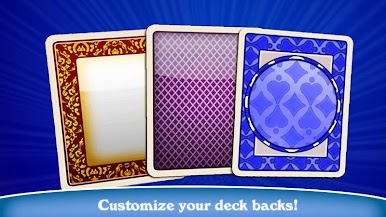
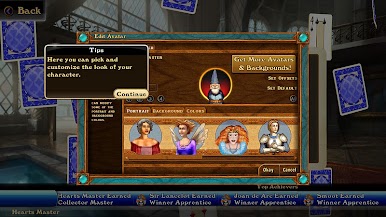
What stands out is how flexible the game is. There is online play for quick matches, private rooms for friends, and full tournaments if someone wants a bit more structure. Offline mode is solid too, with AI that can be set to different skill levels. The bots play fair and do not seem to peek at hands, so losses feel earned. New to Euchre players can use the built-in tutorial that walks through the basics step by step, then flip on optional rules like British Rules, Cut Throat, Stick the Dealer, or Sevens Up to match whatever house rules the group prefers. There is a surprising amount of customization as well, from backgrounds and table styles to deck faces and backs, plus a bunch of avatar options, so the table can look exactly how someone wants. It is free, and while there are extras to buy, the core game is all there, quick to jump into, and easy to play in short bursts or a long sit down.
Ready to top the leaderboard? We bet you do. Let precise controls and sharp visuals optimized on BlueStacks lead you to victory.




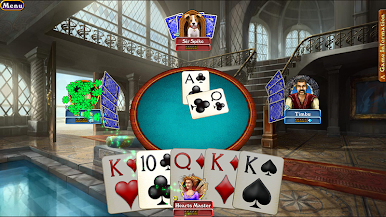
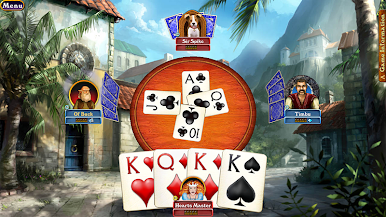
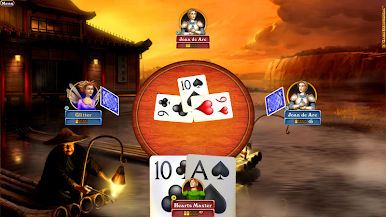
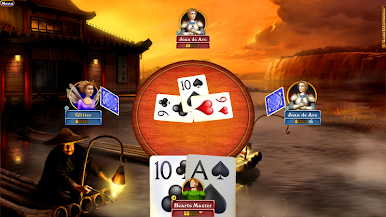




Jouez à Hardwood Euchre - Card Game sur PC. C'est facile de commencer.
-
Téléchargez et installez BlueStacks sur votre PC
-
Connectez-vous à Google pour accéder au Play Store ou faites-le plus tard
-
Recherchez Hardwood Euchre - Card Game dans la barre de recherche dans le coin supérieur droit
-
Cliquez pour installer Hardwood Euchre - Card Game à partir des résultats de la recherche
-
Connectez-vous à Google (si vous avez ignoré l'étape 2) pour installer Hardwood Euchre - Card Game
-
Cliquez sur l'icône Hardwood Euchre - Card Game sur l'écran d'accueil pour commencer à jouer

