


Học tiếng Tây Ban Nha
Chơi trên PC với BlueStacks - Nền tảng chơi game Android, được hơn 500 triệu game thủ tin tưởng.

Trang đã được sửa đổi vào: Jul 13, 2025
Run Learn Spanish Language on PC or Mac
Multitask effortlessly on your PC or Mac as you try out Learn Spanish Language, a Education app by LuvLingua on BlueStacks.
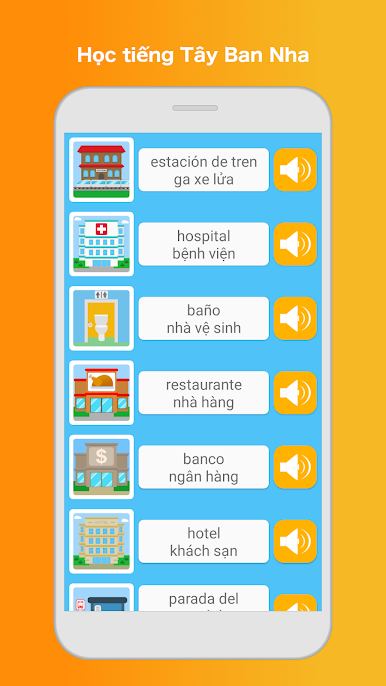
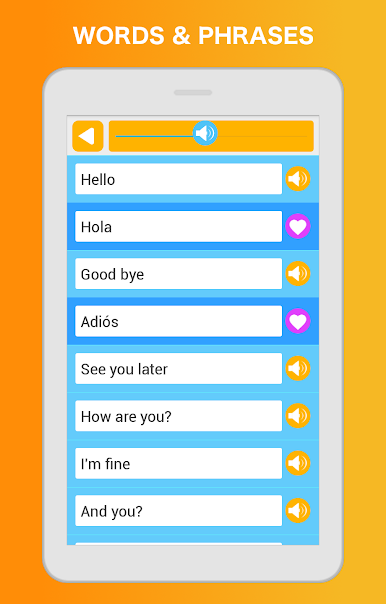
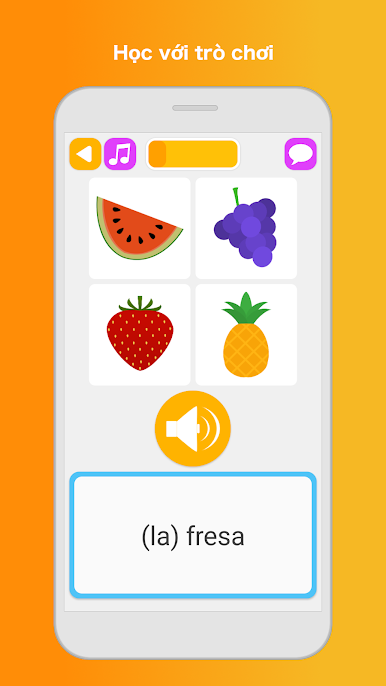
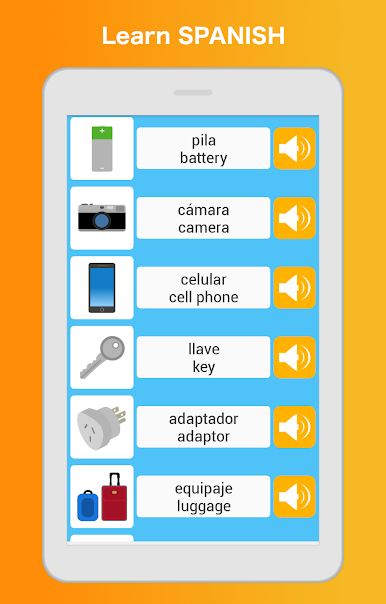
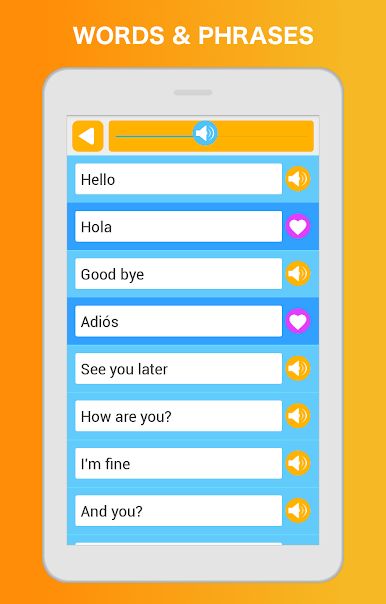
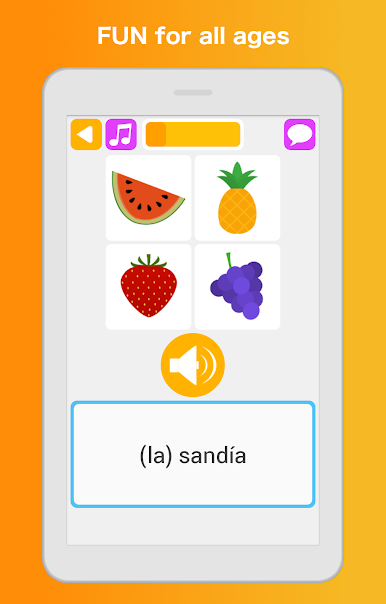
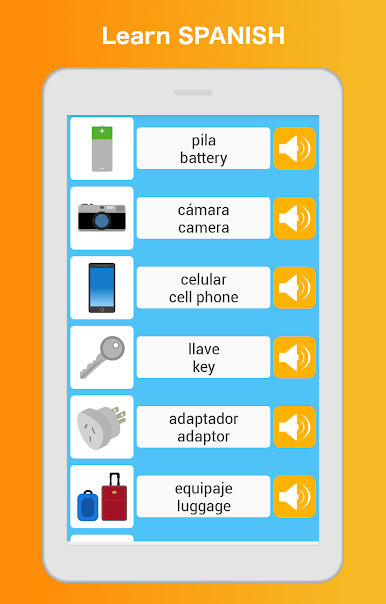
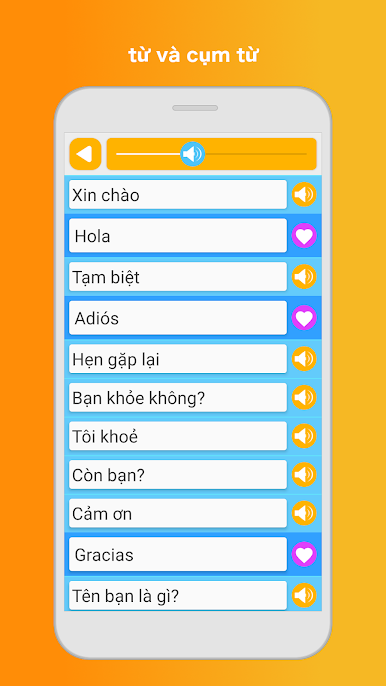
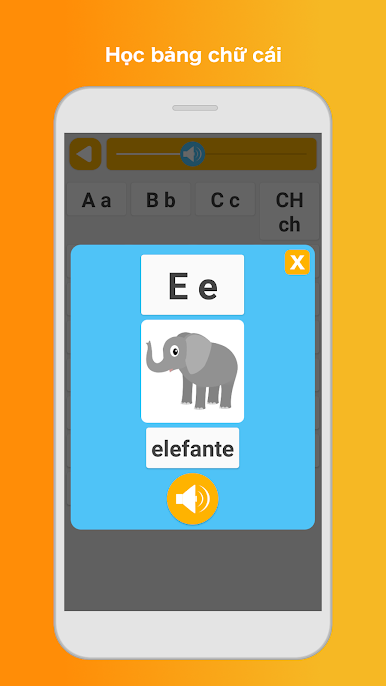
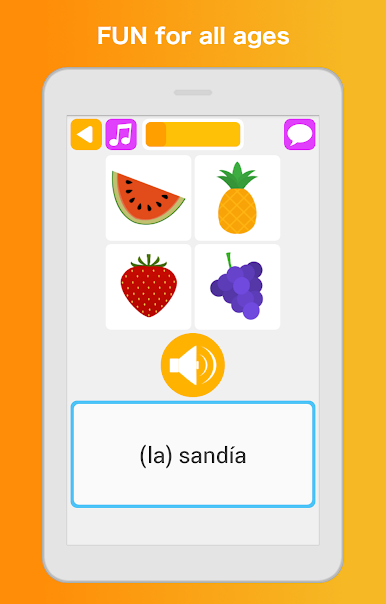
Learn Spanish Language feels like a stack of quick mini lessons that actually keep attention, not a boring textbook. It mixes little games with real study, so one minute they are matching pictures and words, and the next they are doing a listening quiz or a short write-in. The app splits everything into bite-size stages from beginner to intermediate, with clear goals and lots of review so new words stick. There is a friendly phrasebook sorted by real life stuff like greetings, directions, time, shopping, travel, school, even emergencies. Flashcards cover the basics such as numbers, food, colors, clothing, and body parts. Audio is from native speakers and sounds clean, so it is easier to hear how things should be said, then test speaking and listening right away.
There is more than vocab drilling. An alphabet section helps with reading, and the grammar area plus a sentence builder nudges them to form proper questions and statements using nouns, verbs, and adjectives. Search is fast, saving favorites is handy, and progress tracking with small achievements gives a sense of momentum. It works offline, which is great on the go, and there are options to show or hide romanization or switch the interface language. Translations are available in many languages and feel human-made. Most content is free, with a subscription if someone wants everything. On BlueStacks, the bigger screen makes the memory and target games nicer to click through, and typing answers with a keyboard feels quicker, almost like a casual study session on a laptop. It looks simple at first, but there is alot here for kids or adults who want steady practice without stress.
Big screen. Bigger performance. Use BlueStacks on your PC or Mac to run your favorite apps.
Chơi Học tiếng Tây Ban Nha trên PC. Rất dễ để bắt đầu
-
Tải và cài đặt BlueStacks trên máy của bạn
-
Hoàn tất đăng nhập vào Google để đến PlayStore, hoặc thực hiện sau
-
Tìm Học tiếng Tây Ban Nha trên thanh tìm kiếm ở góc phải màn hình
-
Nhấn vào để cài đặt Học tiếng Tây Ban Nha trong danh sách kết quả tìm kiếm
-
Hoàn tất đăng nhập Google (nếu bạn chưa làm bước 2) để cài đặt Học tiếng Tây Ban Nha
-
Nhấn vào icon Học tiếng Tây Ban Nha tại màn hình chính để bắt đầu chơi

