


Randomizer - générateur hasard
Gioca su PC con BlueStacks: la piattaforma di gioco Android, considerata affidabile da oltre 500 milioni di giocatori.

Pagina modificata il: Feb 22, 2015
Run Randomizer - random generator on PC or Mac
Upgrade your experience. Try Randomizer – random generator, the fantastic Tools app from Simon MAHÉ, from the comfort of your laptop, PC, or Mac, only on BlueStacks.
About the App
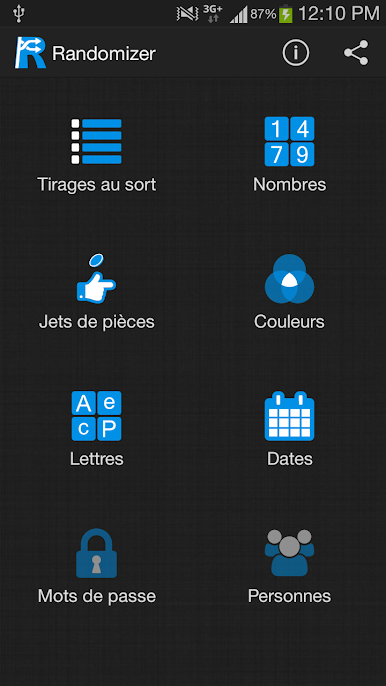
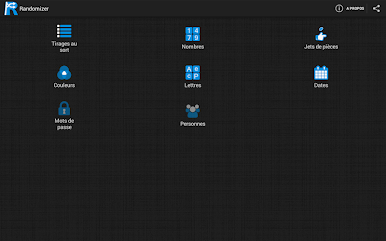
When you don’t want to agonize over a choice, Randomizer – random generator steps in and decides for you. It keeps things simple, fun, and fast—perfect for settling debates, picking winners, or just shaking up your routine. This handy Tools app from Simon MAHÉ handles lists, numbers, letters, colors, and dates with a tap. Prefer using it on your computer? You can run it through BlueStacks without any fuss.
App Features
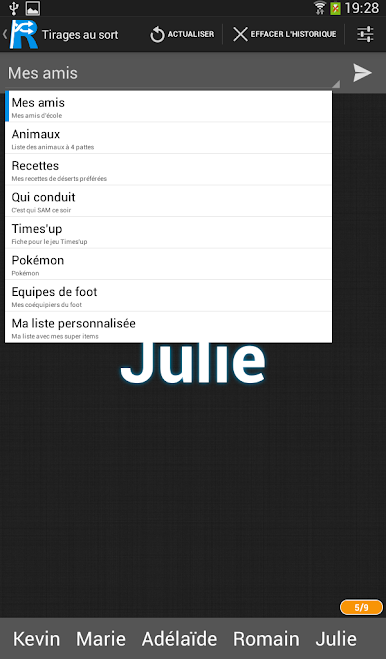
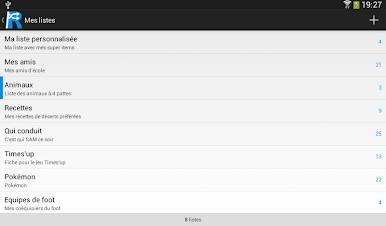
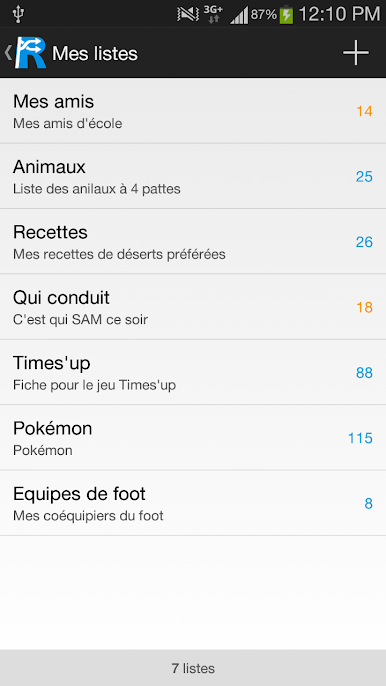
- Pick From Your Own Lists — Type in anything you want (players, snacks, tasks, team names) and let the app select one or shuffle through them at random.
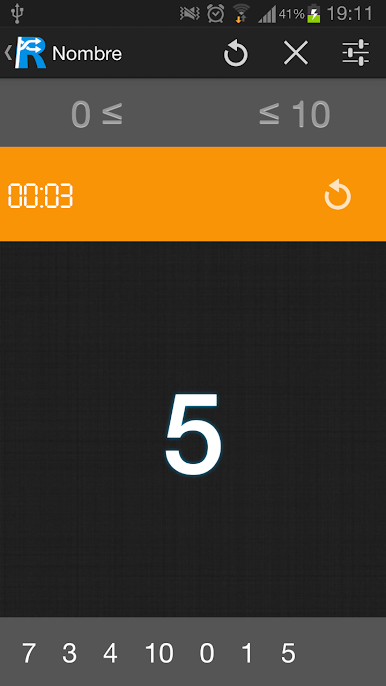
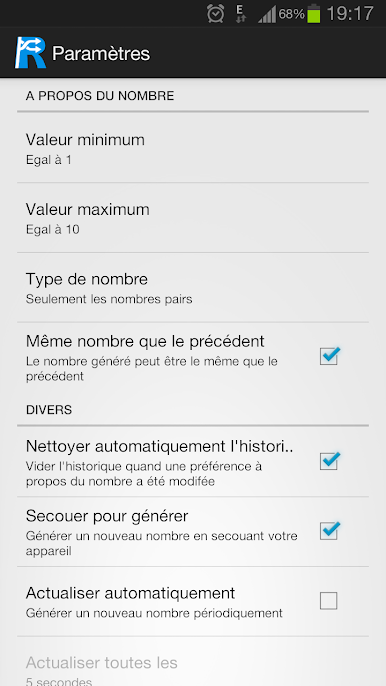
- Random Numbers — Need a quick number for a raffle, contest, or your favorite lottery format? Set a range and generate results instantly.
- Letters and Characters — Grab a random letter, build a string of characters, or spark ideas for word games and name starters.
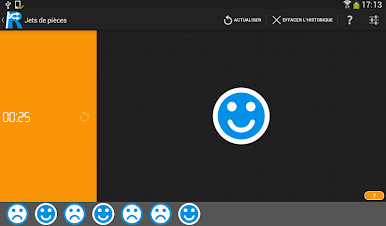
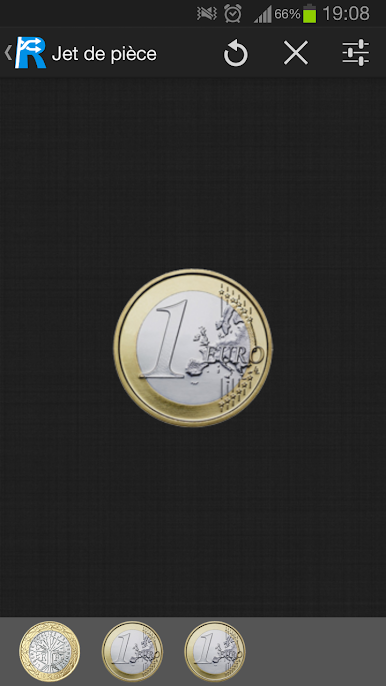
- Coin Flip — Classic heads-or-tails for those “should I/shouldn’t I” moments. Fast, fair, and decisive.
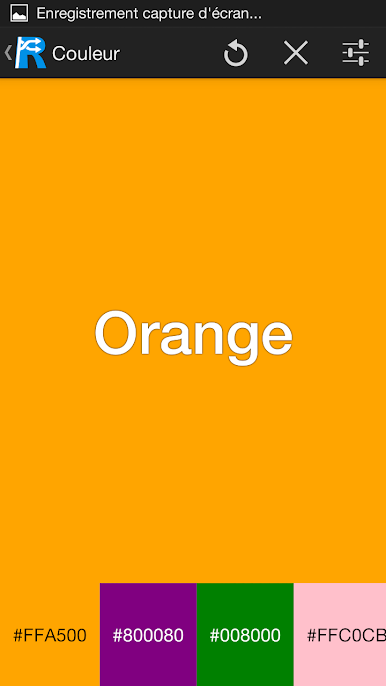
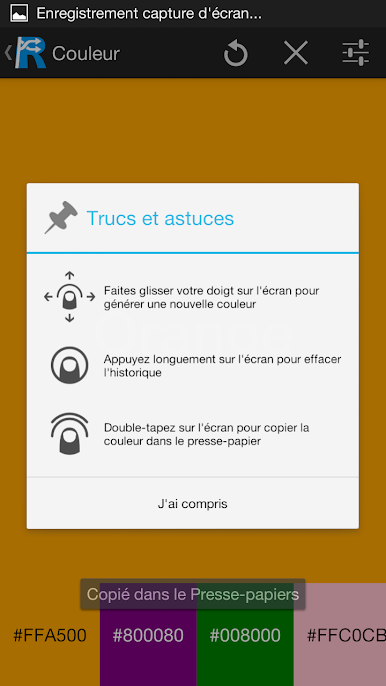
- Color Picker — Stuck between paint shades or palette options? Get a fresh color suggestion at random to kickstart your choices.
- Date Finder — Trying to settle on a meeting day or vacation start date? Spin up a random date within your chosen window.
- Handy Options — Tweak inputs, rerun results, and tailor each generator to fit what you’re deciding.
- On the Way — Planned additions include a secure password generator and a quick “random identity” tool with name, gender, photo, and birthday for testing or creative use.
Eager to take your app experience to the next level? Start right away by downloading BlueStacks on your PC or Mac.
Gioca Randomizer - générateur hasard su PC. È facile iniziare.
-
Scarica e installa BlueStacks sul tuo PC
-
Completa l'accesso a Google per accedere al Play Store o eseguilo in un secondo momento
-
Cerca Randomizer - générateur hasard nella barra di ricerca nell'angolo in alto a destra
-
Fai clic per installare Randomizer - générateur hasard dai risultati della ricerca
-
Completa l'accesso a Google (se hai saltato il passaggio 2) per installare Randomizer - générateur hasard
-
Fai clic sull'icona Randomizer - générateur hasard nella schermata principale per iniziare a giocare

