


Shuttle Music Player
เล่นบน PC ผ่าน BlueStacks - Android Gaming Platform ที่ได้รับความไว้วางใจจากเกมเมอร์ 500 ล้านคนทั่วโลก

Page Modified on: Jan 15, 2024
Play Shuttle Music Player on PC
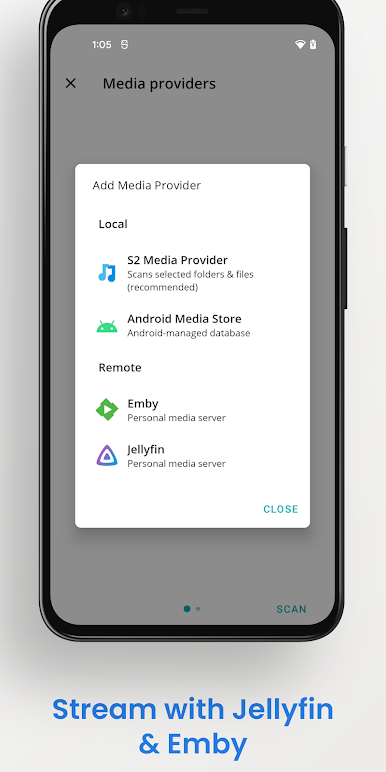
Stream your music via Jellyfin, Emby or Plex, or copy it onto your device for local playback.
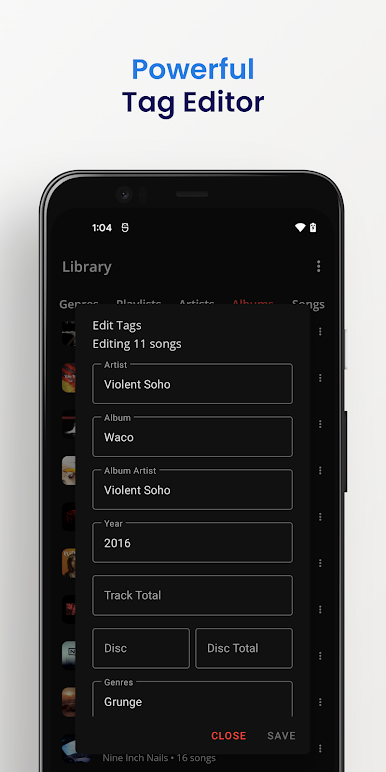
Shuttle includes a built in tag editor, and offers an alternative to the often flaky Android Media Store. With Shuttle, your playlists won't go missing, and your tags will be imported correctly. A wide range of media formats are supported, and S2 ships with built in software codecs for Opus and FLAC.
Other features include:
- A custom built 10-band equalizer with frequency response graph
- Sleep timer
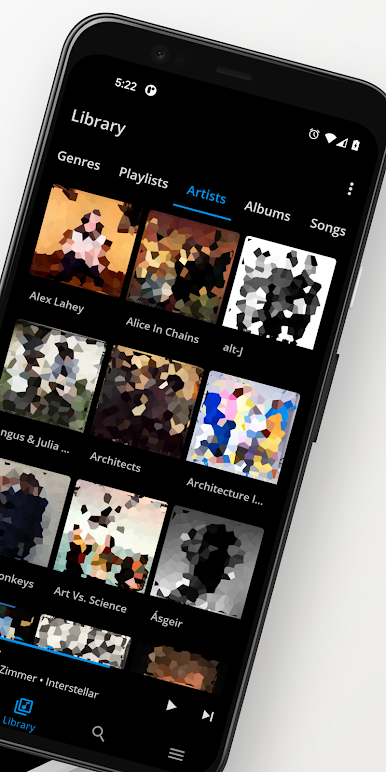
- Day/Night mode & themes
- Android Auto
- Chromecast
- Album shuffle
- Playlists
- Automatic artwork downloading
- Lyrics
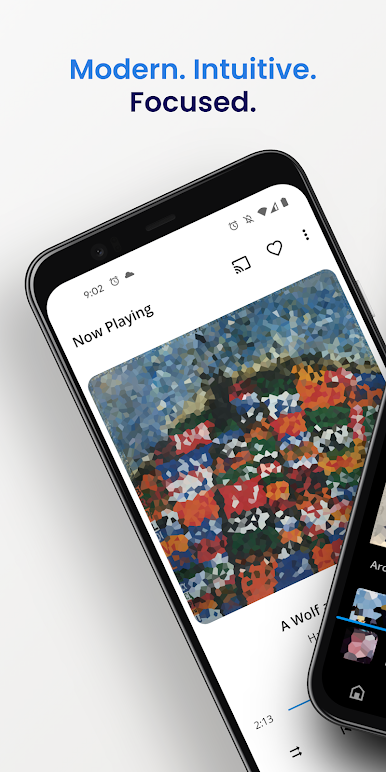
- Modern MD2 design
I'm proud of what I've built with Shuttle. I hope you love it as much as I do!
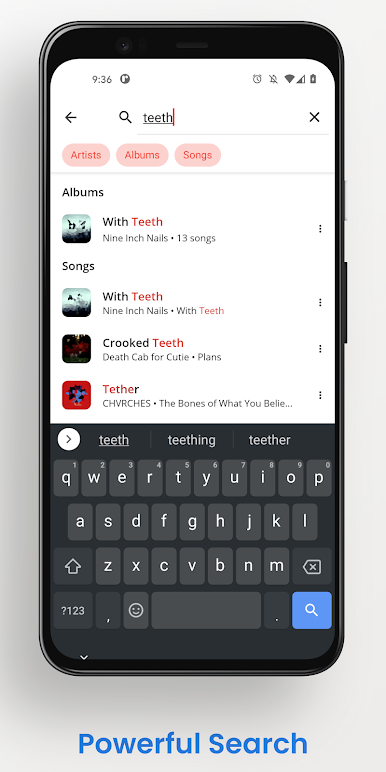
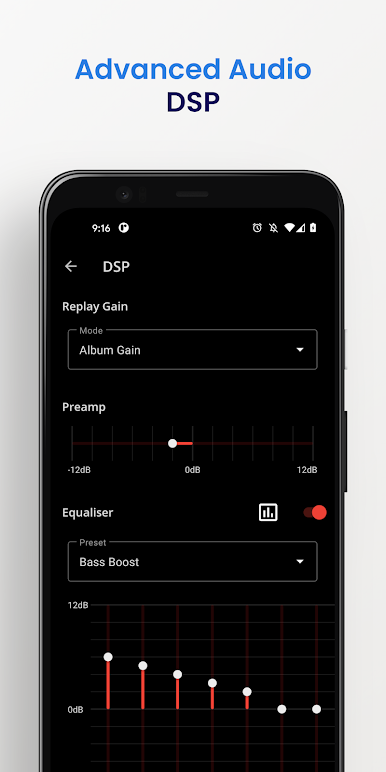
เล่น Shuttle Music Player บน PC ได้ง่ายกว่า
-
ดาวน์โหลดและติดตั้ง BlueStacks บน PC ของคุณ
-
ลงชื่อเข้าใช้แอคเคาท์ Google เพื่อเข้าสู่ Play Store หรือทำในภายหลัง
-
ค้นหา Shuttle Music Player ในช่องค้นหาด้านขวาบนของโปรแกรม
-
คลิกเพื่อติดตั้ง Shuttle Music Player จากผลการค้นหา
-
ลงชื่อเข้าใช้บัญชี Google Account (หากยังไม่ได้ทำในขั้นที่ 2) เพื่อติดตั้ง Shuttle Music Player
-
คลิกที่ไอคอน Shuttle Music Player ในหน้าจอเพื่อเริ่มเล่น

