


Easy Phone: Dialer & Caller ID
Chơi trên PC với BlueStacks - Nền tảng chơi game Android, được hơn 500 triệu game thủ tin tưởng.

Trang đã được sửa đổi vào: Oct 28, 2025
Run Easy Phone: Dialer & Caller ID on PC or Mac
Multitask effortlessly on your PC or Mac as you try out Easy Phone: Dialer & Caller ID, a Communication app by LSM Apps on BlueStacks.
About the App
Looking for a smoother way to make calls or manage your contacts? Easy Phone: Dialer & Caller ID by LSM Apps brings a refreshing twist to handling daily communication. From spotting spam before you answer to personalizing your phone’s look, this Communication app keeps things simple but powerful. Whether you’re always on your phone or just want an easier way to keep in touch, you’ll find plenty to like here.
App Features
-
Instant Caller Identification
Every time your phone rings, Easy Phone: Dialer & Caller ID lets you know who’s on the line—even if it’s an unfamiliar number. No more guessing or awkward surprise calls. -
Spam Call Blocker
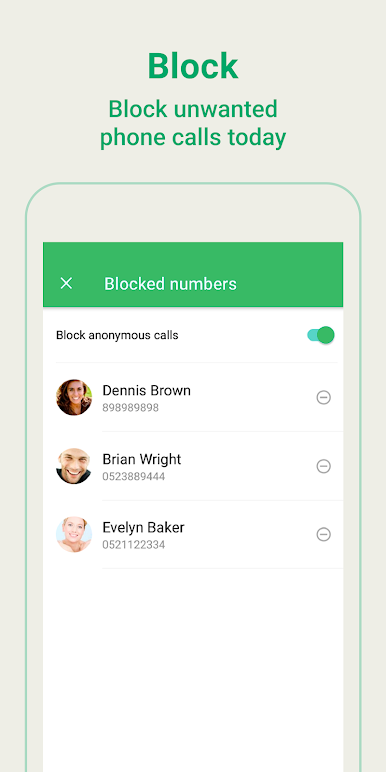
Annoyed by unwanted calls? The built-in spam blocker steps in to help you keep those pesky numbers out of your call logs for good. -
Lightning-Fast T9 Dialer
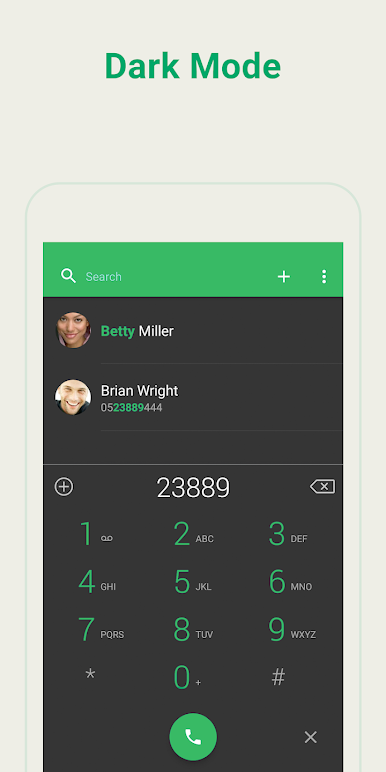
Searching for contacts by name or number is a breeze with T9 technology. Just type a few letters or numbers, and the right contact pops up right away. -
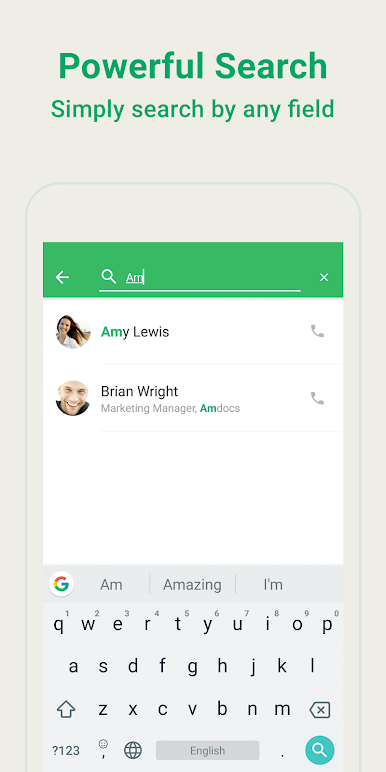
Smart Contact Search
Need to find someone quickly? The app’s search tools sort through your contacts and call history in seconds, saving you all that scrolling. -
One-Tap Favorites & Call Log
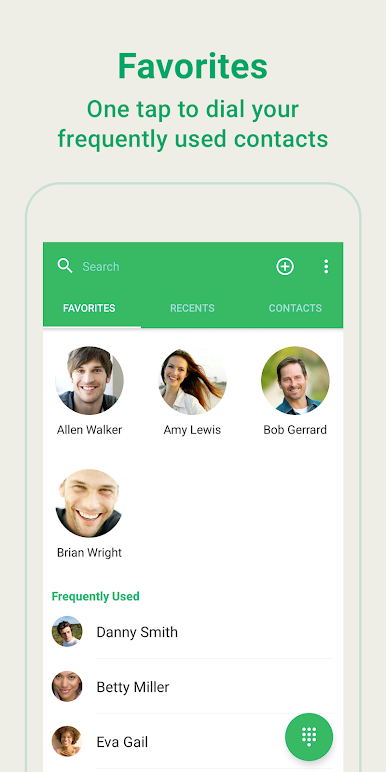
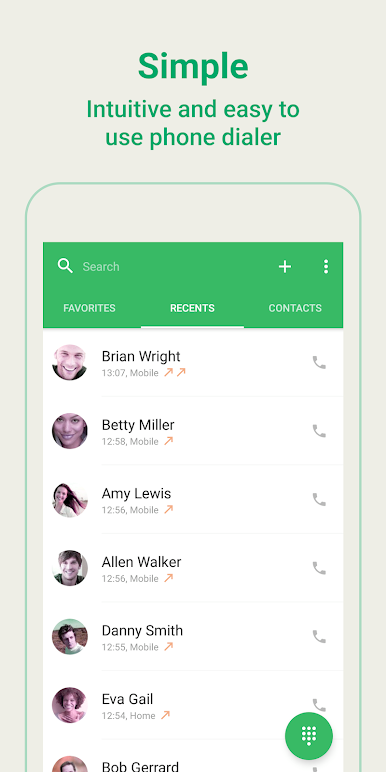
Got folks you call all the time? Mark them as favorites or check your call history—you’re never more than a tap away from connecting. -
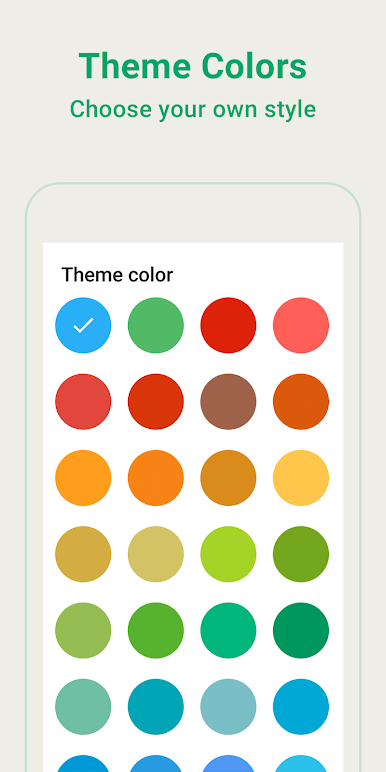
Personalized Design with 40+ Themes
Change up the look as often as you like. With more than 40 themes, you can match your dialer to your style or mood. -
Multi-language Support
Easy Phone isn’t just for English speakers—it’s ready in 15 different languages. Handy if you want to use your native language or something new.
And hey, if you like having your Communication tools right on your desktop, you can enjoy Easy Phone: Dialer & Caller ID straight from your PC with BlueStacks.
Switch to BlueStacks and make the most of your apps on your PC or Mac.

Chơi Easy Phone: Dialer & Caller ID trên PC. Rất dễ để bắt đầu
-
Tải và cài đặt BlueStacks trên máy của bạn
-
Hoàn tất đăng nhập vào Google để đến PlayStore, hoặc thực hiện sau
-
Tìm Easy Phone: Dialer & Caller ID trên thanh tìm kiếm ở góc phải màn hình
-
Nhấn vào để cài đặt Easy Phone: Dialer & Caller ID trong danh sách kết quả tìm kiếm
-
Hoàn tất đăng nhập Google (nếu bạn chưa làm bước 2) để cài đặt Easy Phone: Dialer & Caller ID
-
Nhấn vào icon Easy Phone: Dialer & Caller ID tại màn hình chính để bắt đầu chơi

