

Cat Scanner
Jouez sur PC avec BlueStacks - la plate-forme de jeu Android, approuvée par + 500M de joueurs.

Page Modifiée le: Aug 31, 2025
Run Cat Scanner: Breed Recognition on PC or Mac
Why limit yourself to your small screen on the phone? Run Cat Scanner: Breed Recognition, an app by Siwalu Software GmbH, best experienced on your PC or Mac with BlueStacks, the world’s #1 Android emulator.
About the App
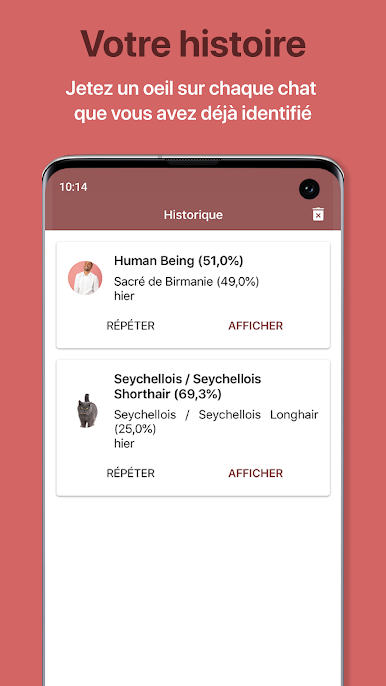
Ever look at your cat and think, “What are you, exactly?” Cat Scanner: Breed Recognition by Siwalu Software GmbH gives you quick, smart answers from a single photo or short video. It’s an Education app that mixes real breed info with playful extras and a friendly community, so you can learn while having a little fun.
App Features
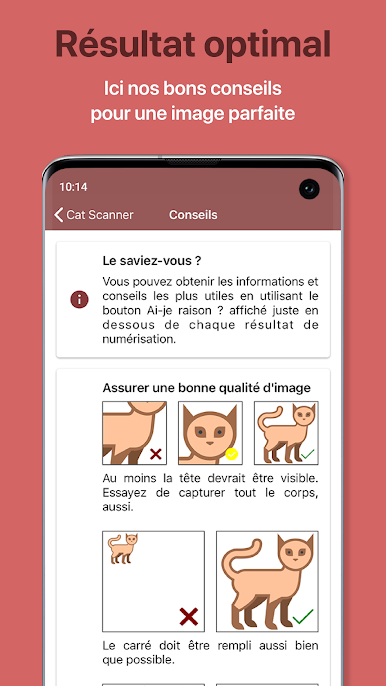
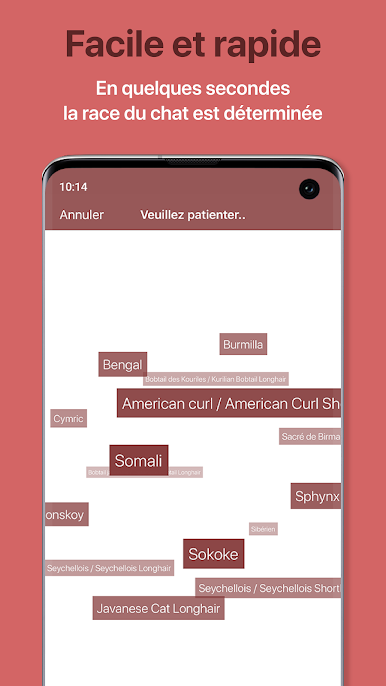
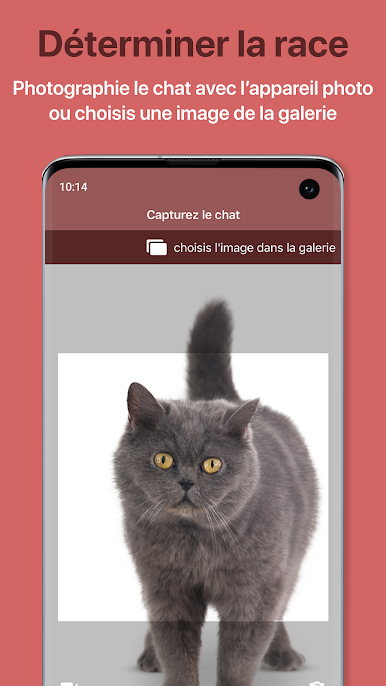
- Fast breed matches: Snap a picture, record a quick clip, or upload from your gallery to see likely breeds in seconds.
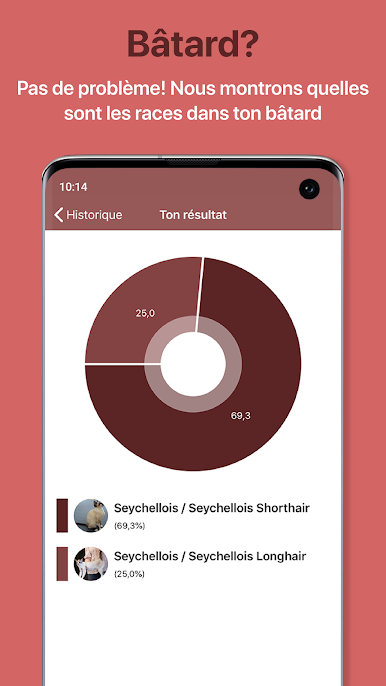
- Mixed-breed breakdown: Got a mystery mix? Get insights on multiple breed influences, plus helpful facts about each one.
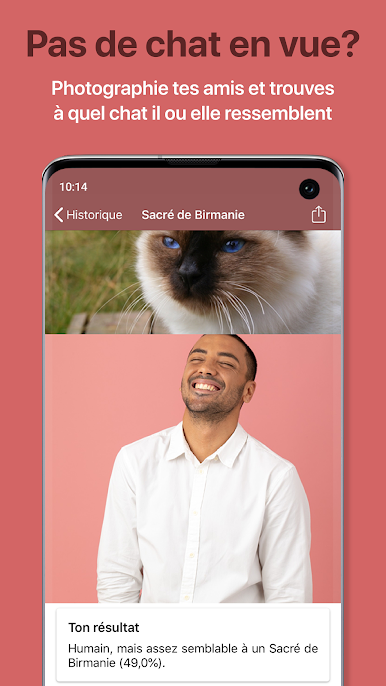
- Human look-alike mode: No cat nearby? Scan yourself or friends and see which feline you resemble most—purely for laughs.
- Community feed: Share your results, browse other users’ cats, like and comment on posts, and filter by what’s new or what’s popular.
- Collect and compete: “Catch” breeds, complete challenges, earn virtual treats, and climb the leaderboard against friends and fellow cat fans.
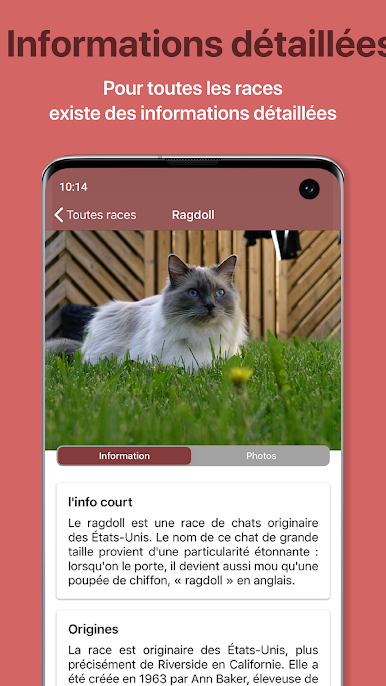
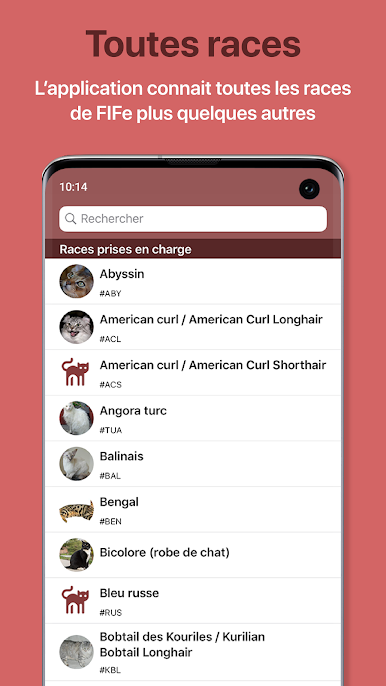
- Full breed library: Explore a rich database covering around 60 breeds, including those recognized by FIFe, with photos and info you can read even without scanning.
- Learns from feedback: Confirm or correct results to make the app smarter over time, and suggest or vote on breeds you’d like added.
- Premium perks: Remove ads, speed up results, pick quick scans or higher accuracy, and scan offline when you’re away from the internet.
- Flexible on devices: Lightweight and smooth on mobile—and it works nicely on BlueStacks if you prefer a bigger screen for browsing breeds and community posts.
Switch to BlueStacks and make the most of your apps on your PC or Mac.
Jouez à Cat Scanner sur PC. C'est facile de commencer.
-
Téléchargez et installez BlueStacks sur votre PC
-
Connectez-vous à Google pour accéder au Play Store ou faites-le plus tard
-
Recherchez Cat Scanner dans la barre de recherche dans le coin supérieur droit
-
Cliquez pour installer Cat Scanner à partir des résultats de la recherche
-
Connectez-vous à Google (si vous avez ignoré l'étape 2) pour installer Cat Scanner
-
Cliquez sur l'icône Cat Scanner sur l'écran d'accueil pour commencer à jouer

